
• 6/10/22 11:54 am
- 14.9k views • 0 today
- save_alt 4.7k downloads
- Compatibility
- Minecraft 1.13
- to version
- Minecraft 1.19
- Changes include
- Functions


1
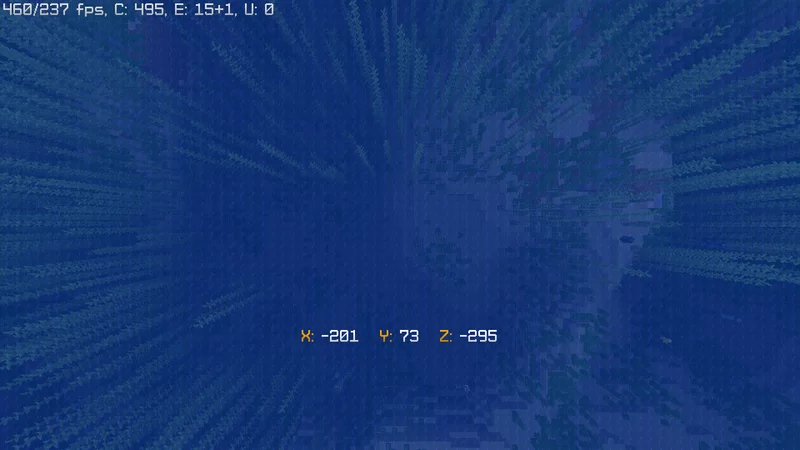
This is a fully survival friendly datapack, which allows you to see your location without pressing F3.
With this you can travel the world and enjoy the view.
With this you can travel the world and enjoy the view.
More like this

 Solar's Block Display VehiclesMinecraft 1.20 Other Data Pack
 Solar Builds
•3/24/24 8:10
4.3k 310 11x 14845
Solar Builds
•3/24/24 8:10
4.3k 310 11x 14845 mob Health displayMinecraft 1.19 - 1.20 Other Data Pack
 badnightmare
7/29/23 9:28
• posted 7/23/23 8:20
3k 377 5x 155
badnightmare
7/29/23 9:28
• posted 7/23/23 8:20
3k 377 5x 155

 Camper07
 Dream82342
5605218
119










 Dolphin-W-1782
 TIBR
TIBR
Have something to say?
no me sale nada al entrar al mundo, hay que poner algún comando?
load.mcfunction is a 0-byte file.
data > coords > functions > load.mcfunction
And thank you for mentioning it!