


• • 9/27/26 4:31 pm • 37 logs
- 521.3k views • 35 today
- save_alt 76k downloads • 3 today
- Compatibility
- Minecraft 1.16
- to version
- Minecraft 26.2
- Changes include
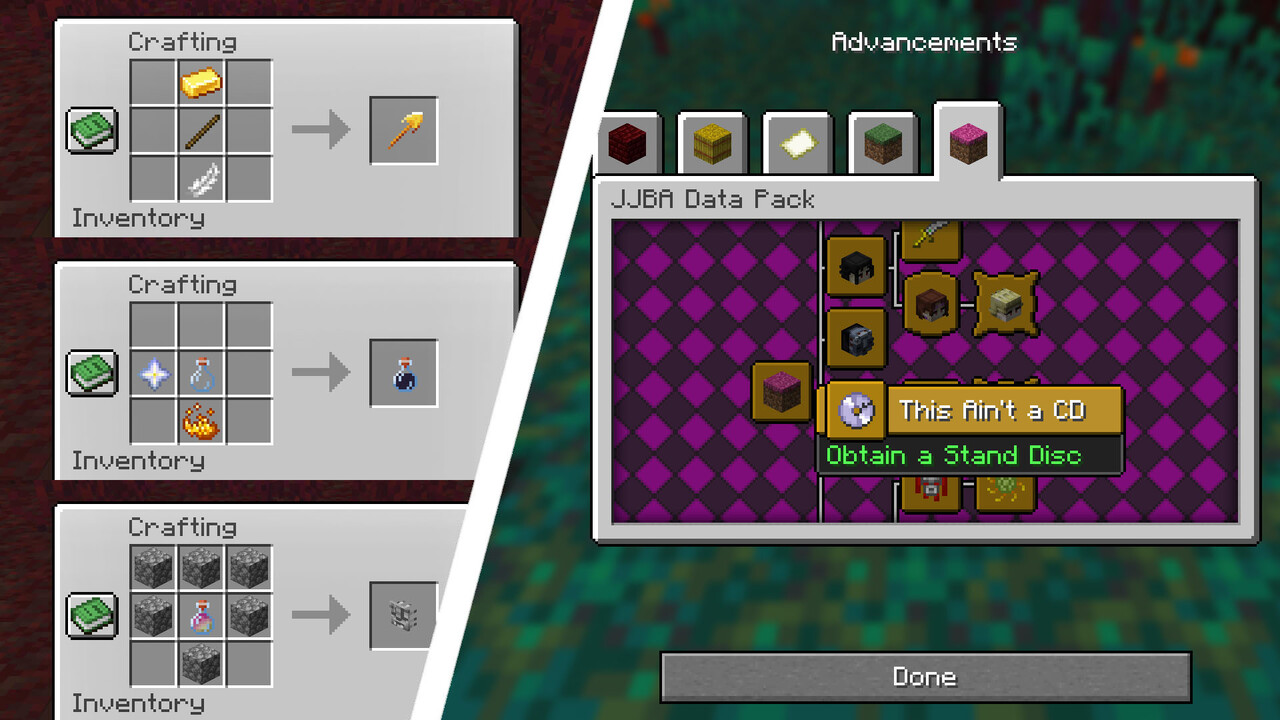
- Advancements
- Functions
- Loot Tables
- Predicates
- Recipes
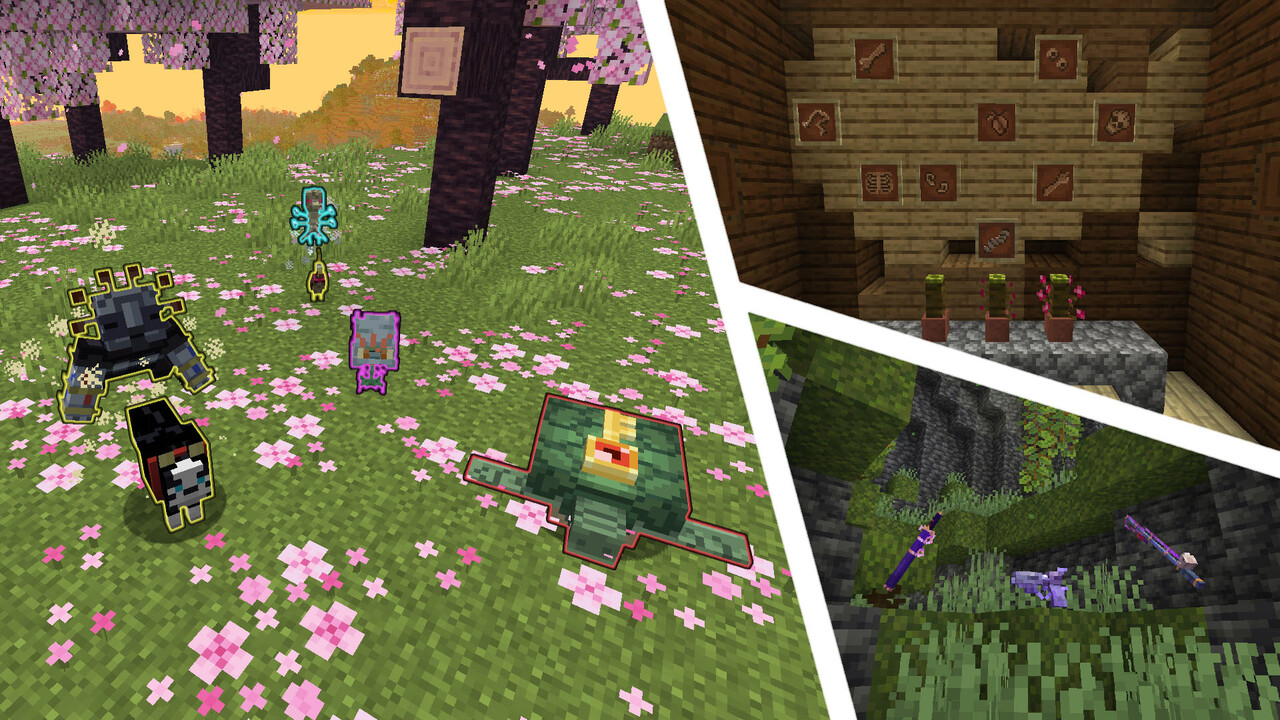
- Structures
Added CreditJoJo's Bizarre Adventure by Hirohiko Araki, D… info
- 510
- 520
- 3,444
Required Resource Pack

235
PREVIOUS VERSIONS
Minecraft 26.1.2:
JJBA Data Pack v1.10.0
JJBA Resource Pack v1.10.0
Minecraft 1.21.11:
JJBA Data Pack v1.10.0
JJBA Resource Pack v1.10.0
Minecraft 1.21.10:
JJBA Data Pack v1.10.0
JJBA Resource Pack v1.10.0
Minecraft 1.21.8:
JJBA Data Pack v1.10.0
JJBA Resource Pack v1.10.0
Minecraft 1.21.5:
JJBA Data Pack v1.10.0
JJBA Resource Pack v1.10.0
Minecraft 1.21.4:
JJBA Data Pack v1.10.0
JJBA Resource Pack v1.10.0
Minecraft 1.21.3:
JJBA Data Pack v1.10.0
JJBA Resource Pack v1.10.0
Minecraft 1.21.1:
JJBA Data Pack v1.10.0
JJBA Resource Pack v1.10.0
Minecraft 1.20.6:
JJBA Data Pack v1.10.0
JJBA Resource Pack v1.10.0
Minecraft 1.20.4:
JJBA Data Pack v1.10.0
JJBA Resource Pack v1.10.0
Minecraft 1.19.4:
JJBA Data Pack v1.10.0
JJBA Resource Pack v1.10.0
Minecraft 1.18.2:
JJBA Data Pack v1.10.0
JJBA Resource Pack v1.10.0
Minecraft 1.17.1:
JJBA Data Pack v1.10.0
JJBA Resource Pack v1.10.0
Minecraft 1.16.5:
JJBA Data Pack v1.10.0
JJBA Resource Pack v1.10.0
Welcome to the bizarre world of JJBA Data Pack!
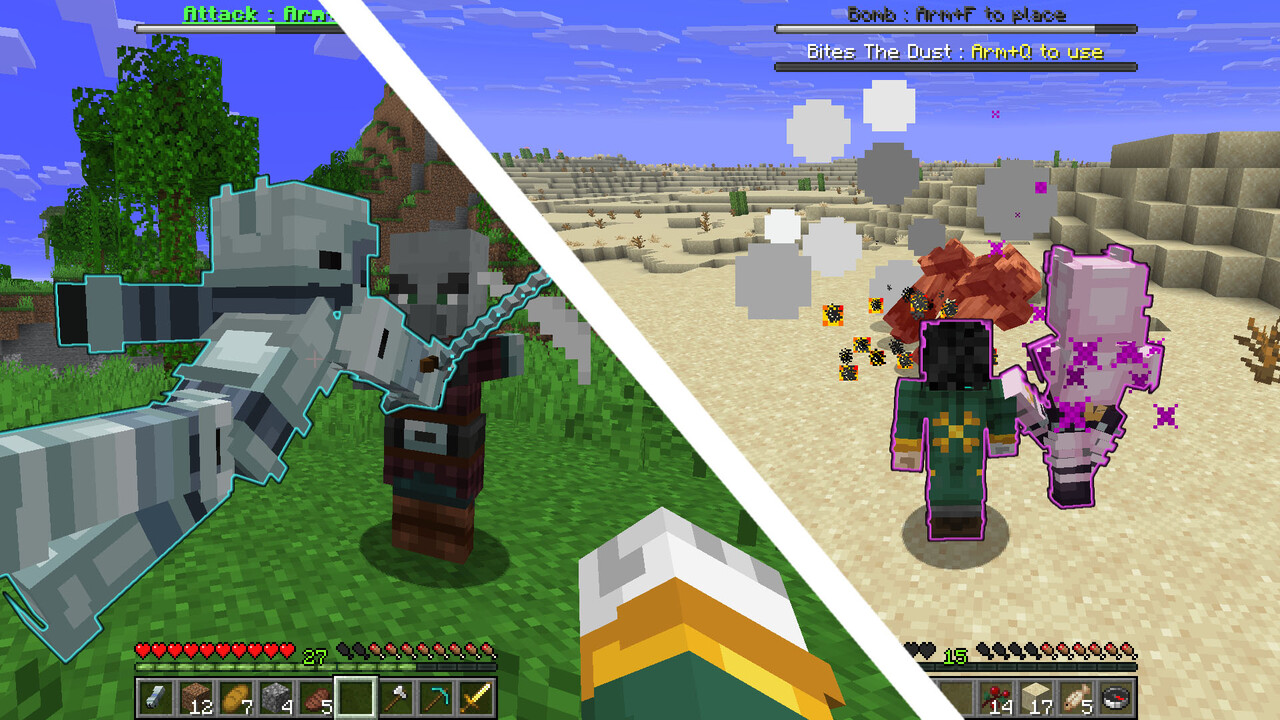
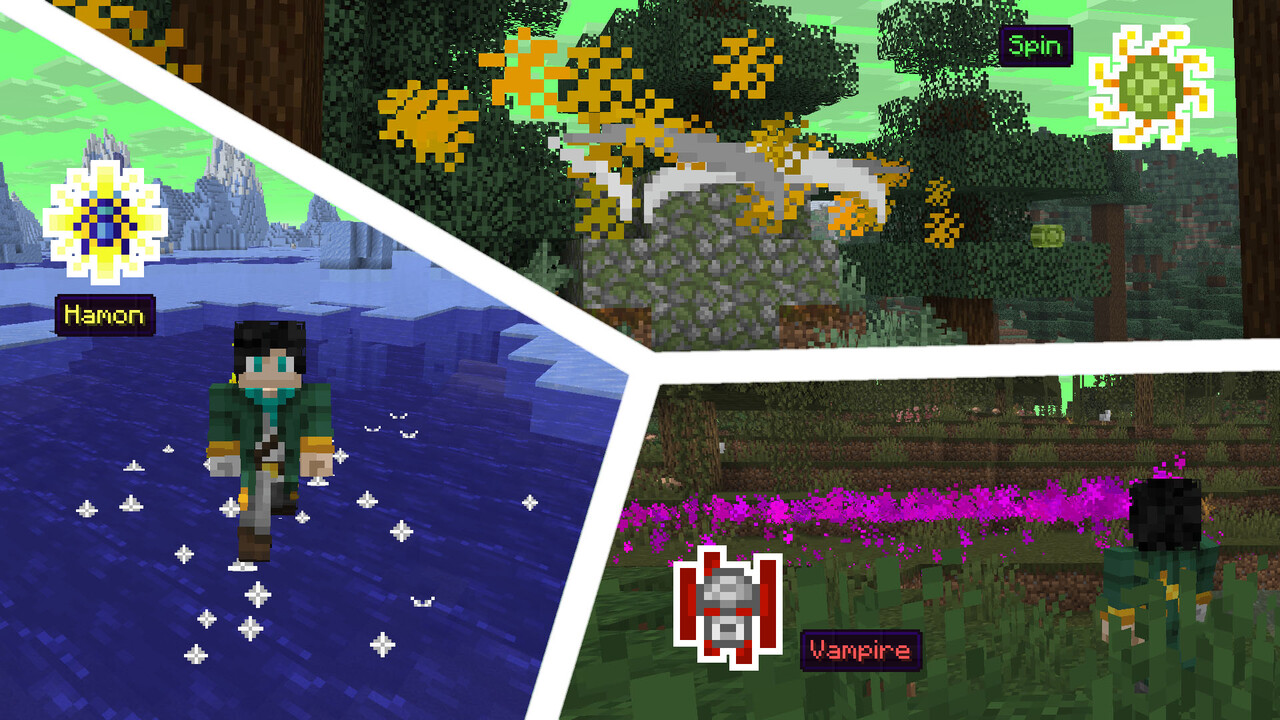
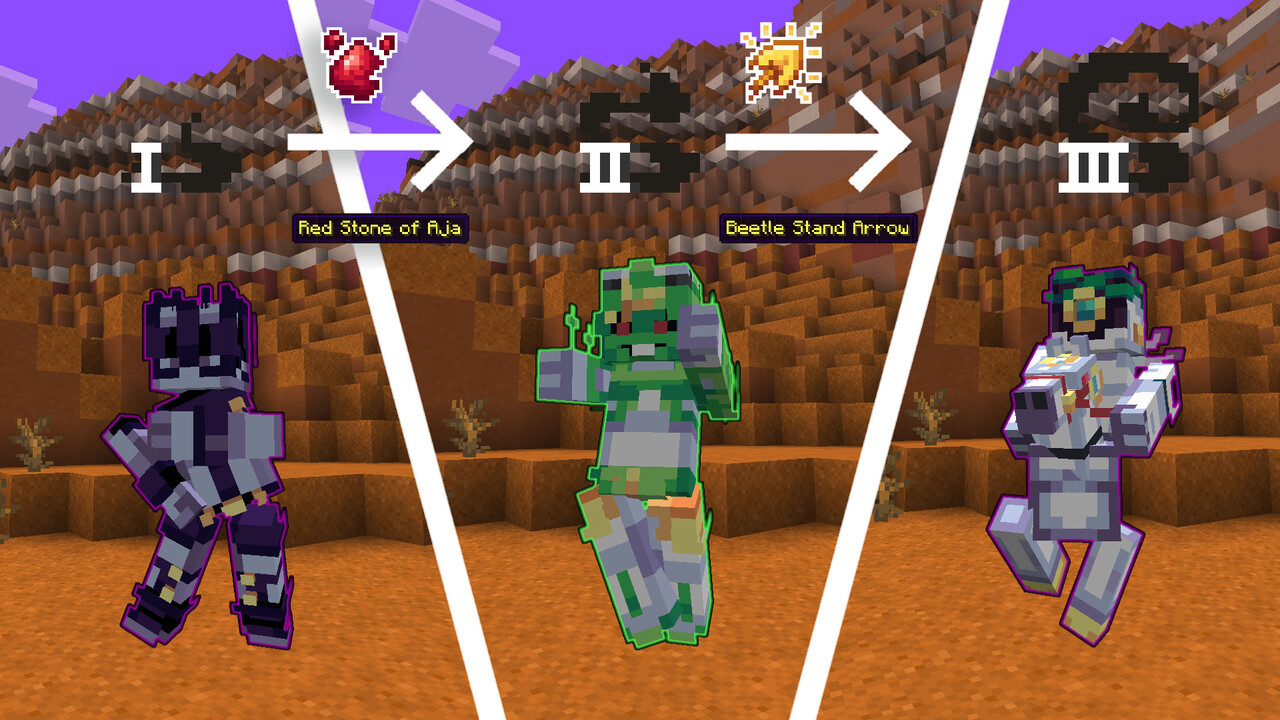
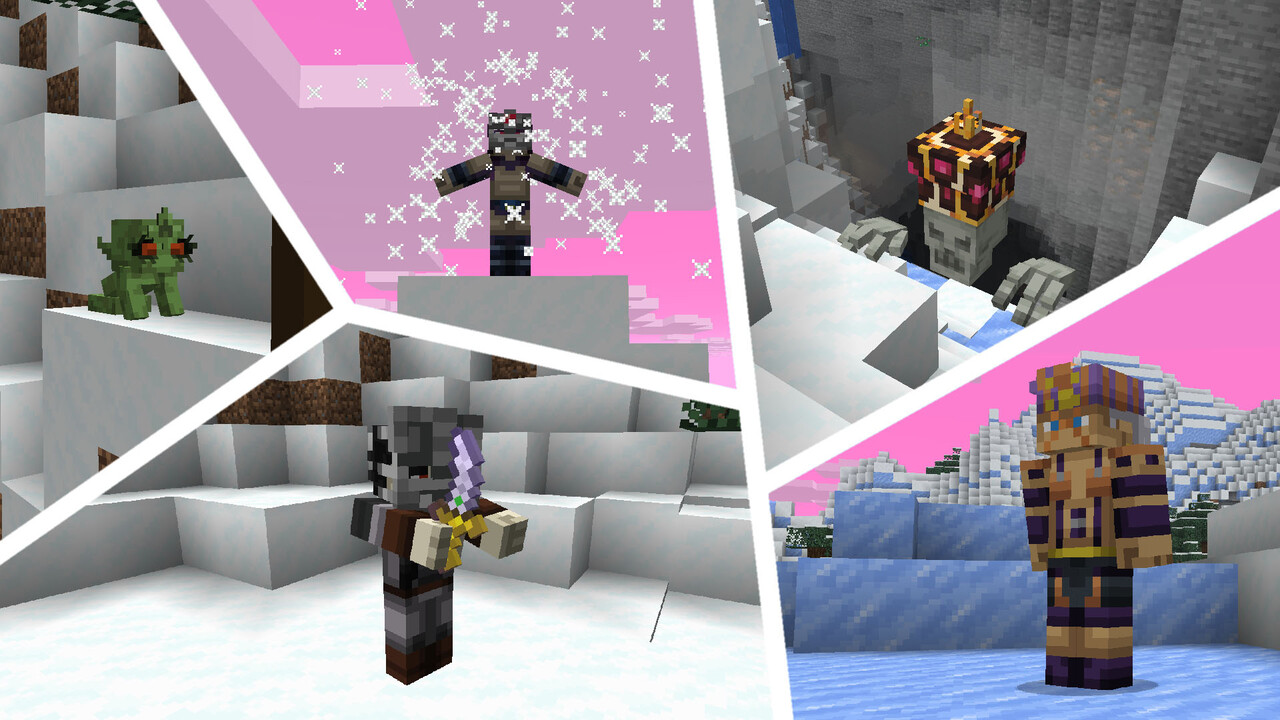
This data pack is dedicated to the manga/anime universe of JoJo's Bizarre Adventure by Hirohiko Araki. It adds a lot of new features, like stands and techniques, that should make your game more interesting and bizarre!
JJBA Data Pack v1.10.0, created by JasonMix, VonLeipenstein and DenSlendyY:
https://www.planetminecraft.com/member/von_leipenstein
HOW TO INSTALL
- Download and install OptiFine or an alternative to its features (Entity Texture Features, CIT Resewn, etc.) for selected version of the game*.
- Download both the data pack and resource pack for the same game version.
- Install the resource pack by either placing it in the .minecraft/resourcepacks directory, or by dragging and dropping onto the “Select Resource Packs” screen and then enabling it at the top of the “Selected” list.
- Create a backup of your world**.
- Install the data pack by either placing it in the .minecraft/saves/<world>/datapacks directory, or by dragging and dropping onto the “Select Data Packs” screen and then enabling it at the top of the “Selected” list***.
Enter the world and use the /reload command. - Have fun!
* This step can be skipped, although some visual elements (most notably, custom entity models) will not be displayed
** Only if the data pack is being added to an existing world
*** This can only be done during world creation
For detailed information about stands, techniques and other data pack features, visit the official Trello page
WARNING: this page contains spoilers for JoJo's Bizarre Adventure (Parts 1-8)
37 Update Logs
UPDATE v1.10.0 : by JasonMix 09/27/2026 4:31:59 pmSeptember 27 @ 8:31 pm UTC
- Fixed many bugs and errors
- Reduced the amount of dependencies on OptiFine
- Increased drop chances of Rokakaka Seed
- Reworked Scarab Scarf
NEW ITEMS:
- Added Shadow Cloak
- Added Pose Essences:
- Dogyaan
- Zukyuuun
- Memetaa
- GoGoGoGo
- DoDoDoDo
NEW STRUCTURES:
- Added Devil's Palm
LOAD MORE LOGS
More like this
 TG's Stands v1.2 Killer Queen - JoJo Data PackMinecraft 1.19 Magic Data Pack
 IvanTG
2/21/23 6:26
• posted 1/9/23 5:04
23.4k 3.7k 23x 86664
IvanTG
2/21/23 6:26
• posted 1/9/23 5:04
23.4k 3.7k 23x 86664 Gold Experience (Requiem) from JJBA part 5: Vento AureoMinecraft 1.16 - 1.17 Other Data Pack
 TBatlas
12/28/21 11:51
• posted 7/21/20 10:21
14.7k 1.8k 17x 43020
TBatlas
12/28/21 11:51
• posted 7/21/20 10:21
14.7k 1.8k 17x 43020 Jojo's Bizarre Datapack (Magician's Red, Drinks) v0.4Minecraft 1.15 Other Data Pack
 PeppaPigGod
3/23/20 12:21
• posted 3/17/20 11:56
11.9k 649 33x 102121
PeppaPigGod
3/23/20 12:21
• posted 3/17/20 11:56
11.9k 649 33x 102121
4312561
119



 EnderGlitches






Have something to say?
It contains a LOT of bug fixes, Scarab Scarf rework, new item, structure and more!
Also, a new content update is planned for release in August-September for all supported versions. To stay up to date with upcoming announcements, join our Discord server if you haven't already:
https://discord.gg/XdvhQ7n9qy