


• • 9/26/25 9:16 am • 36 logs
- 520.7k views • 10 today
- save_alt 76k downloads
- Compatibility
- Minecraft 1.16
- to version
- Minecraft 26.2
- Changes include
- Advancements
- Functions
- Loot Tables
- Predicates
- Recipes
- Structures
Added CreditJoJo's Bizarre Adventure by Hirohiko Araki, D… info
- 509
- 519
- 3,444
Required Resource Pack

234
PREVIOUS VERSIONS
Minecraft 26.1.2:
JJBA Data Pack v1.9.4
JJBA Resource Pack v1.9.4
Minecraft 1.21.11:
JJBA Data Pack v1.9.4
JJBA Resource Pack v1.9.4
Minecraft 1.21.10:
JJBA Data Pack v1.9.4
JJBA Resource Pack v1.9.4
Minecraft 1.21.8:
JJBA Data Pack v1.9.4
JJBA Resource Pack v1.9.4
Minecraft 1.21.5:
JJBA Data Pack v1.9.4
JJBA Resource Pack v1.9.4
Minecraft 1.21.4:
JJBA Data Pack v1.9.4
JJBA Resource Pack v1.9.4
Minecraft 1.21.3:
JJBA Data Pack v1.9.4
JJBA Resource Pack v1.9.4
Minecraft 1.21.1:
JJBA Data Pack v1.9.4
JJBA Resource Pack v1.9.4
Minecraft 1.20.6:
JJBA Data Pack v1.9.4
JJBA Resource Pack v1.9.4
Minecraft 1.20.4:
JJBA Data Pack v1.9.4
JJBA Resource Pack v1.9.4
Minecraft 1.19.4:
JJBA Data Pack v1.9.4
JJBA Resource Pack v1.9.4
Minecraft 1.18.2:
JJBA Data Pack v1.9.4
JJBA Resource Pack v1.9.4
Minecraft 1.17.1:
JJBA Data Pack v1.9.4
JJBA Resource Pack v1.9.4
Minecraft 1.16.5:
JJBA Data Pack v1.9.4
JJBA Resource Pack v1.9.4
Welcome to the bizarre world of JJBA Data Pack!
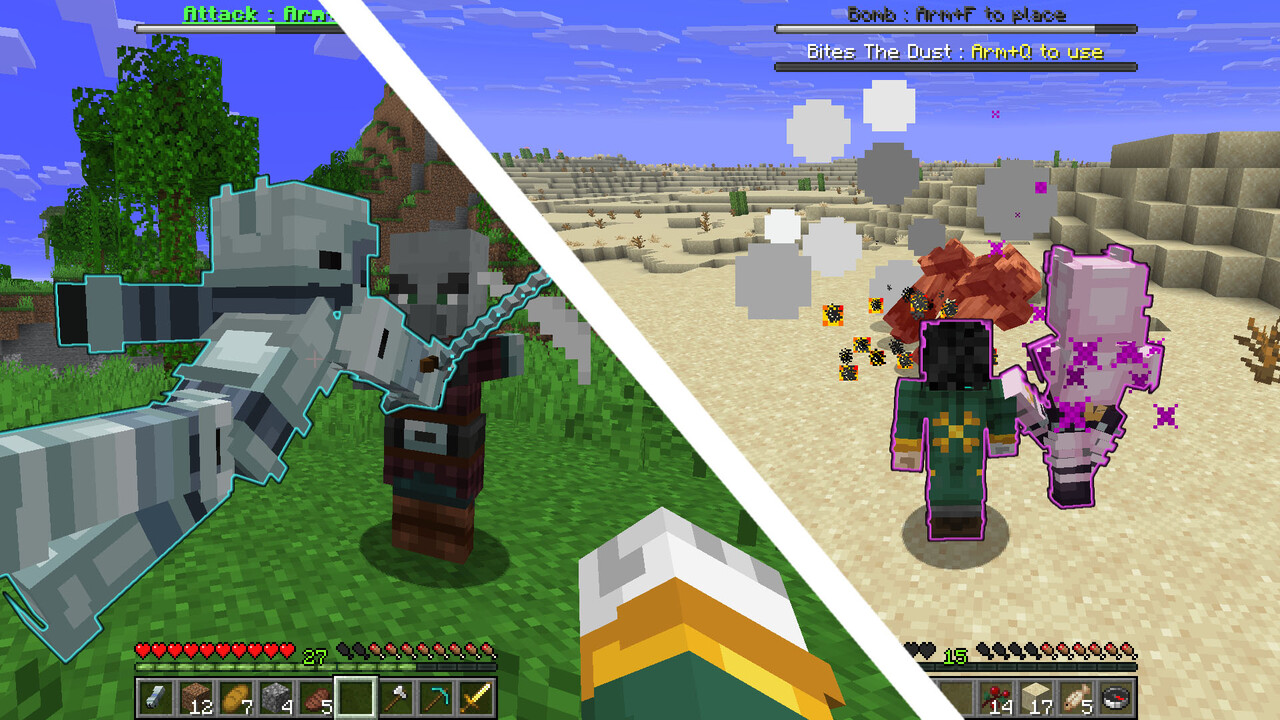
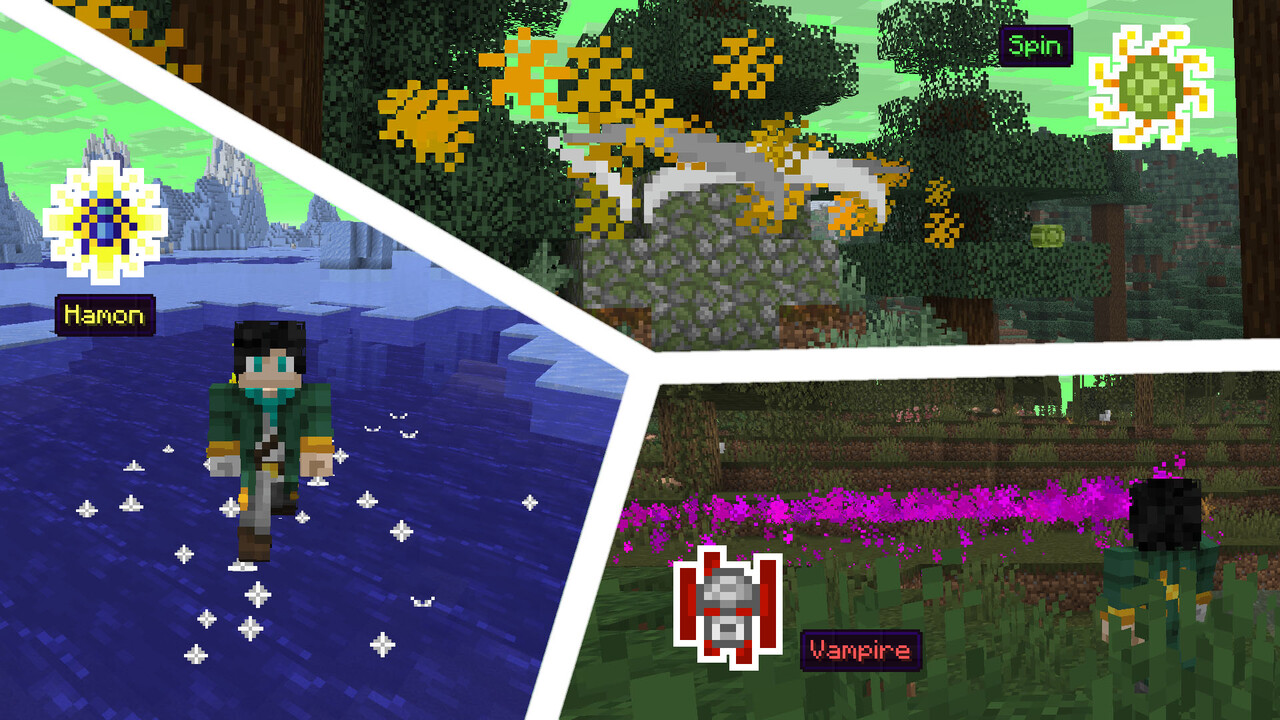
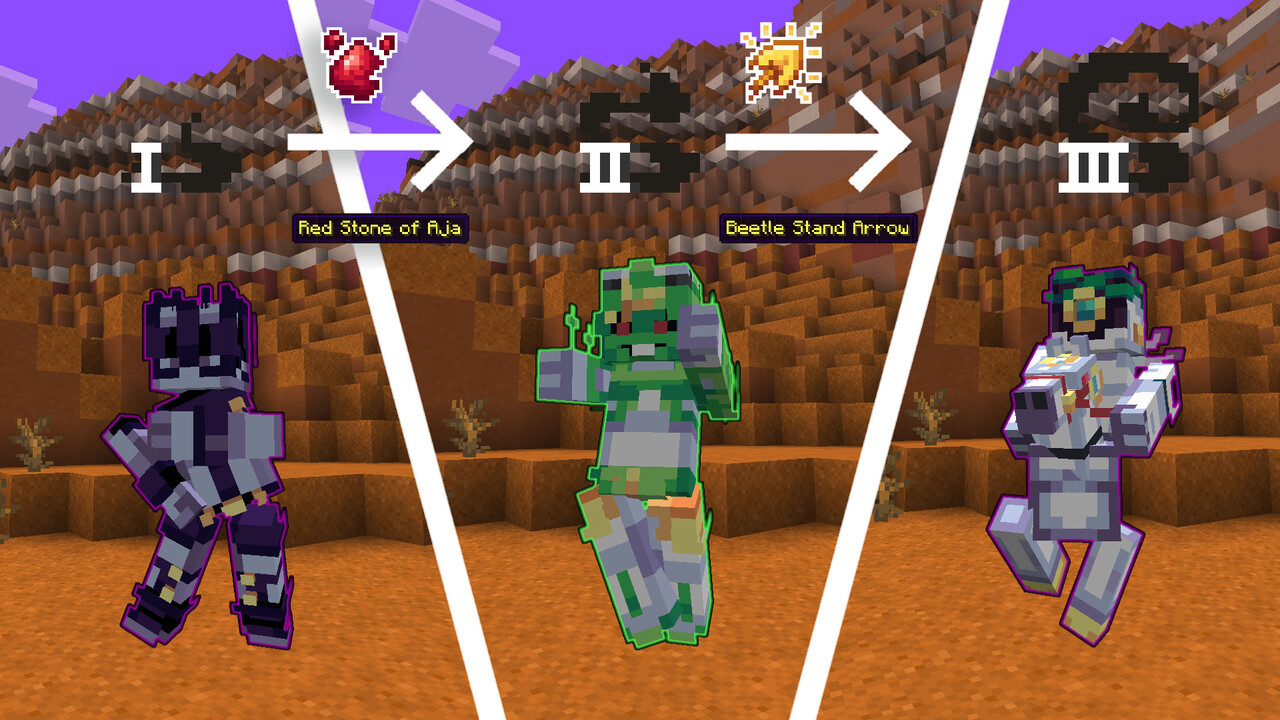
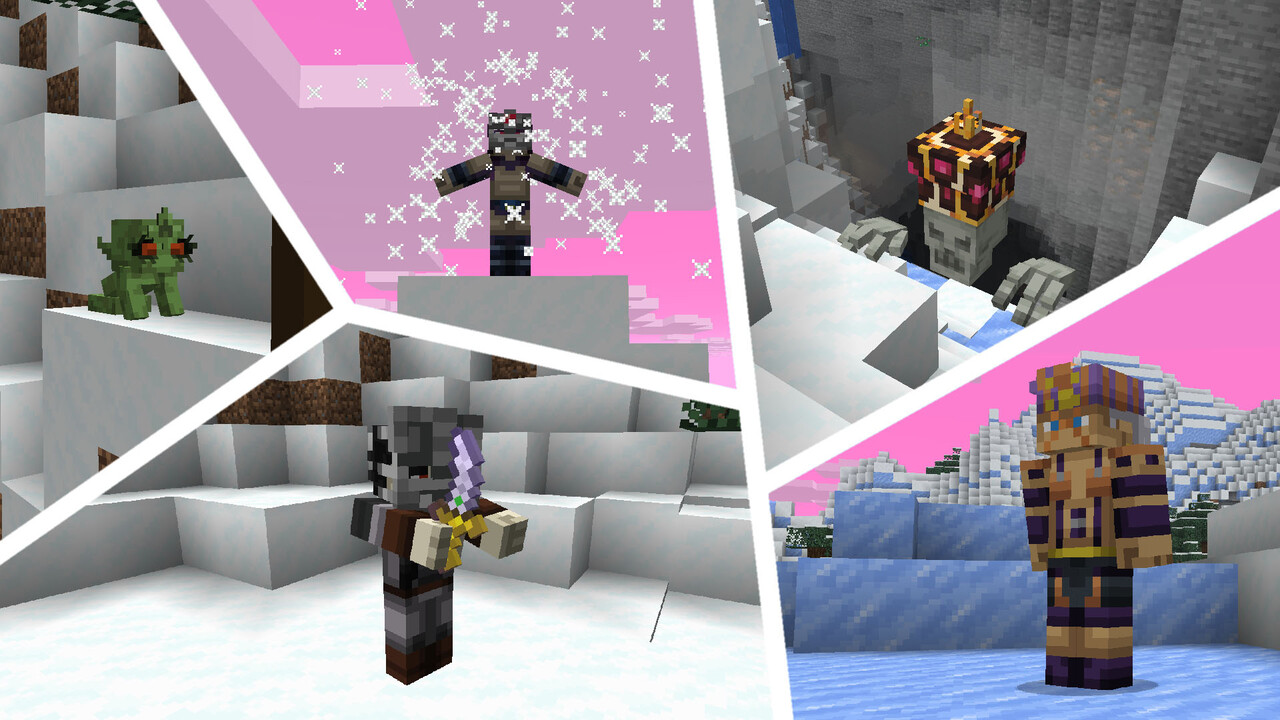
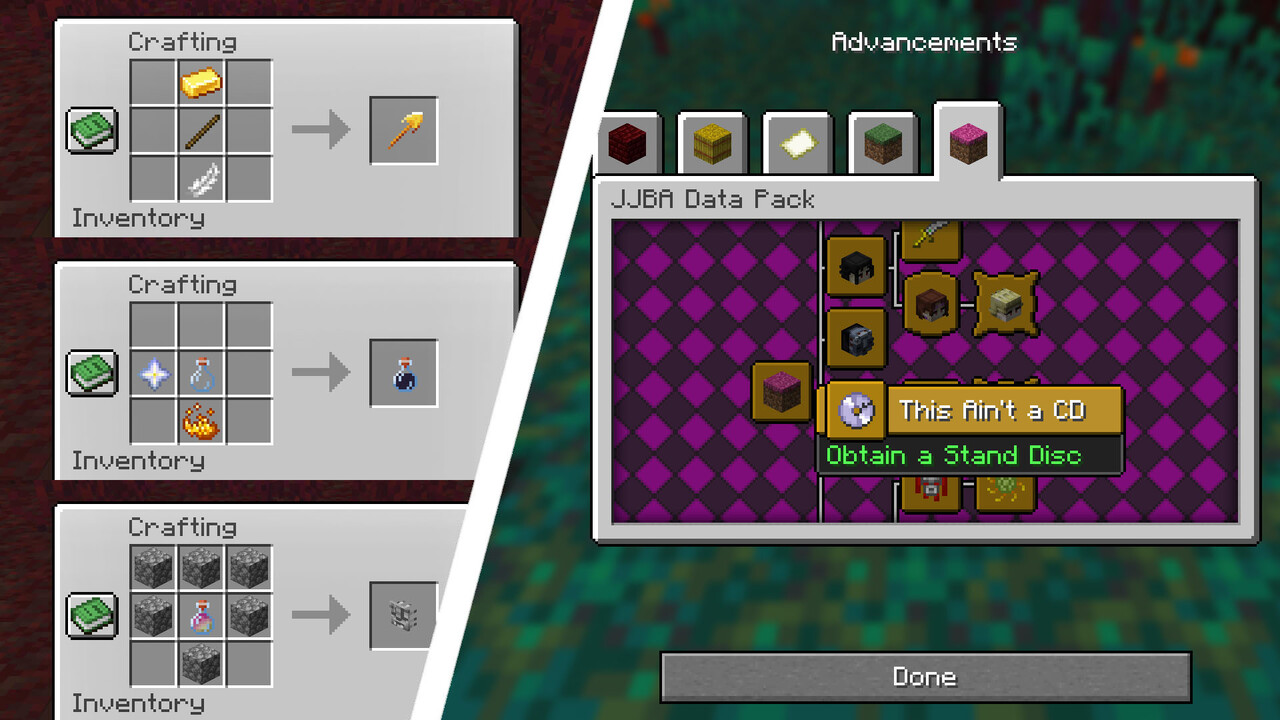
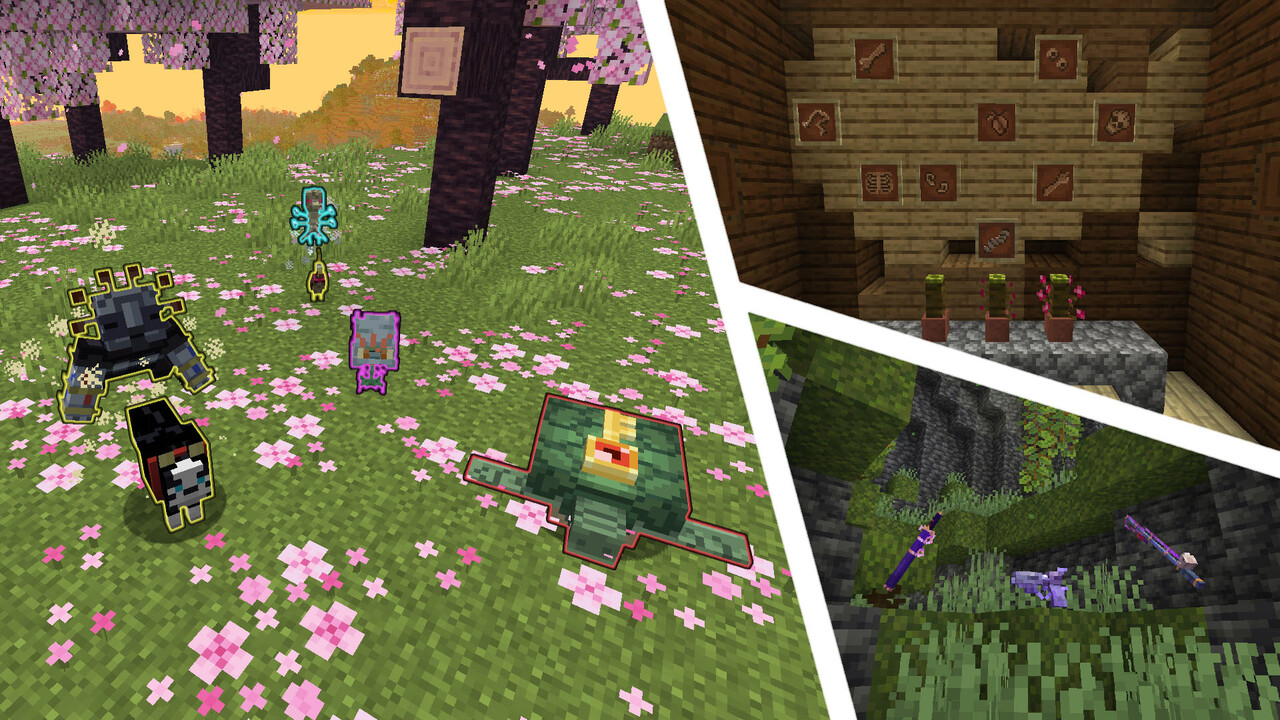
This data pack is dedicated to the manga/anime universe of JoJo's Bizarre Adventure by Hirohiko Araki. It adds a lot of new features, like stands and techniques, that should make your game more interesting and bizarre!
JJBA Data Pack v1.9.4, created by JasonMix, VonLeipenstein and DenSlendyY:
https://www.planetminecraft.com/member/von_leipenstein
HOW TO INSTALL
- Download and install OptiFine or an alternative to its features (Entity Texture Features, CIT Resewn, etc.) for selected version of the game*.
- Download both the data pack and resource pack for the same game version.
- Install the resource pack by either placing it in the .minecraft/resourcepacks directory, or by dragging and dropping onto the “Select Resource Packs” screen and then enabling it at the top of the “Selected” list.
- Create a backup of your world**.
- Install the data pack by either placing it in the .minecraft/saves/<world>/datapacks directory, or by dragging and dropping onto the “Select Data Packs” screen and then enabling it at the top of the “Selected” list***.
Enter the world and use the /reload command. - Have fun!
* This step can be skipped, although some visual elements (most notably, custom entity models) will not be displayed
** Only if the data pack is being added to an existing world
*** This can only be done during world creation
For detailed information about stands, techniques and other data pack features, visit the official Trello page
WARNING: this page contains spoilers for JoJo's Bizarre Adventure (Parts 1-8)
36 Update Logs
PATCH v1.9.4 : by JasonMix 09/26/2025 9:16:24 amSeptember 26, 2025 @ 1:16 pm UTC
- Fixed many bugs and errors
- Pet stands now only attack hostile mobs
- Added new spawn conditions for pillar man bosses
- Improved Tusk ACT 4 model and animations
LOAD MORE LOGS
More like this
 TG's Stands v1.2 Killer Queen - JoJo Data PackMinecraft 1.19 Magic Data Pack
 IvanTG
2/21/23 6:26
• posted 1/9/23 5:04
23.4k 3.7k 23x 86563
IvanTG
2/21/23 6:26
• posted 1/9/23 5:04
23.4k 3.7k 23x 86563 Gold Experience (Requiem) from JJBA part 5: Vento AureoMinecraft 1.16 - 1.17 Other Data Pack
 TBatlas
12/28/21 11:51
• posted 7/21/20 10:21
14.7k 1.8k 17x 43020
TBatlas
12/28/21 11:51
• posted 7/21/20 10:21
14.7k 1.8k 17x 43020 Jojo's Bizarre Datapack (Magician's Red, Drinks) v0.4Minecraft 1.15 Other Data Pack
 PeppaPigGod
3/23/20 12:21
• posted 3/17/20 11:56
11.9k 649 33x 102121
PeppaPigGod
3/23/20 12:21
• posted 3/17/20 11:56
11.9k 649 33x 102121 Crazy Diamond Datapack MinecraftMinecraft 1.17 - 1.20 Magic Data Pack
 SonicRushXII
•10/7/21 4:25
4.3k 389 4x 186
SonicRushXII
•10/7/21 4:25
4.3k 389 4x 186
4312561
119











Have something to say?
Also, a new content update is planned for release in August-September for all supported versions. To stay up to date with upcoming announcements, join our Discord server if you haven't already:
https://discord.gg/XdvhQ7n9qy