


• 3/12/23 9:54 pm
- 2.9k views • 0 today
- save_alt 159 downloads
- Compatibility
- Minecraft 1.19
- Changes include
- Advancements
- Functions
- Recipes


0
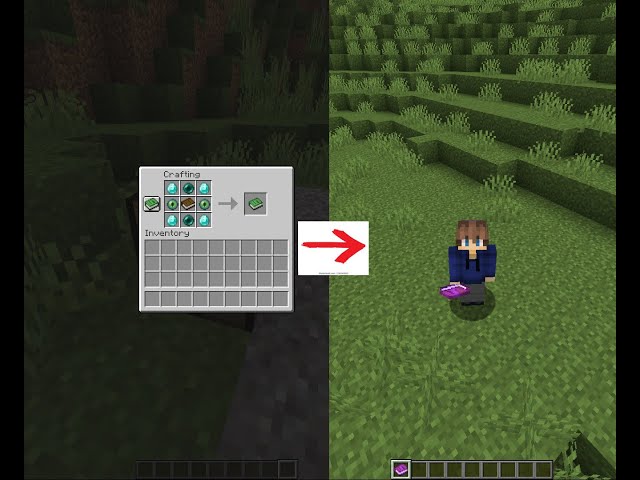
Hello my name is Lightheart, I made a waypoint data pack the way to use it is by pressing the
[set] button will set the block you are standing on into the waypoint coordinate.
[go] will tp you on to the block you set as your waypoint.
[reset] will destroy your former waypoint, after that you can make a new waypoint
Important
-Lightheart.
[set] button will set the block you are standing on into the waypoint coordinate.
[go] will tp you on to the block you set as your waypoint.
[reset] will destroy your former waypoint, after that you can make a new waypoint
Important
- does not protect fall damage
- If in the end, a waypoint in the overworld can teleport you out of the end, but can not teleport you into the end
- If in the nether a waypoint in the overworld can teleport you in & out of the nether.
-Lightheart.
More like this

 Lightsaber DatapackMinecraft 1.13 - 1.18 Other Data Pack
 LgKingdom
•12/16/21 5:43
5.7k 613 2x 174
LgKingdom
•12/16/21 5:43
5.7k 613 2x 174

 Fantasy Datapack Blue Cow SMP DatapackMinecraft 1.20 Other Data Pack
 krish0237
•11/4/23 8:47
1.1k 20 1x 234
krish0237
•11/4/23 8:47
1.1k 20 1x 234
 eriiic
 DOgDemO
 Theshadowdevil
5881328
119



 Gutomat64
 rangda15bangda
 Konatalzumi

 agent94055


 GreentheNinja


 Bitu456
Have something to say?