
• • 8/11/25 12:21 pm • 1 logs
- 8.8k views • 8 today
- save_alt 3k downloads • 3 today
- Compatibility
- Minecraft 1.21
- Changes include
- Functions
- Predicates


34
WORLD EDIT
A must-have for Terraforming
This is my version of the Original Mod called World Edit.
You can select two blocks and replace the space between them with the block in your offhand with just a few clicks!
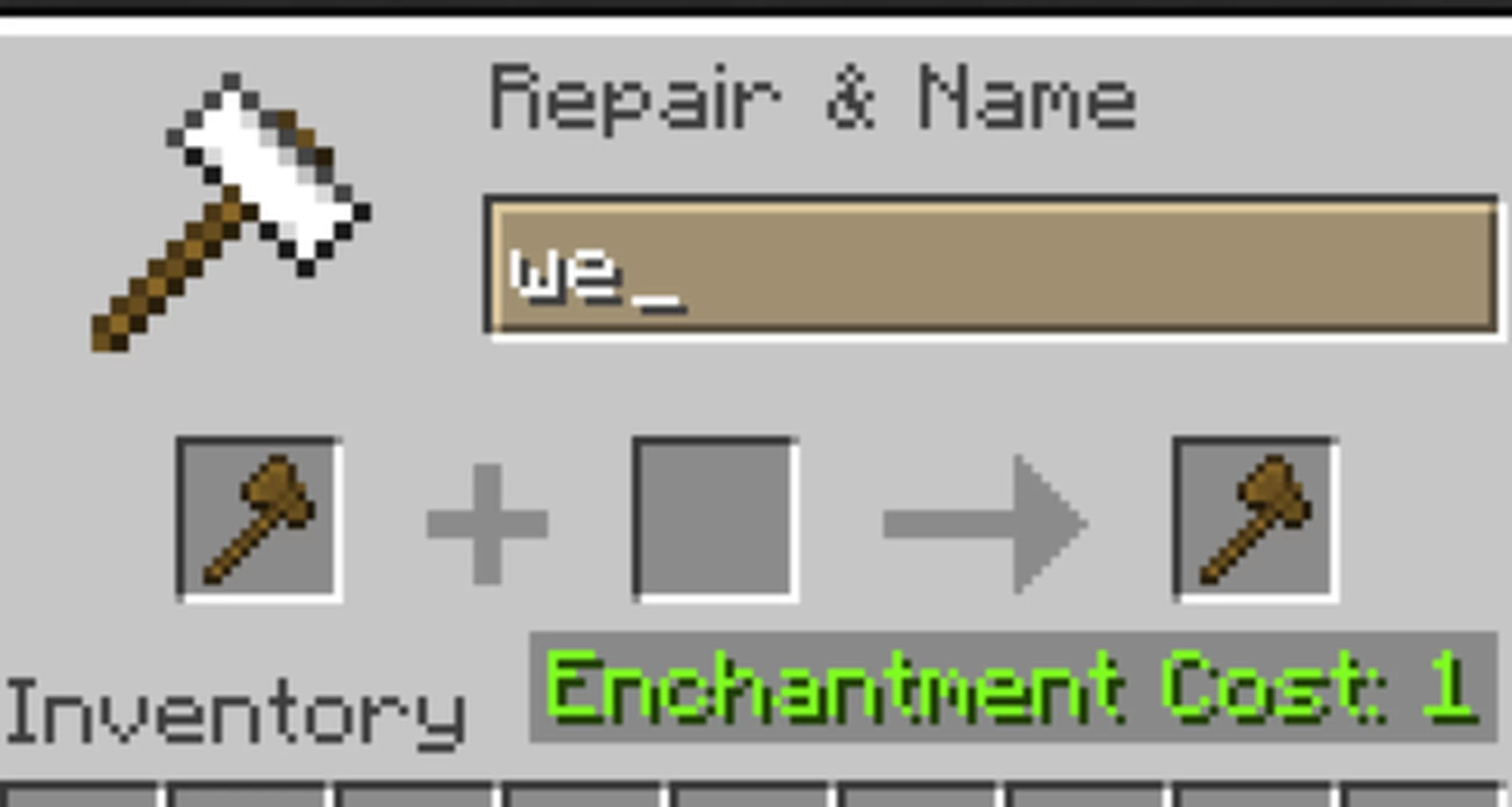
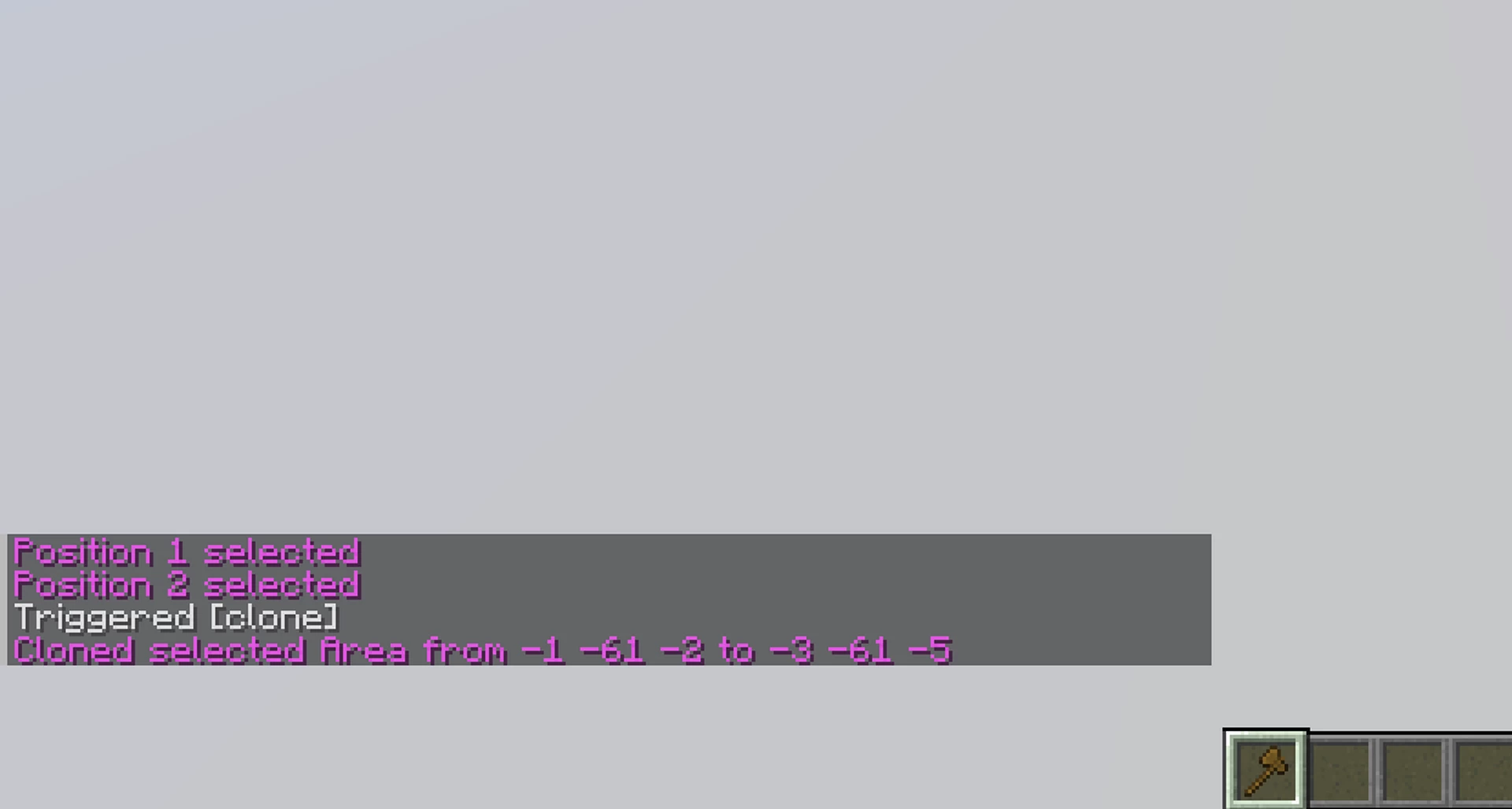
For preparation you just need to rename a usual wood axe to "WE"
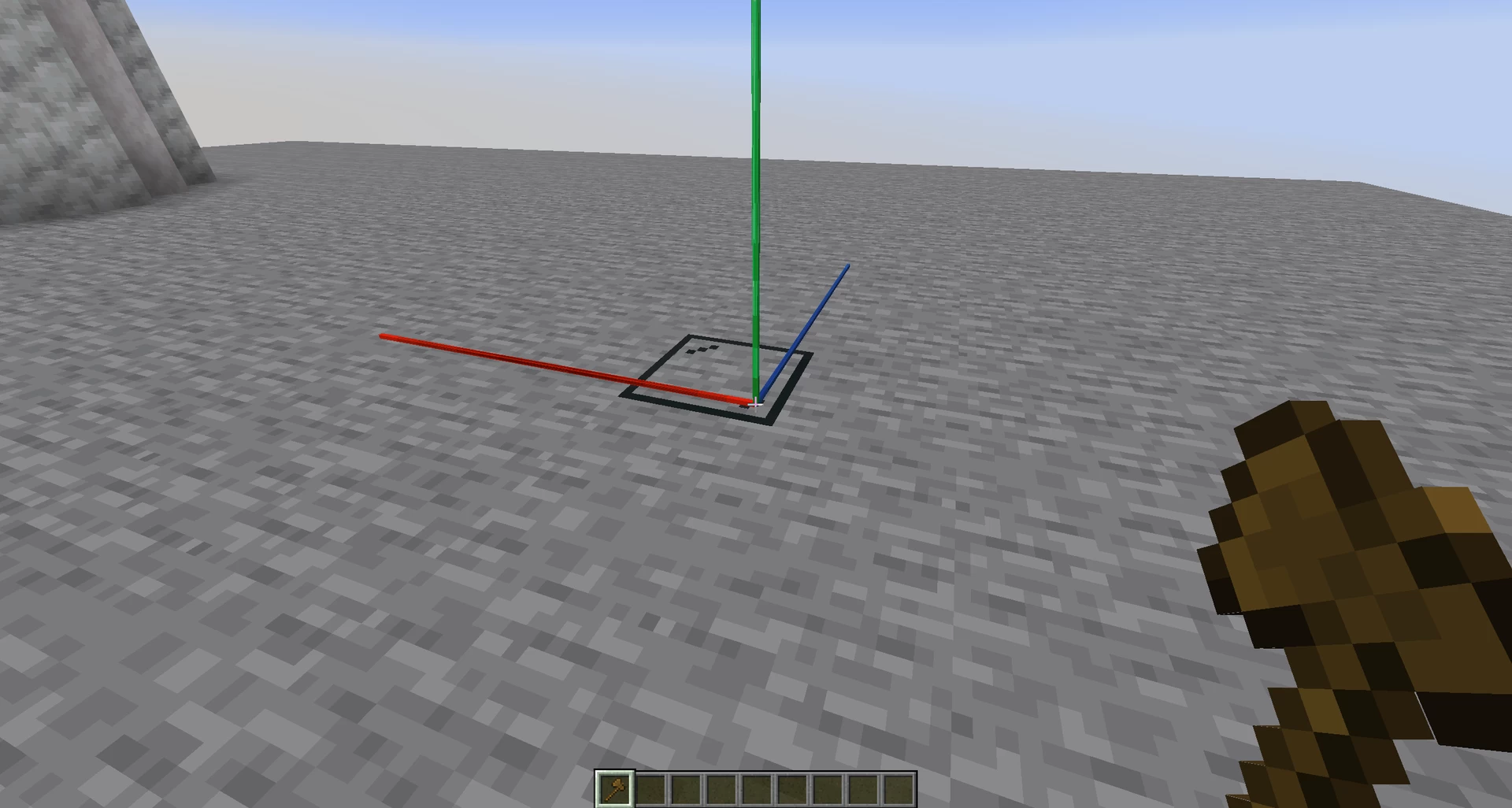
Then left click the first corner block and right click the second one.
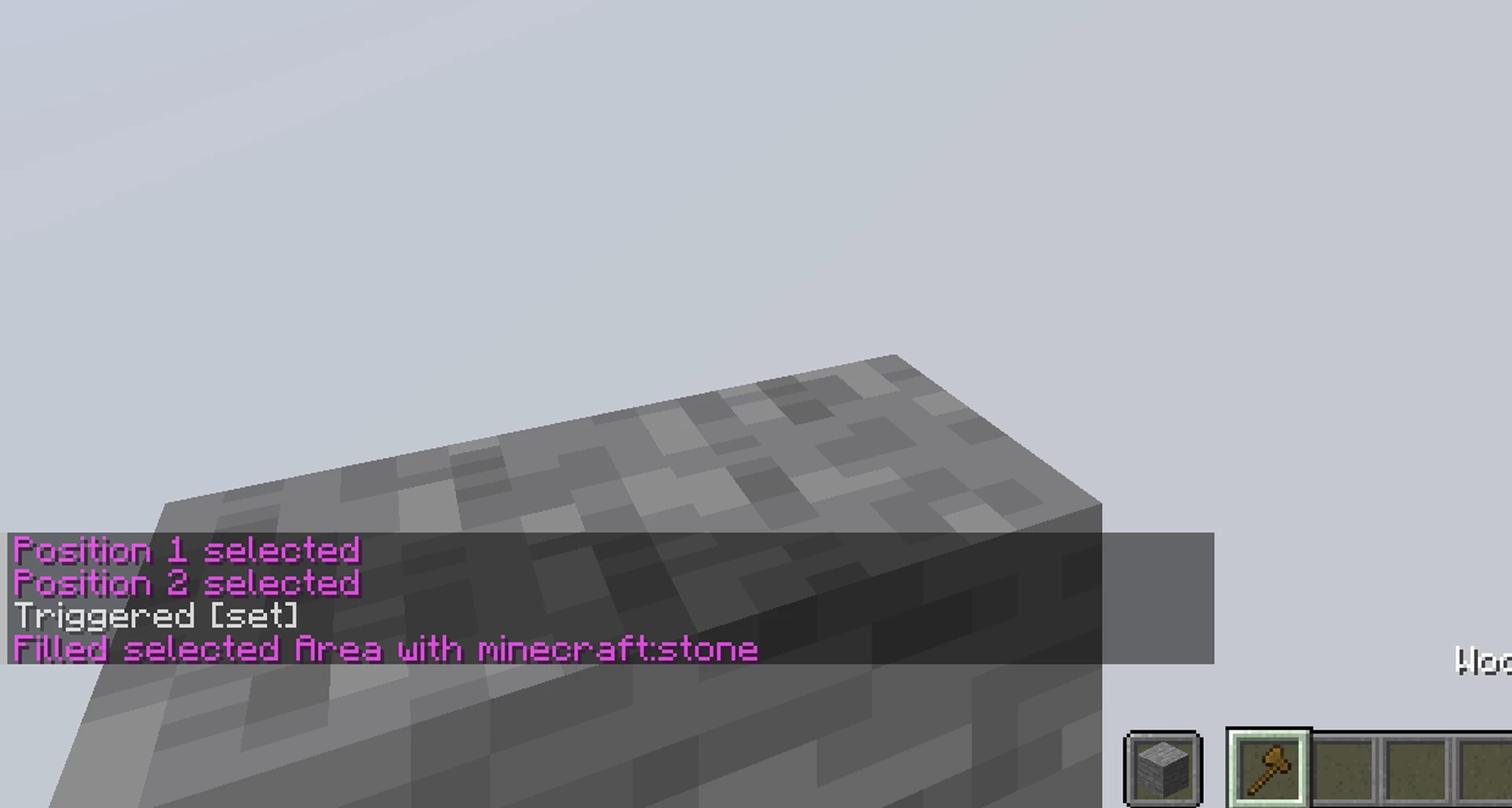
To fill the space, take an item in the offhand and type /trigger set
To clone the space to your current coords, type /trigger clone
Be careful what you clone! There is no undo!
1 Update Logs
Update #1 : by qnoss 08/11/2025 12:21:50 pmAugust 11, 2025 @ 4:21 pm UTC
-Added cloning function
-Added indicator for the direction to clone
-Added indicator for the targeted Block
-Added indicator for the direction to clone
-Added indicator for the targeted Block
More like this

 WorldEdit Datapack beta 1.0.0Minecraft 1.14 - 1.17 Tool Data Pack
 ephf
•4/3/21 2:30
85.5k 21.3k 29x 16655
ephf
•4/3/21 2:30
85.5k 21.3k 29x 16655


 Ellivers
 lilita0814
 Bastoon
6667381
119








 Telly_does_YT



Have something to say?
But in this version you need to rename an axe to „we“.
Holding the axe you can left and right click a block to select point 1 and 2.
Then take any block in your offhand and type trigger set to fill the selected space with that block.
when you type /trigger clone it will copy the selected space to your current position, aligned to x y z positive.
Cool datapack. Is it possible to copy/duplicate an area if not a feature idea?
Best regards ;D