



• 5/16/24 10:01 pm
- 1.8k views • 3 today
- save_alt 204 downloads
- Progress
- 100% complete


249
I updated this to include a lot more blocks! Check out the new post here: www.planetminecraft.com/project/16x-minecraft-blocks-6582105/
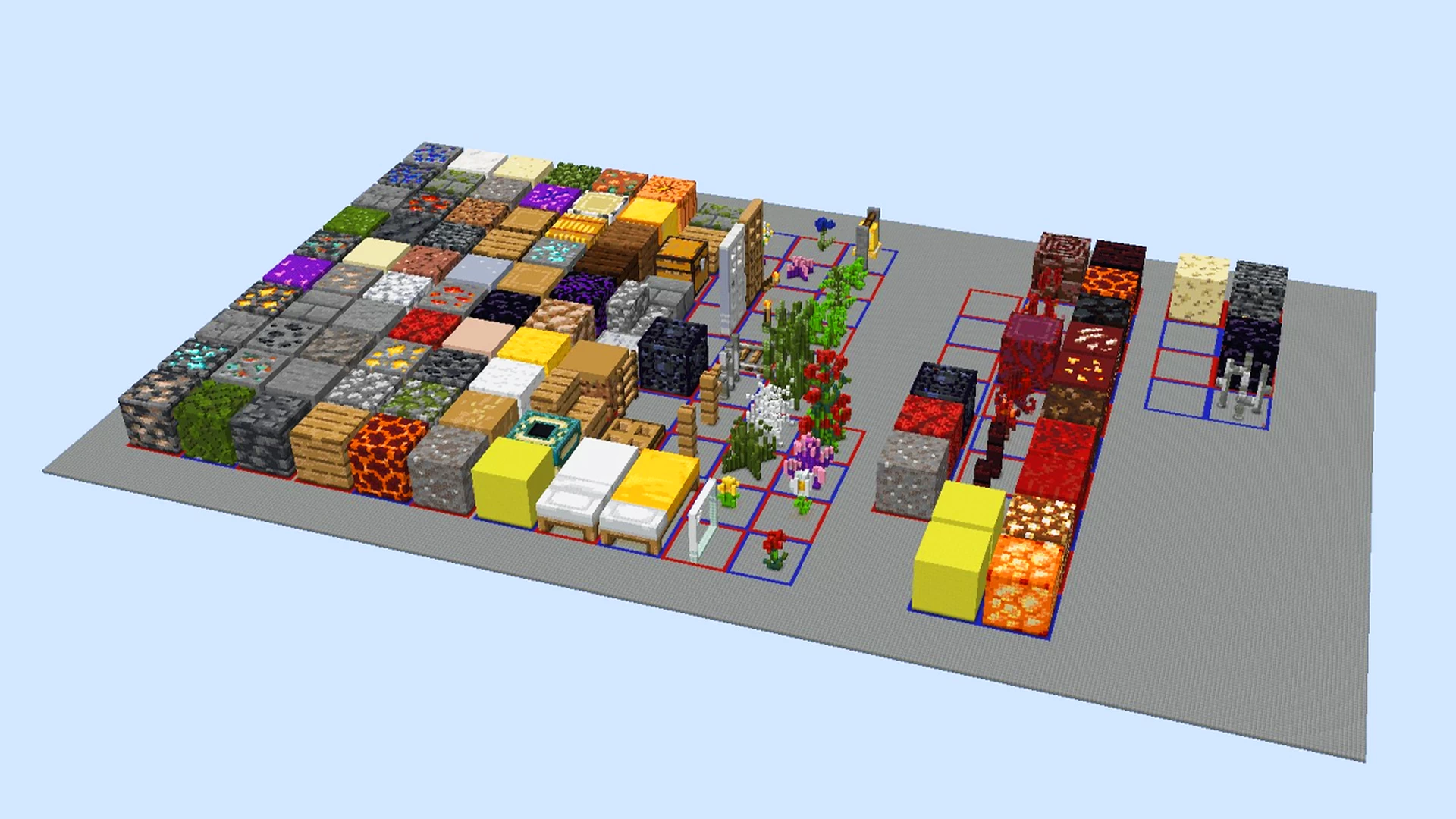
Over 100 Blocks that are scaled to be 16x bigger! This includes most common blocks and some foliage that you can use with world edit to make massive structures.
Over 100 Blocks that are scaled to be 16x bigger! This includes most common blocks and some foliage that you can use with world edit to make massive structures.
More like this
 StoneBlock 1.20Challenge / Adventure Map
 Chisainas
11/17/23 8:21
• posted 11/12/23 6:06
2.3k 292x 252
Chisainas
11/17/23 8:21
• posted 11/12/23 6:06
2.3k 292x 252

 SANICBALL in Minecraft 1.20Challenge / Adventure Map
 Sr_Sonix
9/23/24 2:57
• posted 1/16/24 6:22
1.5k 62 3x 10107
Sr_Sonix
9/23/24 2:57
• posted 1/16/24 6:22
1.5k 62 3x 10107
 TryHardTortuga
6276483
2




![THE DROPPER Remastered [Thumbnail Version] Minecraft Map & Project](https://static.planetminecraft.com/files/image/minecraft/project/2025/483/18875859_s.jpg)

 Zapertillar


 cendinalmi

 BSLBuilds
 Nexzy1
 Lxutix
 Kofuu
Kofuu
 Cannon Man
Have something to say?
- Scale up a build to 16x scale using the deform command //deform x=16;y=16;z=16. There should be tutorials people have made on this. Make sure randomtickspeed is set to 0 so blocks that change/despawn such as grass and grass blocks stay the same.
- Get a list of all the blocks your build uses. You can use Litematica's analyze area feature for this
- One by one, copy the bigger version of each block. Then make a selection of the scaled up version of your build. It's fastest to use the //pos1 x,y,z and //pos2 x,y,z commands because you have to reselect the area for every block. Or save schematics of every 16x block individually and load them with //schem load
- Then use the replace command to replace all of the block you chose with the bigger version of the block you chose //replace block #clipboard@[x,y,z]. You'll have to adjust the x,y,z part of the command until it lines up properly and doesn't look scuffed, and if you change your selection from step 3 this will have to be re-adjusted. So try and use the same selection area then every block will have the same x,y,z setup so it's much quicker.
If you have a really large build, consider using the FastAsyncWorldEdit plugin because it optimizes it a lot and runs faster.