




• 3/5/12 9:09 pm
- 1.4k views • 0 today
- save_alt 236 downloads
- Progress
- 100% complete


1
First off, Hello every one. I just made my account and I wanted to upload this.
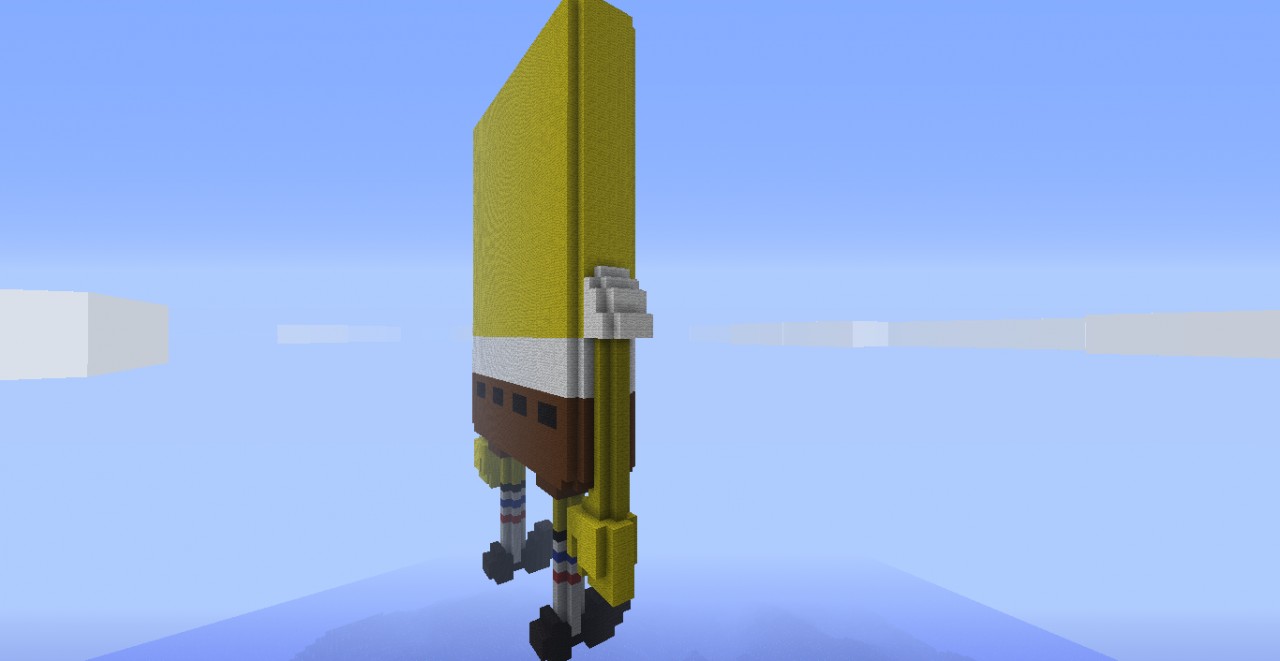
This took me 2 days to make it into a 3D creation. I have been holding back from giving this out due to the update from 1.1 to 1.2.2+. Since SPC mod has been updated, I figured I would release this.
Sorry for making the schematic file a .zip (You can't upload .schematic files)
You can put this schematic in by a couple of ways. If you did what I did and updated your Minecraft, MC edit doesn't work with 1.2.2 and 1.2.3. If your still on 1.1 just use MC Edit(easiest way), or if you have Single Player Commands Mod you can do this:
1: Get the schematic, and go to your .minecraft (ex. C:/Users/Owner/AppData/Roaming/.minecraft)
2: Once there make a new folder and name it "schematics"
3: Go into the world you want the schematic on, and push "T" (No " Marks)
4: Type in "//load SCHEMATIC_NAME" (No " Marks and put in the Schematic file name instead of SCHEMATIC_NAME)
5: Now it will be in your Clip Board, so just push "T" (No " Marks)
6: Then type in "//paste" (No " Marks)
Tell me what you think. If someone wants me to put this into a world just tell me and I will, but just say if you want it Flat Land or Normal.
Thanks guys.
This took me 2 days to make it into a 3D creation. I have been holding back from giving this out due to the update from 1.1 to 1.2.2+. Since SPC mod has been updated, I figured I would release this.
Sorry for making the schematic file a .zip (You can't upload .schematic files)
You can put this schematic in by a couple of ways. If you did what I did and updated your Minecraft, MC edit doesn't work with 1.2.2 and 1.2.3. If your still on 1.1 just use MC Edit(easiest way), or if you have Single Player Commands Mod you can do this:
1: Get the schematic, and go to your .minecraft (ex. C:/Users/Owner/AppData/Roaming/.minecraft)
2: Once there make a new folder and name it "schematics"
3: Go into the world you want the schematic on, and push "T" (No " Marks)
4: Type in "//load SCHEMATIC_NAME" (No " Marks and put in the Schematic file name instead of SCHEMATIC_NAME)
5: Now it will be in your Clip Board, so just push "T" (No " Marks)
6: Then type in "//paste" (No " Marks)
Tell me what you think. If someone wants me to put this into a world just tell me and I will, but just say if you want it Flat Land or Normal.
Thanks guys.
More like this

 MC_Ninja
![Sponge Bob Building [for schematic] Minecraft Map & Project](https://static.planetminecraft.com/files/image/minecraft/project/2021/423/15185808_s.jpg)
 svlk
svlk
 FatPat666
 like_a_boss_1999
644046
2
 Zapertillar
 agent94055
 BigTeddyWeddy

![Mystery Shack [Full interior] Minecraft Map & Project](https://static.planetminecraft.com/files/image/minecraft/project/2026/841/20199670_s.jpg)
 pentuhfanboy
 Twenty-second
 Fenrat3
 loos2906

Have something to say?
thanks! its my first 3d creating. me and my friend are making another one but i dont really want to give out the idea and it get taken.