




• 3/18/15 1:07 pm
- 725 views • 0 today
- save_alt 25 downloads
- Progress
- 100% complete
Added CreditFactionsPlays, Princess_Cutie


9
What is Instant Setup UHC?
Instant Setup UHC is for people who can/can not setup UHC. People who can't can use the schematic for their server or single player world. It works successfully. I tested it out in my single player world.
Features
HOW TO SETUP INSTANT SETUP UHC
#Schematic
http://pastebin.com/Zm3cA36R
#OneCommandBlock
FAQ (Frequently Asked Questions)
Q: Does this also work with people?
A: Yes, it works with people.
Q: Are there teams?
A: No, this is just a no team UHC
Q: I did not see the message "UHC successfully installed"
A: Is your world lagging? Restart it or put the schematic on your world again.
Q: This did not work.
A: Are you on 1.7? You have to be on 1.8.
Q: When is UHC Teams coming out?
A: Very soon but you can play UHC teams on mc.hypixel.net
Q: I want my difficulty locked. Can you show me how?
A: Go to your pause menu -> Options -> You should see a lock next to the difficulty -> Press Yes
Q: Where is the MCEdit download?
A: Since there's mcedit2 and it's still in alpha and beta, you can download the old MCEdit. Download
Q: The command did not work.
A: You must be on 1.8 or above for it to work.
Q: I did the command block way then it teleported me far away from the box!
A: Instead of placing it somewhere, place it at x=1050 z=1050
Q: Where is the command?
A: Hint: there's a link somewhere saying pastebin.com
GOAL
SUPPORT
+1 Diamond
If we reach 20 Diamonds, I will make UHC Teams Instant Setup.
Be sure to subscribe to me!
Instant Setup UHC is for people who can/can not setup UHC. People who can't can use the schematic for their server or single player world. It works successfully. I tested it out in my single player world.
Features
- Regeneration false. You can only regenerate using Golden Apples or potions
- Health display true. You can see player's health using TAB or under their name
- Difficulty Hard. Mobs are hard now meaning they deal more damage.
- [OPTIONAL] Hardcore. Player's get banned after they die
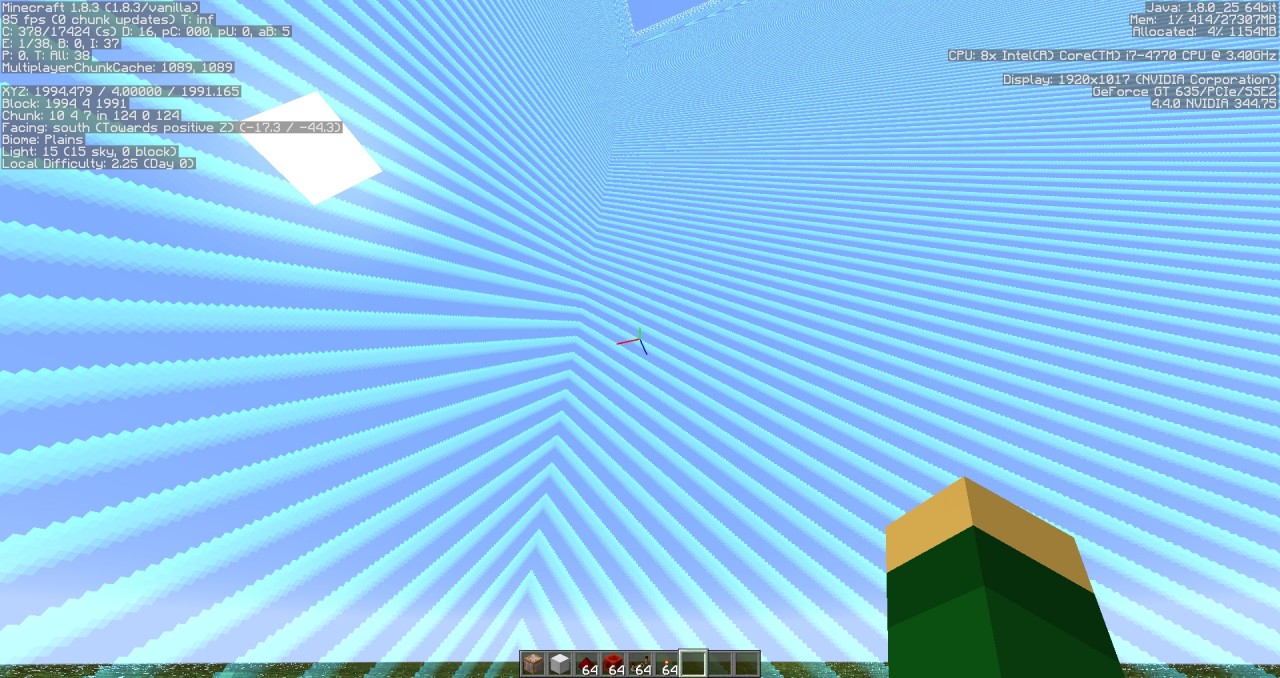
- WorldBorder 2000x2000. No one can escape. They will die once enderpearled outside the worldborder.
HOW TO SETUP INSTANT SETUP UHC
#Schematic
- Download the schematic
- Open MCEdit and import the schematic to your world. No worry to active, it activate's itself.
- Save your world
- Go on your server or world
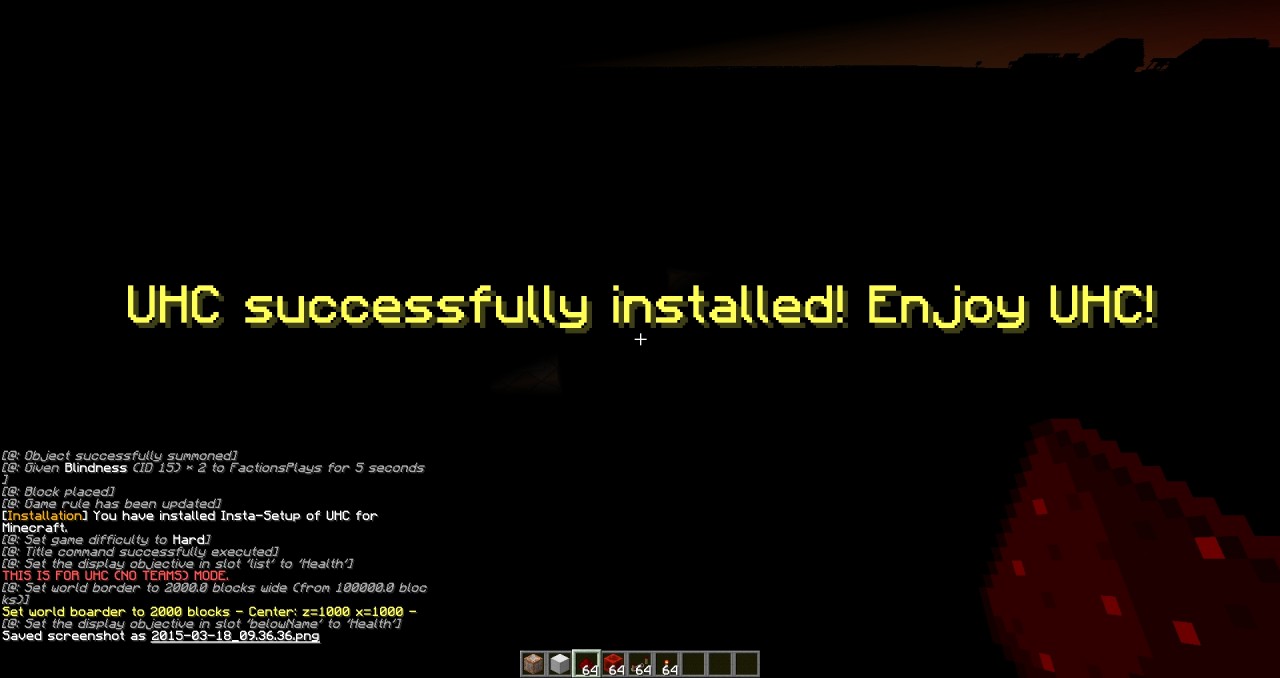
- You should see UHC Insta-Setup has been successfully installed.
- Type /worldborder center 1000 [This is an OPTIONAL step. You can set the center to 2000,3000,4000,etc.]
- Enjoy playing UHC (No Teams)
http://pastebin.com/Zm3cA36R
#OneCommandBlock
- Copy the command by Highlighting all and using CTRL+C
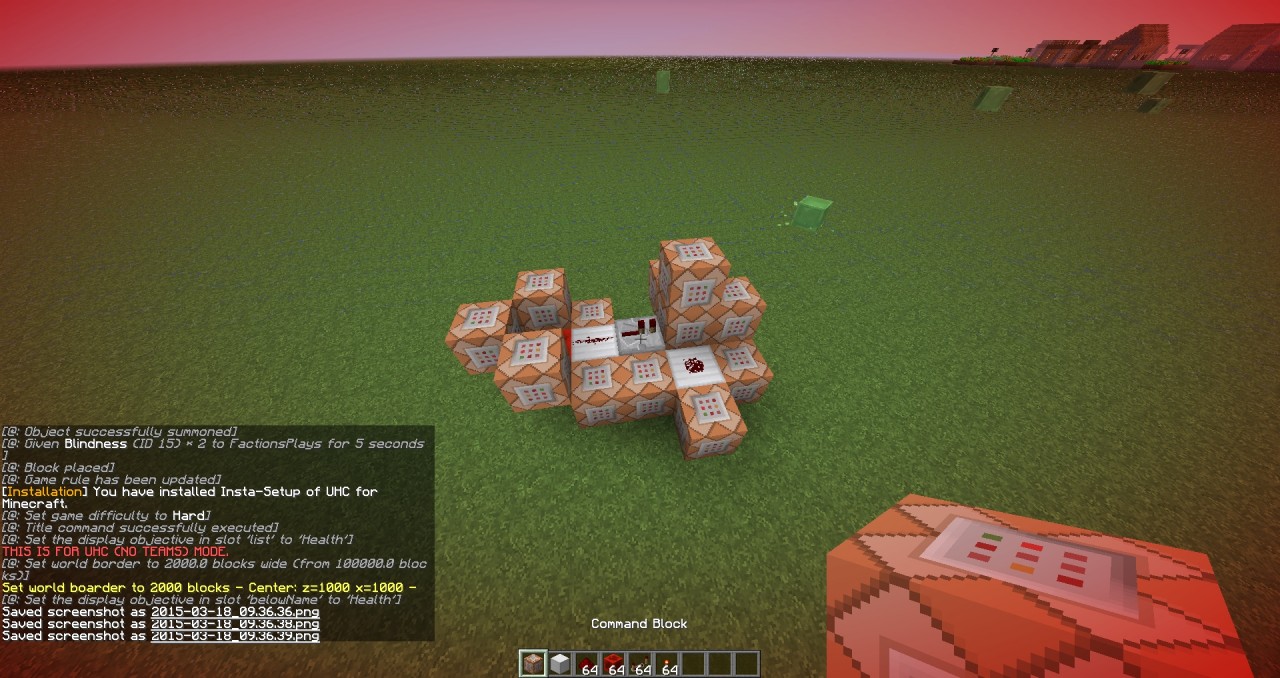
- Go to Minecraft and place a commandblock
- Right click the commandblock then paste the command on the commandblock
- Activate the commandblock
- Wait until its done
- You will be teleported to 1000 50 1000
- Gl HF
FAQ (Frequently Asked Questions)
Q: Does this also work with people?
A: Yes, it works with people.
Q: Are there teams?
A: No, this is just a no team UHC
Q: I did not see the message "UHC successfully installed"
A: Is your world lagging? Restart it or put the schematic on your world again.
Q: This did not work.
A: Are you on 1.7? You have to be on 1.8.
Q: When is UHC Teams coming out?
A: Very soon but you can play UHC teams on mc.hypixel.net
Q: I want my difficulty locked. Can you show me how?
A: Go to your pause menu -> Options -> You should see a lock next to the difficulty -> Press Yes
Q: Where is the MCEdit download?
A: Since there's mcedit2 and it's still in alpha and beta, you can download the old MCEdit. Download
Q: The command did not work.
A: You must be on 1.8 or above for it to work.
Q: I did the command block way then it teleported me far away from the box!
A: Instead of placing it somewhere, place it at x=1050 z=1050
Q: Where is the command?
A: Hint: there's a link somewhere saying pastebin.com
GOAL
- 30 Downloads 5 Diamonds
- 50 Downloads 20 Diamonds
- 100 Downloads 40 Diamonds
- 125 Downloads 85 DIamonds
- 200 Downloads 100 Diamonds
- 500 Downloads 110 Diamonds
- 1000 Downloads 135 Diamonds
- 5000 Downloads 200 DIamonds
- 7000 Downloads 235 Diamonds
- 10000 Downloads 300 Diamonds
SUPPORT
+1 Diamond
If we reach 20 Diamonds, I will make UHC Teams Instant Setup.
Be sure to subscribe to me!
More like this

 UHC Box (Designed for GhostlyVanilla's UHC)Redstone Device Map
 Ghost_422
•7/25/13 10:46
795 47 6x 32
Ghost_422
•7/25/13 10:46
795 47 6x 32

 Commandblock-Touchscreen with apps V2Redstone Device Map
 StonyRedFiction
•7/15/13 4:14
341 25 4x 751
StonyRedFiction
•7/15/13 4:14
341 25 4x 751
 AVirileEgo
 k44du2
 nintendo908
3267964
2
![Cookie Clicker Map [W.I.P] Minecraft Map & Project](https://static.planetminecraft.com/files/resource_media/screenshot/1523/2015-06-03_1116318986845_thumb.jpg)










 ASAKA828
 vaporr



Have something to say?