



• 9/14/13 9:49 pm
- 590 views • 0 today
- save_alt 91 downloads
- Progress
- 100% complete


0
READ DESCRIPTION:
THIS MAP IS ONLY COMPATIBLE WITH CUSTOM NPCS!!!!
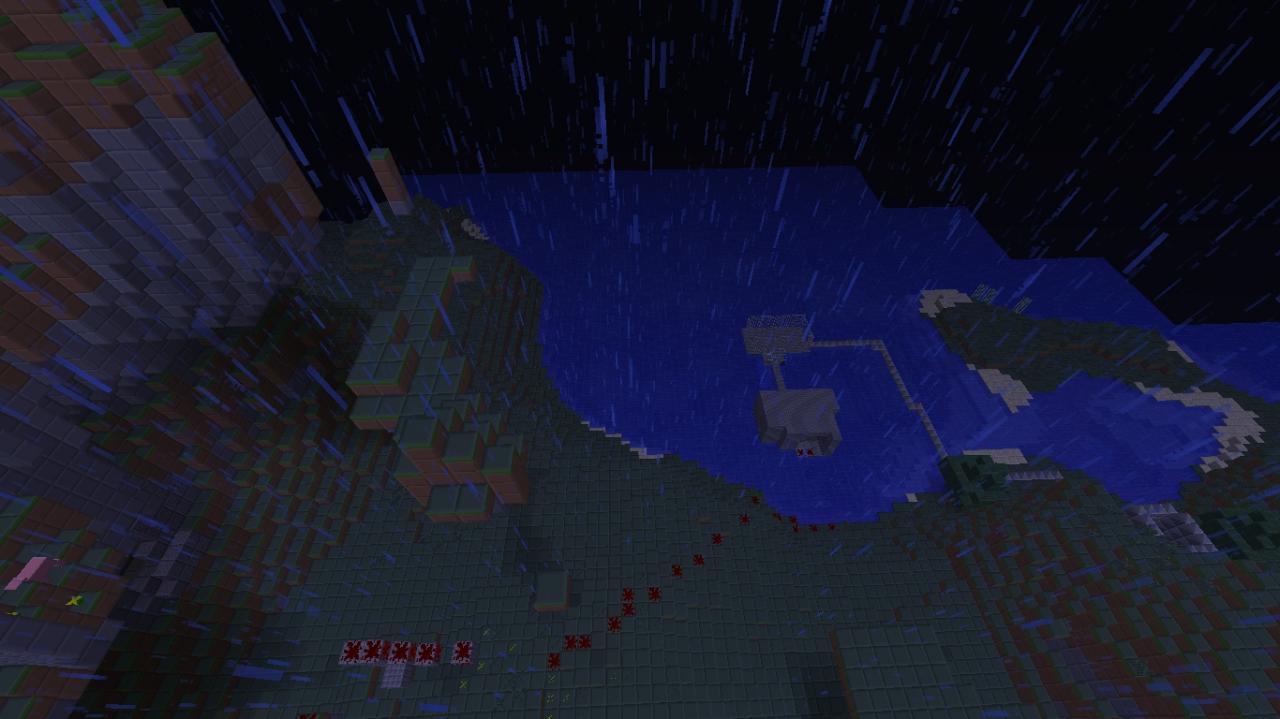
This is my first adventure map so it's pretty short, but the title says it all, you rescue Notch.
If you do not already know how to install maps look below:
1.Click the Download button or the save world button.
2.it will take you to adfly.com and in the top right corner you have to wait 5 seconds and then click the big yellow SKIP AD button.
3.it will take you to media fire.com and then click the download Notch rescue button. You will then get a compressed zip folder called, "Notch rescue".
4.go to search and type %appdata% {windows 8} Go to the bottom left corner and type in the run section %appdata% {windows xp} Go to finder and click "go" and then type in ~/Library/ and go into "Application Support " then find minecraft, now click "saves". Now open the compressed zip folder and take out the folder in it and put in the "saves" folder and play and enjoy!
5. you need to find your ".minecraft" folder and double click it.
6. find your "saves" folder and double click it.
7.Now open the compressed zip folder you downloaded and place the folder inside it into saves and enjoy =)!
There is a bug were sometimes you spawn in a wall. If this happens, simply just close your minecraft and restart .
There is a second bug.... you will spawn with 63 xp sometimes.
THIS MAP IS ONLY COMPATIBLE WITH CUSTOM NPCS!!!!
This is my first adventure map so it's pretty short, but the title says it all, you rescue Notch.
If you do not already know how to install maps look below:
1.Click the Download button or the save world button.
2.it will take you to adfly.com and in the top right corner you have to wait 5 seconds and then click the big yellow SKIP AD button.
3.it will take you to media fire.com and then click the download Notch rescue button. You will then get a compressed zip folder called, "Notch rescue".
4.go to search and type %appdata% {windows 8} Go to the bottom left corner and type in the run section %appdata% {windows xp} Go to finder and click "go" and then type in ~/Library/ and go into "Application Support " then find minecraft, now click "saves". Now open the compressed zip folder and take out the folder in it and put in the "saves" folder and play and enjoy!
5. you need to find your ".minecraft" folder and double click it.
6. find your "saves" folder and double click it.
7.Now open the compressed zip folder you downloaded and place the folder inside it into saves and enjoy =)!
Additional Notes
NOTE:There is a bug were sometimes you spawn in a wall. If this happens, simply just close your minecraft and restart .
There is a second bug.... you will spawn with 63 xp sometimes.
More like this
![Parkour Map [1.6.2] Minecraft Map & Project](https://static.planetminecraft.com/files/resource_media/screenshot/1324/skin_5677045_thumb.jpg)
 kubal16
 dzlatove
![Parkour 1.6.2 - [DOWNLOAD] Minecraft Map & Project](https://static.planetminecraft.com/files/resource_media/screenshot/1332/2013-08-11_215340_6144489_thumb.jpg)
 Kevin-Architect
![INVASION [1.6.2] [Adventure Map] Minecraft Map & Project](https://static.planetminecraft.com/files/resource_media/screenshot/1332/coming_soon_large_6110182_thumb.jpg)
 Approx Gaming
2475559
2

 illi11





 Senchips
 - YATA - Yeshaeel
 Milu1805
 MMGplays
 obamagamer420
Have something to say?