


• 5/30/12 5:47 pm
- 210 views • 0 today
- save_alt 18 downloads
- Progress
- 100% complete

21
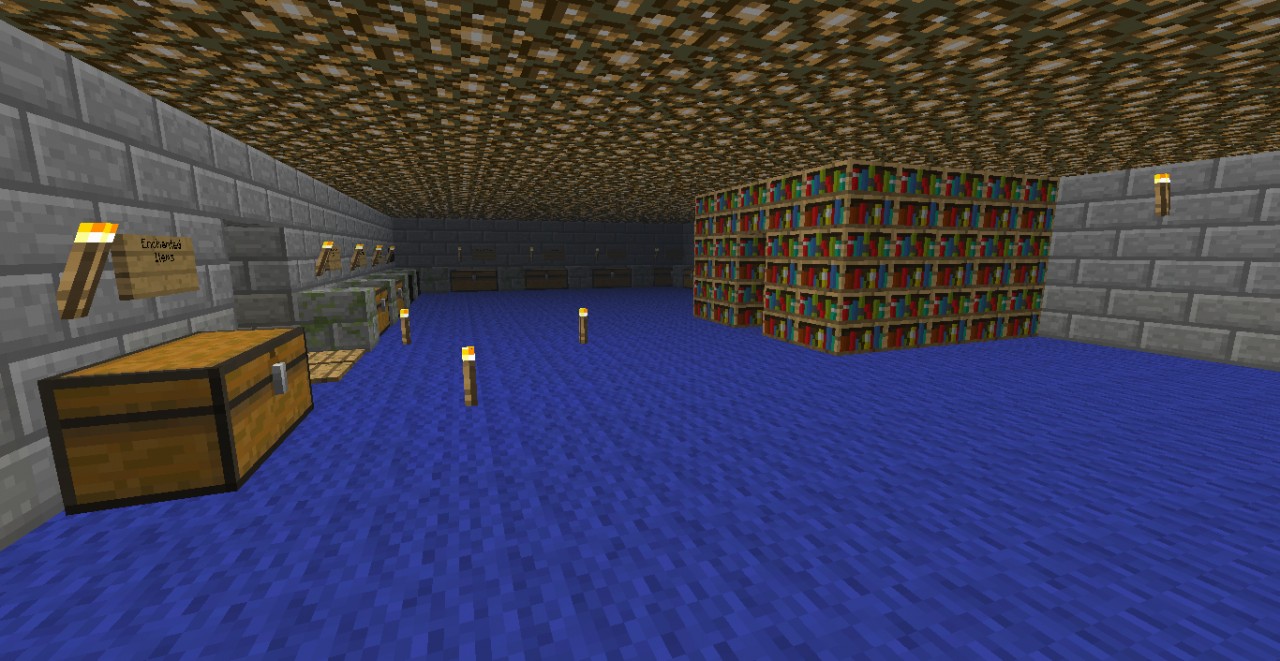
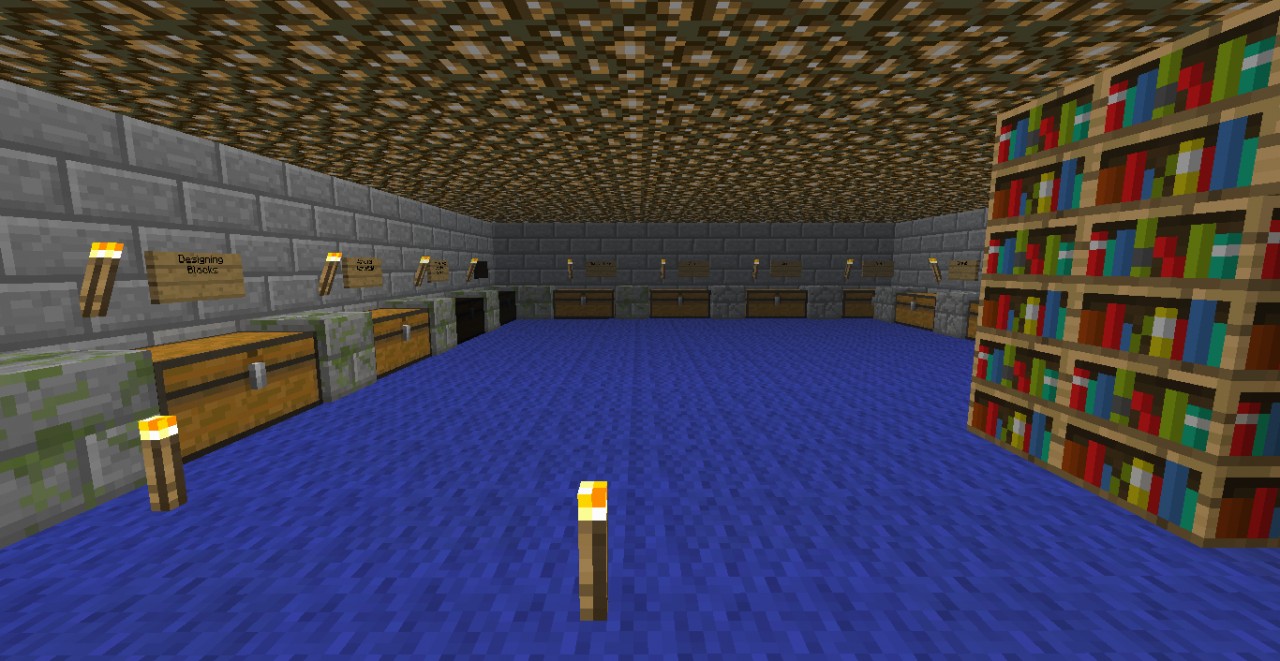
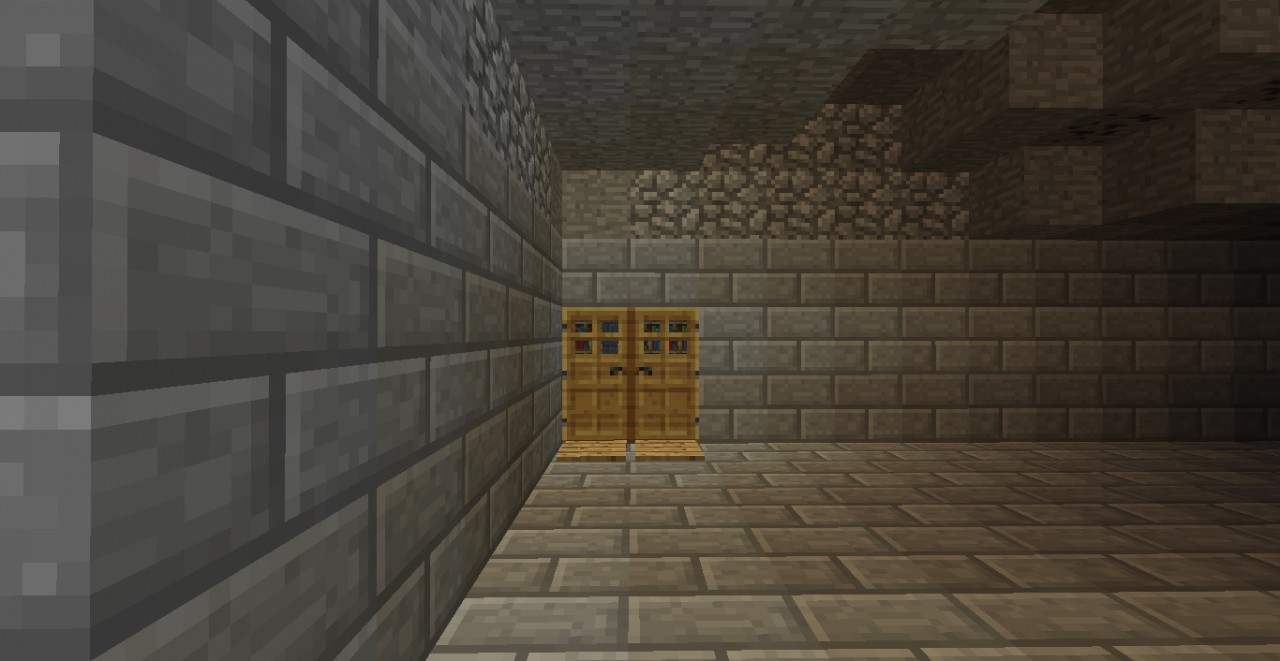
This is my Peaceful world. How to make it an actual world.
Windows:
Required to convert: WINrar
-First, put the .rar file on your desktop.
-Second, right click and press "Extract to Peaceful"
-Third, open the folder and it has another Peaceful. That's the actual world.
-Fourth, go in run and type in "%appdata%"
-Fifth, go to the .minecraft folder and open it.
-Sixth, open up saves and drag the Peaceful folder into there.
-Seventh, DIAMOND THIS IF YOU LIKED IT!
Windows:
Required to convert: WINrar
-First, put the .rar file on your desktop.
-Second, right click and press "Extract to Peaceful"
-Third, open the folder and it has another Peaceful. That's the actual world.
-Fourth, go in run and type in "%appdata%"
-Fifth, go to the .minecraft folder and open it.
-Sixth, open up saves and drag the Peaceful folder into there.
-Seventh, DIAMOND THIS IF YOU LIKED IT!
More like this

 Bossmode09
 Jlicup45
 anders define
 lime_cat
947980
2
![Minecraft - Enderman XP Farm [FINISHED] 100% Minecraft Map & Project](https://static.planetminecraft.com/files/resource_media/screenshot/1243/2012-10-23_215756_3936020_thumb.jpg)



 PizzaRaptor8



 GuardianYT

 chumakmak
![The Fallen Angel - Alexandre Cabanel [Schematic] Minecraft Map & Project](https://static.planetminecraft.com/files/image/minecraft/project/2026/021/19990791_s.jpg)
 VintagePhil
 MazaVili
Have something to say?