









83
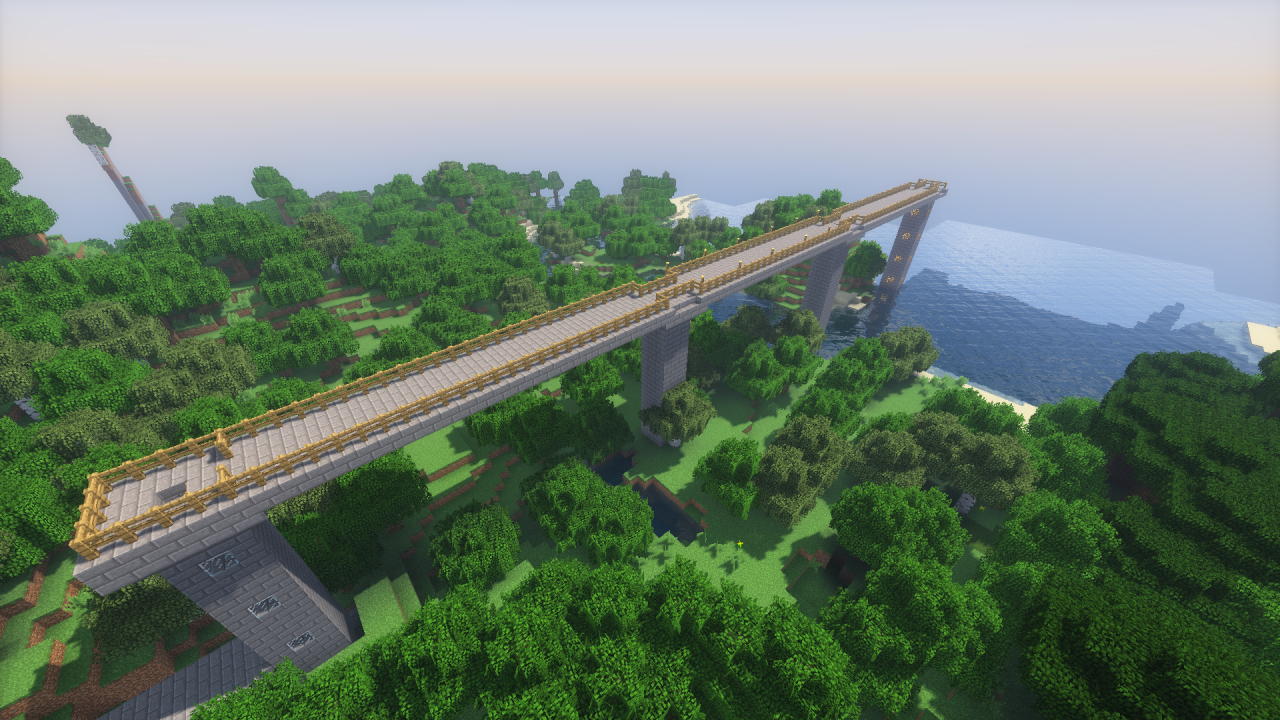
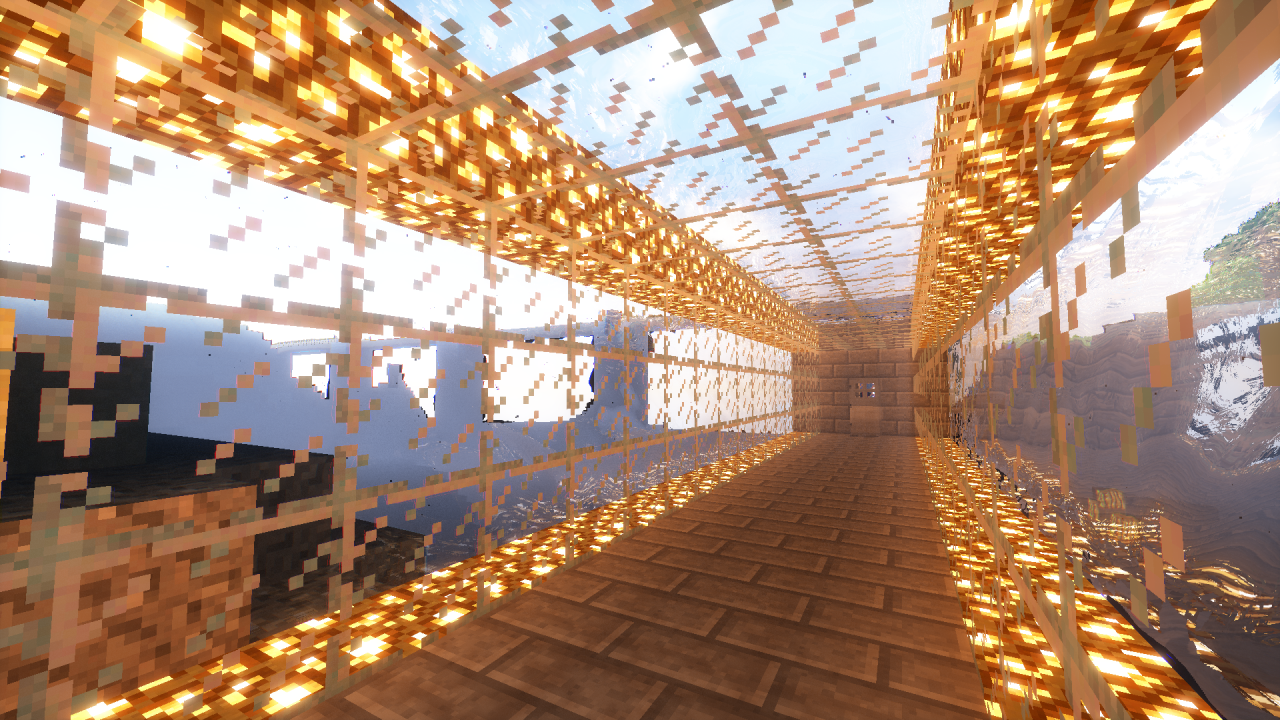
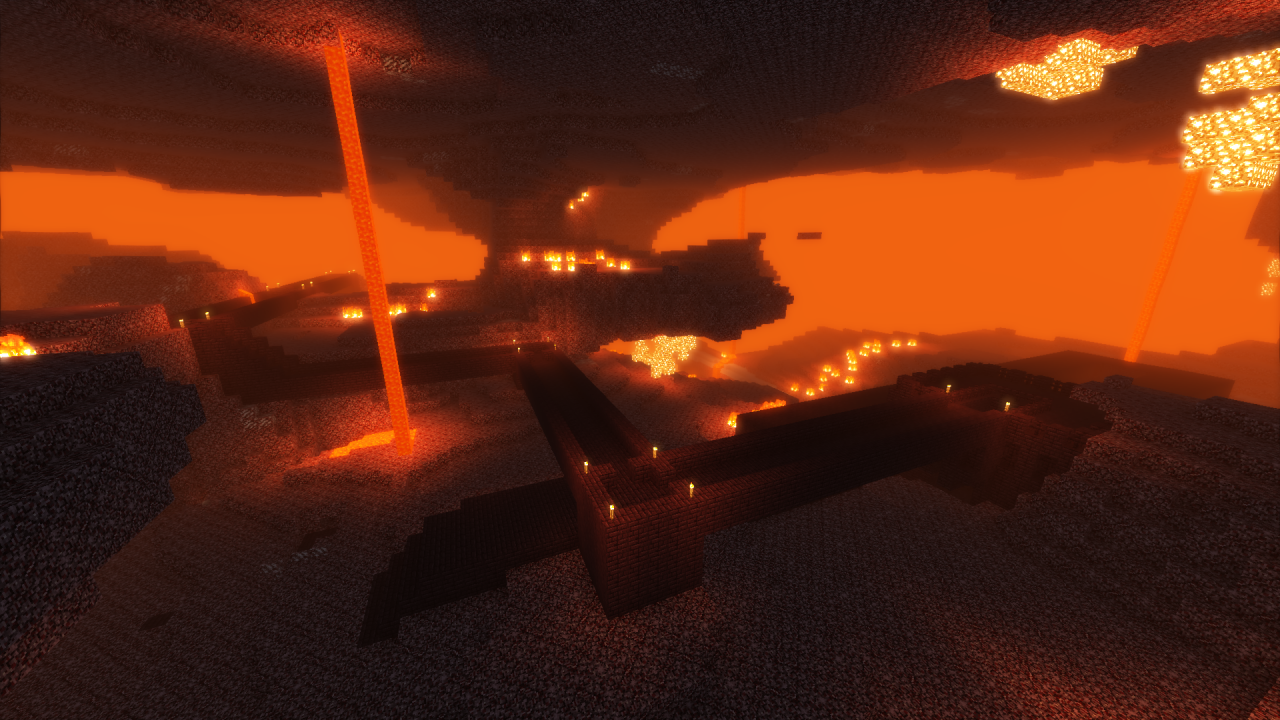
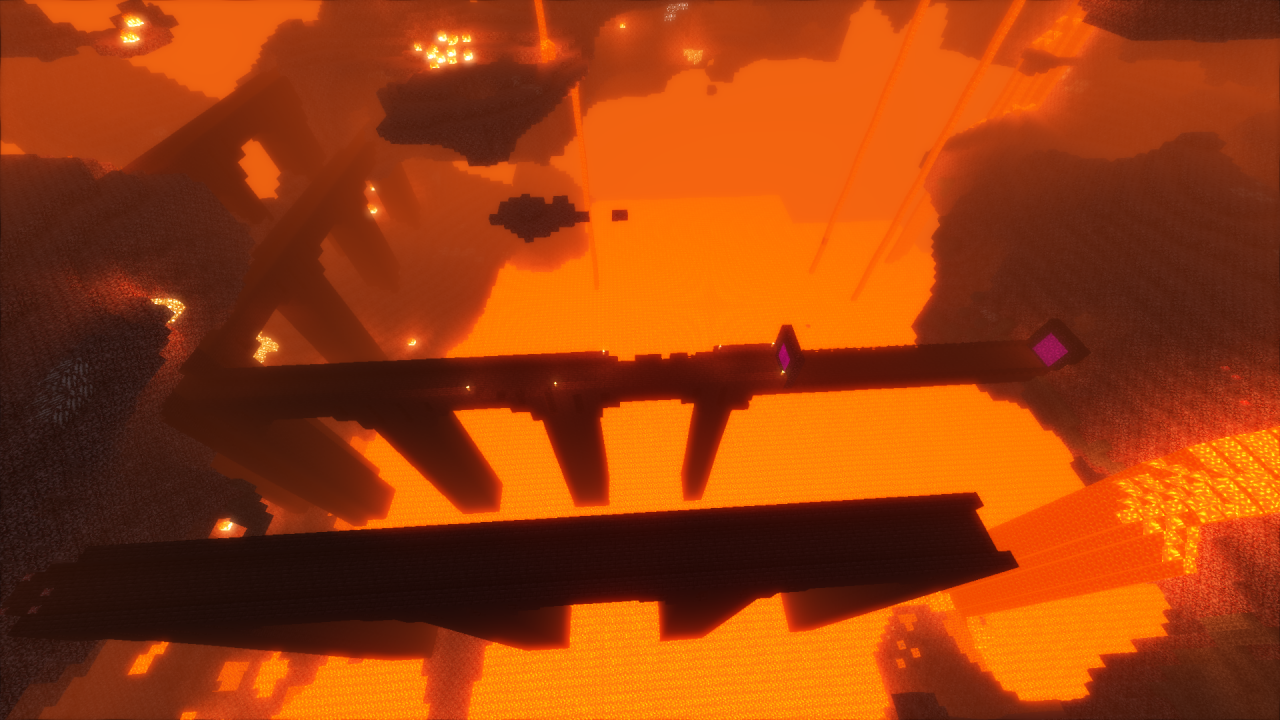
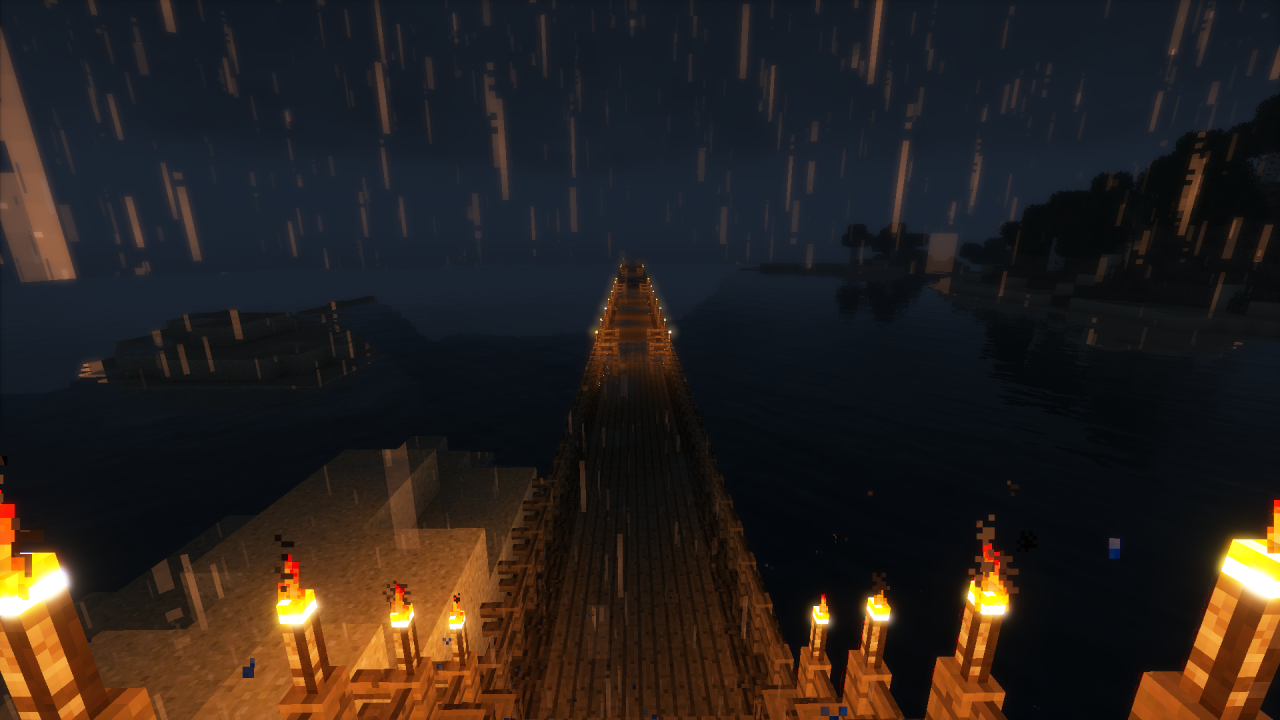
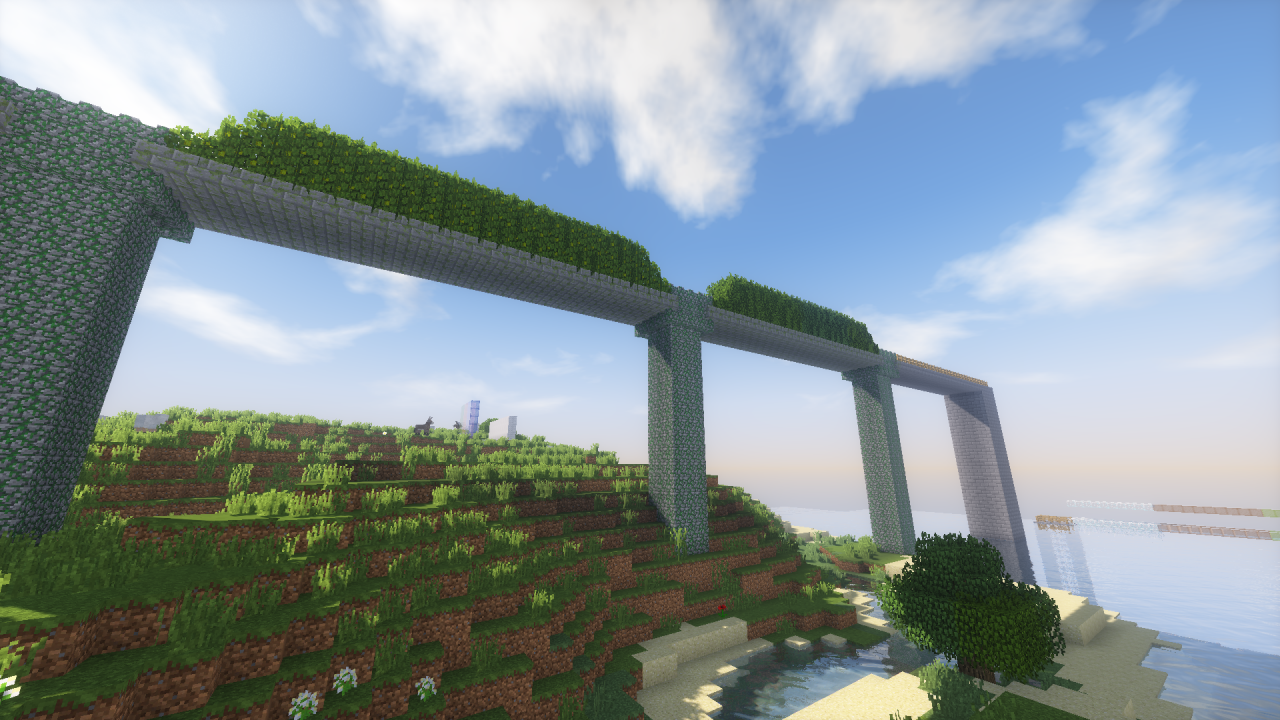
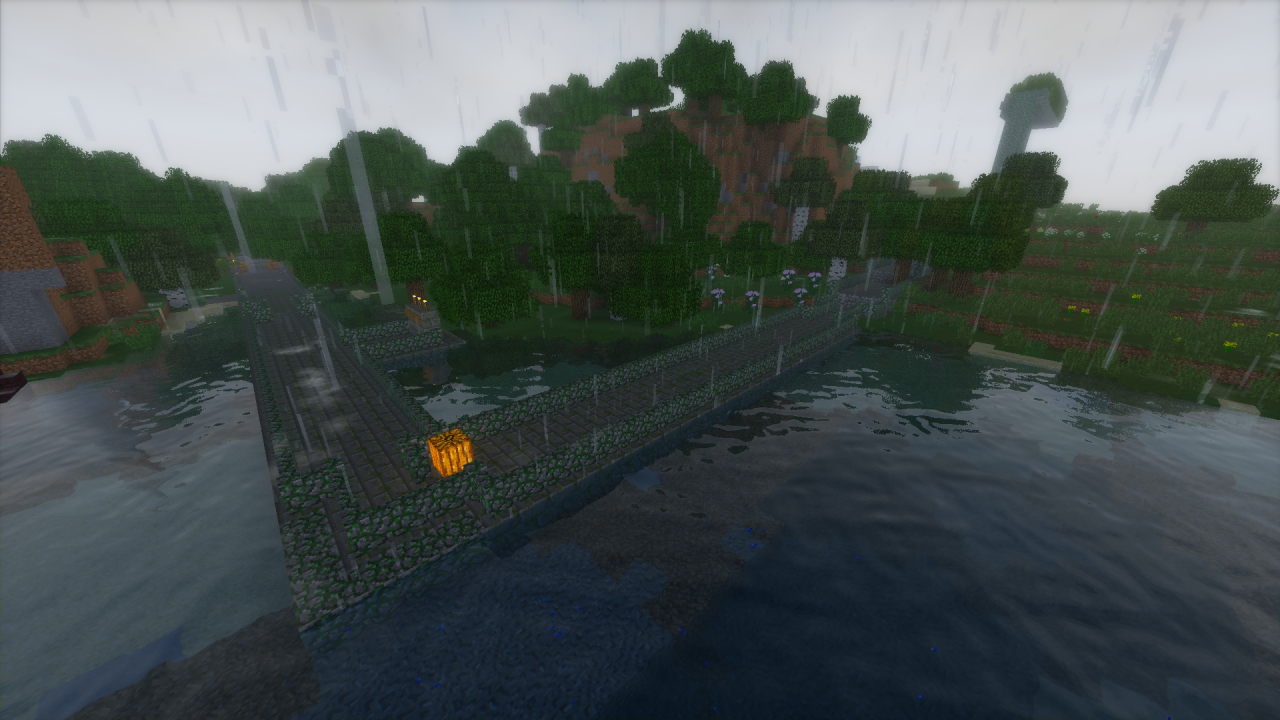
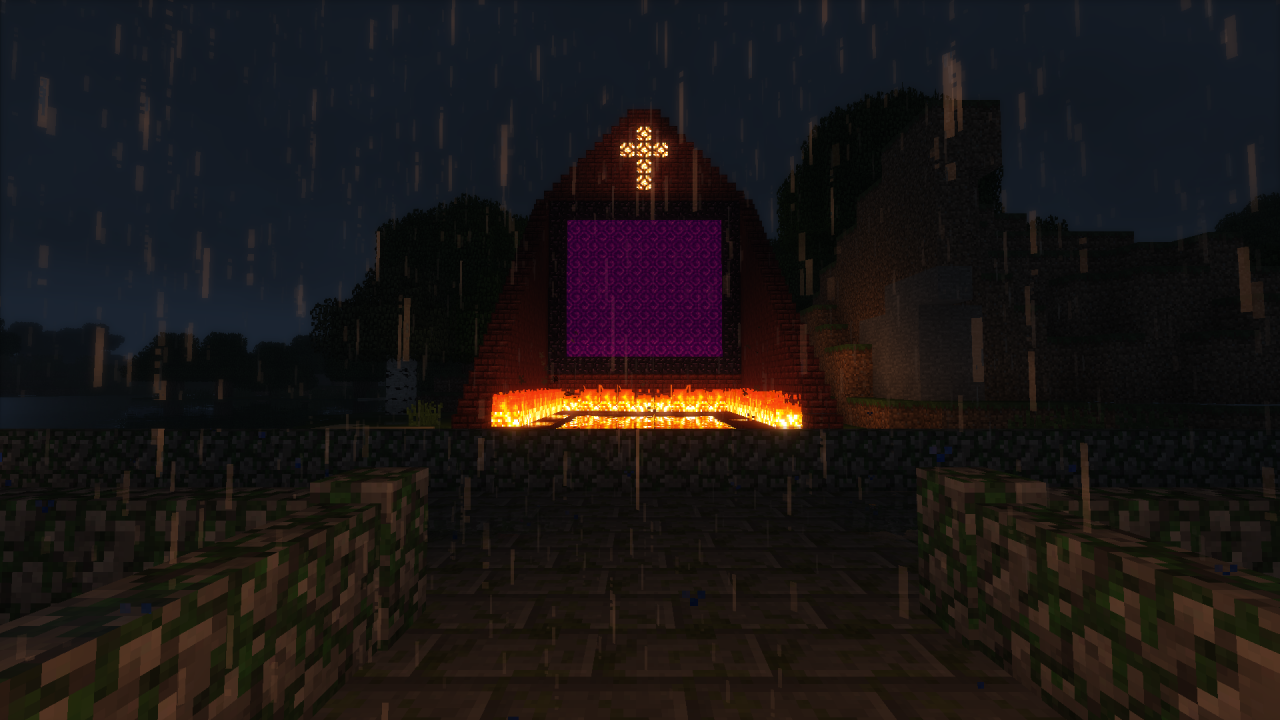
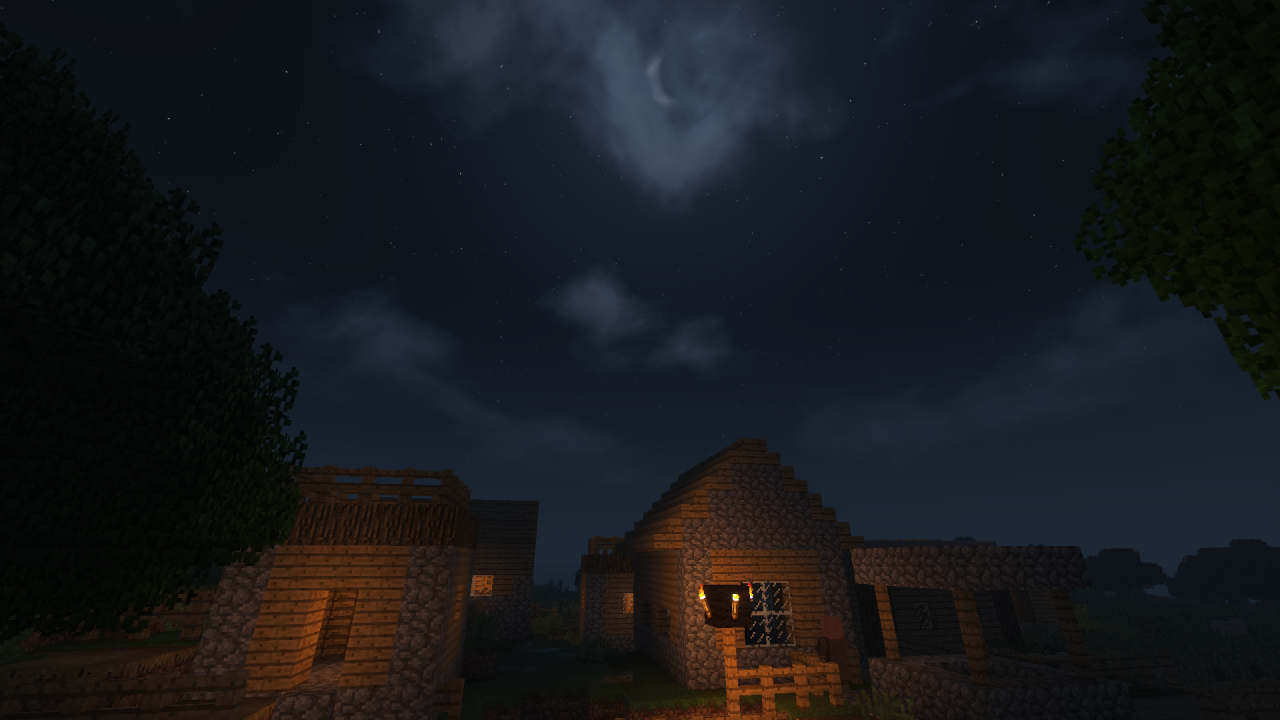
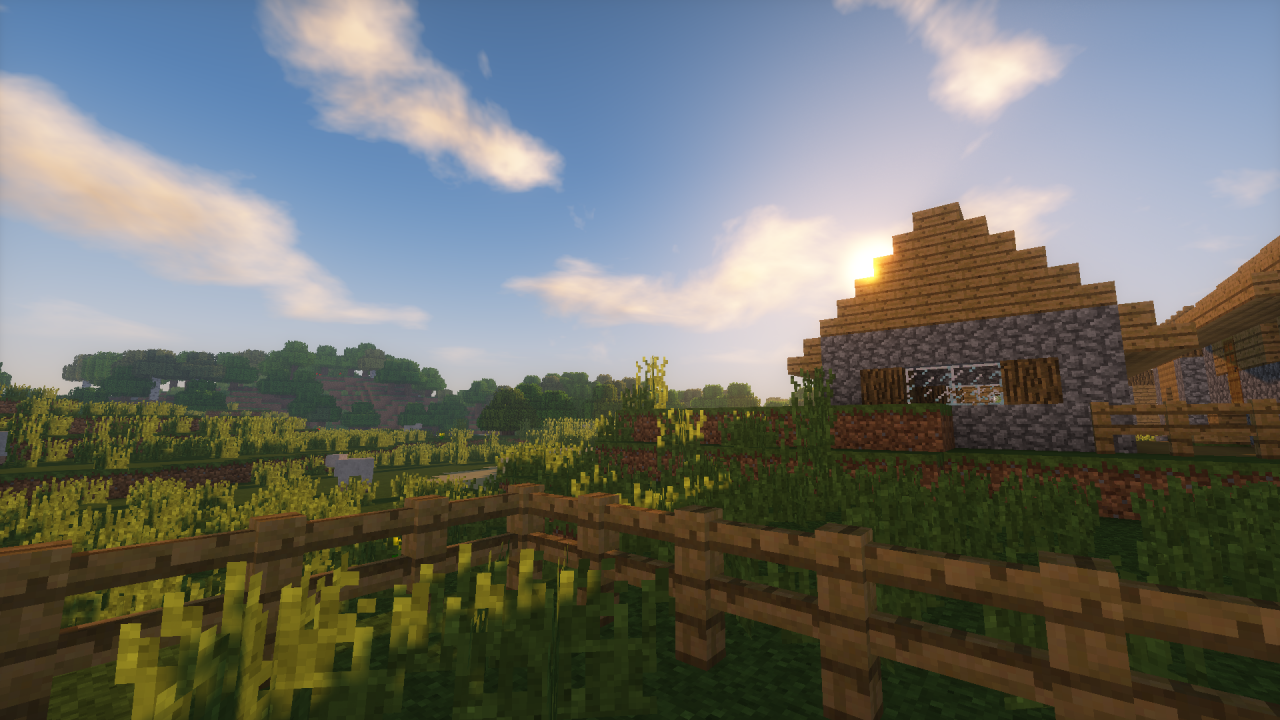
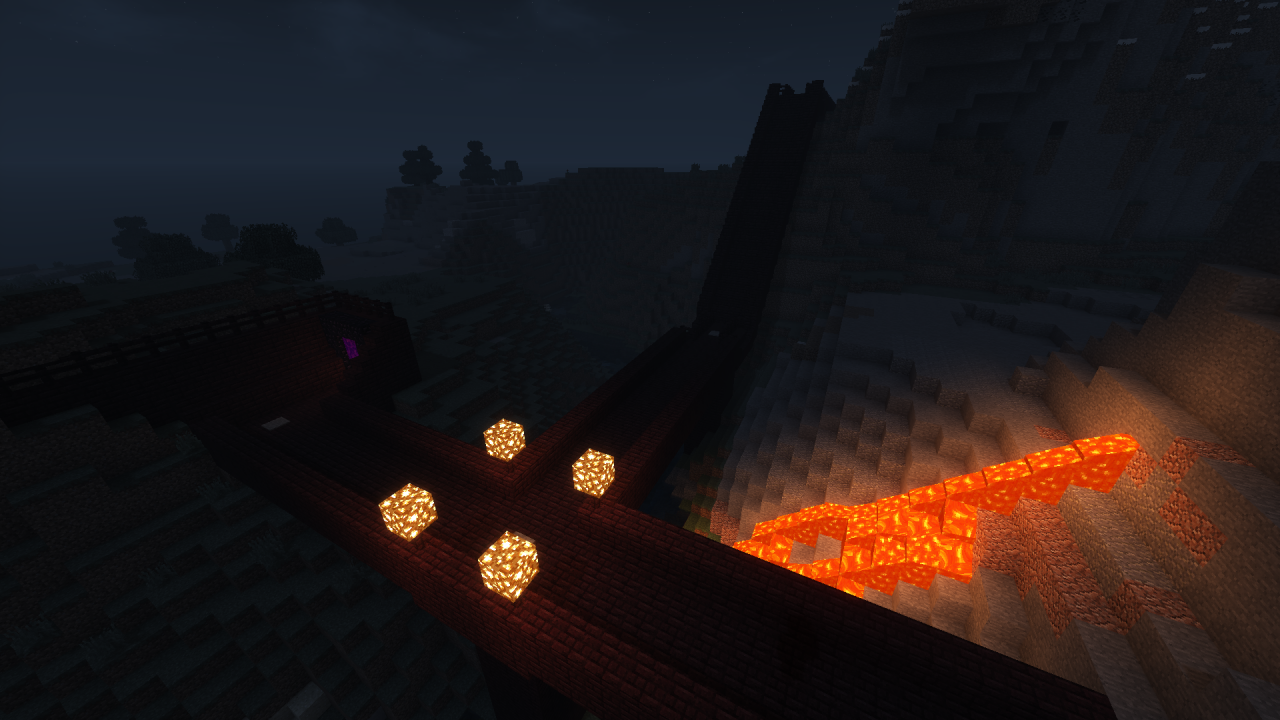
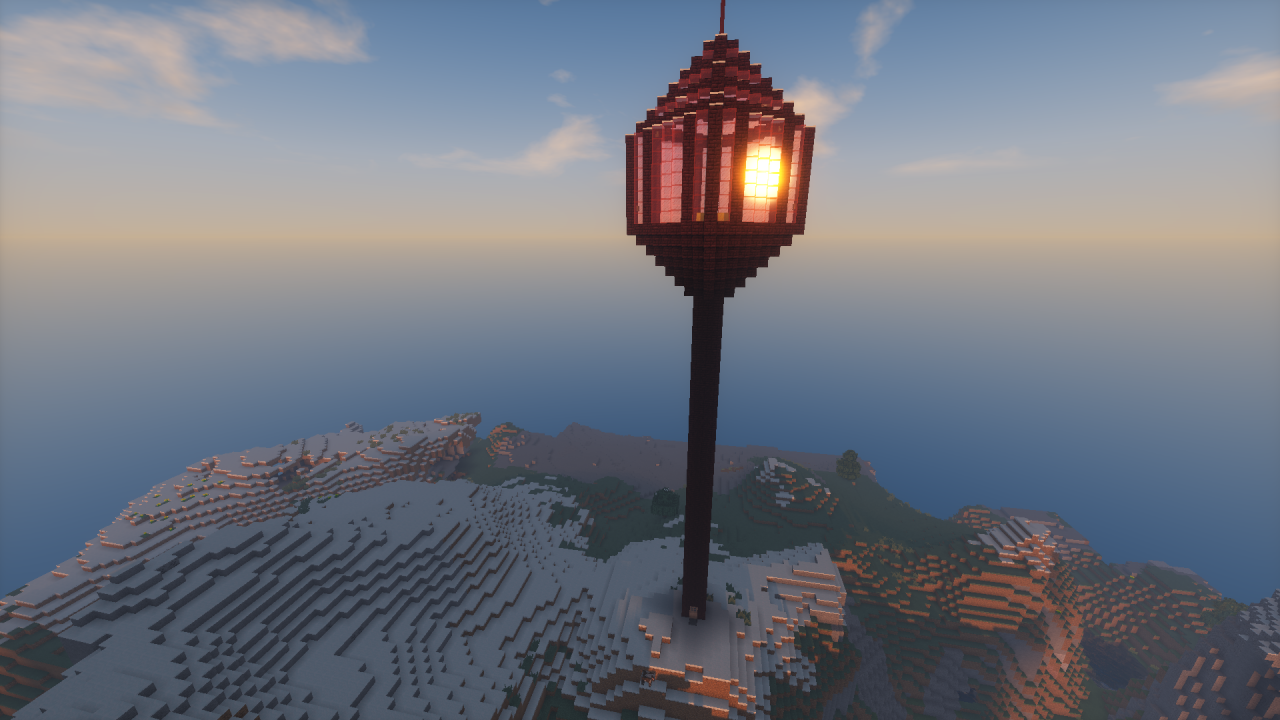
A world with a long path built by hand for specifically testing every element of a shaders mod you could possibly hope to test! With command blocks automatically activated as you pass over them for testing these various elements you need not ever type commands yourself. This path will take you on a journey to determine if the shaders mod you are testing is right for you. Leave no questions unanswered with this world.
HOW TO INSTALL: Download .zip folder, unpack/unzip, hit one of the Windows keys and search for %appdata%, Hit enter and open "Roaming, .Minecraft, Saves", Then drag folder "Graphics Card Test" into "Saves" folder. Launch Minecraft and you are done! (Note: These installation instructions are for Windows 7 Minecraft JAVA Edition.)
HOW TO INSTALL: Download .zip folder, unpack/unzip, hit one of the Windows keys and search for %appdata%, Hit enter and open "Roaming, .Minecraft, Saves", Then drag folder "Graphics Card Test" into "Saves" folder. Launch Minecraft and you are done! (Note: These installation instructions are for Windows 7 Minecraft JAVA Edition.)
1 Update Logs
Download Update 8/10/2017 : by AceOcarinas 08/10/2017 12:06:59 pmAugust 10, 2017 @ 4:06 pm UTC
Added an alternative download via dropbox in light of the broken or missing download button Planet Minecraft provides.
More like this
 PeakModder's ShaderTest 2 | 1.20+Environment / Landscaping Map
 PeakModder
12/22/24 1:23
• posted 6/17/22 4:01
6.4k 2.4kx 542
PeakModder
12/22/24 1:23
• posted 6/17/22 4:01
6.4k 2.4kx 542


 Butterbacon16
 Kangdil
 mattd7642
3996653
2












 AquaLessPantsu
 JustPinkCake
 Rics888
 Nexzy1

Have something to say?