




13
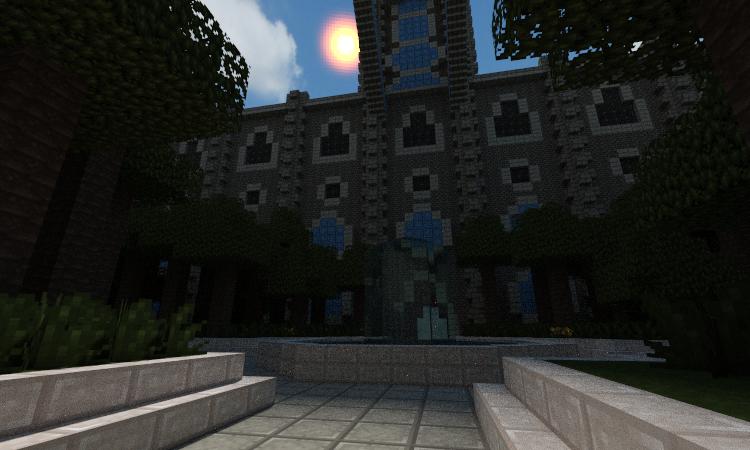
NOTE: The inside is empty, you can build what ever you want there.
How to Install:
1: Go to start and write %appdata%
2: Open Roaming and go to :minecraft
3: The folder named saves is where the worlds are
4: Now open the downloaded file in 7-Zip or WinRar
5: Drag the folder to saves
6: Done
How to Install:
1: Go to start and write %appdata%
2: Open Roaming and go to :minecraft
3: The folder named saves is where the worlds are
4: Now open the downloaded file in 7-Zip or WinRar
5: Drag the folder to saves
6: Done
1 Update Logs
Update #1 : by Amolll 06/10/2013 9:43:13 amJune 10, 2013 @ 1:43 pm UTC
Fixing/adding pictures.
More like this

 PastaBoxing
 Cup A Joe
 casualgamer420
 Raido90
2184167
2









 GARRETT2BY4

 DreamWanderer
![Medieval House with interior [FREE DOWNLOAD] Minecraft Map & Project](https://static.planetminecraft.com/files/image/minecraft/project/2026/474/20118057-image_s.jpg)
 Andyways
Have something to say?