

• • 4/10/26 3:21 pm • 4 logs
- 1.5k views • 0 today
- save_alt 147 downloads
- Progress
- 25% complete
Added Credit_Jonpot (for some of the coding) and Blinkgam… info

4
Important! The first person to send me VIDEO PROOF of completion for Challenge Mode gets a very special prize! May the best player win!Important! Players in multiplayer won't automatically receive the Resource Pack for The Tower. They will have to download it separately.The Tower is a work-in-progress experience for Minecraft: Java Edition 26.1.2 that I (and historically _Jonpot) have been working on-and-off on for a mind-blowing 2 years and counting! After hours of hard work, we're happy to present...
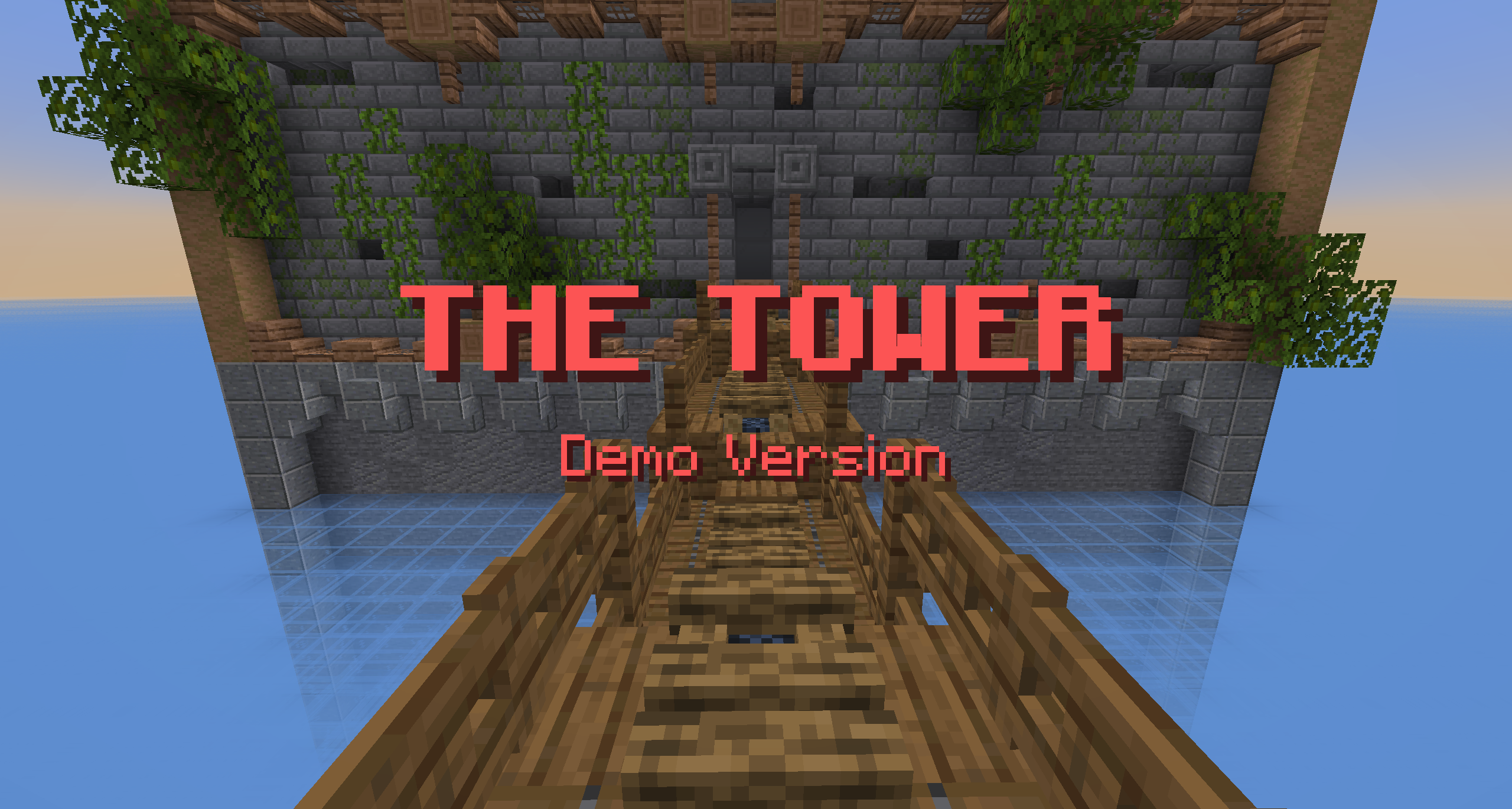
Some of you may wish to go in completely blind, and for those people I would recommend downloading the map from the project link and doing a run or two before scrolling down. To install the map, paste the .zip file that you download from the link into your saves folder in your .minecraft directory, then select it and Extract All. It should then show up in your list of Minecraft worlds.
========[ WHAT IS THE TOWER? ]=========
The Tower is a Minecraft map/datapack inspired by the Minecraft Dungeons feature of the same name. It aims to create a unique roguelike experience in Minecraft by introducing procedurally-generated levels, new obstacles, and custom loot to acquire along the way.
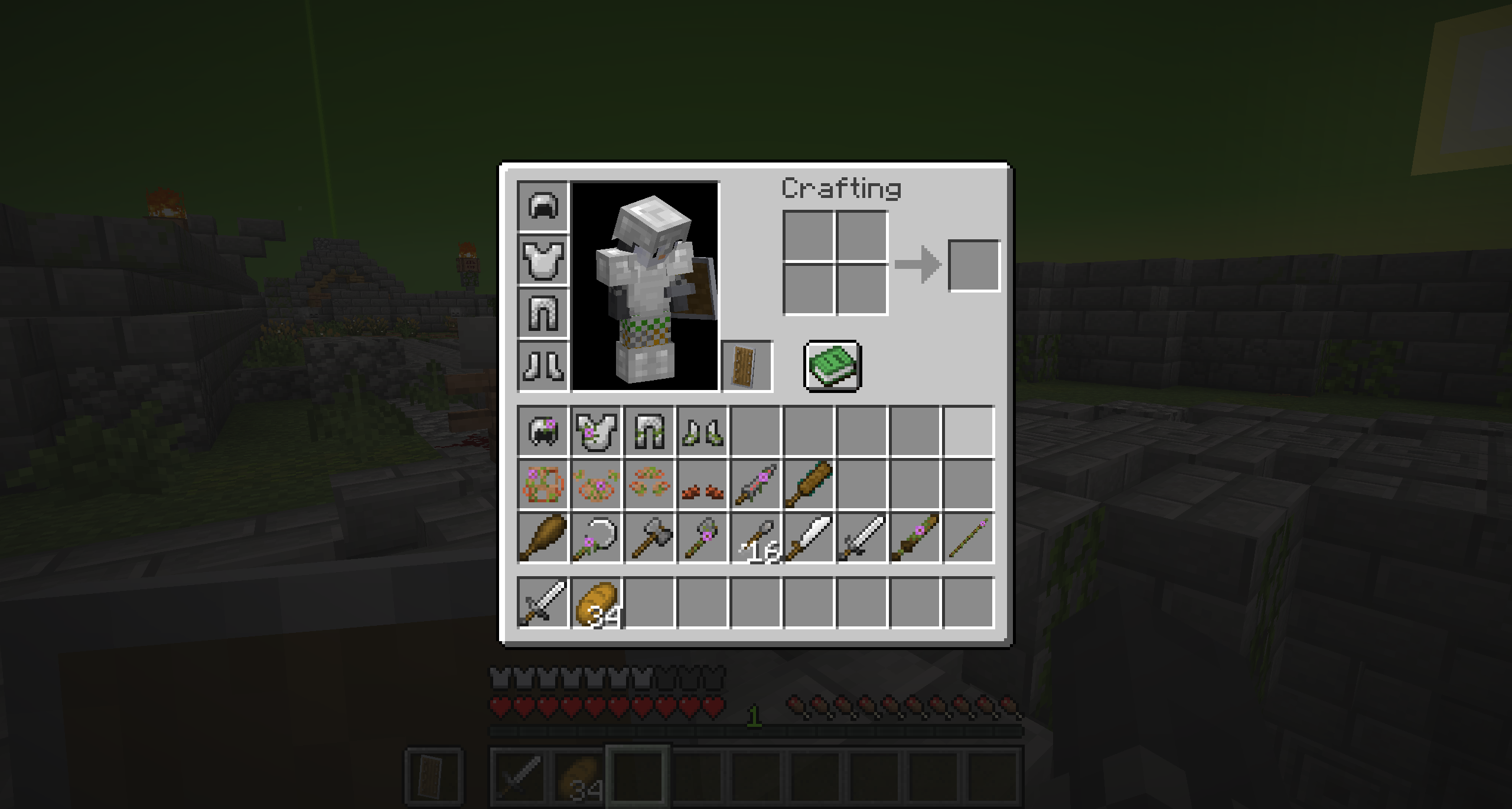
The different kinds of loot items one may encounter in the first level.
As you make your way through the mazelike dungeon, you'll encounter obstacles such as pits that you'll need to jump over, traps that you'll need to avoid, and arena rooms with wave-based combat that you'll need to survive. However, exploring the maze fully is also to your benefit, as you'll find new loot items (shown in the image above) that will help you on your way.
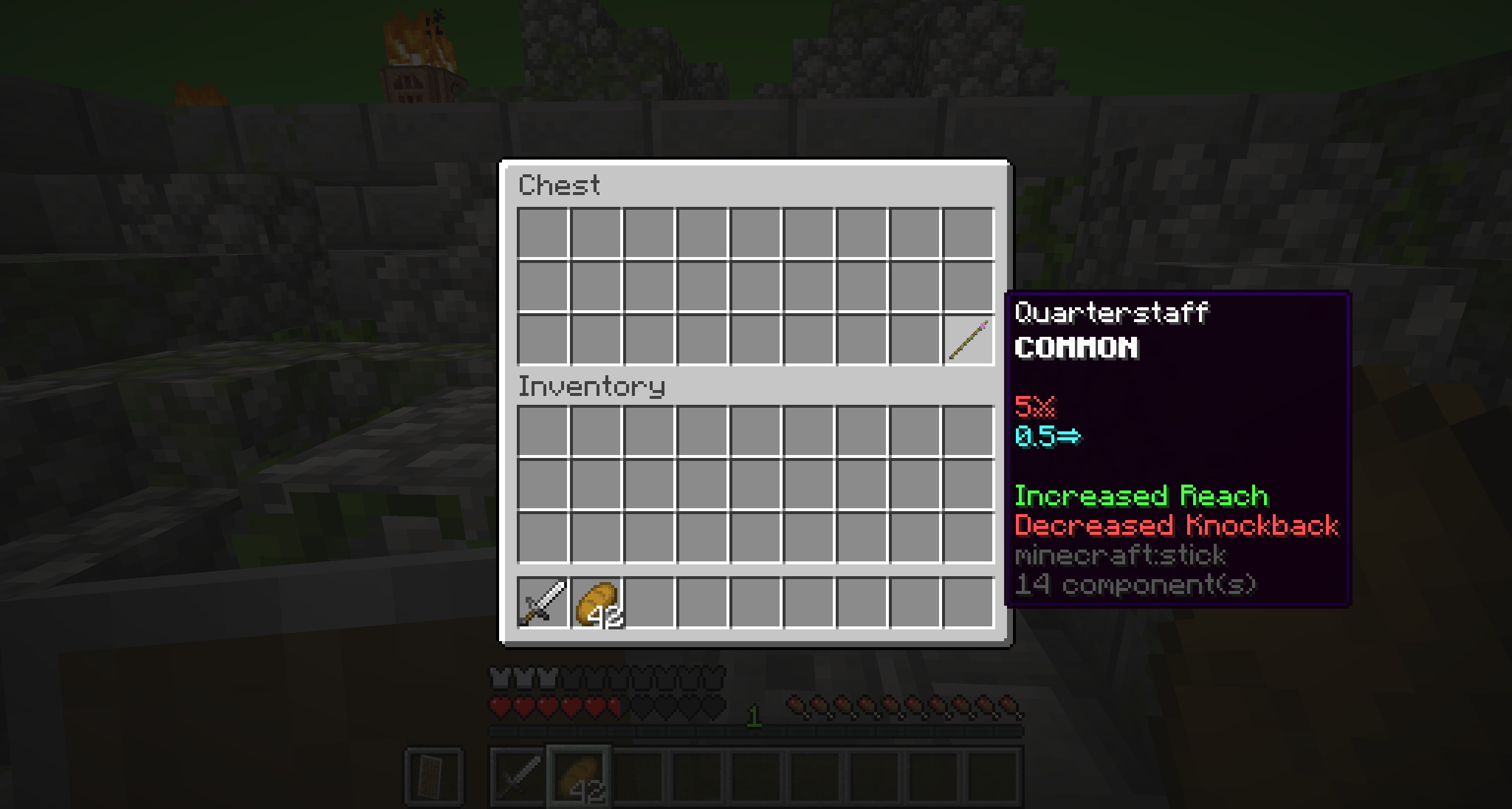
The Quarterstaff, a unique weapon that sacrifices much of its damage and knockback for much-increased range.
Eventually, you'll follow the beacon in the sky and make your way to the miniboss room, where a challenging foe awaits. You must defeat it to finish the level!
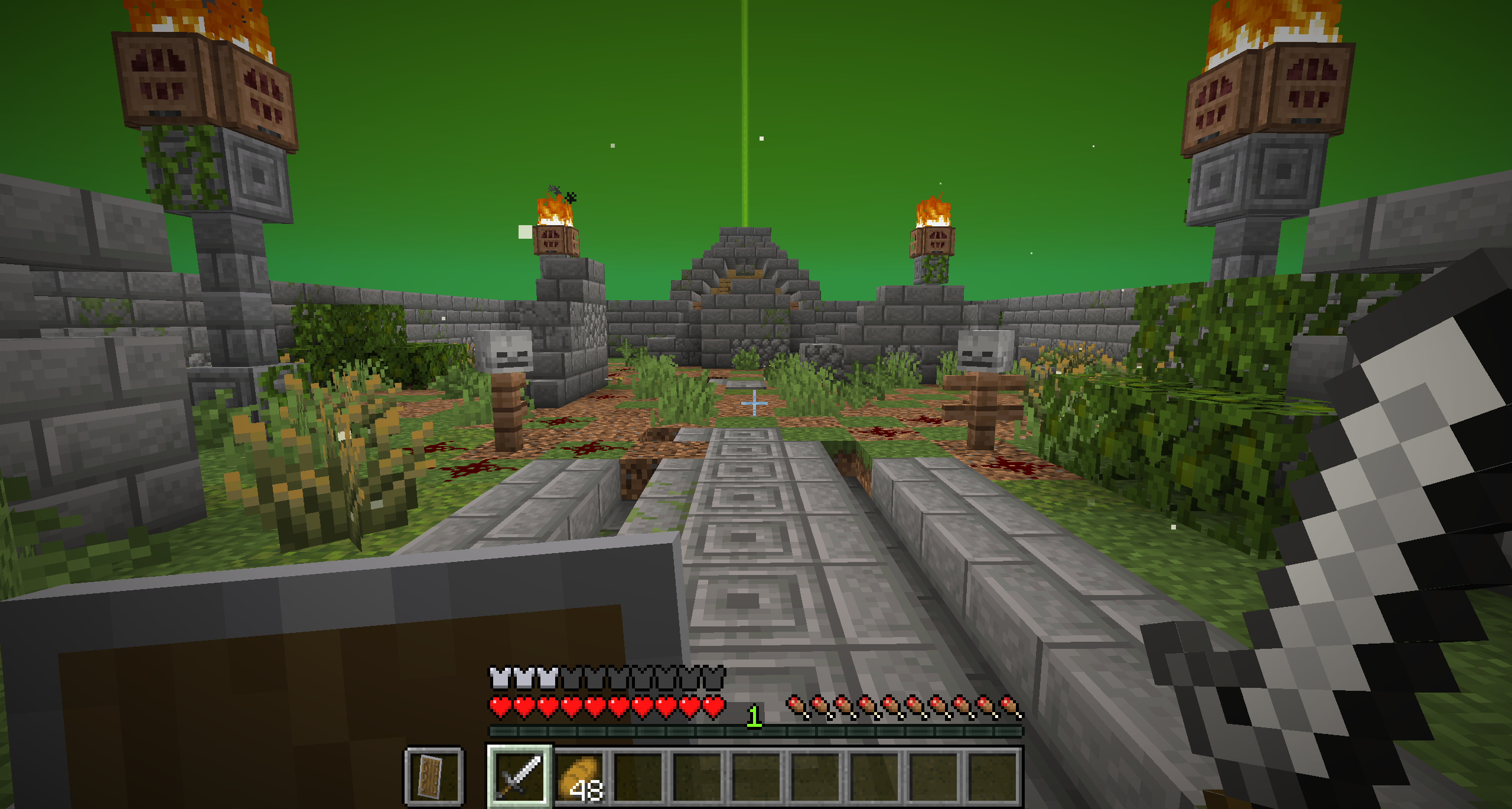
The miniboss room. Some people argue that the miniboss is at the level of a full boss, however the plan was (and still is) for a full boss to be present on every fifth floor. This boss is a miniboss by virtue of being the ultimate enemy of a single level.
The latest update features a new level, available after completing the Jungle miniboss. Be careful, however, because death in the Tundra will send you back to the beginning of the Jungle!
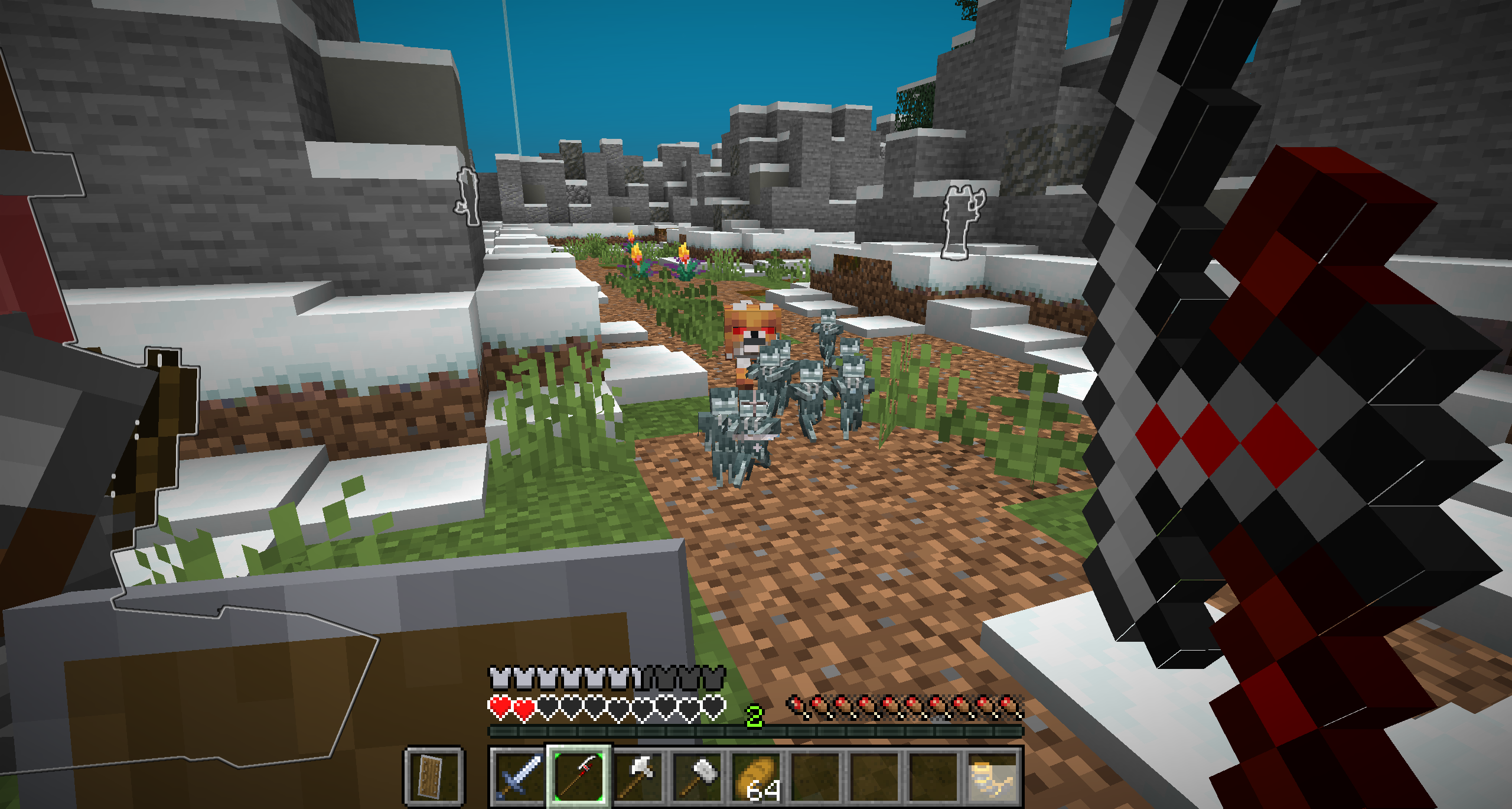
The Tundra level, featuring many new items and enemies to encounter. Good luck!
Players also have the opportunity to enable "Challenge Mode", a harder difficulty in which you must face more numerous, tougher enemies. The first player to send me video proof of their successful Challenge Mode run will get a special prize!
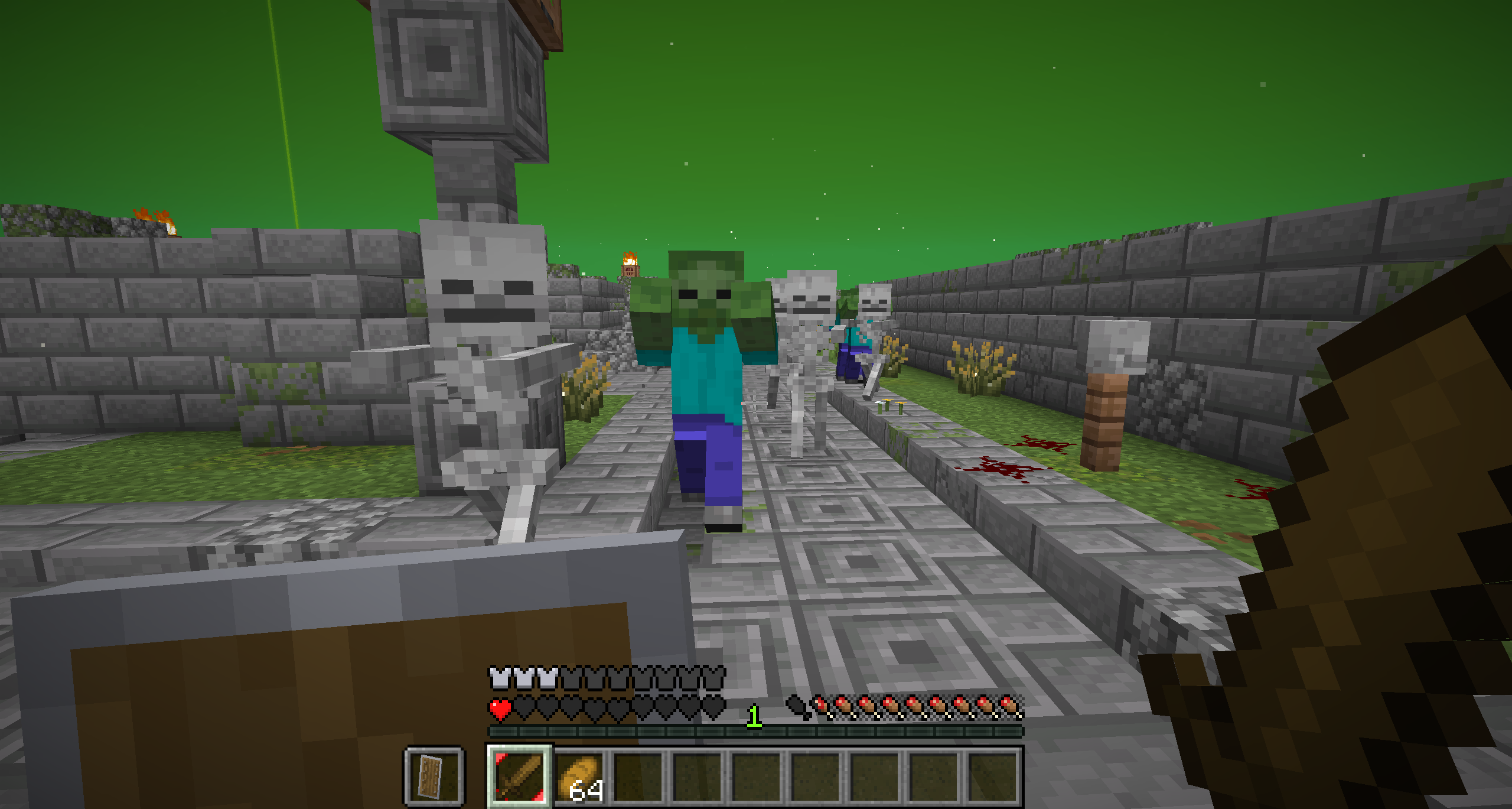
Challenge Mode, a new difficulty mode! The first person to submit video proof of their triumph over Challenge Mode will get a very special reward!
==========[ HOW TO INSTALL ]==========
Singleplayer
- Download the map. The project link should lead you to a Google Drive where you can download the map.
- Copy the .zip you downloaded from the Google Drive. You'll need to move it to a different folder. If you really want to avoid taking up much storage space, you can cut it instead. This copies it but will delete the original upon pasting.
- Navigate to your .minecraft directory. The easiest way to do this is to open Minecraft, select Options > Resource Packs > Open Pack Folder, and go up a folder. From there, find your saves folder and paste the .zip file inside.
- Unzip the file. Select it and click Extract All. Then let it work. This may take a while.
- It should now appear in your list of Minecraft worlds!
Multiplayer
If you want to play The Tower with your friends, you have two options. You can either set up a server and upload the world to it, or you can use Essential Mod. I'll only explain how to use Essential Mod, because playing with a server is more complicated and requires you to, well, have a server.
How to play multiplayer using Essential Mod:
- Install Essential Mod. If you don't know how, look it up, I'm sure you'll find a tutorial online.
- Follow the steps for installing the map for singleplayer usage.
- Add any players you want to play with as friends on Essential. To do this, from the menu, click "Social", then click on the blue "Add Friend" button at the top left. Then simply type in the username of a player, click "Add", then repeat for each friend you want to invite.
- They then must accept your friend request. They can click "Social", then go to the "Friends" tab, then find your friend request and accept it with the check mark button.
- Install the Resource Pack. In singleplayer, it'll get automatically applied to you, but in multiplayer, you'll have to either send it to the other players and have each of them install it, or enable it on the world. To enable it on the world, simply install the Resource Pack as you would any other Resource Pack (Options > Resource Packs > Open Pack Folder, then paste the resource pack in there, and make sure it's enabled in Minecraft), then when you host the world make sure to enable the Share RP option.
- Finally, simply host the world. Open the world, then press your Esc key to go into the menu. From there, click Invite, then ensure that the Share RP option is enabled if you want to enable the Resource Pack on the world. Finally, click "Next", find each friend you want to invite, and invite them with the "+" icon next to their name (which will change to a repeat icon if you've invited them previously, allowing you to re-invite someone if they missed your previous invitation).
- Enjoy The Tower in multiplayer!
4 Update Logs
Version 3 : by BowedMars 04/10/2026 3:21:15 pmApril 10 @ 7:21 pm UTC
Version 3 (Published 4/10/2026):
Major balancing changes:
- Arena clear rewards now guarantee an uncommon item
- Zombies in the Jungle now have armor and deal more damage
- Skeletons in the Jungle now wield nerfed machetes
- Jungle Spirits are now slightly slower and wield slightly-nerfed Tribal Axes rather than Berserker Axes
- Jungle arenas are now more likely to spawn hard waves
- Fireball Husks have been replaced with slightly-buffed Bogged
- Wolves in the Tundra now deal more damage
- Stray Traps (the clusters of tiny strays) now spawn additional enemies, but Stray Trap entities are now larger and easier to hit
- Cows in the Tundra now have longer reach and deal more damage but are slower
- Draugr Archers' bows now have Power I
- Removed the Tundra miniboss' swipe attack
- The Tundra miniboss' bite attack now inflicts a weaker Poison effect rather than Wither
- The Tundra miniboss spawns one less minion, but has a stronger attack and longer reach
And a few other minor tweaks:
- Updates to 26.1.2
- Changes the lighting and ambience of the Jungle level to look like it's nighttime
- Adds snowfall to the Tundra level and redoes the level's lighting
- Challenge Mode is now activated by speaking with the Seasoned Adventurer
- Players' health now no longer shows below their name because this also became visible for certain non-player entities
- Various bugfixes
LOAD MORE LOGS
More like this
 New Mine-Killer Map Saga! Adventure maps 1.7.2++ SP&MPChallenge / Adventure Map
 JonasLTU
5/29/14 3:13
• posted 3/31/14 5:08
2.1k 243 5x 863
JonasLTU
5/29/14 3:13
• posted 3/31/14 5:08
2.1k 243 5x 863 Mini-Games MapChallenge / Adventure Map
 tinyTim567
3/6/18 4:39
• posted 1/22/16 2:59
806 143 2x 521
tinyTim567
3/6/18 4:39
• posted 1/22/16 2:59
806 143 2x 521

 Towering HeightsChallenge / Adventure Map
 KristenStuffs
3/24/26 12:30
• posted 1/5/26 10:40
198 16x 722
KristenStuffs
3/24/26 12:30
• posted 1/5/26 10:40
198 16x 722
6715537
2




 oORin
oORin Georgef551
![[TradeShop] Minecraft Map & Project](https://static.planetminecraft.com/files/image/minecraft/project/2026/664/20186004_s.jpg)
 ZerWestRM

 LaCreadoraAnonima
 thereel1

Have something to say?
I'm sorry but the gameplay did not click at all for me
30s in and it already feels like a chore. The mobs take wayyy to much hits to die. A skeleton. Then another skeleton. Then i find a slightly better weapon. Then I get forced to play a wave minigame without any indication that it's going to happen. Then 10 small skeletons spawn and I die (who thought 'yeah people love small fast and heavy hitting mobs', fr...)
Your 3 main mobs are not well thought to me
-skeleton is just annoying. does no damage. just annoys you
-zombie is boring. way too tanky and acts exactly like the skeleton
-jungle spirit hits too strongly
You NEED custom combat mechanics. At least one for the start. Also, I thought i'd keep my equipment for the next run but I guess not.
I know it's a demo still and that maybe the gameplay changes after but right now it's not my thing
If you can’t figure that out I’ll make another link for the 1.21.8 version this evening!
https://drive.google.com/file/d/123-WC8nRMlNZQ8OgjFmA3xMBSzF-Ihf2/view?usp=sharing