

• 7/30/25 9:47 pm
- 2.2k views • 1 today
- save_alt 279 downloads
- Progress
- 100% complete


2,728
Hello,
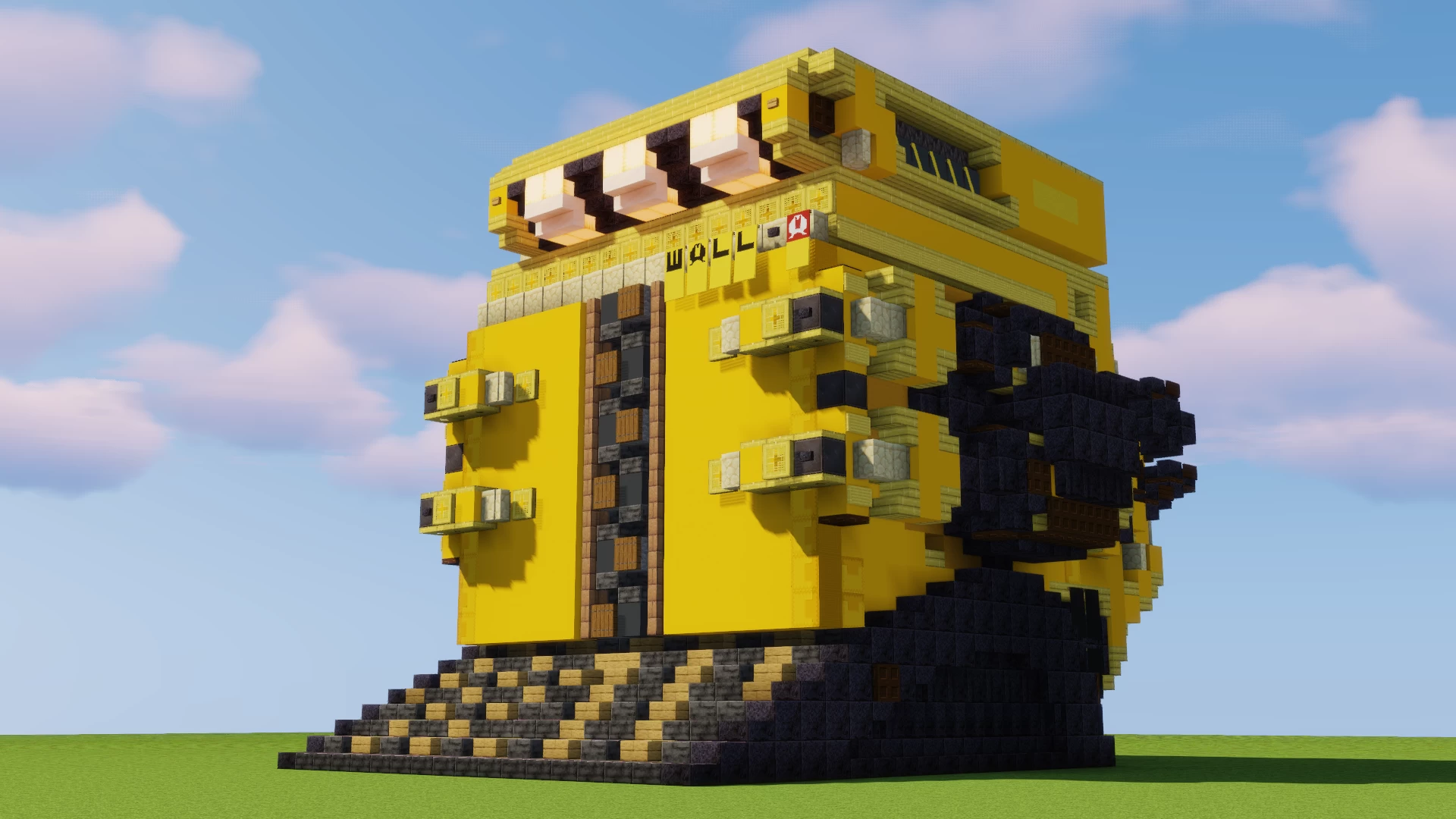
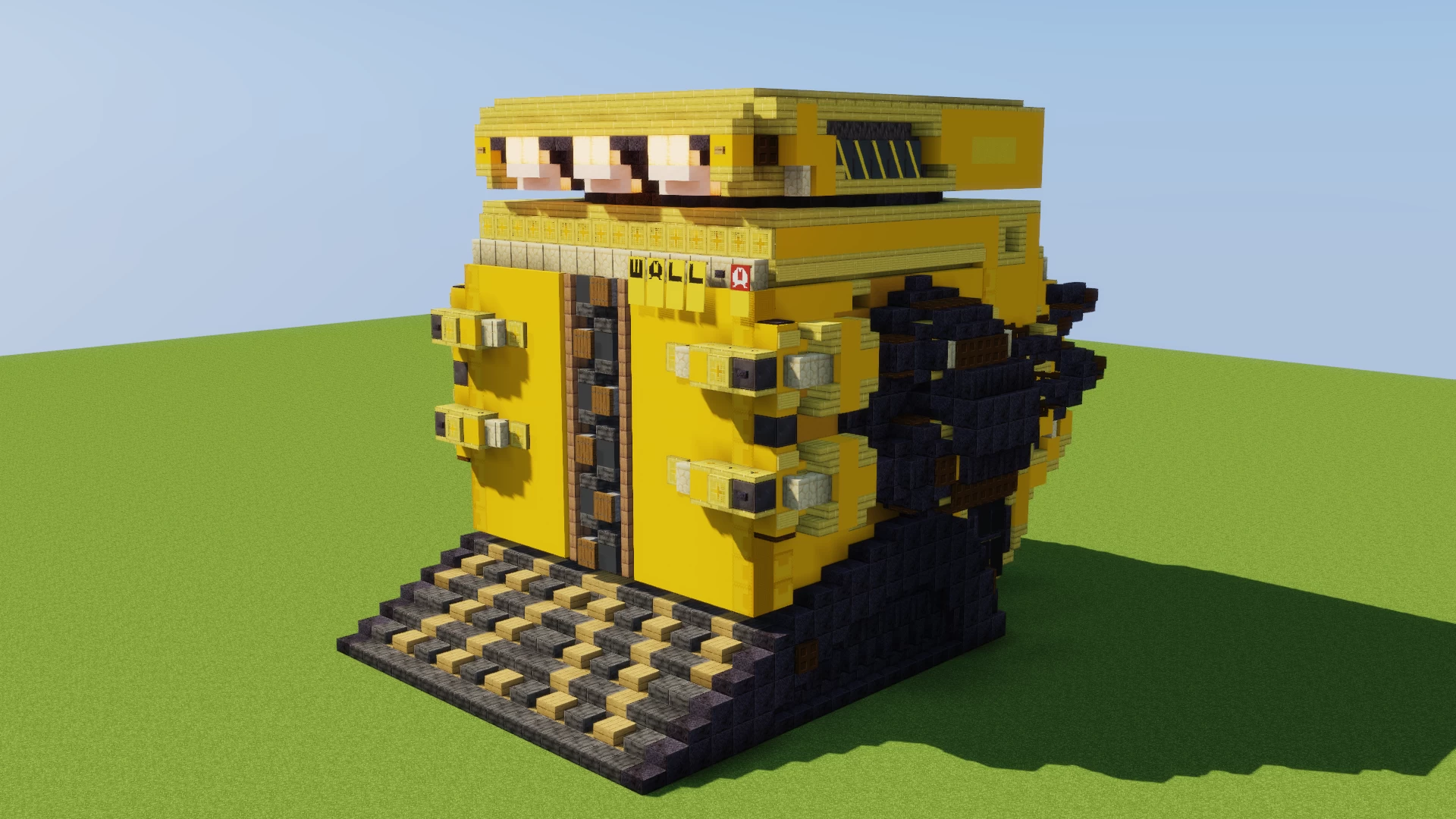
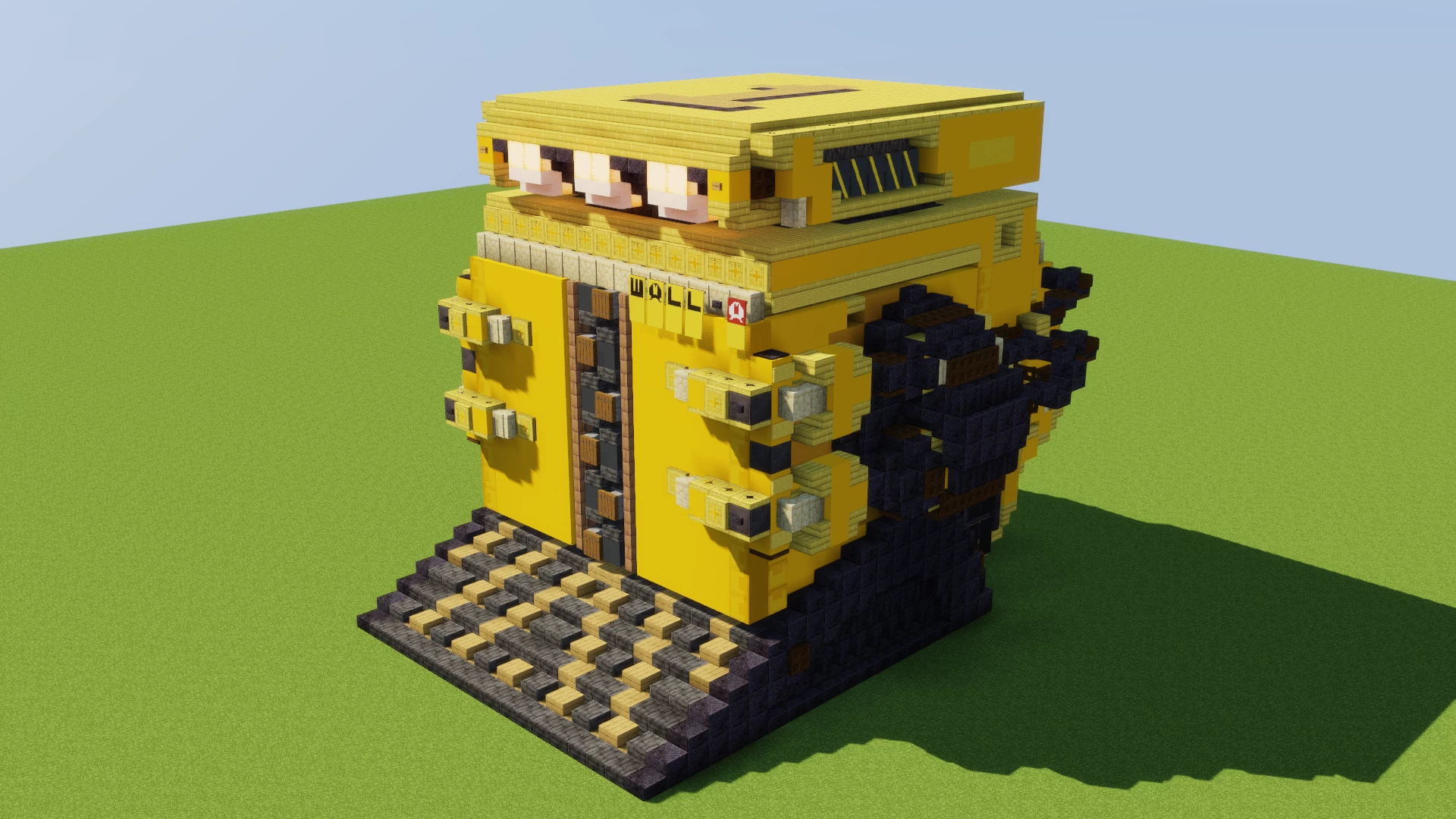
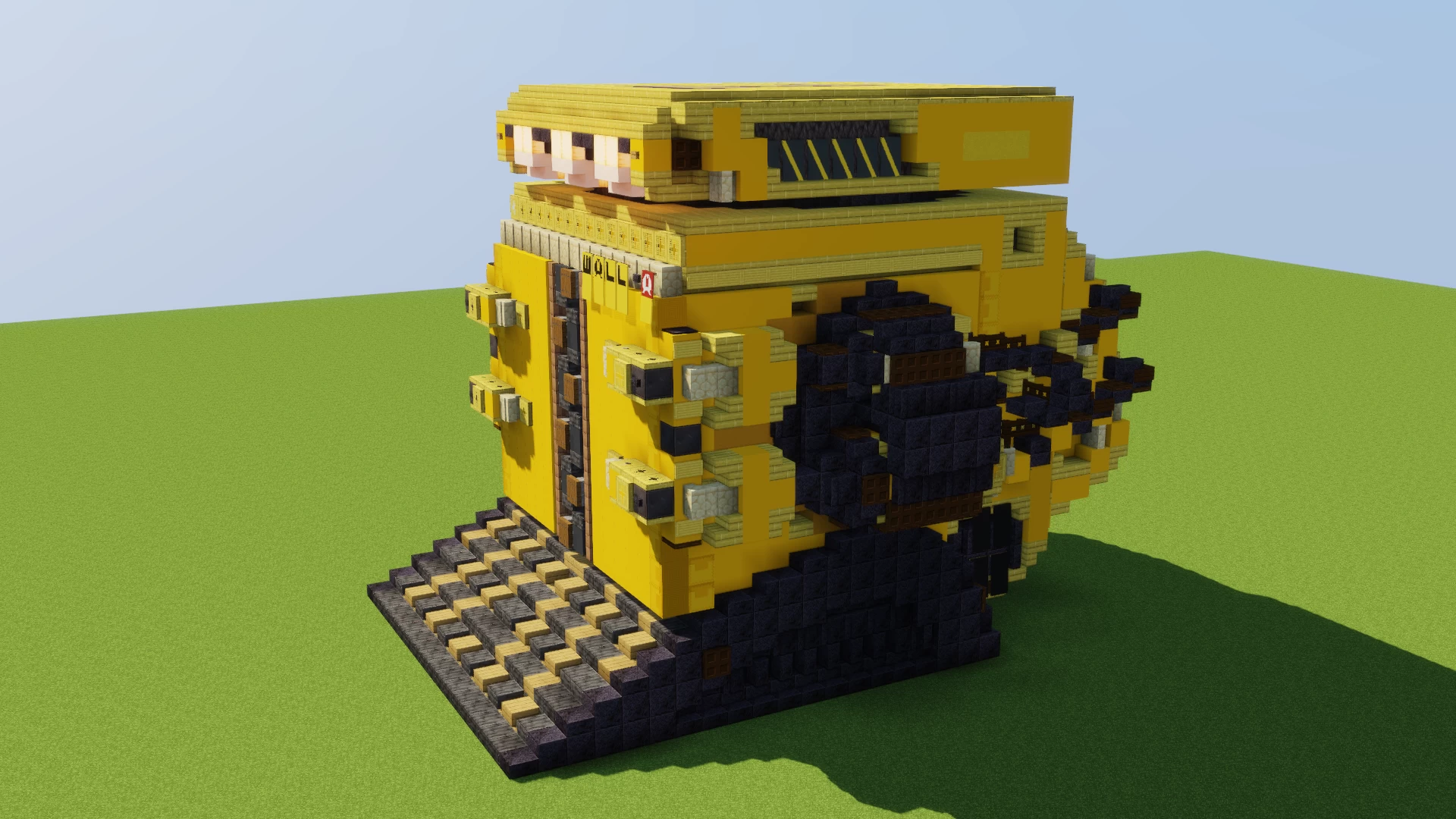
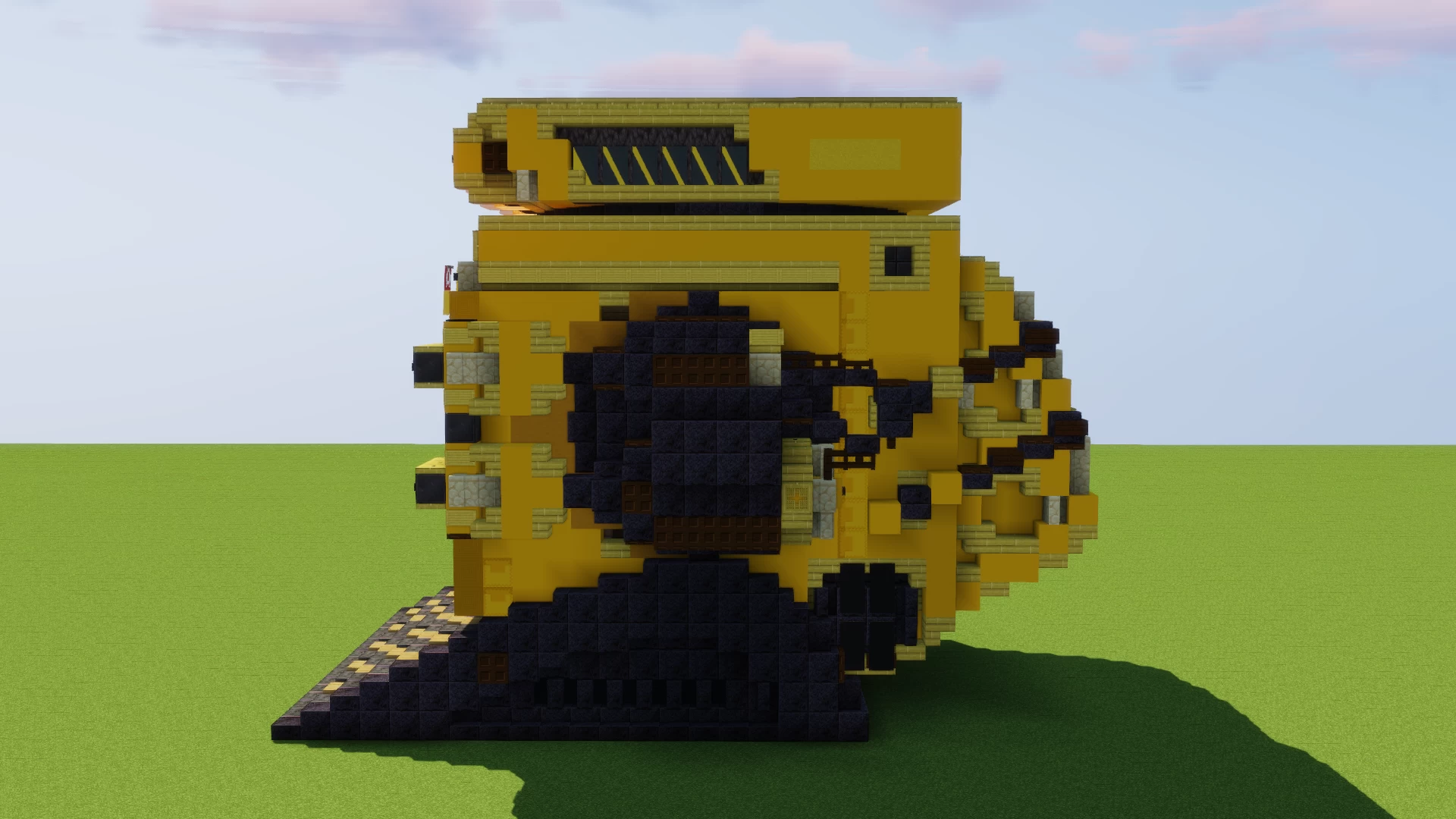
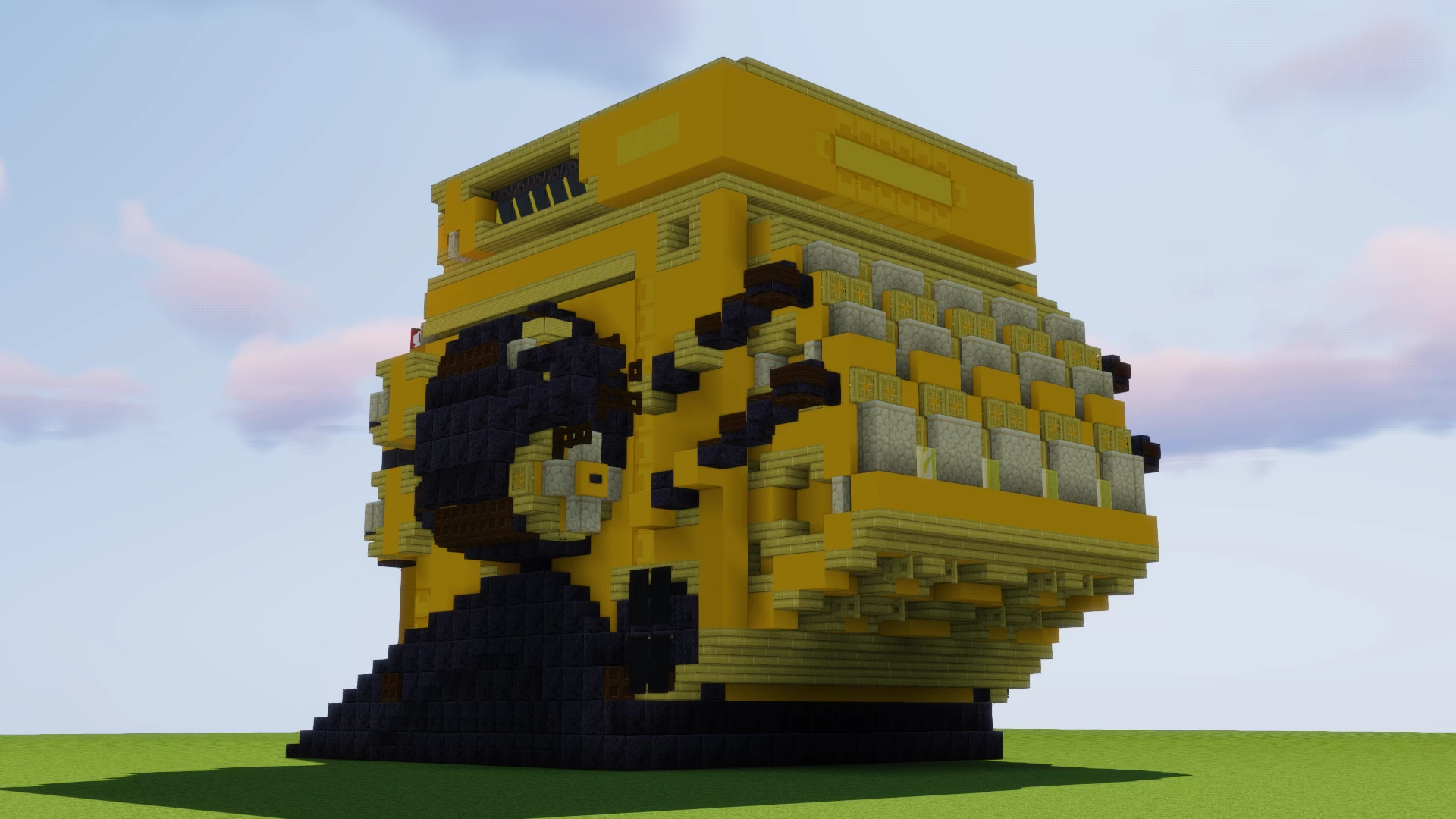
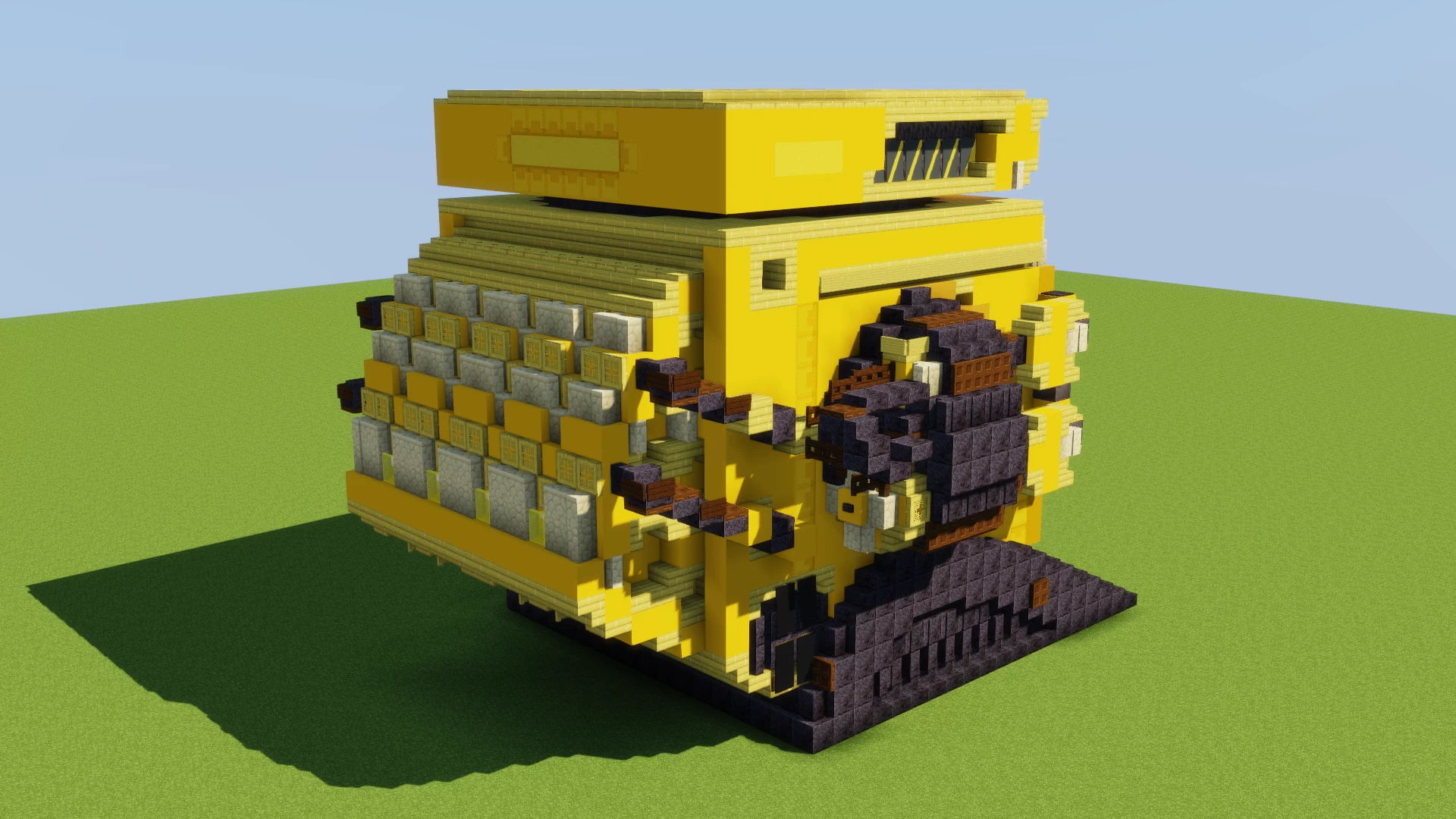
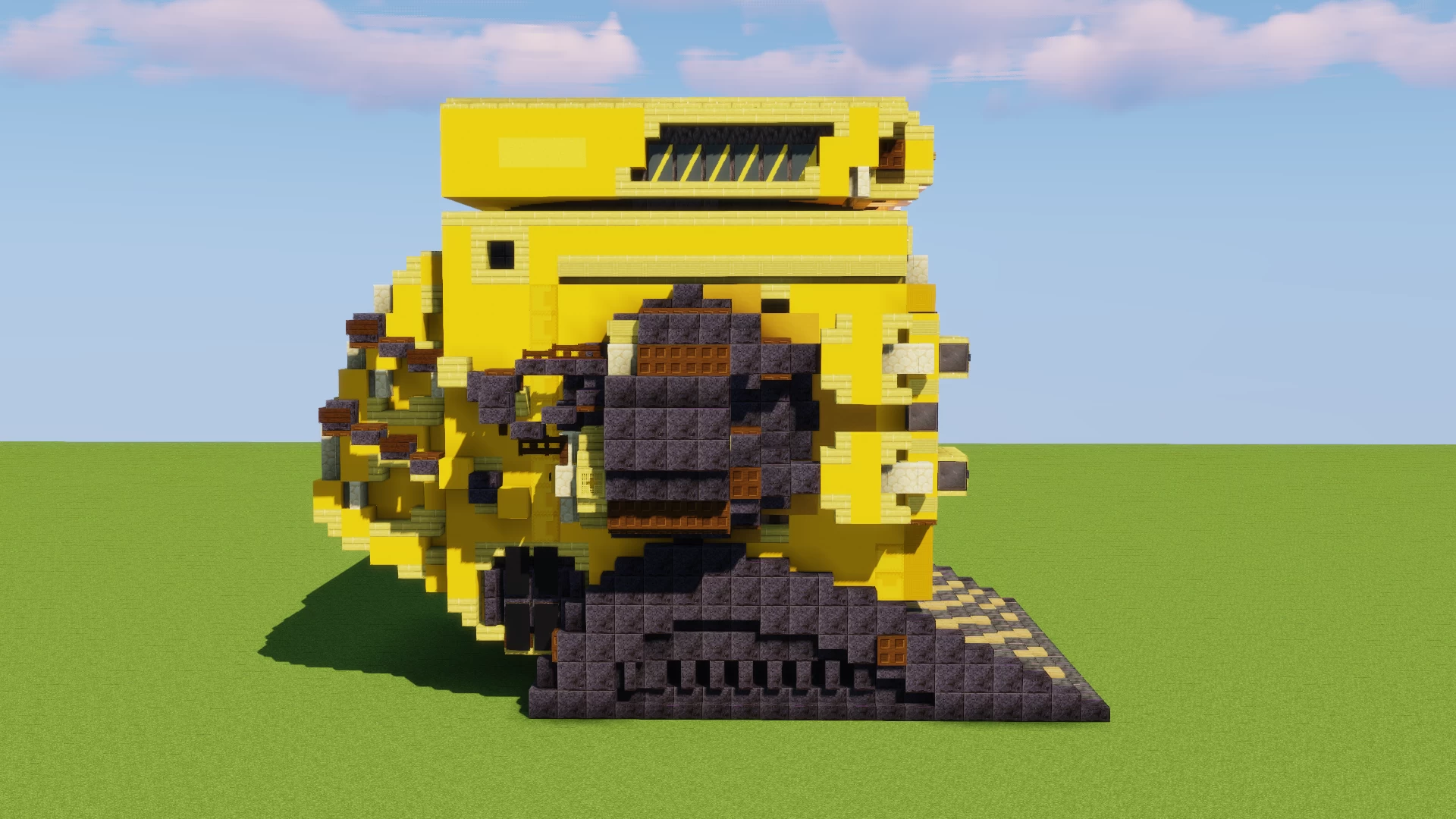
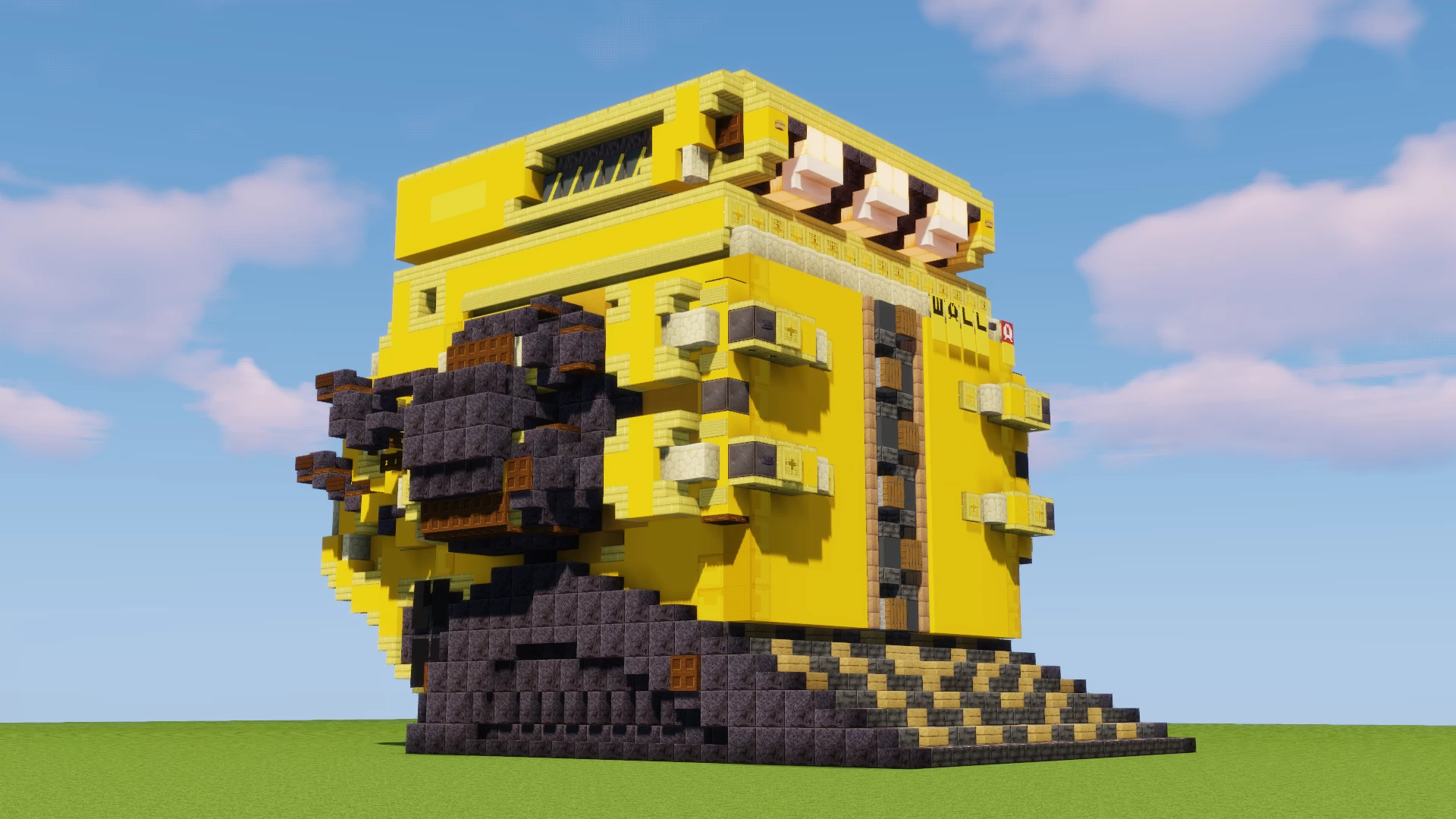
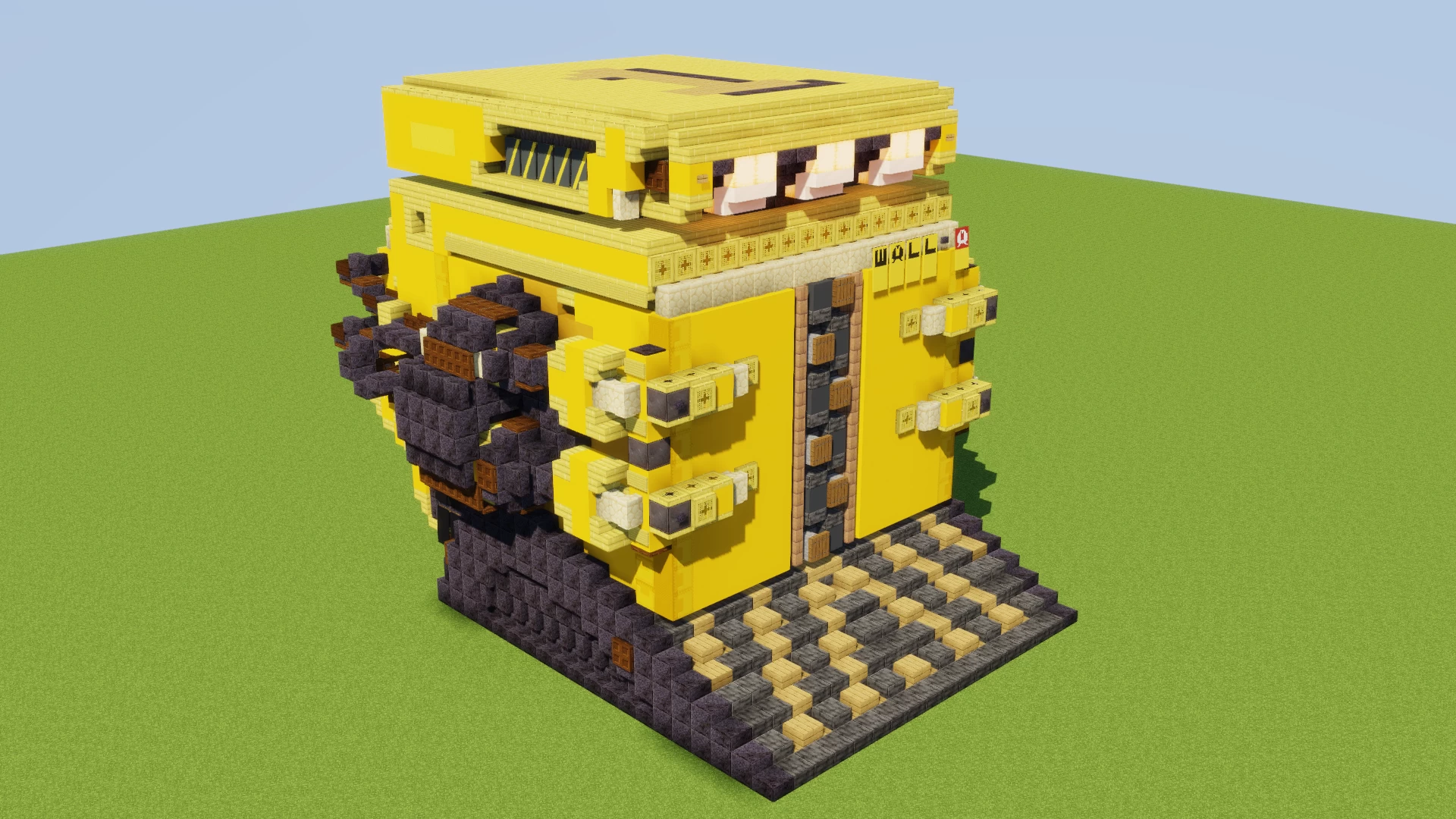
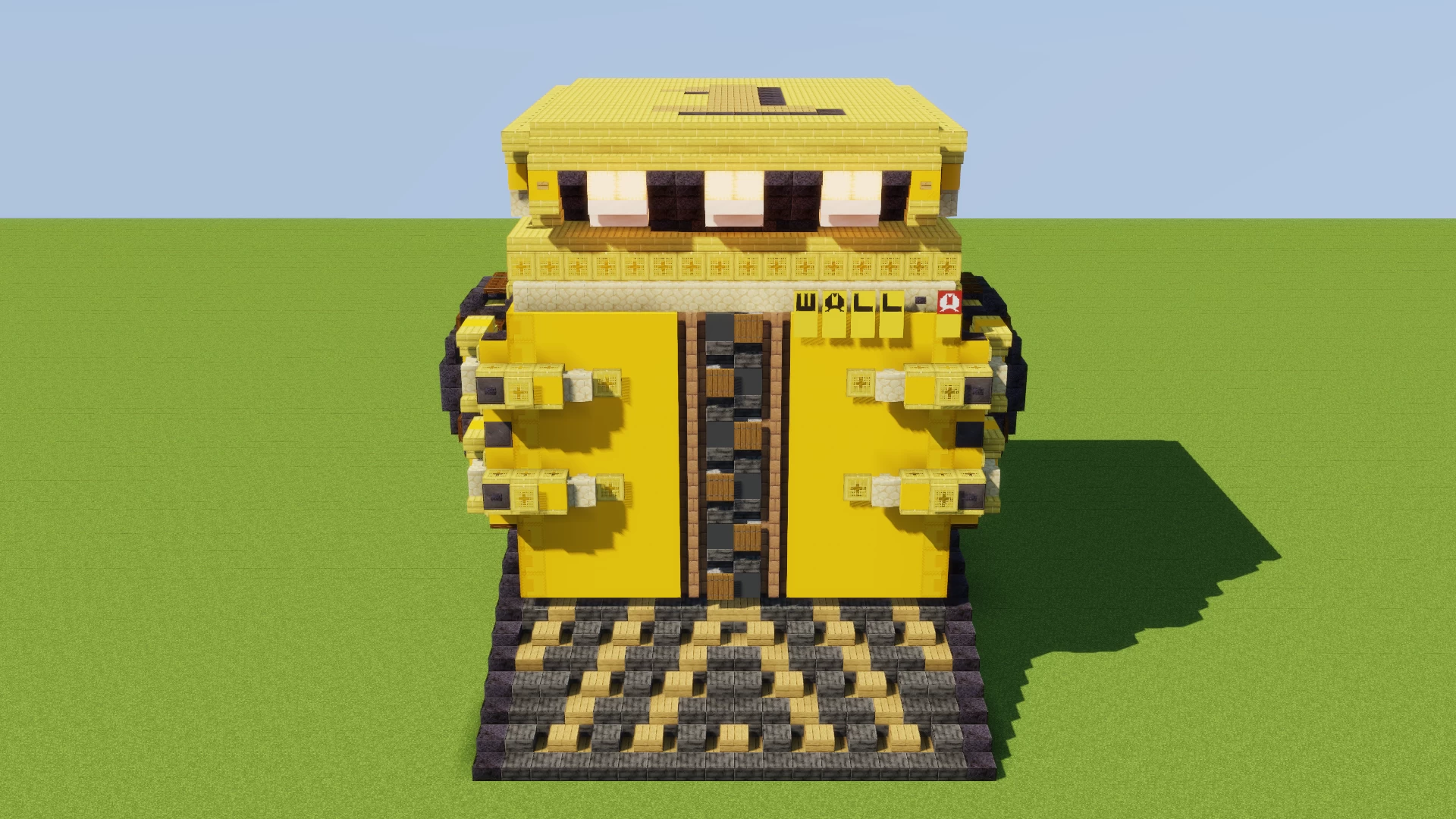
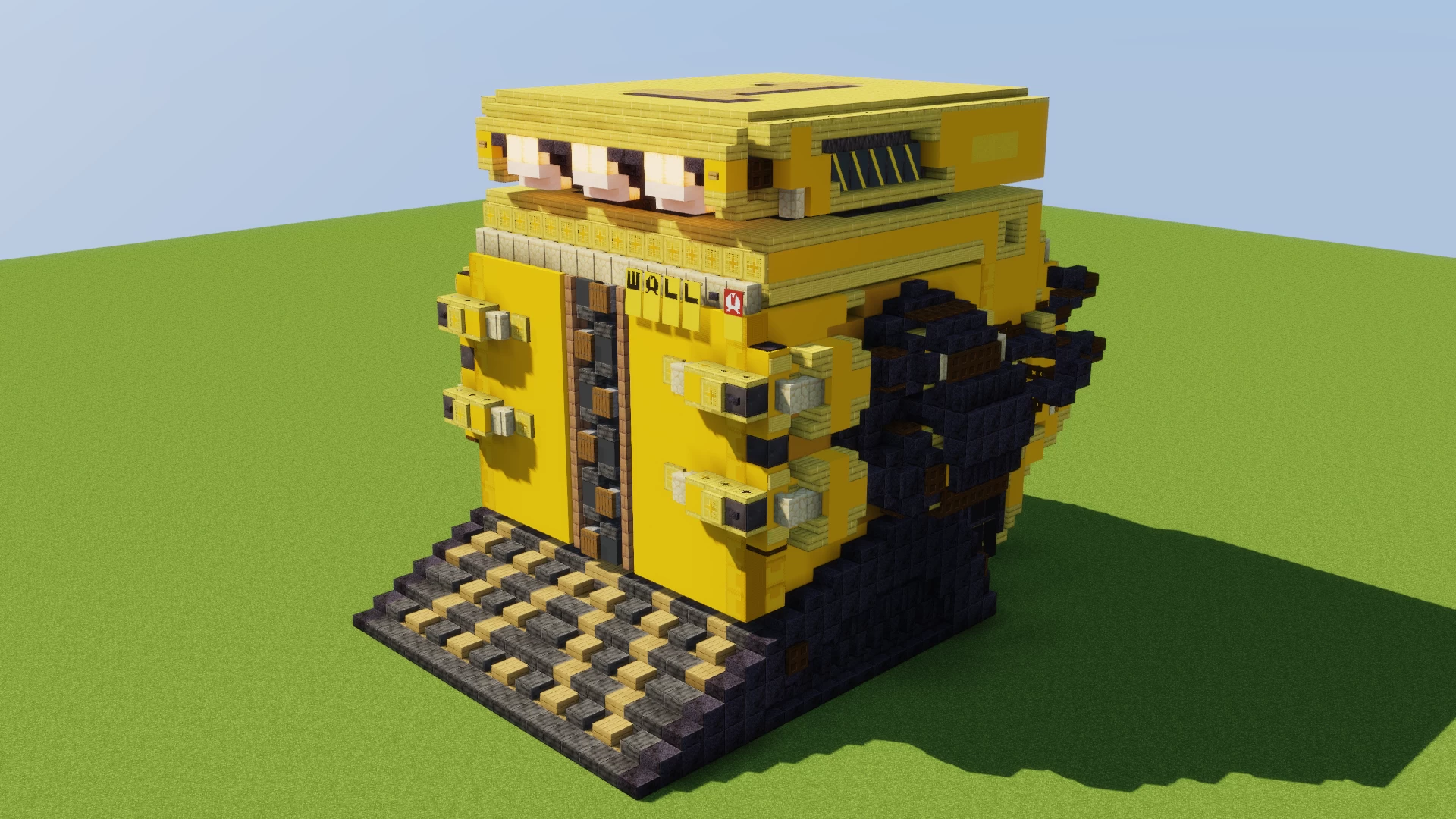
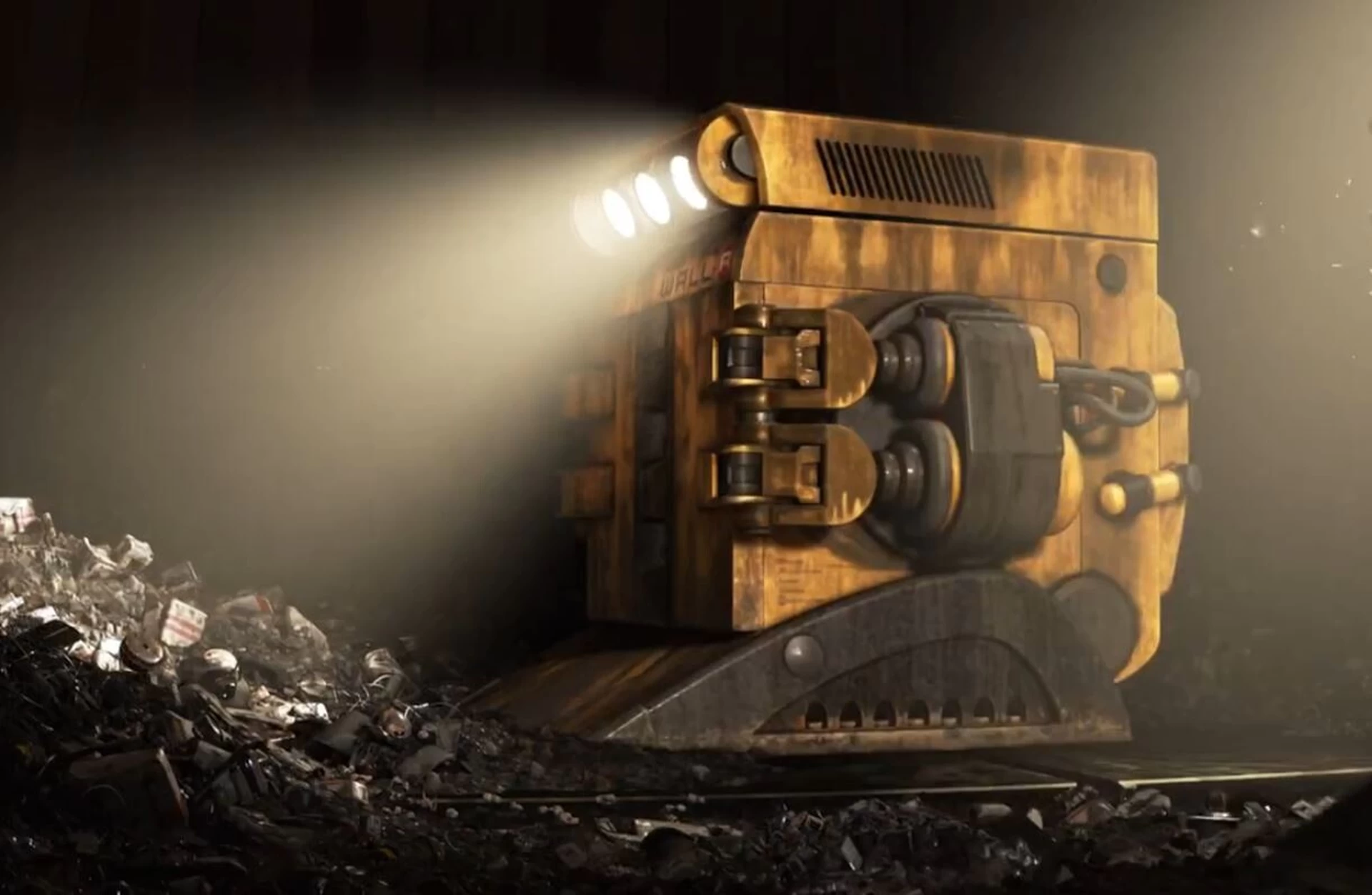
this is a robot from the movie "WALL-E".
Two of them appear in the garbage disposal area of the spaceship "Axiom".
They are largely similar in function to WALL-E as they compact trash into cubes but on a much larger scale.
Their acronym stands for Waste Allocation Load Lifter: Axiom class, in contrast to WALL-E being an Earth class.
The WALL-As only show up briefly, but I remember being really impressed by them while watching the movie at a cinema in 2008. Now, 17 years later, I finally got the chance to build them in Minecraft, after randomly finding my WALL-E DVD again.
There is a deleted scene including the WALL-As, where the roles of WALL-E and EVE in the garbage disposal are reversed. This deleted scene gives the WALL-As more personality.
I also built WALL-E, EVE and M-O in a matching scale and the WALL-E Transport Truck WALL-E lives in.
Before you paste the schematic make sure to set //perf update and neighbors to off.
Enjoy!
this is a robot from the movie "WALL-E".
Two of them appear in the garbage disposal area of the spaceship "Axiom".
They are largely similar in function to WALL-E as they compact trash into cubes but on a much larger scale.
Their acronym stands for Waste Allocation Load Lifter: Axiom class, in contrast to WALL-E being an Earth class.
The WALL-As only show up briefly, but I remember being really impressed by them while watching the movie at a cinema in 2008. Now, 17 years later, I finally got the chance to build them in Minecraft, after randomly finding my WALL-E DVD again.
There is a deleted scene including the WALL-As, where the roles of WALL-E and EVE in the garbage disposal are reversed. This deleted scene gives the WALL-As more personality.
I also built WALL-E, EVE and M-O in a matching scale and the WALL-E Transport Truck WALL-E lives in.
Before you paste the schematic make sure to set //perf update and neighbors to off.
Enjoy!
More like this




 sgtforge2000
 PlanetForger
6689815
2






 agent94055


 vasek228
 BSLBuilds
 monark5522
 T17N
T17N

Have something to say?
This was necessary because for the W, A and red A I needed more than 6 patterns, which you can't craft.
So, take these commands, put them in a command block and activate it:
For W:
/give @p minecraft:black_banner[banner_patterns=[{"pattern":"stripe_top","color":"yellow"},{"pattern":"stripe_left","color":"black"},{"pattern":"stripe_right","color":"black"},{"pattern":"straight_cross","color":"black"},{"pattern":"stripe_middle","color":"yellow"},{"pattern":"half_horizontal_bottom","color":"yellow"},{"pattern":"border","color":"yellow"}]] 1
For A:
/give @p minecraft:black_banner[banner_patterns=[{"pattern":"stripe_center","color":"yellow"},{"pattern":"triangles_top","color":"black"},{"pattern":"skull","color":"black"},{"pattern":"circle","color":"yellow"},{"pattern":"curly_border","color":"yellow"},{"pattern":"stripe_middle","color":"yellow"},{"pattern":"border","color":"yellow"},{"pattern":"half_horizontal_bottom","color":"yellow"}]] 1
For red A:
/give @p minecraft:white_banner[banner_patterns=[{"pattern":"stripe_center","color":"red"},{"pattern":"triangles_top","color":"white"},{"pattern":"skull","color":"white"},{"pattern":"circle","color":"red"},{"pattern":"curly_border","color":"red"},{"pattern":"stripe_middle","color":"red"},{"pattern":"border","color":"red"},{"pattern":"half_horizontal_bottom","color":"yellow"}]] 1
For some reason the patterns in the commands have different names than in a loom, but if you know them, you can add as many of them as you like even without the pmc banner editor. You can make a banner with 100 patterns xD