
• 12/8/11 3:22 pm
- 552 views • 0 today
- Progress
- 100% complete
Added CreditTheRedstoneGang
- 1
- 0
- 10

0
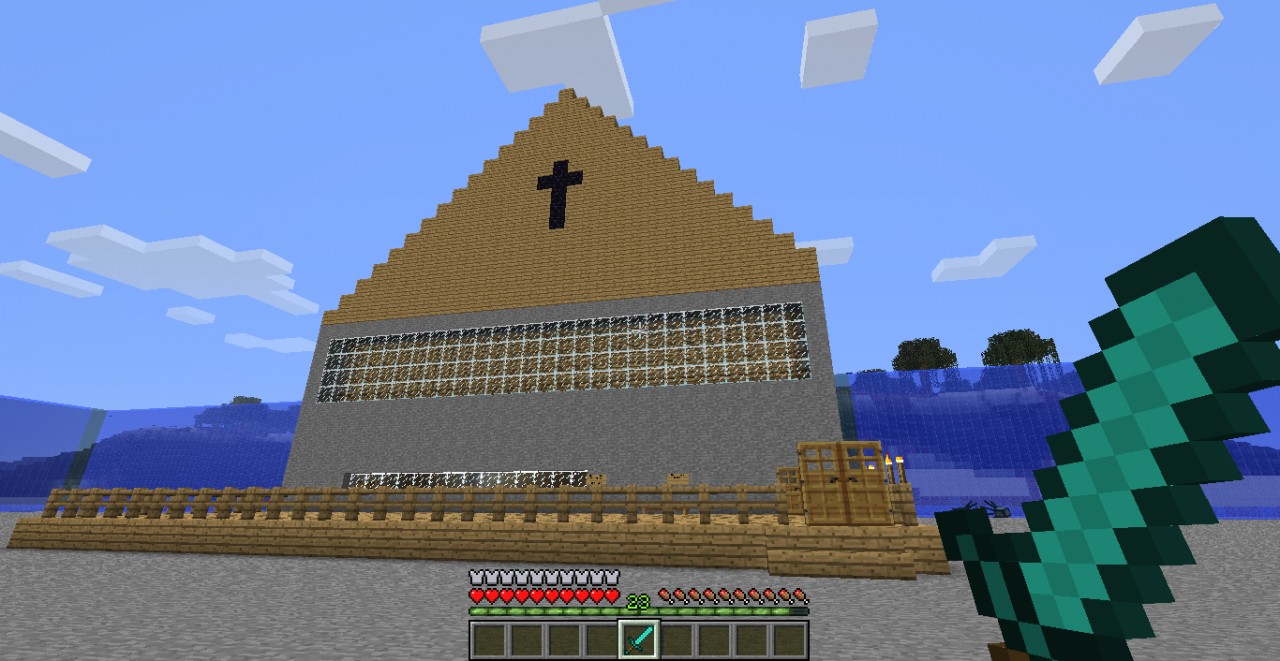
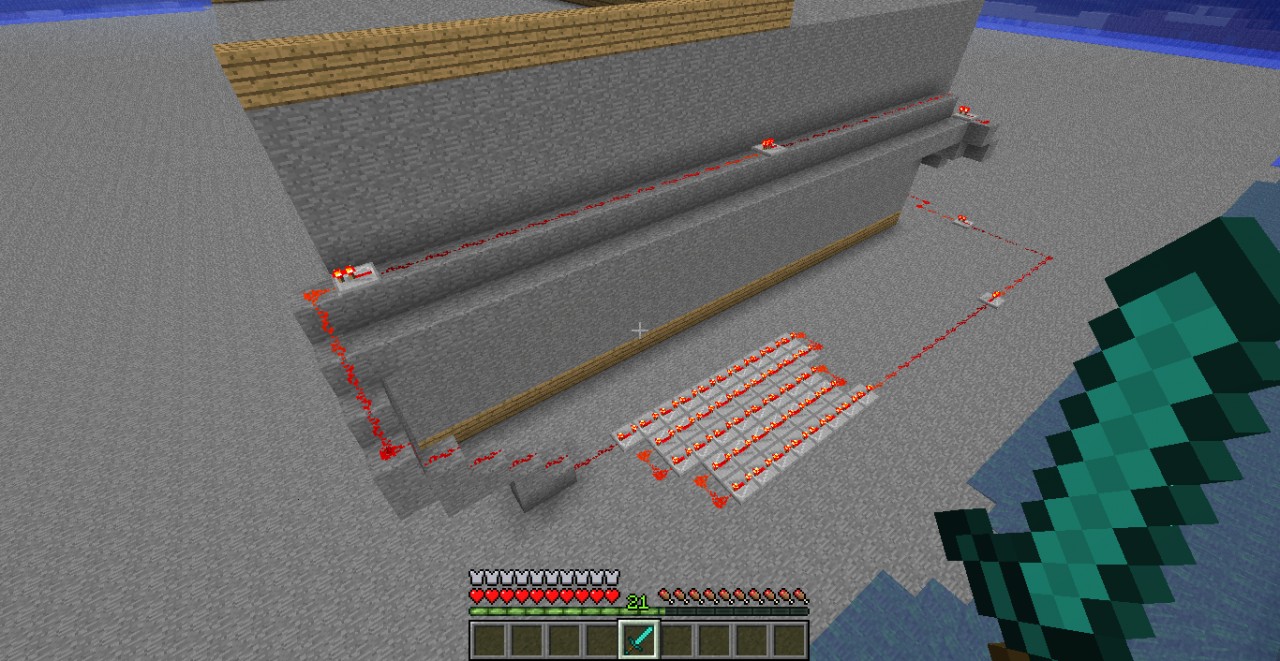
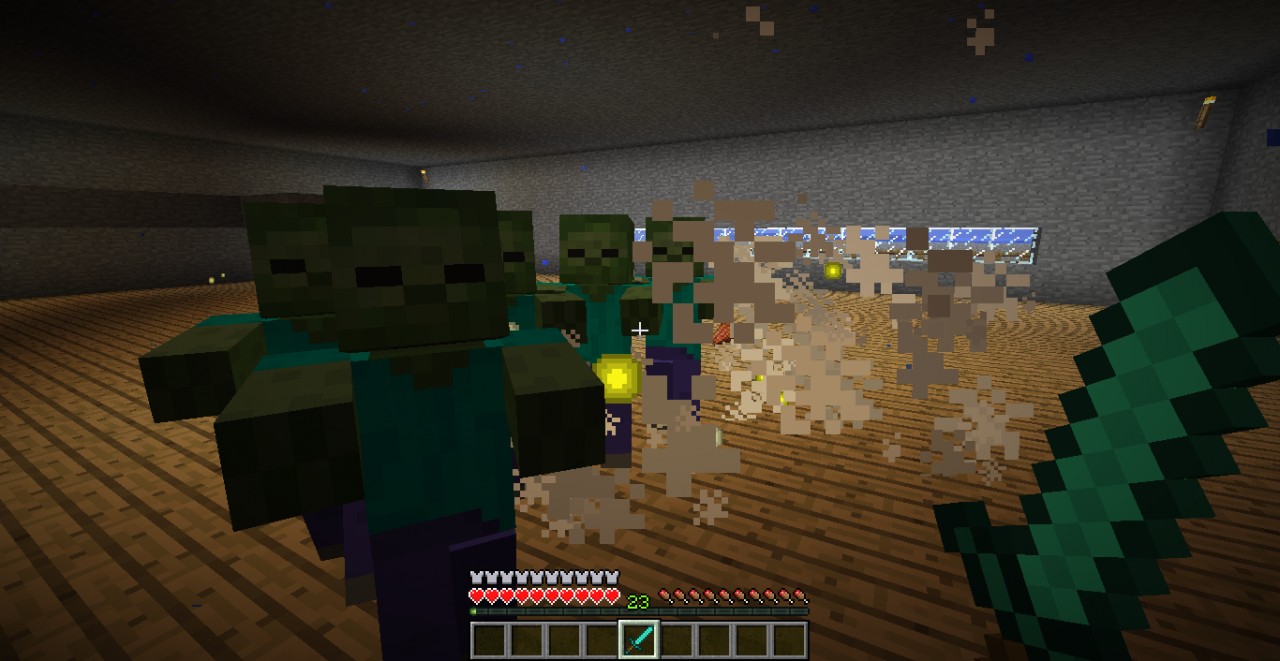
Epic zombie killing map VERY hard redstone took TheRedstoneGang 5 hours to make but its worth it. Download links http://mediafire.com/?otiap8d7mahk71m http://mediafire.com/?g2al7f1p1s0yuel http://mediafire.com/?626nyapg65t3fhr http://mediafire.com/?jrzq770s5zxyg7g
READ IMPORTANTPlease test this and tell me if you liked it.
1 Download it
2 save to a file named Zombie KILLER!
3 put the Zombie KILLER! folder into your .minecraft saves this is how you do this
Go to run or search type in %appdata% and a folder called roaming Must pop up then open .minecraft then click saves then drag your Zombie KILLER! folder into there.
Open minecraft and Enjoy!
TheRedstoneGang made this they let me upload it here :)
Additional Notes
READ IMPORTANTPlease test this and tell me if you liked it.
1 Download it
2 save to a file named Zombie KILLER!
3 put the Zombie KILLER! folder into your .minecraft saves this is how you do this
Go to run or search type in %appdata% and a folder called roaming Must pop up then open .minecraft then click saves then drag your Zombie KILLER! folder into there.
Open minecraft and Enjoy!
TheRedstoneGang made this they let me upload it here :)
More like this
 Zombie Killers: Lab EditionChallenge / Adventure Map
 OmG_Custard
3/5/13 12:07
• posted 2/13/13 12:11
609 85 2x 51
OmG_Custard
3/5/13 12:07
• posted 2/13/13 12:11
609 85 2x 51 Zombie Killer - by zombie goliathChallenge / Adventure Map
 ZombieGoliath
•1/13/13 4:55
464 48 1x 41
ZombieGoliath
•1/13/13 4:55
464 48 1x 41
 Zombie KillerZChallenge / Adventure Map
 HoLiSchit
12/15/13 7:43
• posted 12/11/13 5:07
367 32x 31
HoLiSchit
12/15/13 7:43
• posted 12/11/13 5:07
367 32x 31
 Crosskdog
394374
2


 Experiment 1490





 flashtag
![THE BACKROOMS: WORK IN A-SYNC [CHAPTER 1] Minecraft Map & Project](https://static.planetminecraft.com/files/image/minecraft/project/2026/582/20075387_s.jpg)
 Zzzgameego
 UpsetNoodles
 Iamcool_

Have something to say?
THANKS -Alec
1st make a folder name it ANYTHING you want
2nd download craftbukkit-1.0.0-snapshot.jar at ci.bukkit.org/job/dev-CraftBukkit/lastBuild/
3rd put that in the folder
4th make a text doc and put in it
@ECHO OFF
SET BINDIR=%~dp0
CD /D "%BINDIR%"
"%ProgramFiles(x86)%Javajre6binjava.exe" -Xincgc -Xmx1G -jar craftbukkit-1.0.0-SNAPSHOT.jar
PAUSE
5th save the text as start.bat
6th click on the start.bat folder
7th PLAY (you should know how to op and stuff like that)