


• 12/22/24 12:48 pm
- 2.7k views • 0 today
- save_alt 220 downloads
- Game Version
- Minecraft 1.21.4
- Resolution
- 16x
- Progress
- 100% complete
- Changes include
- Items
- Models


783
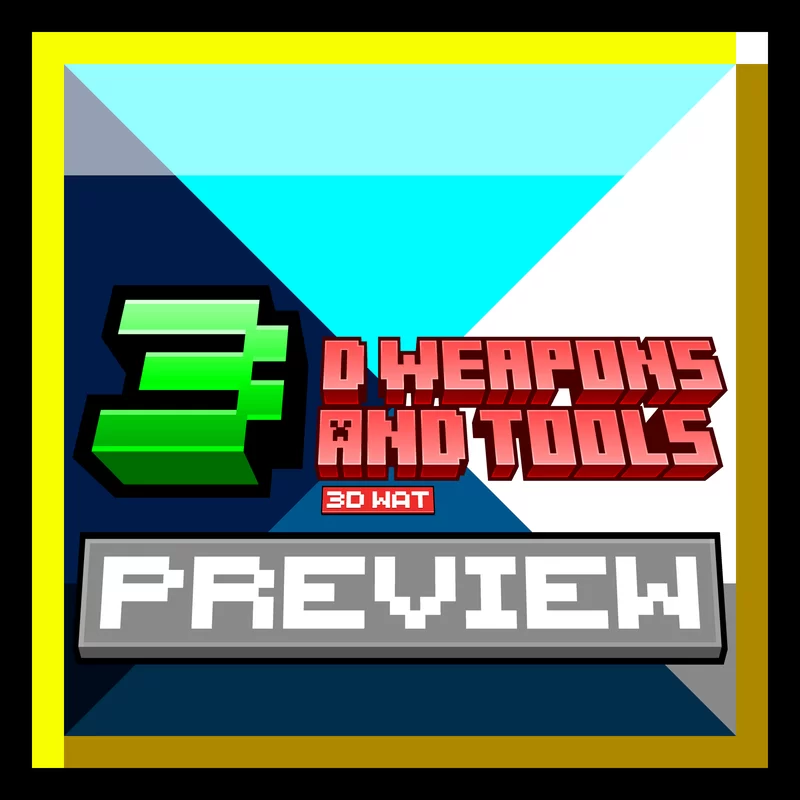
The third and hopefully final entry in the 3D Weapons and Tools series!
The pack is no longer under development and is available for download!
The preview is available always available, which includes the diamond sword and pickaxe :D :)
The full pack isn't available yet, but it will be available soon ;)
Preview is available here!
If you have any feedback on the pack then I would be happy to read it :)
The pack is no longer under development and is available for download!
The preview is available always available, which includes the diamond sword and pickaxe :D :)
The full pack isn't available yet, but it will be available soon ;)
Preview is available here!
If you have any feedback on the pack then I would be happy to read it :)
1 Update Logs
Pack available now! :D : by Zomphey 12/23/2024 10:59:29 amDecember 23, 2024 @ 3:59 pm UTC
Finished the pack, if you have any feedback, especially on how to make the shovels not look like a lollypop i'm all ears.
More like this
 Nuub's Armors And Tools16x Minecraft 1.16.5 Simplistic Texture Pack
 ImNotNuub
4/11/21 9:03
• posted 4/10/21 9:40
15.5k 2k 5x 735
ImNotNuub
4/11/21 9:03
• posted 4/10/21 9:40
15.5k 2k 5x 735 Romecraft 3D Tools/Weapons Pack16x Minecraft 1.20.4 Simplistic Texture Pack
 Romecraft Community
•1/29/24 5:39
8.9k 1.8k 3x 144836
Romecraft Community
•1/29/24 5:39
8.9k 1.8k 3x 144836 Primitive 3d Tools16x Minecraft 1.18 Simplistic Texture Pack
 HerrKonnen
•12/13/21 10:31
5.5k 880 6x 101718
HerrKonnen
•12/13/21 10:31
5.5k 880 6x 101718
 Rapfael's Simple Weapon Pack16x Minecraft 1.20 Simplistic Texture Pack
 Rapfael
•5/30/23 4:34
775 63x 154
Rapfael
•5/30/23 4:34
775 63x 154
 BintangBX51
6491784
4




 Benporg





 AhmedTurysta

 Zensiyoo
 _VRAN_

Have something to say?
Now, once you got Blockbench all set up and whatnot, navigate to the top left corner of the screen and press " file " , then there will be a list of actions and stuff, go to the bottom of that list, and click the button that says " Plugins... " But don't use the ... , those just make things harder here -_- When hovering of the Plugins... button it should say " Open plugins store window " but don't worry, they're all free :)
After you click on Plugins... you should see that a menu has opened up with a bunch of stuff to click, go to the top left corner of the new menu and make sure that the words " Available " are underlined, under those words is a list which you can scroll through, find the plugin with the name " Resourcepack Packager " :) then click on it, the right side of the menu should have now changed and is showing the plugin " Resourcepack Packager " instead of whatever the gup is was showing before, now you should move to the right side of the menu, where you should find the install button ( it has a + over it :) ) click that and the plugin will install :)
Now, close the menu and head back to the file button at the top left part of the screen, click it then at the top of the list, hover over the button that says " New " , that should cause yet another list to appear, on the top of that list ( lol ) find the button that say " Java Block/Item " , click it, then you can name your model and stuff, make sure to name your model, and check Box UV, those are the only really important things, now you should have a grid to make your model :) over at the right side of the screen you can add cubes, make groups and toggle more options, the last one isn't really important right now lol
create a new group and then create a new cube, you should see a cube appear on the grid, on the top left side of the screen, there are also buttons that let you move, rotate, and scale the cube, select the move option and then select your new cube and move to the middle of the grid then shape your cube to what you want it to be, then create more and more and more cubes until you have and shape all of them, put them into position, some of them are rotated if you desire, then at the bottom left side of the screen, find the button that doesn't say anything when you hover over it, click on it, then a menu should appear, name the texture what you want, make sure the type selected is texture template, then press confirm, your model should now look different, this is because it now has a texture, go to the top right side of the screen and press " Paint " , then start painting until it's all painted without overthinking everything to death, in other words, paint it until you think it looks good :)
Make sure to get the back of the model too.
Then, once all that is finished, select the " Display " button in the top right, on the left side you will see new stuff, just tamper with that a bit until you have it how you want it, and make sure to press all the buttons :) But not all the ones that have a slider next to them :) those might be bad for what you're doing if you don't use them properly, but it's not that hard, do all the stuff you can in there and then go to File, Export, Export resourcepack, a new menu should appear now, set the name to what you want it to be, set an optional description, enable credits if you want to, I haven't found where they even go yet, set the model type to item, leave the namespace as minecraft, and set the model id to what item you want to be changed, here are some examples:
apple
golden_sword
diamond_sword
wooden_pickaxe
stick
blaze_rod
breeze_rod
That concludes the examples, now on with the tutorial.
You're done now, press confirm.
Save the pack to where you want to, your resourcepacks folder if you want to use it without copying or moving it or smth.
Additionally ( but optionally ) I have a folder where I put my WIP stuff, but you can also just develop it in the resourcepacks folder.
That concludes the tutorial, if you want me to teach you how to add more models and stuff to your pack, please wait a while before asking, i've been sitting at my computer for an hour straight now righting down a tutorial and checking Blockbench to make sure I knew what I was talking about. xD