

• 1/23/24 12:41 am
- 7.3k views • 3 today
- save_alt 1.3k downloads
- Game Version
- Minecraft 1.20.4
- Resolution
- 16x
- Progress
- 95% complete
- Changes include
- GUI
- Items
- Misc
- Mobs
Added CreditTheMaskedRaff, Mojang's Pottery Sherd


131
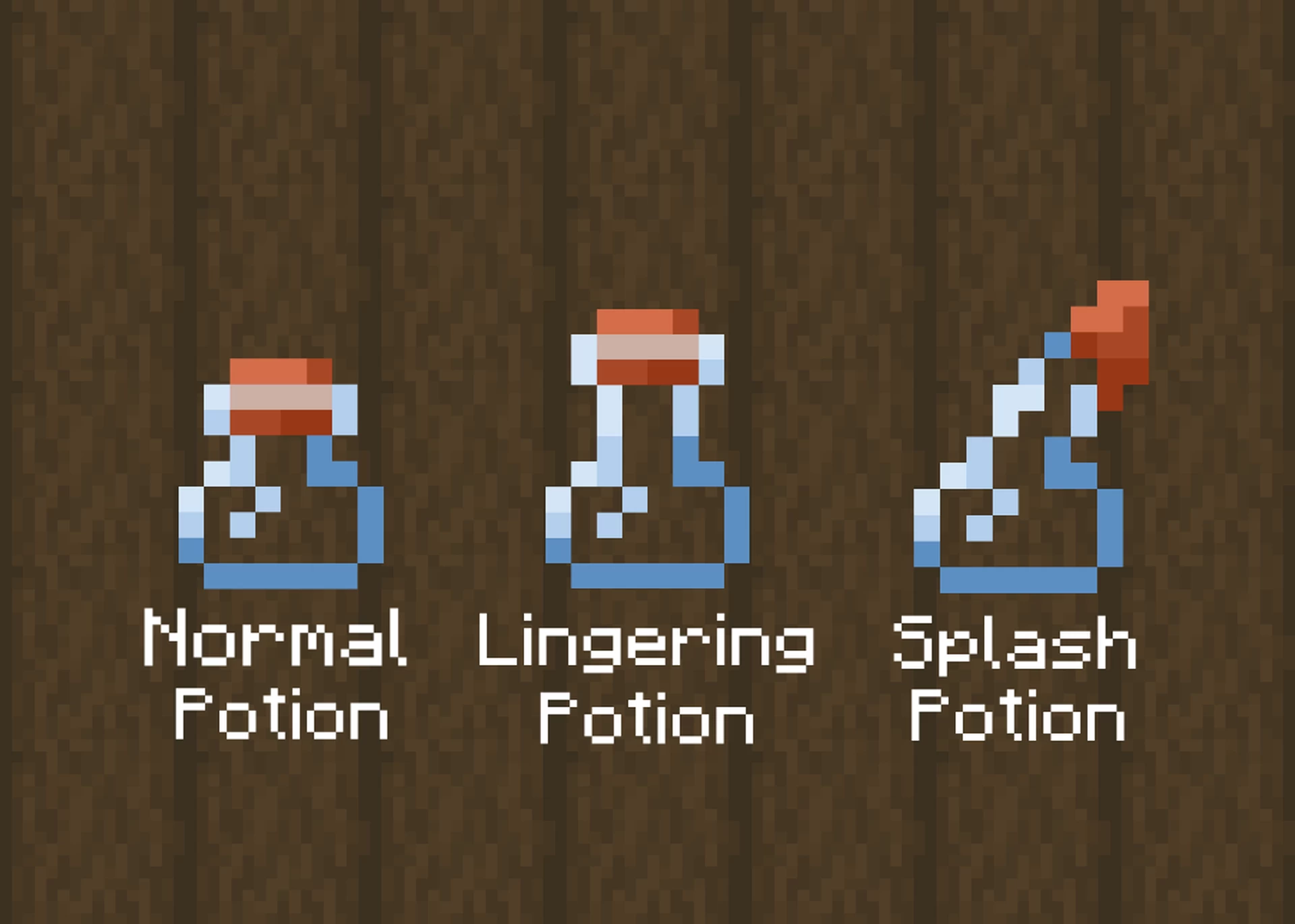
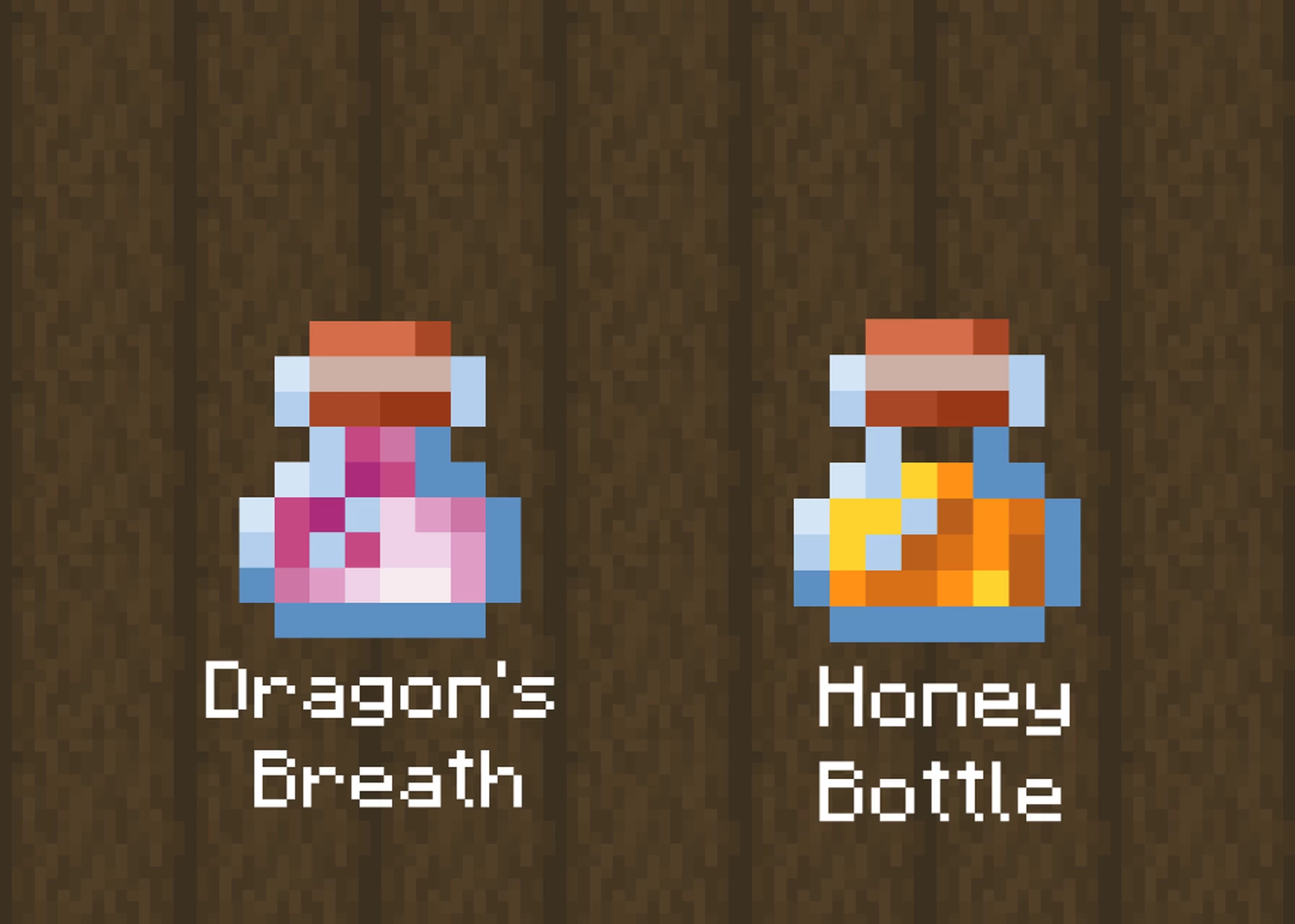
This pack changes a few things, every single potion has been changed to a smaller variant, and this variant matches the "brewer" pottery sherd (apart from the cork!), which is what originally made me want to make this pack, consistency! This pack also changes some slight things in the menu for the brewing stand and shrinks the look of pots on the brewing stand block slightly.
- Hit "download texture pack" and begin to download.
- While it's downloading pull up the "Resource Packs" section in your Minecraft game, found by hitting "ESC", then clicking "Options" followed by "Resource Packs".
- Drag the downloaded file (Should be called "Tiny Pots") into the left side of your resource pack tab, then drop it, you should see somewhere on the left side of the resource packs menu an orange-filled potion! Hover over it and hit the arrow to send it to the in-use side of your texture packs.
- Now the pack should be active, which means these tiny bottles can finally exist!
- Does not require Optifine, should be compatible with it, or most modded versions.
More like this
 Unique Enchanted Books v2.0 (1.20.x)16x Minecraft 1.18 Other Texture Pack
 KingRolly
7/18/23 8:41
• posted 12/9/21 11:44
31.2k 7.1k 14x 2126138
KingRolly
7/18/23 8:41
• posted 12/9/21 11:44
31.2k 7.1k 14x 2126138 Bottled Brews - Varied Potion Textures!16x Minecraft 1.21.5 Other Texture Pack
 buttercup_irl
4/15/25 10:46
• posted 1/31/24 3:09
9.9k 2.2k 7x 46161
buttercup_irl
4/15/25 10:46
• posted 1/31/24 3:09
9.9k 2.2k 7x 46161 Brewing Potions Guide16x Minecraft Bedrock Other Texture Pack
 DevAV
3/8/26 10:53
• posted 11/5/25 4:25
4.3k 1.1kx 11518
DevAV
3/8/26 10:53
• posted 11/5/25 4:25
4.3k 1.1kx 11518

 Sheepmilk
 sXeelz
6152304
4
![Variated Dandelions :: Icony Tweaks [1.21+] Minecraft Texture Pack](https://static.planetminecraft.com/files/image/minecraft/texture-pack/2025/824/18657186-iconydandelions_s.jpg)
![Icony :: Vanilla+ [Indev] Minecraft Texture Pack](https://static.planetminecraft.com/files/image/minecraft/texture-pack/2025/320/18661083-rmlqm_s.jpg)
![Variated Poppies :: Icony Tweaks [1.21+] Minecraft Texture Pack](https://static.planetminecraft.com/files/image/minecraft/texture-pack/2025/473/18656275-iconypoppies_s.jpg)
![Variated Ferns :: Icony Tweaks [1.21+] Minecraft Texture Pack](https://static.planetminecraft.com/files/image/minecraft/texture-pack/2024/278/17990770-iconyferns_s.jpg)
![Variated Lily Pads :: Icony Tweaks [1.21+] Minecraft Texture Pack](https://static.planetminecraft.com/files/image/minecraft/texture-pack/2024/959/17627903-iconycover_s.jpg)










 Eraplusan
 AdamixGaming
 Potato23979

 Deplexer
Have something to say?
Also It does look good in game! Im just lazy and didnt want to do the whole shader shennagins today ;-;