Blogs Tutorial

Redstone Tutorial

  • 494 views 0 today
  • 2
  • 1
  • 17
Cyberfare
Lvl 41Master Geek
74
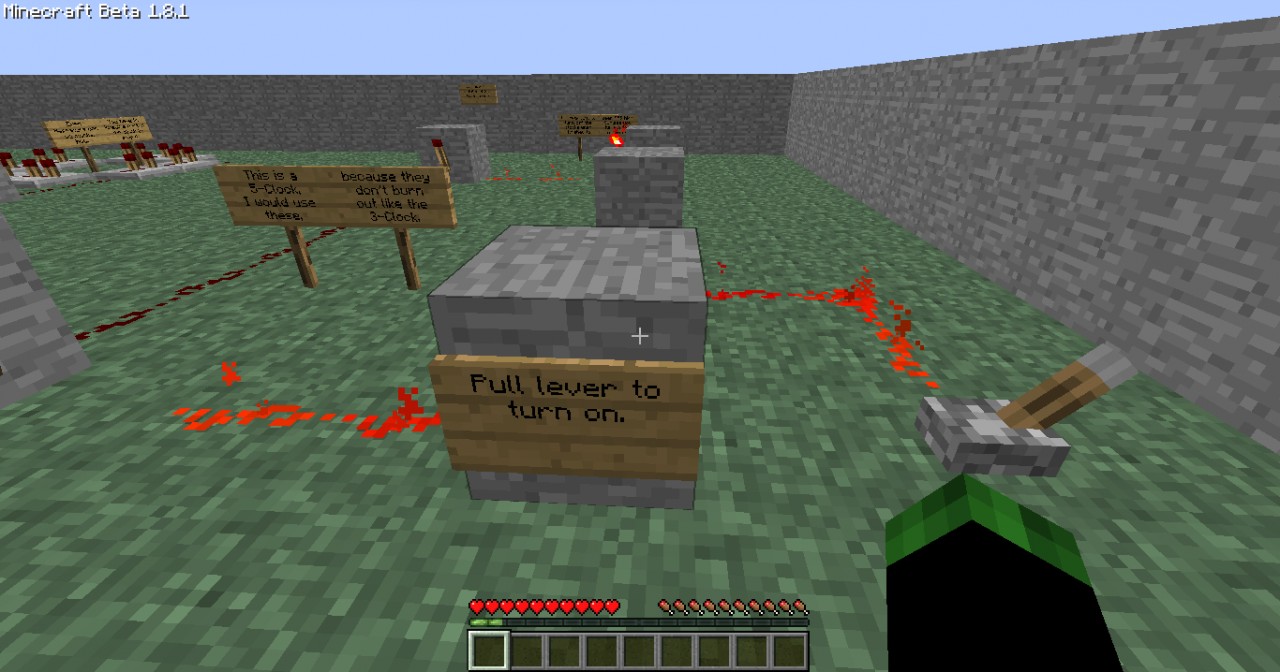
This map will give you a tutorial on redstone, please enjoy, and give Feedback to the map. Here is the link to the map: http://www.planetminecraft.com/project/redstone-tutorial-map/. hope the map helped you with your redstone troubles. =)

More like this

  Have something to say?

minecraftguy118
10/16/2011 9:03 pm
Level 8 : Apprentice Miner
hey man i am good on the basics but i want to big stuff like a calkulater but i need to fined out how to do all the big stff down and i need your help with that so if you get a chanh send me a email at nicholasmilen-sti @mnpsk12.org thanks!!!
1
Cyberfare
10/16/2011 9:59 pm
Level 41 : Master Geek
Ok I'll E -Mail you when I make a map for that, I'll post it on here and notify you on PMC and E-mail when it's posted, it might be a little while before I post it because it's a little complicated with the redstone bug, but the tutorial will go with the Half Adder and Full Adder, getting the CPU working right and the ALU subtractor/divider. I might make them 8 - bit or 16 - bit, but I'll notify you when I finish.
1
minecraftguy118
10/17/2011 10:18 am
Level 8 : Apprentice Miner
Ok i have no idea on half the things you just said but the 8 bit and 16 bit part don,t worry about telling me what it is on here just put signs saying what things are and what they do pls thank you so much and when you done just send me the download link
1
Cyberfare
10/17/2011 4:08 pm
Level 41 : Master Geek
Ok I can do that
1
minecraftguy118
10/17/2011 10:14 pm
Level 8 : Apprentice Miner
ok well i will be looking for it and if you can tell me how to upload downloads to projects srry iam asking so much of you.
1
Cyberfare
10/18/2011 5:33 am
Level 41 : Master Geek
It's no problem, just to upload things, what do you use? RAR, winRAR (I don't know if those two are the same, winZip, 7Zip, or anything else? (I only know how to do Zip, if you have RAR it might be the same as zip, except, you put it in a Compressed RAR File... (I'm not 100% sure of that), but if you have Zip, go to your minecraft saves, and Right Click the map you want to share, and go to "Send to" and select "Compressed Zip File", after making it compressed, open up a tab/window at any thing that can upload files (Lol I didn't know what else to call it), like DropBox, or Mediafire, I use Mediafire, if you use Mediafire, just put the map (Compressed Map) in the green box that will show (In the Home Page) and you copy the link it gives you after finishing uploading it, that link is the link to download the map, then just paste the link in the projects download tabs bar, if you want pictures, just take pictures you want (With F2 <But I think you knew that) and go the upload images, (At The PMC Project Upload) and click the "Upload Images" button and search for the images you took, if they don't show like mine doesn't, just make a second side file with your images and COPY and PASTE them in the file, then use the images that you wanted and select them (One at a Time, but copy and paste all you pictures, so basicly, just copy and paste the whole screenshot folder) and your done. If you didn't understand, I'll try to narrow it down it bit...
1
Uno803
10/16/2011 5:10 pm
Level 51 : Grandmaster Programmer
cool.
1
Cyberfare
10/16/2011 5:13 pm
Level 41 : Master Geek
Thank you =) Be sure to go to the map for the real tutorial. The link is in the description.
1

Welcome