


• 3/25/20 11:54 am
- 4.1k views • 0 today
- save_alt 116 downloads • 1 today
- Compatibility
- Minecraft 1.15
- Changes include
- Functions
- 1
- 1
- 1


Required Resource Pack

0
A datapack running

Modeled nozzle and particles

The datapack can be used in any world
WARNING! The world will be cleared at the world position 0,0,0 -> 255,255,255

Modeled nozzle and particles

T-Rex (Print time 12 mins)

The Datapack
The datapack can be used in any world
WARNING! The world will be cleared at the world position 0,0,0 -> 255,255,255
How to use the Datapack
Once a datapack has been placed in a world's datapacks folder, type /reload into the Minecraft chat
A menu will be brought up (This shows multiple datapacks)
[Start] Clears the print bed and starts up the 3D printer
[Stop] Stops the 3D printer (Do this before starting any other prints)
[Pause] Toggles the pause state of the printer
[Options] Quality settings of the printer (number of particles)
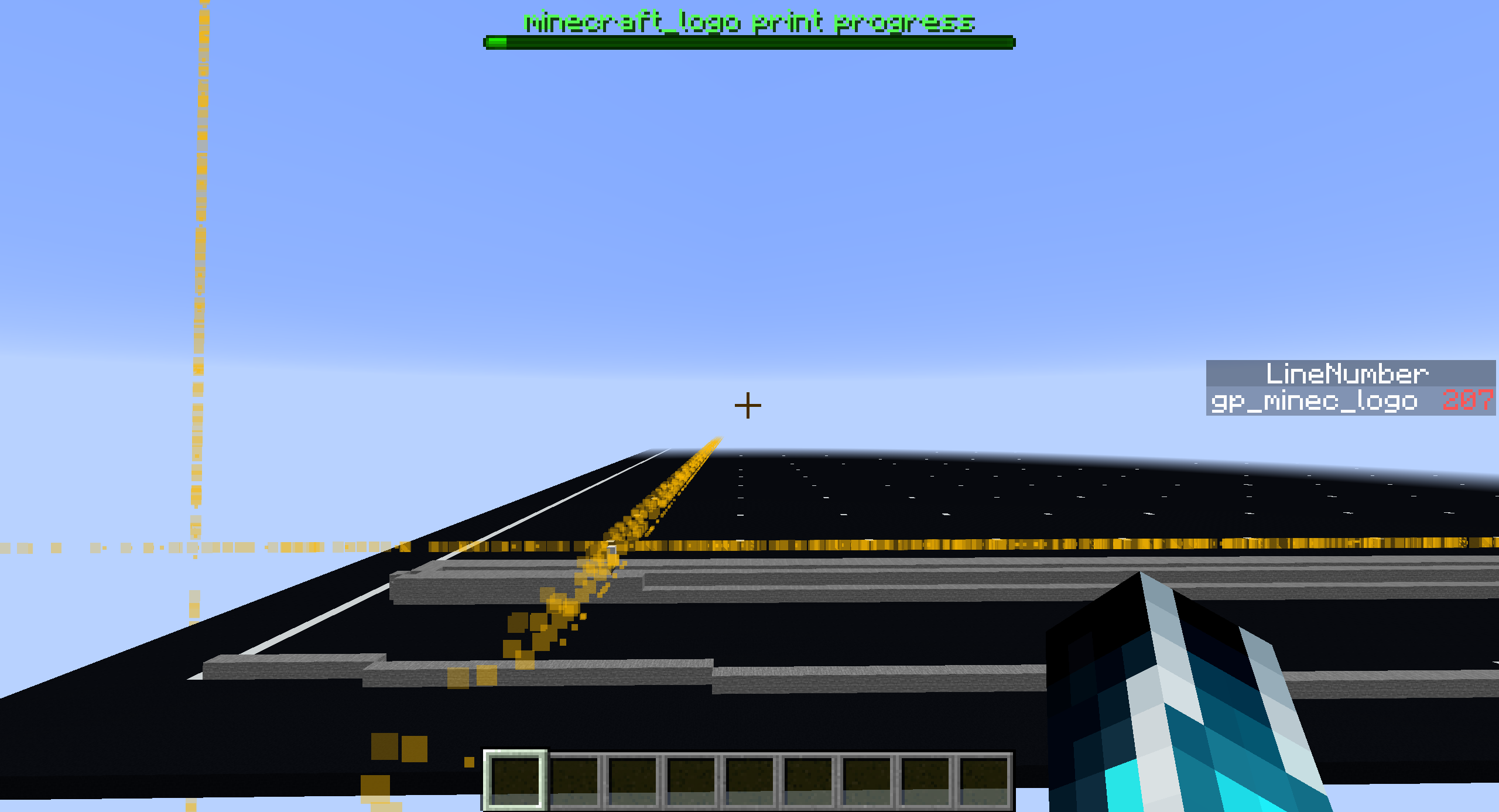
The UI when printing
- minecraft_logo print progress: How much left there is to print
- LineNumber: The Gcode line number that the printer is printing


4522845
119



 The Old Relic




 AvatarKage

 Mines211
 Ultrasgalaxy
 NovaB64
Have something to say?