


• • 1/25/23 12:55 pm • 3 logs
- 19.8k views • 0 today
- save_alt 1.9k downloads
- Compatibility
- Minecraft 1.15
- to version
- Minecraft 1.19
- Changes include
- Functions


89
Better World Map:
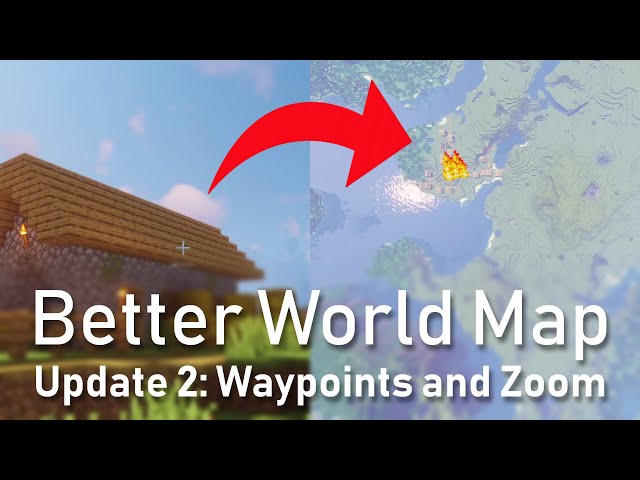
Better World Map is a Minecraft datapack that improves the player's ability to navigate their world.
Getting started:
Drop one feather and one empty map on the same spot to get the "Better World Map".
Controls:
Enter "Map Mode" by holding the "Better World Map", look down to the ground and press "Shift".
Use "WASD" to move the map around. Use the scroll wheel to zoom.
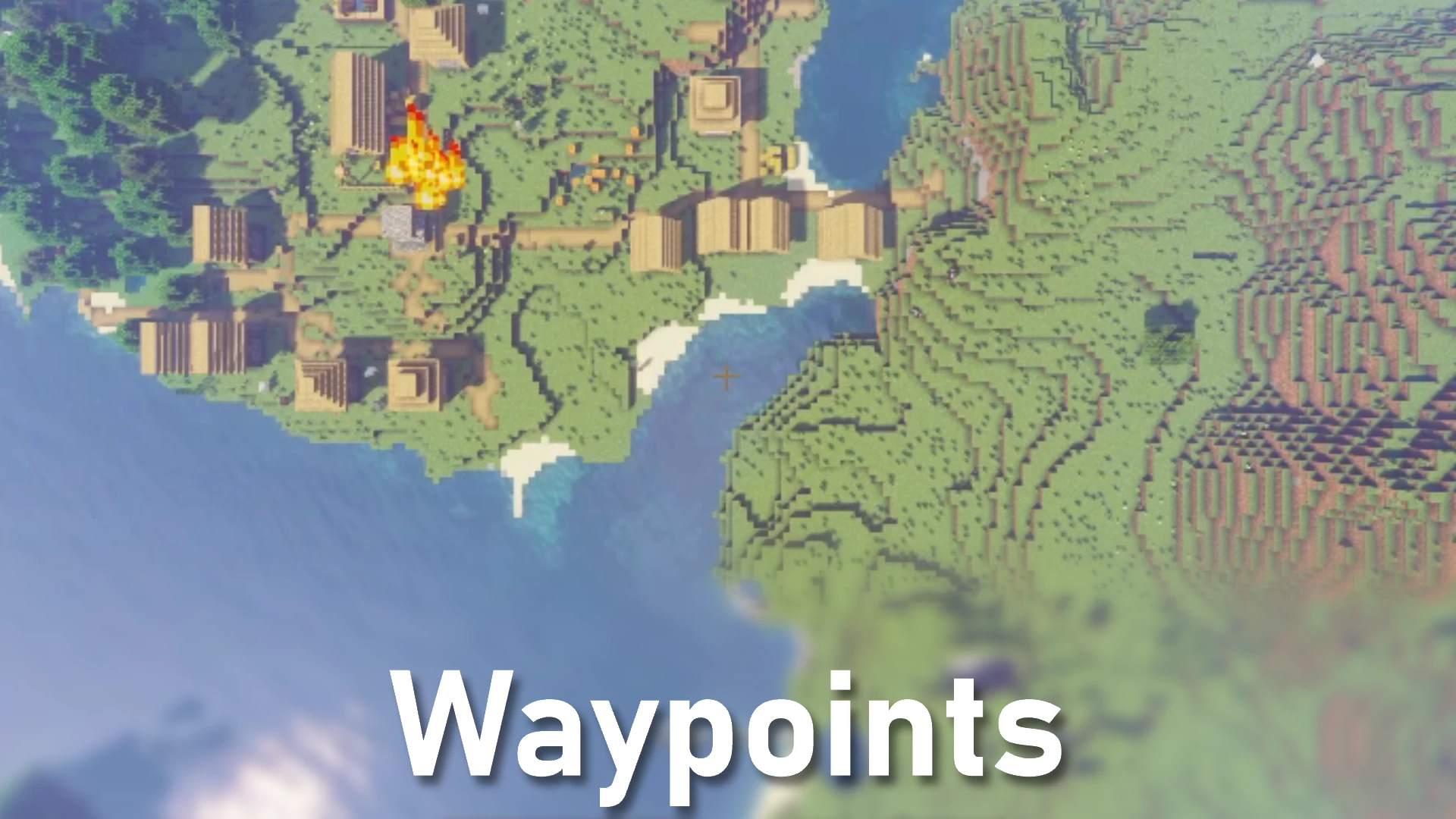
Press F while holding the "Better World Map" in Map Mode, to place a marker.
While holding the Map you will be given directions to the marker you set.
How to install:
Copy the Zip-File into you worlds Datapack folder (world folders can be found under "C:\Users\'username'\AppData\Roaming\.minecraft\saves")
In the game you might have to type in the command "/reload"
When activated you'll see a message in chat.
This Datapack has not been tested in Multiplayer.
Better World Map is a Minecraft datapack that improves the player's ability to navigate their world.
Getting started:
Drop one feather and one empty map on the same spot to get the "Better World Map".
Controls:
Enter "Map Mode" by holding the "Better World Map", look down to the ground and press "Shift".
Use "WASD" to move the map around. Use the scroll wheel to zoom.
Press F while holding the "Better World Map" in Map Mode, to place a marker.
While holding the Map you will be given directions to the marker you set.
How to install:
Copy the Zip-File into you worlds Datapack folder (world folders can be found under "C:\Users\'username'\AppData\Roaming\.minecraft\saves")
In the game you might have to type in the command "/reload"
When activated you'll see a message in chat.
This Datapack has not been tested in Multiplayer.
3 Update Logs
Update #3 : by Execute Game Studio 01/25/2023 12:55:43 pmJanuary 25, 2023 @ 5:55 pm UTC
-Updated movement
-Tested in all versions. Only compatible in 1.15+
-Tested in all versions. Only compatible in 1.15+
LOAD MORE LOGS
More like this

 Waypoints 1.20.1Minecraft 1.13 - 1.20 Quality of Life Data Pack
 Sturmbueffel100
•4/21/24 8:26
7.7k 979x 3812
Sturmbueffel100
•4/21/24 8:26
7.7k 979x 3812
 Better Waypoints 1.21.6+Minecraft 1.21 - 26.2 Extensive Data Pack
 Vanderflys
•6/20/25 5:42
4.9k 629 2x 158
Vanderflys
•6/20/25 5:42
4.9k 629 2x 158
 CloudSave
 Escartem
 AshenArrow
5833697
119



 NoodlesTheWinion


 Noctuspotkus

 AhmedTurysta
 CammoKitty95

 Skapningen

Have something to say?
Your tick function is pretty massive, with a lot of entity search (~100 execute as @e[tag=...] inside) but with most subcommand being called from the same context. You could group these commands into subfonctions, making the code cleaner and easier to maintain. You are creating scoreboards in your tick function. You should only do it in the load function.
Also, you can make a proper craft for your map instead of ground crafting.
Also you have few functions that are only for the scolling part. It could be better to put all of them in a scroll folder
This can be done pretty easily with scores.
Also, your computer hardware needs to be good enough.