

• • 11/24/21 6:24 am • 2 logs
- 11.9k views • 0 today
- save_alt 1.9k downloads
- Compatibility
- Minecraft 1.17
- to version
- Minecraft 1.18
- Changes include
- Advancements
- Functions
- Loot Tables
- Predicates
- Recipes
- Structures
- 23
- 23
- 16

Required Resource Pack
126
Electric speed by CommandExpertGreenDoctor(I'm SouthKorean)
if you liked my datapack and video, please donate through this link.
It will be a big help in making datapacks. Thanks to much. https://www.paypal.com/paypalme/CMEPGreenDoctor
Discord group:discord.gg/4jsrwJSVF9
How to get power
Just open a chat, write /tag <name> add flash and hit enter
How to increase speed:Select slot 0 or 4 and press the shift to display
speed 1 or 2~5 at the bottom of the screen, with 5 being the fastest speed.
Etc : Depending on the computer specifications, it may take a rack.
Color : Default, red, blue, yellow, orange, black, green, purple
How to use skill
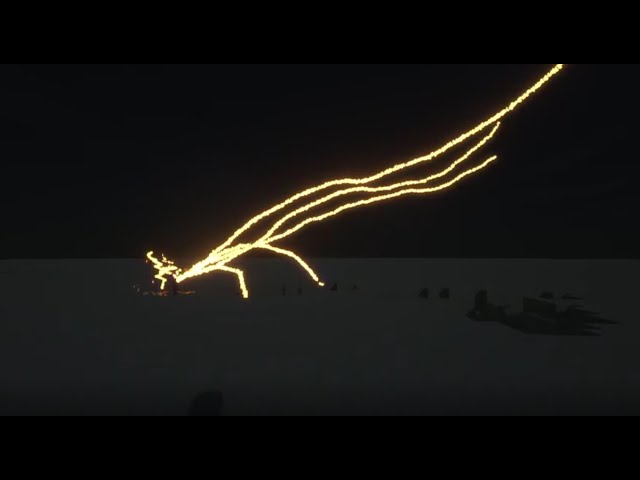
-Lightning throw : Select 4 out of 0~8 inventory slots, right--click, and just run around thinking
to collect electricity. Then, when the phrase "lightning ready" appears at the bottom of the screen, look at the location fire and left-click.
-Tornado : Select slot 8, right-click and running
-Wind up : Select slot 8, right-click, shift, and left click.
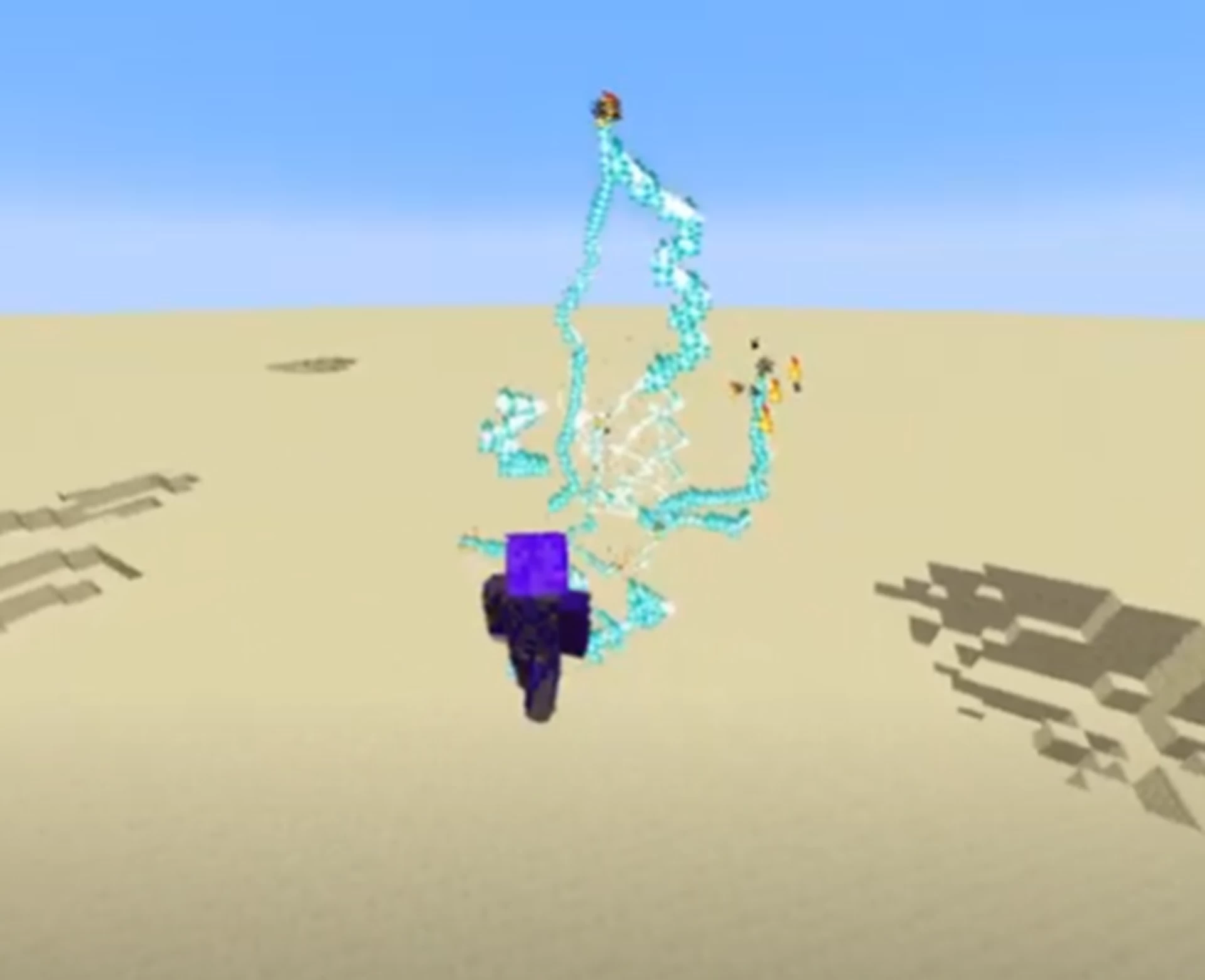
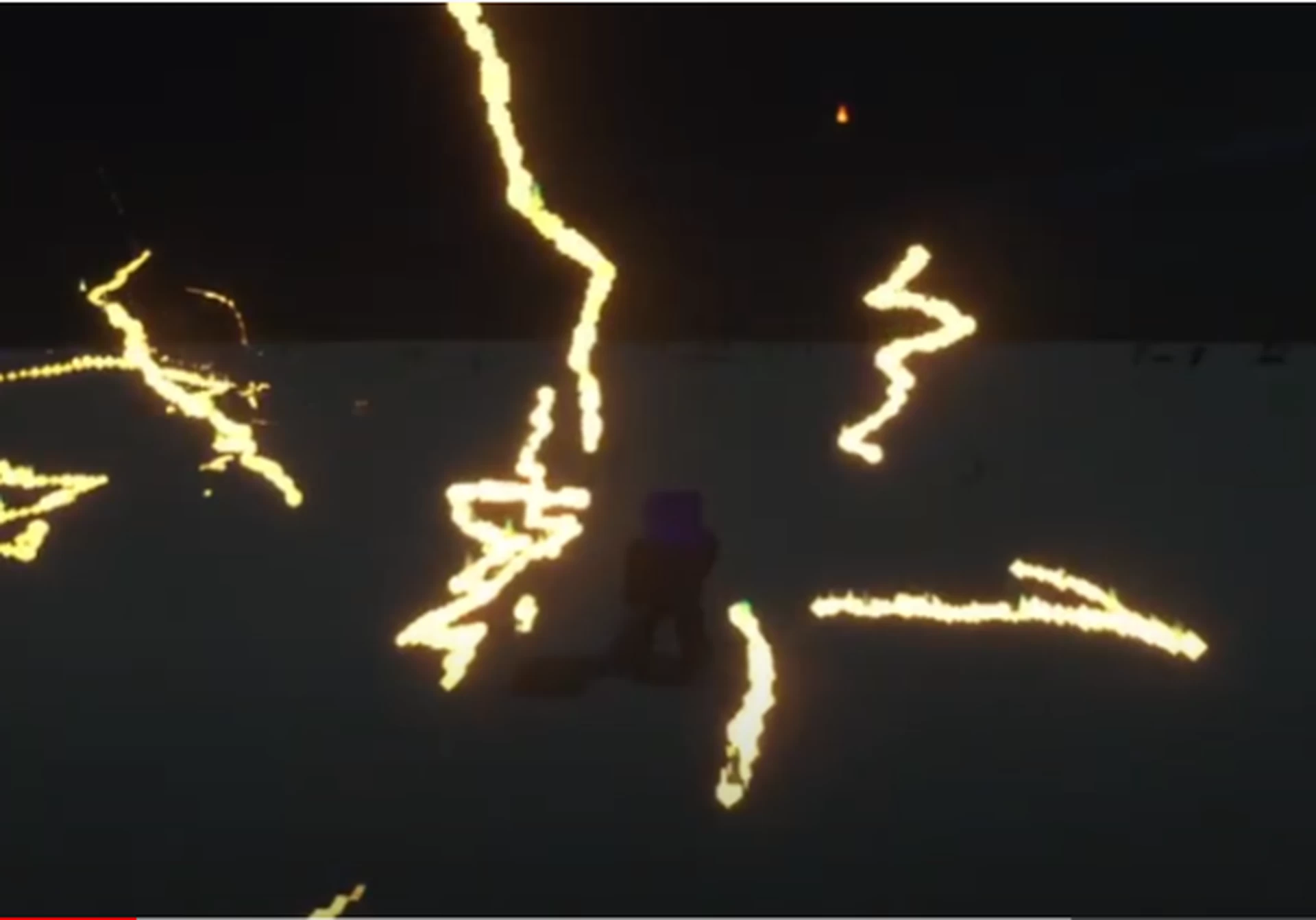
-electric shoot : If you select slot 8 right-click, and just walk, electricity will fill up.
If the electricity is more than 5%, you can fire electricity by left-clicking.
-time reverse : To save time and reverse time by selecting slot 5 and right-clicking, select slot 4 set speed 5 and running.
At this point, you will see a large green clock in the location where you saved the time and hear the beeping sound of the main spring.
If you go faster or there is no sound, it means that you are not turning back time (Time save is possible up to 5 times)
-flash time : When you speed up in slot 0 or 4, the movement of nearby objects will stop or slow down.
2 Update Logs
Electric speed update 2 : by CommandExpertGreenDoctor 11/24/2021 6:24:18 amNovember 24, 2021 @ 11:24 am UTC
1. Fixed auto jump gimmick bug.
2. Time reverse fix.
2. Time reverse fix.
LOAD MORE LOGS
More like this
 demon slayer datapack 1.21Minecraft 1.18 Other Data Pack
 CommandExpertGreenDoctor
4/16/22 4:49
• posted 12/22/21 2:59
48.2k 11k 77x 106964
CommandExpertGreenDoctor
4/16/22 4:49
• posted 12/22/21 2:59
48.2k 11k 77x 106964 minecraft electric man (electro)Minecraft 1.17 - 1.18 Other Data PackCommandExpertGreenDoctor
12/22/21 6:30
• posted 11/26/21 6:49
13.7k 2.7k 26x 73230
minecraft electric man (electro)Minecraft 1.17 - 1.18 Other Data PackCommandExpertGreenDoctor
12/22/21 6:30
• posted 11/26/21 6:49
13.7k 2.7k 26x 73230 Piano datapack!Minecraft 1.17 - 1.18 Other Data PackCommandExpertGreenDoctor
1/8/22 7:25
• posted 11/14/21 6:32
8.1k 998 16x 32521
Piano datapack!Minecraft 1.17 - 1.18 Other Data PackCommandExpertGreenDoctor
1/8/22 7:25
• posted 11/14/21 6:32
8.1k 998 16x 32521 minecraft sandstorm(sandman) datapack!!!!!!!Minecraft 1.17 - 1.18 Other Data PackCommandExpertGreenDoctor
1/14/22 10:12
• posted 11/30/21 6:55
6.3k 879 14x 51615
minecraft sandstorm(sandman) datapack!!!!!!!Minecraft 1.17 - 1.18 Other Data PackCommandExpertGreenDoctor
1/14/22 10:12
• posted 11/30/21 6:55
6.3k 879 14x 51615 minecraft mysterio datapack!!! (failed work)Minecraft 1.18 Other Data PackCommandExpertGreenDoctor
1/4/22 9:11
• posted 1/2/22 6:45
4k 400 8x 41914
minecraft mysterio datapack!!! (failed work)Minecraft 1.18 Other Data PackCommandExpertGreenDoctor
1/4/22 9:11
• posted 1/2/22 6:45
4k 400 8x 41914
5371843
119



 Noctuspotkus




 User6743195G
 The wither storm fan

 qualquer1
 AhmedTurysta
Have something to say?