Made First Editor substantially more user-friendly (won't be available to casual users)
HOW IT WORKS:
Lets say you want to make a wolf character
You make several images, for example named "AverageWolf0". Average is not necessary but is incase you wanted to create another wolf skeleton e.g. LargeWolf or FatWolf or something. The zero on the end represents this is the default image.
You have folders in the directory for different limbs, and you drop each image into these seperate folders (so there is averagewolf0.png in each of the folders in the directory that are required)
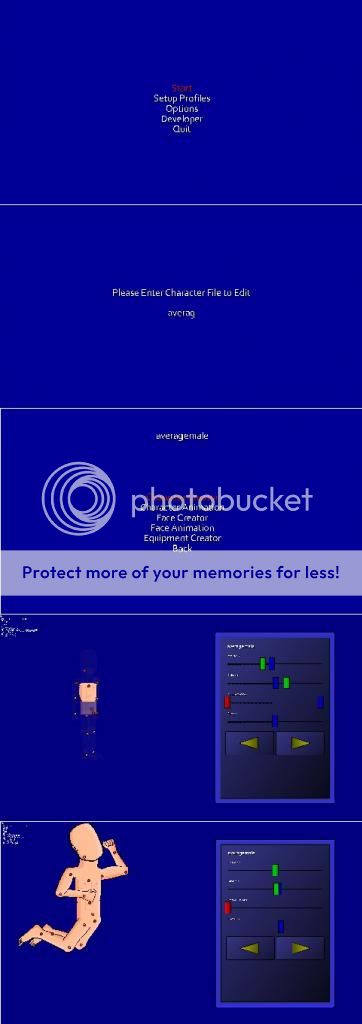
When opening the game, the main menu will have the Developer option. Selecting this, you will input a name. You would then input averagewolf and it will detect all the image files you saved.
Character Creation - creates a ragdoll and sets limits
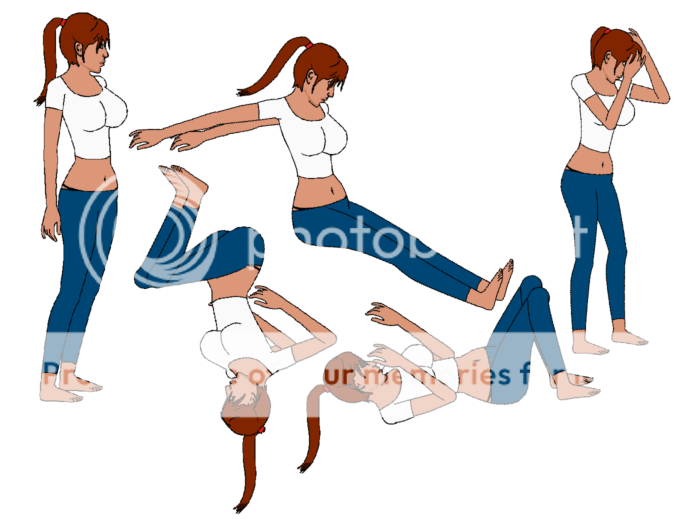
Character Animation - sets ragdolls rotation to frames
Face Creator - Creates a detailed character face
Face Animation - Create animations for the character face
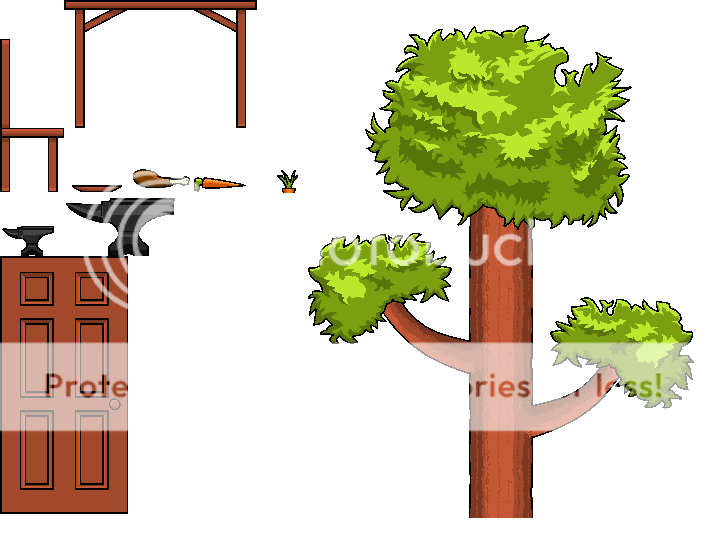
Equipment Creator - Create visual equipment for the ragdoll
All editing uses scroll-bars and requires no knowledge of physics or math.