


• 8/16/22 7:43 pm
- 107 views • 0 today
- save_alt 6 downloads
- Model
- Bee
- Resolution
- Vanilla

0
If you want to know how to make a mob skin, go to PMCSkin3d Under the Minecraft tab. Click advanced addition. Click file in the upper left corner of the screen. Then click new skin. You will see "Create new Minecraft skin" on the top of the menu that pops up. There will be something that says "Model: Steve" below it. Click the arrow next to that. You can then choose the mob you want. If you are doing something like I did, I suggest you check the "Use default texture" box.
More like this

 sharks_eat_seals

 KaiArthur
5397110
89




 C0smicCh4os





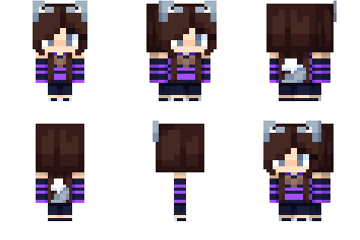 The night Wolf
 MoonCatLOLZ

 Benporg
 The Seal Deal
Have something to say?