


• • 10/28/14 3:21 pm • 2 logs
- 14.1k views • 0 today
- save_alt 1.8k downloads
- Game Version
- Minecraft 1.7.10
- Progress
- 100% complete

43
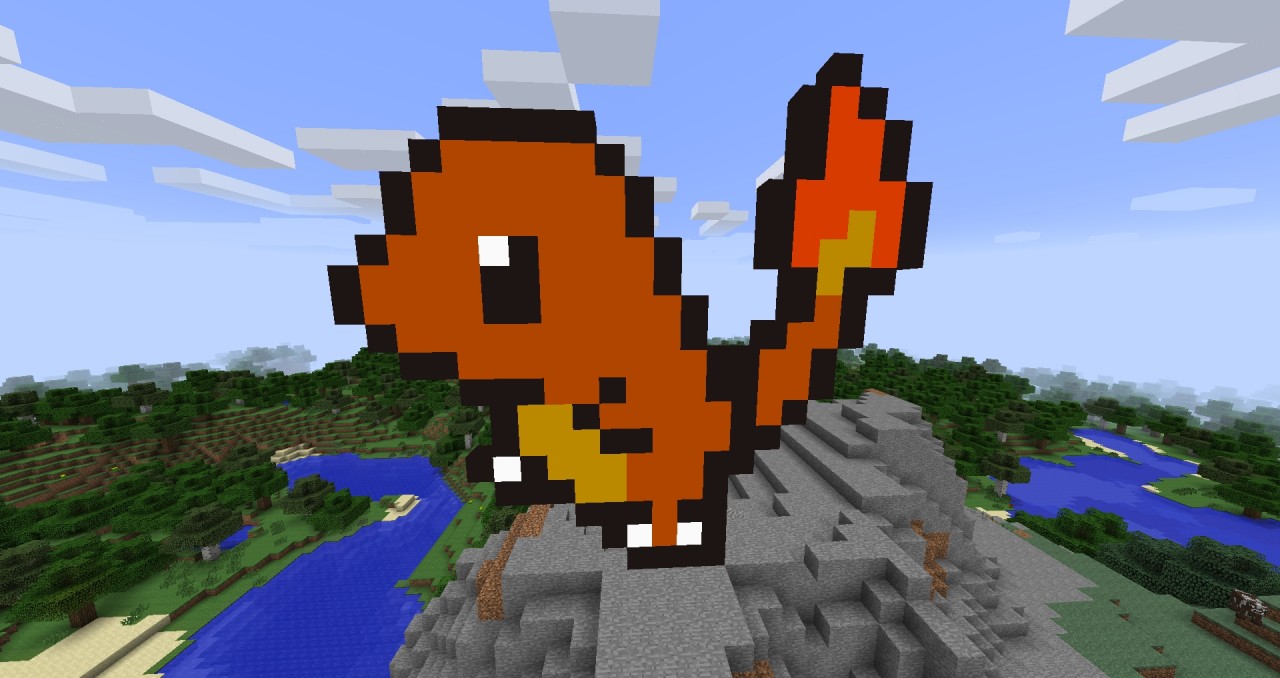
Hello there, and thanks for checking out my new mod! This mod is a small toolkit for people who like to make pixel art in minecraft.
This mod requires forge! Extract the contents of the .zip file into your mods folder.
Working in SMP
It adds three items which can be found in the new creative tab:
This mod is pretty simple to use, but really effective. If you like creating pixel art in minecraft, this mod is a must-have. Tested and works in multiplayer.
This mod requires forge! Extract the contents of the .zip file into your mods folder.
Working in SMP
It adds three items which can be found in the new creative tab:
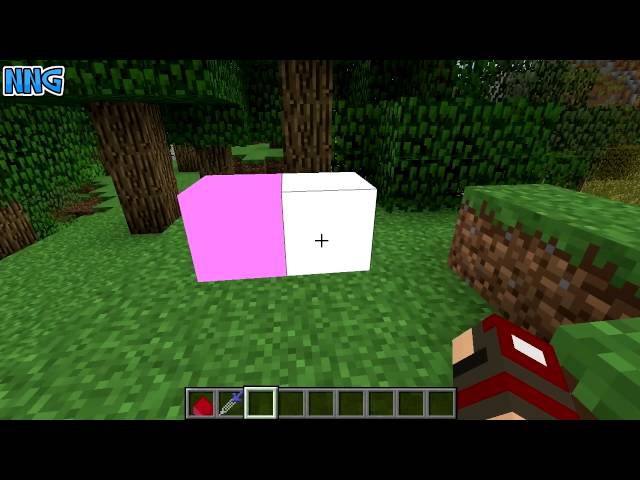
A Colored Block
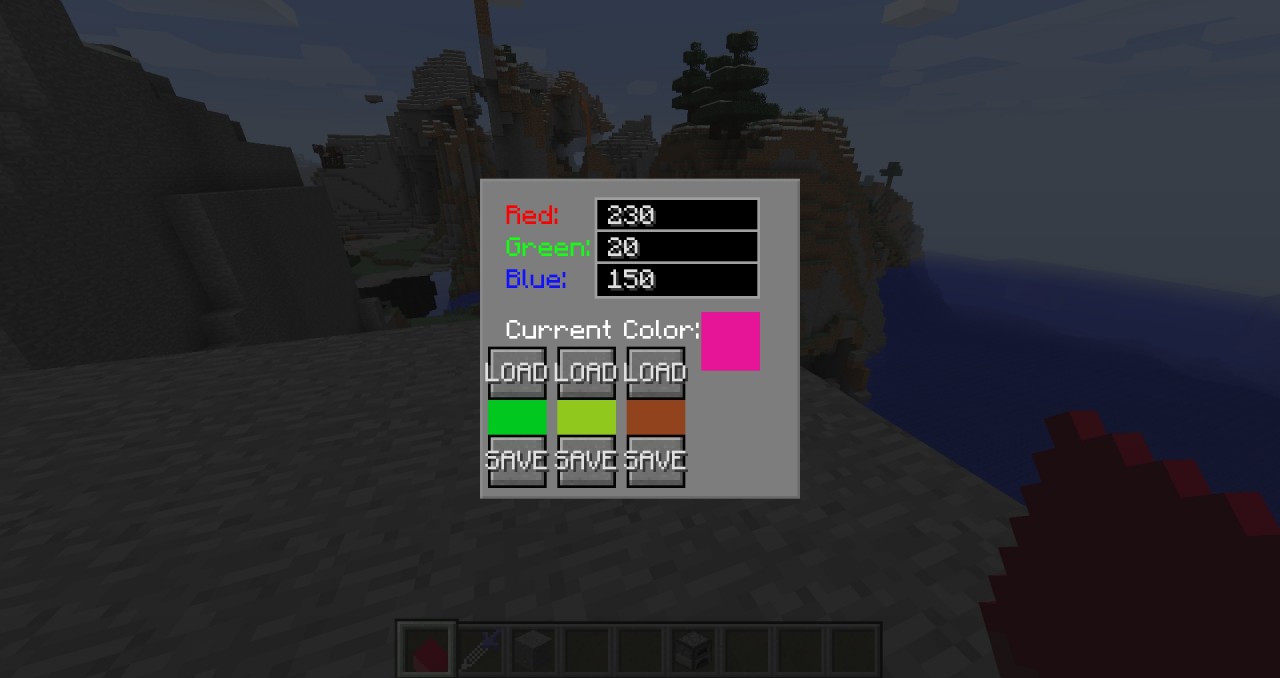
This is a block that can change color. When you are holding the block in your hand, you can hold down shift and right-click to get the main color menu. Here you will be able to save and load colors, and change your current color. The blocks you place down will have the same color as your current selected color.
Here you can change the red, green and blue color of the block. When you change the values, press ENTER to update the block. VALUES HAS TO BE BETWEEN 0 AND 255!!! To find the colors you want, you can use online colorpicker.
This will now be the blocks color when you place it. Note: You can have as many different colored blocks as you want.

If you right click on a block you have placed, you will get the same color menu as you did when you were holding the block, but this time it will only change the block you clicked on. Press enter to update the block when you have changed the values.
Note: You cannot hold any item when you right click on the block, if you have, you will not get into the menu.
Here you can change the red, green and blue color of the block. When you change the values, press ENTER to update the block. VALUES HAS TO BE BETWEEN 0 AND 255!!! To find the colors you want, you can use online colorpicker.
This will now be the blocks color when you place it. Note: You can have as many different colored blocks as you want.
If you right click on a block you have placed, you will get the same color menu as you did when you were holding the block, but this time it will only change the block you clicked on. Press enter to update the block when you have changed the values.
Note: You cannot hold any item when you right click on the block, if you have, you will not get into the menu.
The Colorpicker
This item functions as the color picker tool in photoshop or paint. You shift + right click on a block to store the color of the block. When you right click on a different colored block it will change its color to the color you have stored.

When you pick a color with the color picker, the blocks you place will have the same color as the one you picked.
When you pick a color with the color picker, the blocks you place will have the same color as the one you picked.
Color Bucket
Works pretty much as the paint bucket tool in photoshop or paint. Replaces the selected blocks color and all surrounding blocks with the color you have selected

Videos
This mod is pretty simple to use, but really effective. If you like creating pixel art in minecraft, this mod is a must-have. Tested and works in multiplayer.
2 Update Logs
Update 1.1 : by Xcisso 10/28/2014 3:21:19 pmOctober 28, 2014 @ 7:21 pm UTC
Increased the amount of saved colors to 8.
Added a color preview of your selected color to the left of your hotbar.
Fixed minor bugs.
Added a color preview of your selected color to the left of your hotbar.
Fixed minor bugs.
LOAD MORE LOGS
More like this
![[1.12.2][FORGE] Ore Sniffer - v1.0 Minecraft Mod](https://static.planetminecraft.com/files/resource_media/screenshot/1442/2014-10-16_2025138233568_thumb.jpg) [1.12.2][FORGE] Ore Sniffer - v1.0Minecraft 1.12.2 Functional Mod
[1.12.2][FORGE] Ore Sniffer - v1.0Minecraft 1.12.2 Functional Mod Xcisso
6/1/18 6:46
• posted 10/16/14 2:53
176.1k 68.2k 31x 73123
Xcisso
6/1/18 6:46
• posted 10/16/14 2:53
176.1k 68.2k 31x 73123![[Forge] [1.7.10] Tools Done Right Minecraft Mod](https://static.planetminecraft.com/files/resource_media/screenshot/1504/tdr8573052_thumb.jpg) [Forge] [1.7.10] Tools Done RightMinecraft 1.7.10 New Content Mod
[Forge] [1.7.10] Tools Done RightMinecraft 1.7.10 New Content Mod jobicade
•1/24/15 10:04
15.6k 3.2k 12x 11917
jobicade
•1/24/15 10:04
15.6k 3.2k 12x 11917![[1.7.10][Forge]Trinate Minecraft Mod](https://static.planetminecraft.com/files/resource_media/screenshot/1451/2014-12-17_1850448436286_thumb.jpg) [1.7.10][Forge]TrinateMinecraft 1.7.10 Aesthetic Mod
[1.7.10][Forge]TrinateMinecraft 1.7.10 Aesthetic Mod TH3ONLINEGAMER
12/30/14 4:41
• posted 12/17/14 8:53
7.3k 2.2k 38x 766
TH3ONLINEGAMER
12/30/14 4:41
• posted 12/17/14 8:53
7.3k 2.2k 38x 766![Dolomit Tools vBeta 1.0 [Forge] [1.4.7] Minecraft Mod](https://static.planetminecraft.com/files/resource_media/screenshot/1307/Crafting-Beta-10_4831153_thumb.jpg) Dolomit Tools vBeta 1.0 [Forge] [1.4.7]Minecraft 1.4.7 Functional Mod
Dolomit Tools vBeta 1.0 [Forge] [1.4.7]Minecraft 1.4.7 Functional Mod Alkatras15
2/13/13 5:07
• posted 2/8/13 2:01
1.5k 170 3x 221
Alkatras15
2/13/13 5:07
• posted 2/8/13 2:01
1.5k 170 3x 221
3117190
7
![[1.7.10][FORGE]Pixel Art Tools - v1.0 Minecraft Mod](https://static.planetminecraft.com/files/resource_media/screenshot/1443/2014-10-20_1953118247731_thumb.jpg)
![[1.6.4][Forge]Tachyon Craft - v1.0 Minecraft Mod](https://static.planetminecraft.com/files/resource_media/screenshot/1338/2013-09-16_182937_6420770_thumb.jpg)
![World Of GemCraft Mod [WIP] Minecraft Mod](https://static.planetminecraft.com/files/resource_media/screenshot/1224/armor_2567027_thumb.jpg)
![Brewing Mod [OLD] Minecraft Mod](https://static.planetminecraft.com/files/resource_media/screenshot/1151/mc1_1074983_thumb.jpg)


 mini___



 Pastelmooncrafting15

Have something to say?
Also just updated it BTW :D