


• • 11/6/24 4:52 am • 8 logs
- 118k views • 16 today
- save_alt 29.8k downloads • 6 today
- Compatibility
- Minecraft 1.21
- Changes include
- Advancements
- Functions
- Predicates
- 134
- 148
- 26
Required Resource Pack
58
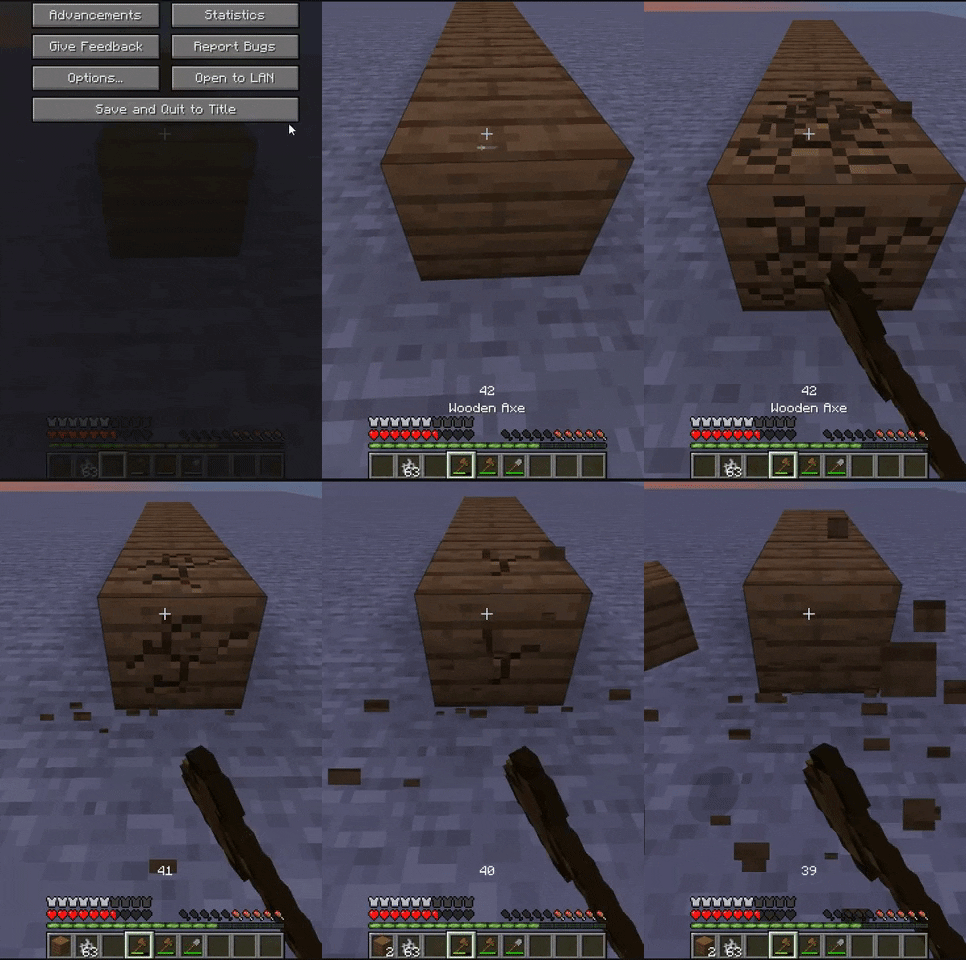
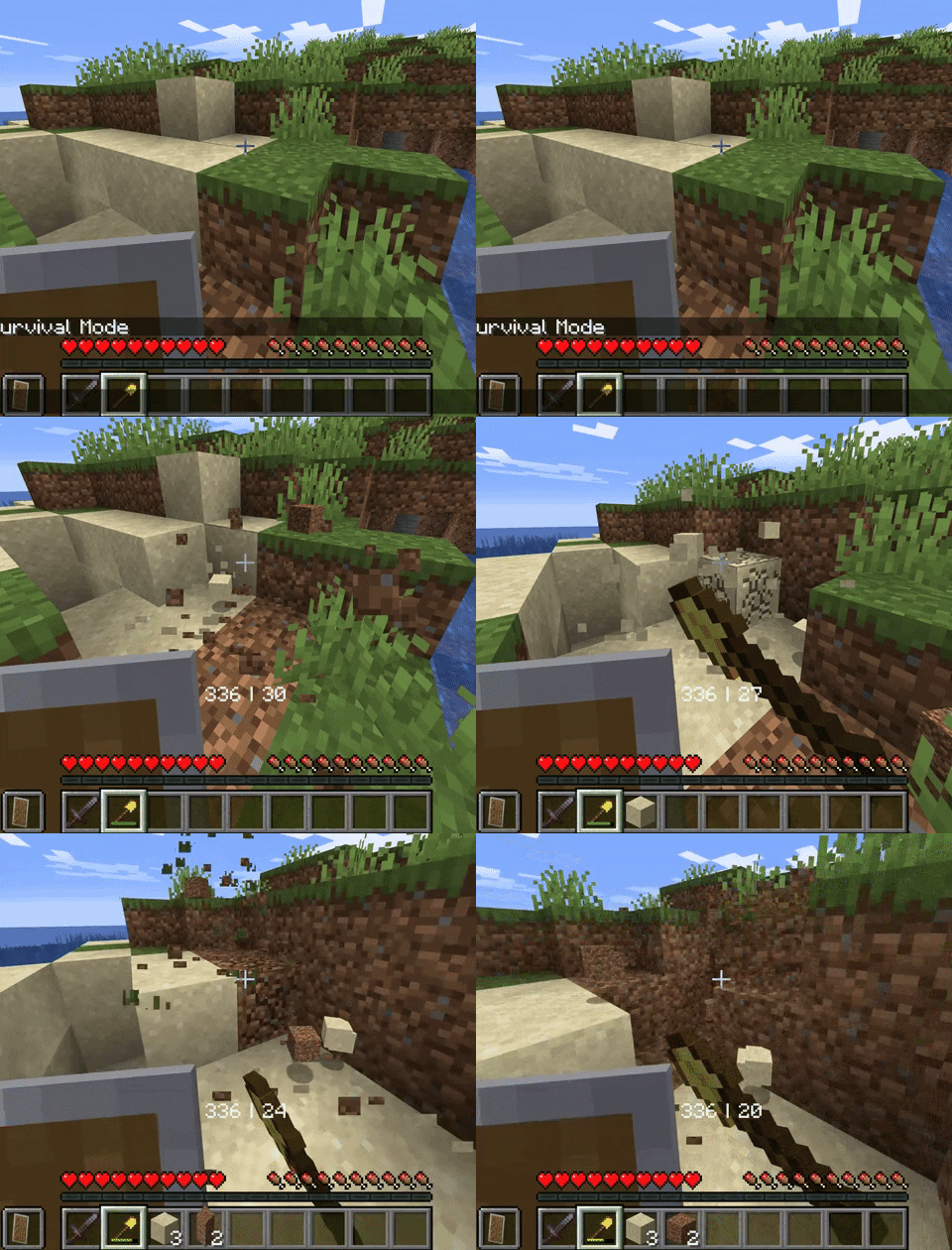
A Datapack that shows the durability of items,
both main and offhand.
Features
I appreciate any feedback and suggestions
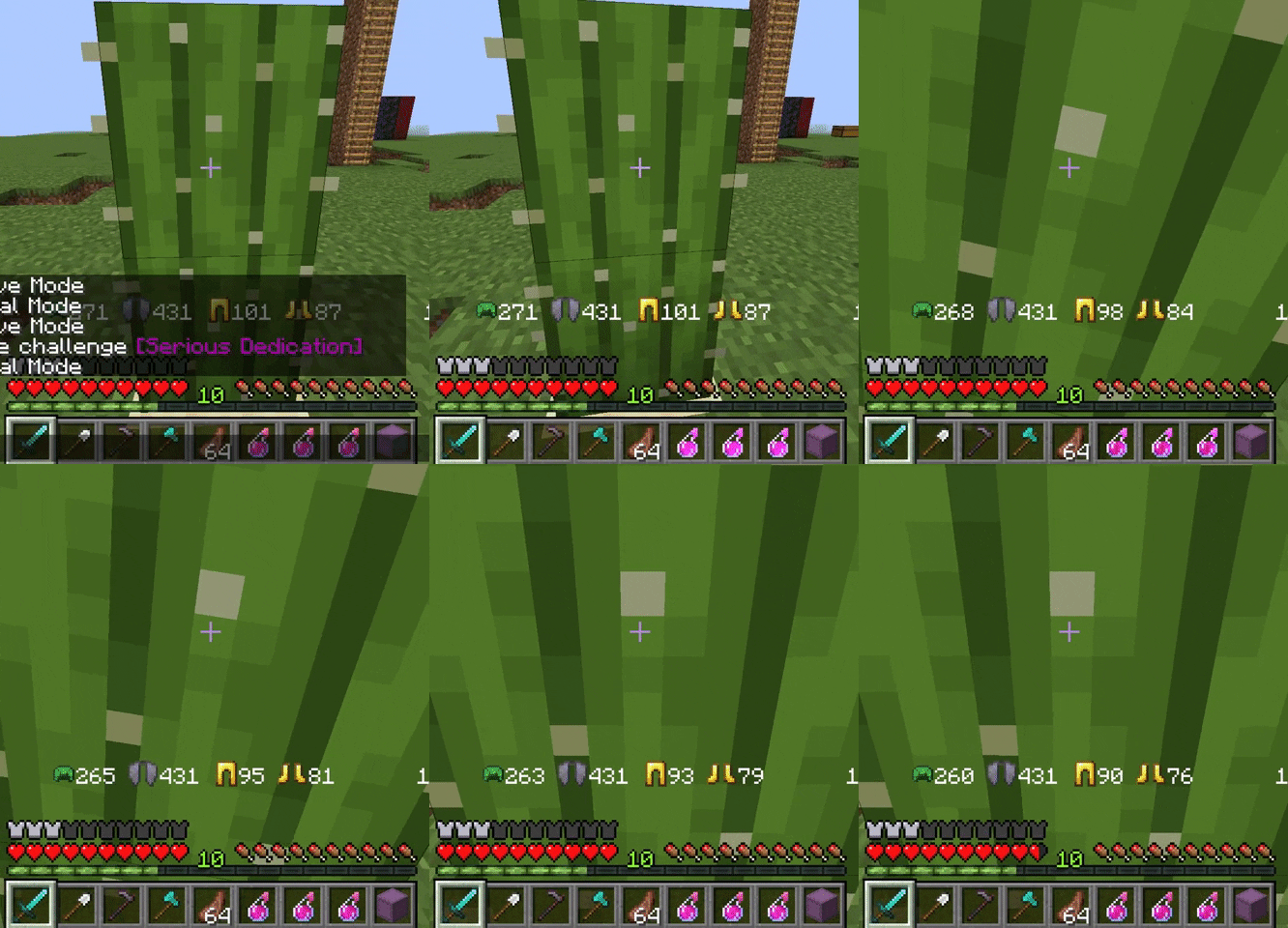
both main and offhand.
Features
- Durability of equipped armor
- Change icon depending on equipped armor (optional resource pack)
- Armor changing Resource pack support (only non-animated vanilla armor items)
- Durability of main and offhand.
- Support vanilla items with durability
- Supports custom weapons with max_damage components.
I appreciate any feedback and suggestions
- Enable icons (requires resourcepack)
/trigger DurabilityHud.resourcepack - Toggle Durability Hud per player
/trigger DurabilityHud.toggle - Show/Hide armor durability
/trigger DurabilityHud.armor
Enable Icons (optional)
- Download and Install the actual datapack (https://modrinth.com/datapack/durability)
- Download the resource pack
- Install and enable the resource pack
- run the command
/trigger DurabilityHud.resourcepack - Enjoy
8 Update Logs
Update #8 - 1.21.3 re-write : by LeonNikolai 11/06/2024 4:52:22 amNovember 6, 2024 @ 9:52 am UTC
Added commands, and support for 1.21.3 items
- Enable icons (requires resourcepack)
/trigger DurabilityHud.resourcepack - Toggle Durability Hud per player
/trigger DurabilityHud.toggle - Show/Hide armor durability
/trigger DurabilityHud.armor
LOAD MORE LOGS
More like this
 Durability Hud (1.17)Minecraft 1.17 Quality of Life Data Pack
 LeonNikolai
6/8/21 3:29
• posted 10/15/20 2:49
211.7k 65.3k 24x 19595
LeonNikolai
6/8/21 3:29
• posted 10/15/20 2:49
211.7k 65.3k 24x 19595 Elytra / Armour low durability warningMinecraft 1.14 Quality of Life Data Pack
 Oglop
•7/27/19 9:36
6.9k 663 2x 21410
Oglop
•7/27/19 9:36
6.9k 663 2x 21410 Custom DurabilityMinecraft 1.20 Quality of Life Data Pack
 The_Sky_Rider
9/15/23 3:32
• posted 9/14/23 11:55
5k 505x 174
The_Sky_Rider
9/15/23 3:32
• posted 9/14/23 11:55
5k 505x 174 Neptune's Scaling DurabilityMinecraft 1.20 Quality of Life Data Pack
 NeptuneDatapacks
•10/21/23 9:40
3.7k 537x 322
NeptuneDatapacks
•10/21/23 9:40
3.7k 537x 322 Paint's Durability Fixer (26.2)Minecraft 1.21 Quality of Life Data Pack
 PaintTheFuture
7/17/26 12:03
• posted 12/22/25 2:12
1k 95 1x 112
PaintTheFuture
7/17/26 12:03
• posted 12/22/25 2:12
1k 95 1x 112
4311822
119




 YourCuteLilBunnyJaxyyy






 nugrevan
![Completionist Checklist [26.3] Minecraft Data Pack](https://static.planetminecraft.com/files/image/minecraft/data-pack/2026/426/20198390_s.jpg)
 IA_Des
Have something to say?
One thing I can try to do is add a resourcepack with custom type to create a more visual appealing hud weith more space, similar to what this guy did with colored armor. The sidebar is also a possibility, but then there are technical difficulties when it comes to larger amounts of players. The chat would just be an inconvenient place to print such information.
I have a couple of questions before installing:
Do the numbers only appear when you select the tool / weapon or do they stay on the screen the entire time the tool or weapon is used?
current:
The durability displays for a short duration after any inventory/durability change, and when selecting a new hotbar slot.
Past:
The early versions of this pack displayed the durability 100% of the time, after optimizations to avoid constantly check what item is selected i moved to using advancements to check when durability changes, and the tick function is now only checking if the players selected hotbar has changed.
Future:
So they do not stay the entire time because of performance, but if there is high demand i may re-make a version where it stays up all the time.