

• 12/14/12 5:08 pm
- 2.4k views • 0 today
- save_alt 185 downloads
- Game Version
- Minecraft 1.4
- Progress
- 95% complete
Added CreditMe for being too lazy to clear big areas myself!


3
Hi! This is my first official mod so if you see any bugs or flaws please comment. I'll be sure to read it and fix the mod if it's a good idea.
Instructions:
-----------------------------------------
1 - Get and install ModLoader (here)
2 - Download and Open QuickBuilds.zip and minecraft.jar in your .minecraft -> bin folder (Right-Click -> Open With... -> WinRar, 7z or any other)
3 - Drag all .class and .png files from QuickBuilds to minecraft.jar (Choose between ClearField(NoChests) and ClearField(Chests))
4 - Run Minecraft
How to use
----------------------------------------
To get the blocks you can go to the bottom of the blocks tab in creative mode, spawn them using /give <player> <id> <ammount> command or using mod like TMI.
The ids of the blocks:
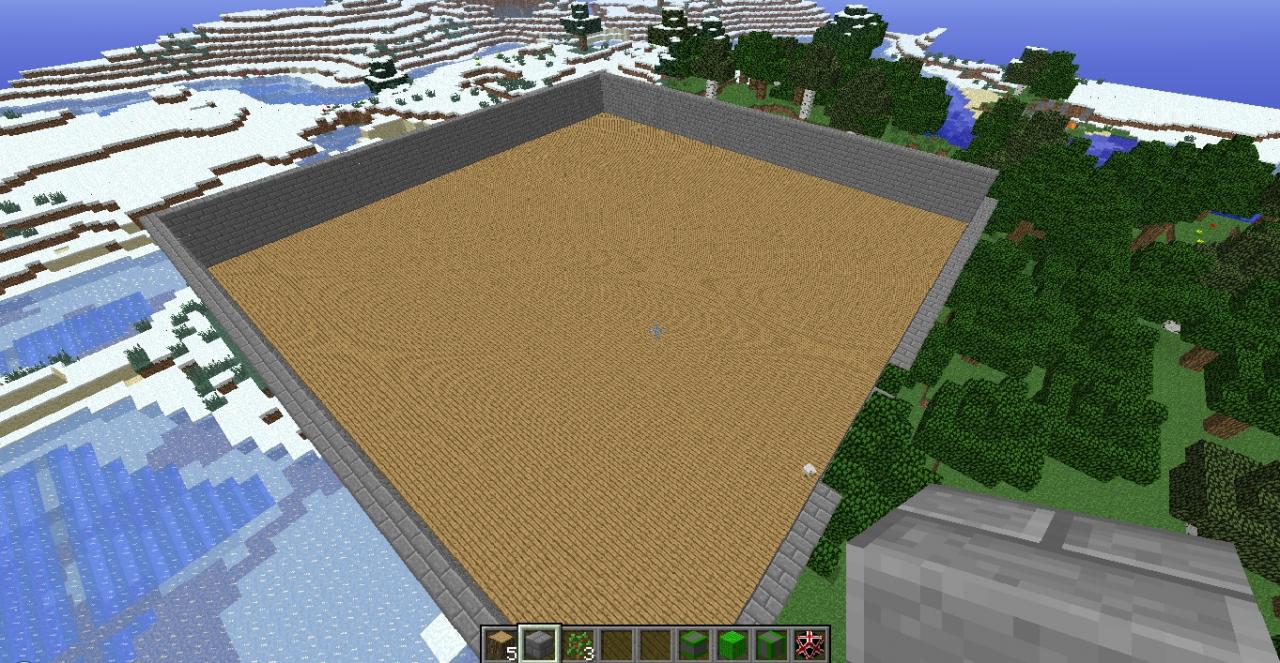
Instant wall N-S - 171
Instant wall E-W - 172
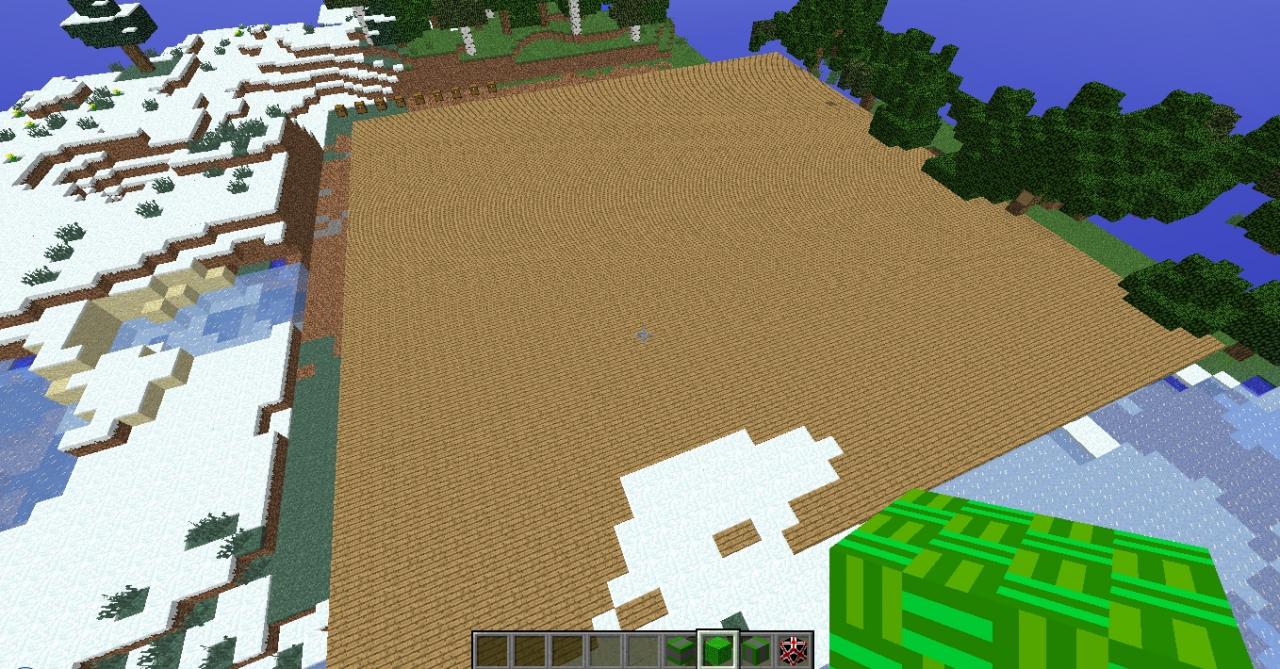
Wooden Floor - 173
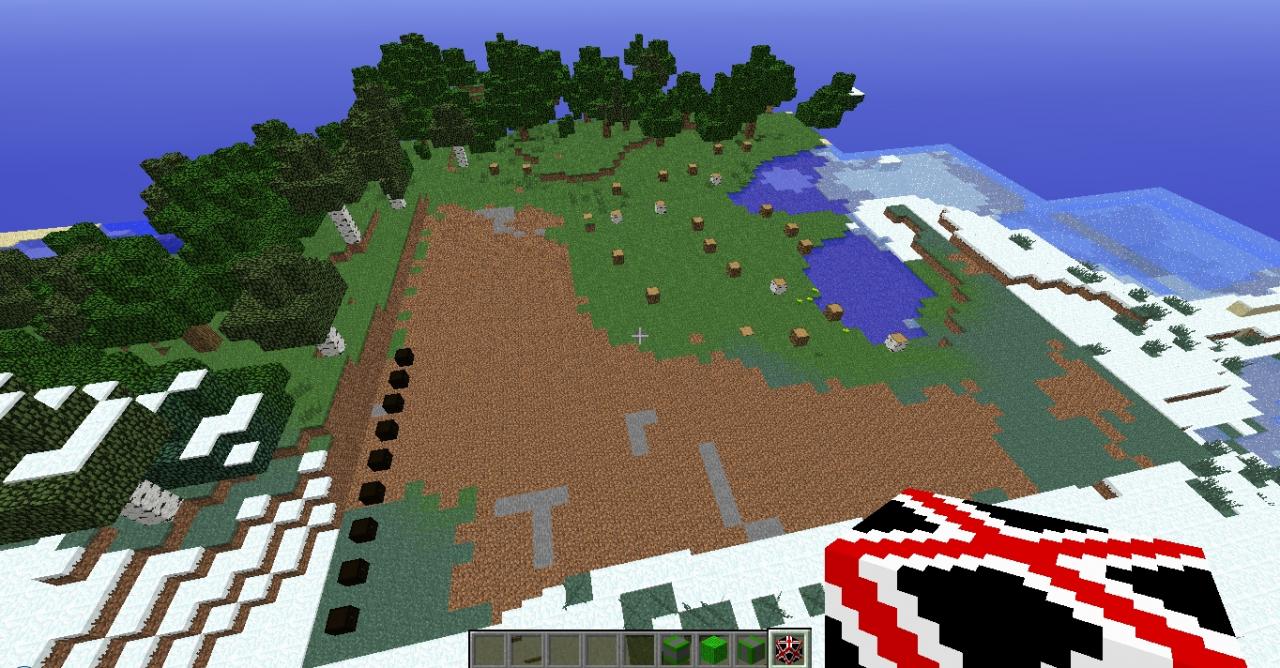
Clear Field - 170
Effects:
Instant walls - create wall 5 high and 50 long in one of the directions (For refrence you can use the picture ABOVE the placed block, because I'm not sure about the name being correct)
Wooden Floor - create a floor 50 wide, 50 long and 1 high
Clear Field - clears 100 x 100 x 100 big space (The chest edition clears 50 x 50 x 30 space and puts valuable ores in chests that are also created)
NOTE: The blocks in the chests are more to show how many diamonds for example were in the area you cleared, because I didn't add a reciepes so the blocks aren't obtainable in survival. If you would like to have them in the survival leave a comment on what you think.
Instructions:
-----------------------------------------
1 - Get and install ModLoader (here)
2 - Download and Open QuickBuilds.zip and minecraft.jar in your .minecraft -> bin folder (Right-Click -> Open With... -> WinRar, 7z or any other)
3 - Drag all .class and .png files from QuickBuilds to minecraft.jar (Choose between ClearField(NoChests) and ClearField(Chests))
4 - Run Minecraft
How to use
----------------------------------------
To get the blocks you can go to the bottom of the blocks tab in creative mode, spawn them using /give <player> <id> <ammount> command or using mod like TMI.
The ids of the blocks:
Instant wall N-S - 171
Instant wall E-W - 172
Wooden Floor - 173
Clear Field - 170
Effects:
Instant walls - create wall 5 high and 50 long in one of the directions (For refrence you can use the picture ABOVE the placed block, because I'm not sure about the name being correct)
Wooden Floor - create a floor 50 wide, 50 long and 1 high
Clear Field - clears 100 x 100 x 100 big space (The chest edition clears 50 x 50 x 30 space and puts valuable ores in chests that are also created)
NOTE: The blocks in the chests are more to show how many diamonds for example were in the area you cleared, because I didn't add a reciepes so the blocks aren't obtainable in survival. If you would like to have them in the survival leave a comment on what you think.
More like this


 Elemental Apples!Minecraft 1.7.10 New Content Mod
 OfficiallyPolarFluid
•3/3/15 7:37
5.2k 1.1k 38x 1105
OfficiallyPolarFluid
•3/3/15 7:37
5.2k 1.1k 38x 1105 Elemental HornsMinecraft 1.21.4 New Content Mod
 Extreme_Strategy
8/3/24 11:36
• posted 6/15/24 5:42
1.3k 120 3x 435
Extreme_Strategy
8/3/24 11:36
• posted 6/15/24 5:42
1.3k 120 3x 435
 somoson7
 evil_knight
 GamerremaG
1743684
7







 Cozy Glow
 ARandomCat_-
 KateGirlSK
 CobbleClub
Have something to say?