



• 2/19/22 11:10 pm
- 1.2k views • 0 today
- save_alt 116 downloads
- Progress
- 100% complete
Added CreditCreativeModeGuy


31
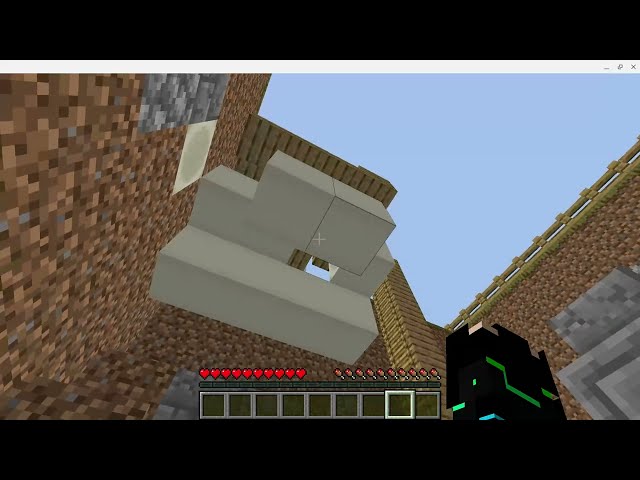
It has been 2 years and 2 updates since archaeology was announced to be in Minecraft and yet it still isn't here. So after so long I have decided to make it in Minecraft. I tried to copy it to the best of my ability however I did customize a few things. Thank you to CreativeModeGuy for building the site with me without them this wouldn't be possible. That's it for now, enjoy!
If you have questions let me know in the comments!
How to install the world into Minecraft.
1.Find the downloaded file

2. Unzip/Open

3. Copy the CUR file and paste it in your Minecraft saves/worlds folder.

4. Check in Minecraft for a world that looks kinda like this;

Not working? Let me know in the comments and I will try to help you!
2. Unzip/Open
3. Copy the CUR file and paste it in your Minecraft saves/worlds folder.
4. Check in Minecraft for a world that looks kinda like this;
Not working? Let me know in the comments and I will try to help you!
If you have questions let me know in the comments!
More like this

 phonlapat
 Ghostrider231
 Turbo515
 ViggoSJ04
 Piggyfire99
5468940
2


 arandomcat04






 Mortality SMP

 Arzhik
 MrLionUS
 kencorreia
 EcoSMP
 Kiellessa
Have something to say?