






• • 8/17/12 5:53 am • 2 logs
- 1.3k views • 0 today
- save_alt 71 downloads
- Progress
- 100% complete
Added CreditNewSuperMario


19
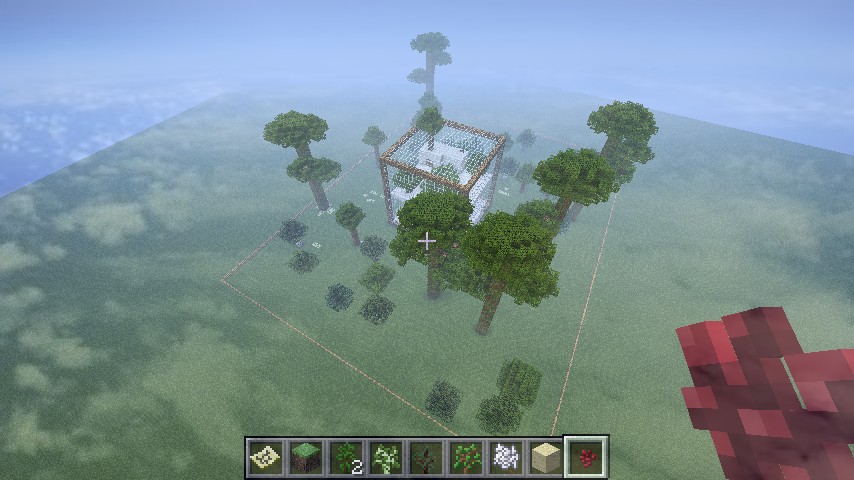
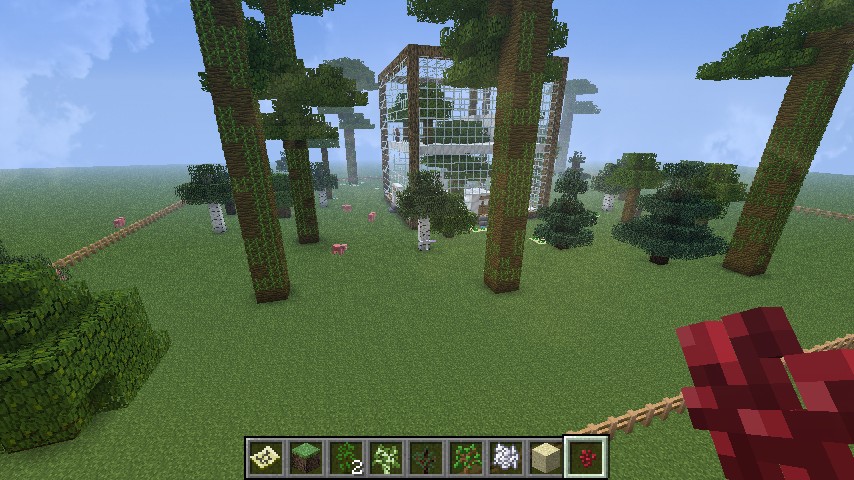
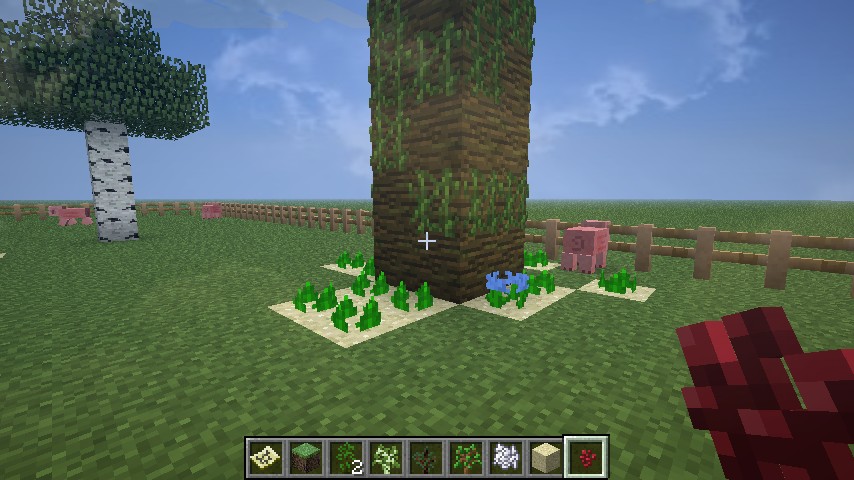
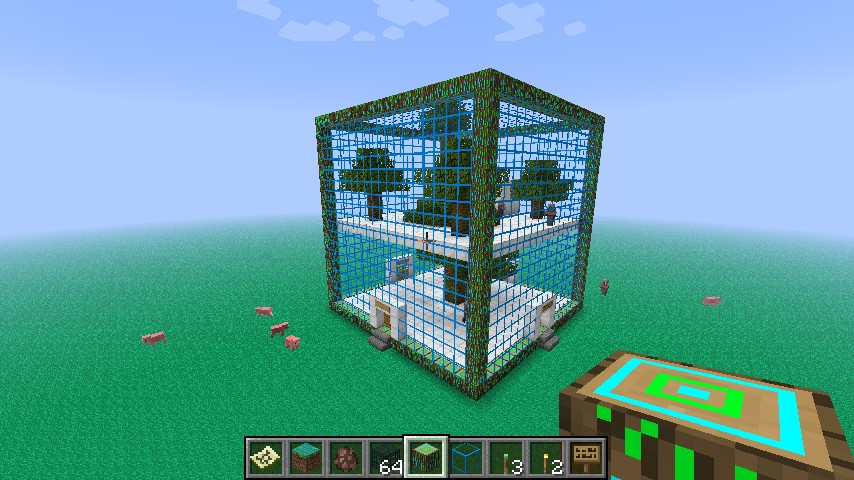
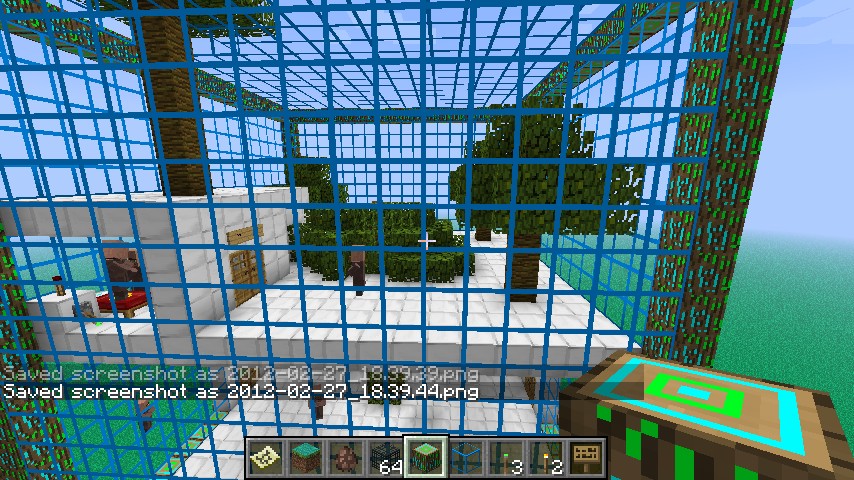
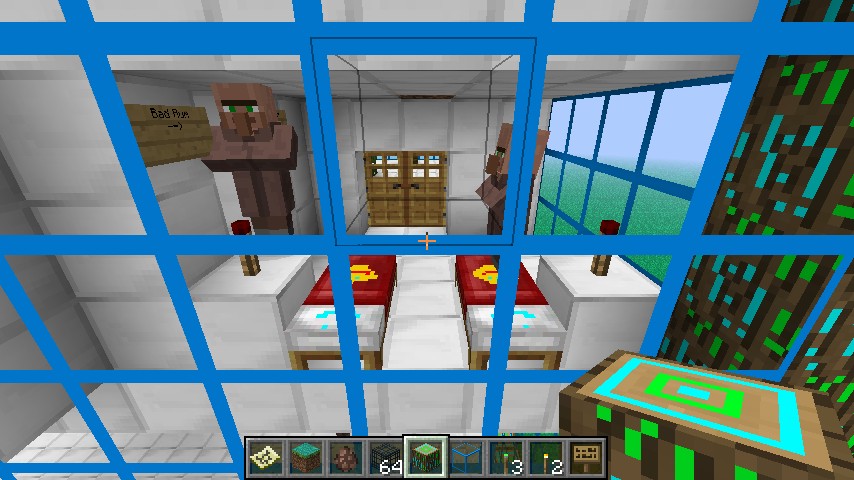
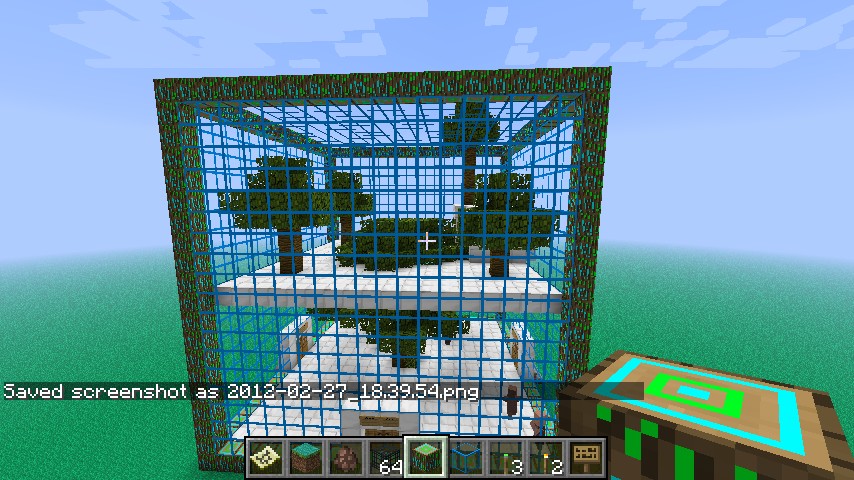
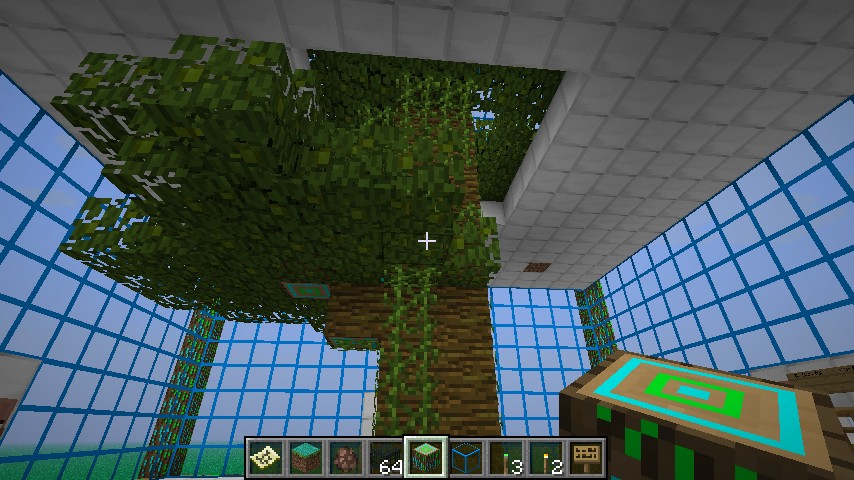
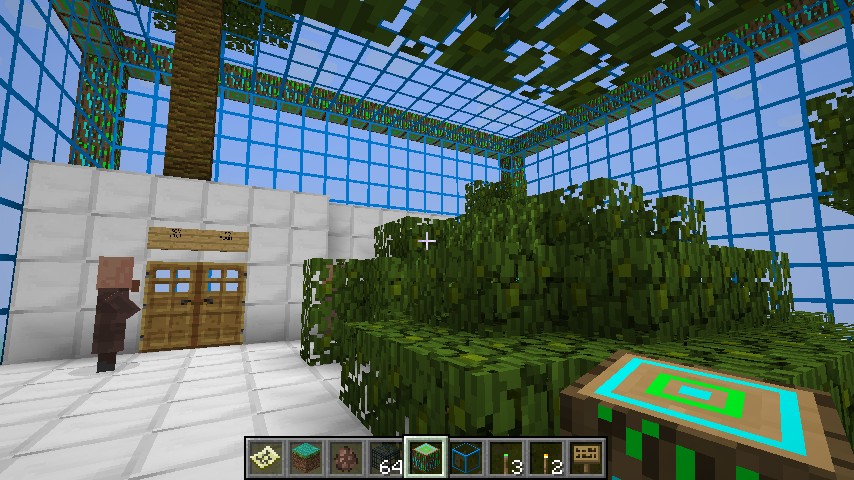
It's just a big 3D cube - But Now With Trees And Flowers!
1.click the world save download button.
2.go to start and type in %appdata%.(for windows go to run and then type in %appdata%)
3.go to roaming.
4.go to .minecraft.
5. go to saves .
6.go to downloads and drag the world save into saves.
7.done!Have Fun with your worlds!
Additional Notes
how to install:1.click the world save download button.
2.go to start and type in %appdata%.(for windows go to run and then type in %appdata%)
3.go to roaming.
4.go to .minecraft.
5. go to saves .
6.go to downloads and drag the world save into saves.
7.done!Have Fun with your worlds!
2 Update Logs
V.1.1_5 : by NewSuperMario 08/17/2012 5:53:05 amAugust 17, 2012 @ 9:53 am UTC
I added clouds to the pictures.
LOAD MORE LOGS
More like this

 supernathan
 lynchyinc
 KoomaGaming
 nomnomreach26
 Ragnarokr
619873
2









 DreamWanderer
 Papa Enny
 Kiellessa
 Revos
Revos
 MineServContent
Have something to say?