


• 8/6/24 2:56 pm
- 1.5k views • 0 today
- save_alt 259 downloads
- Progress
- 100% complete

9
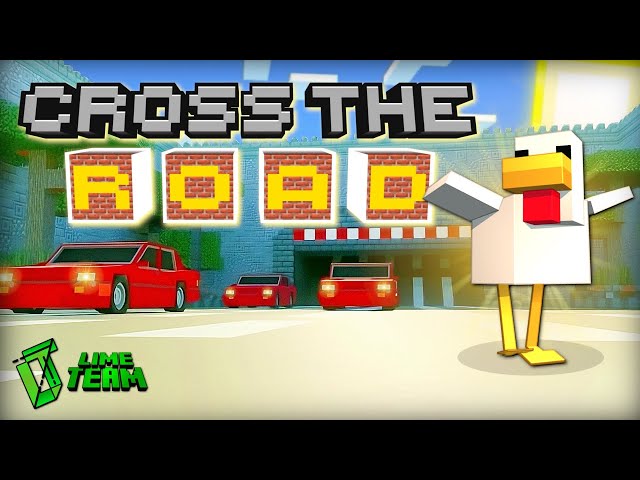
Welcome to the Cross the Road Minigame!
The player will be a chicken. The objective of the game is to cross the most roads without being crushed by the cars on the street! 🐔🚗
After that you begin the Game, you will be welcomed in the Lobby where you will find 4 Houses around you, let's explain all of them:
・The Green House:

The Green House is the "Start House" which is the beginning of the game. Once inside the house, 3 buttons will appear on the wall giving the opportunity to 3 players, maximum, to start the game by clicking on one of them. Then the player will join the game queue and receive two items in his inventory:
- "Begin the Countdown" item: when right clicked, a 10 second countdown will start and the game will successfully begin.
- "Leave the Game" item: the player will automatically leave the queue and the button that was before clicked to join in, will be back at its own first state.
Important: If a game is already started and a player joins the world after, he will appear in the lobby, then get inside the Green House and just be a spectator of that current game.
・The Orange House:

The Orange House is the "Settings House", where you will be able to change the settings of the minigame. The options are:
- Changing the time to Day/Night
- Changing the Game Difficulty. Easy Mode is the default.
- Changing the music to On/Off. The music is copyright free. Credits can be checked inside the "Blue House".
- Resetting the Map. (JUST IN CASE THE MAP BREAKS)
Important: When you are getting inside the house, be careful because a moving door will be opened in the roof. Just in case, don't sprint.
・The Blue House:

The Blue House is the "Credits House" where an NPC will welcome you. Give a right click on it and a menu will open with the credits of the map: creators, music and additional information.
Important: The music in this map is Copyright Free. If you're interested on it, the NPC has a link to the music composer website.
・The Pink House:

And finally, the Pink House or the "Tutorial House". Here is where you will be able to play again the Tutorial Map (just in case of any doubt). Don't worry if you don't see anything inside the house, in fact, you will need to jump in the air and the magic of the map will help you to fly to the "Tutorial Island" located in the sky. You will see 2 buttons in front of you: the left one is to begin the play and the right button is to bring you back to the Lobby.
Important: When the Tutorial starts, every player in the map will be involved. Meanwhile, the rest of the houses will remain unvariable till the end of the tutorial.
Important: When the Tutorial starts, every player in the map will be involved. Meanwhile, the rest of the houses will remain unvariable till the end of the tutorial.
How to move in the Game as a chicken:
Mobile Players:

Pc Players:

That's it 🎉
If you have some Suggestions or if you found a Bug in our map, we invite you to join our Discord Server!
To install the Map is really simple, just follow the following steps if you aren't familiar when installing Minecraft Maps:
- Download the file ".mctemplate" from the Download Section
- Open the file with the Minecraft App
- Click on the "Create New" button in the World menu then, scroll down till you see the "Imported Templates" section
- You should see the world in that list
If you did all of this steps but you still don't see the world, open the following link: https://i.imgur.com/N840Q8S.gif
By Lime Team Studios
More like this
 CROSSY ROAD MINECRAFT EDITION (Major Update)Challenge / Adventure Map
 InsideMinecraft
•12/13/14 4:54
3.6k 388 19x 442
InsideMinecraft
•12/13/14 4:54
3.6k 388 19x 442 New Mine-Killer Map Saga! Adventure maps 1.7.2++ SP&MPChallenge / Adventure Map
 JonasLTU
5/29/14 3:13
• posted 3/31/14 5:08
2.1k 243 5x 863
JonasLTU
5/29/14 3:13
• posted 3/31/14 5:08
2.1k 243 5x 863


 RedBlockEwok
 MinefartCreeper
 Sandwhich_chan
6163840
2








![Coup of Ages[1.21.8][WIP] Minecraft Map & Project](https://static.planetminecraft.com/files/image/minecraft/project/2026/829/20164791_s.jpg)
 LGSC team
 WolkoDoesContent
 ZeroniaServer
 Fnafzocker6661
 Platon2012

Have something to say?
Sorry for the very late response, but we haven't been very active right now because we are currently working on a new project!
You won't see the imported ".mctemplate" world because it wants to appear immediately in the game world menu. You can find the step on how to import a template world in Minecraft under this message:
If you still can't find the option, you can try to get in touch on the Official Discord Server where you will definitely find a solution! 😀
Sorry again for the late response.