





3
Story
There once was a man named Billy,
who hated straight things'
and thought they were kind of silly.
So he picked up some blocks,
some wood and some rocks,
And built his house diagonally!
:D
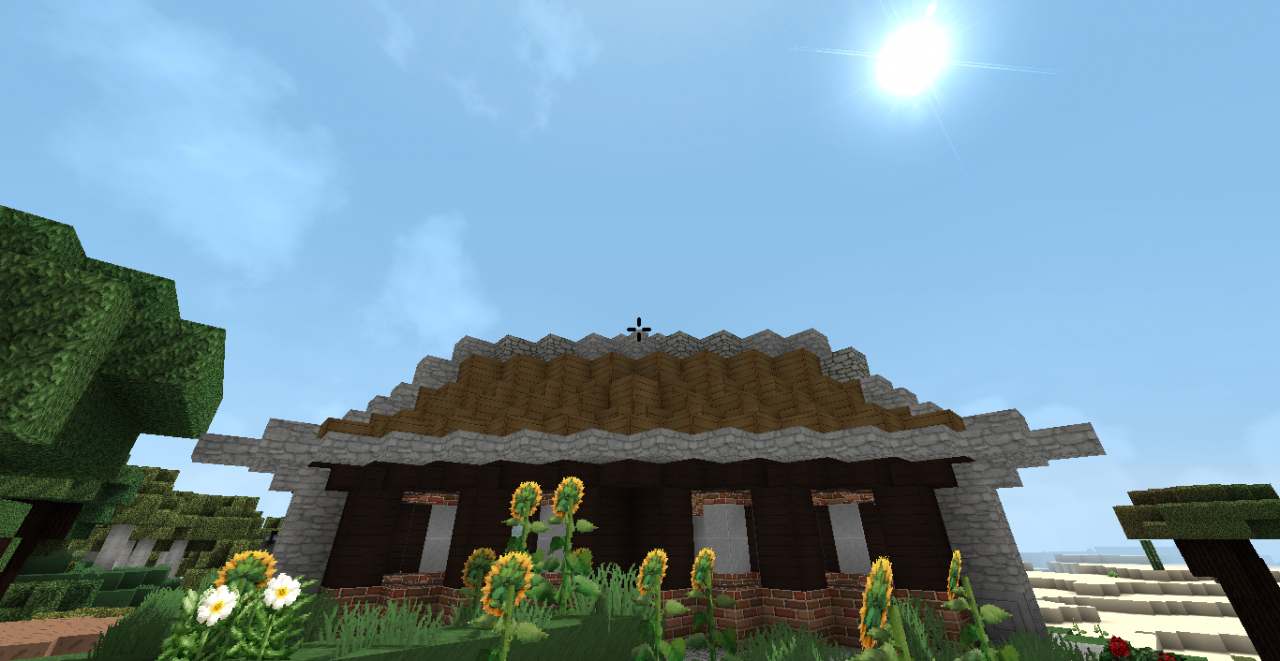
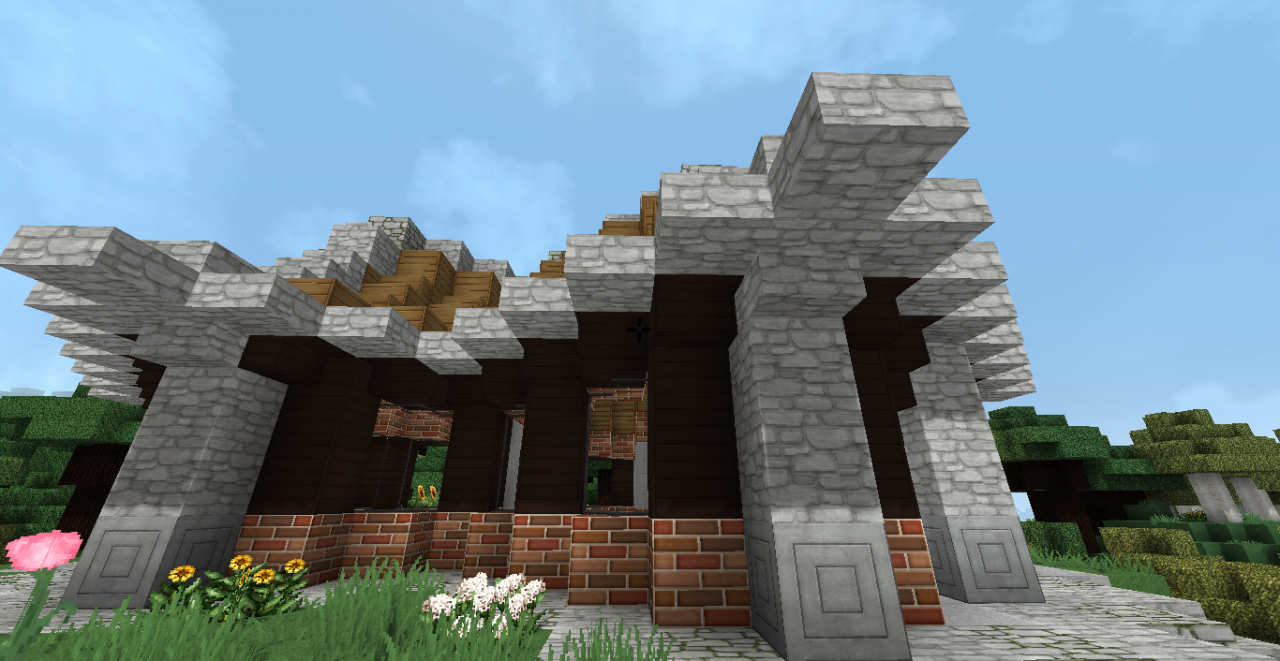
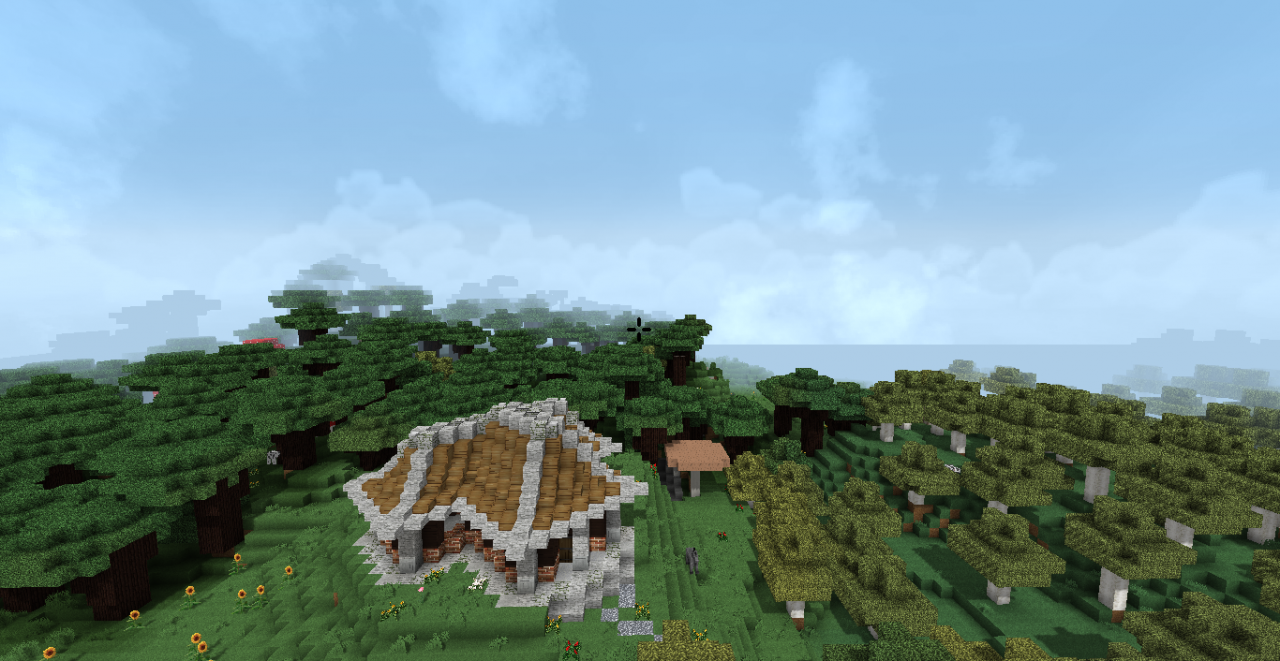
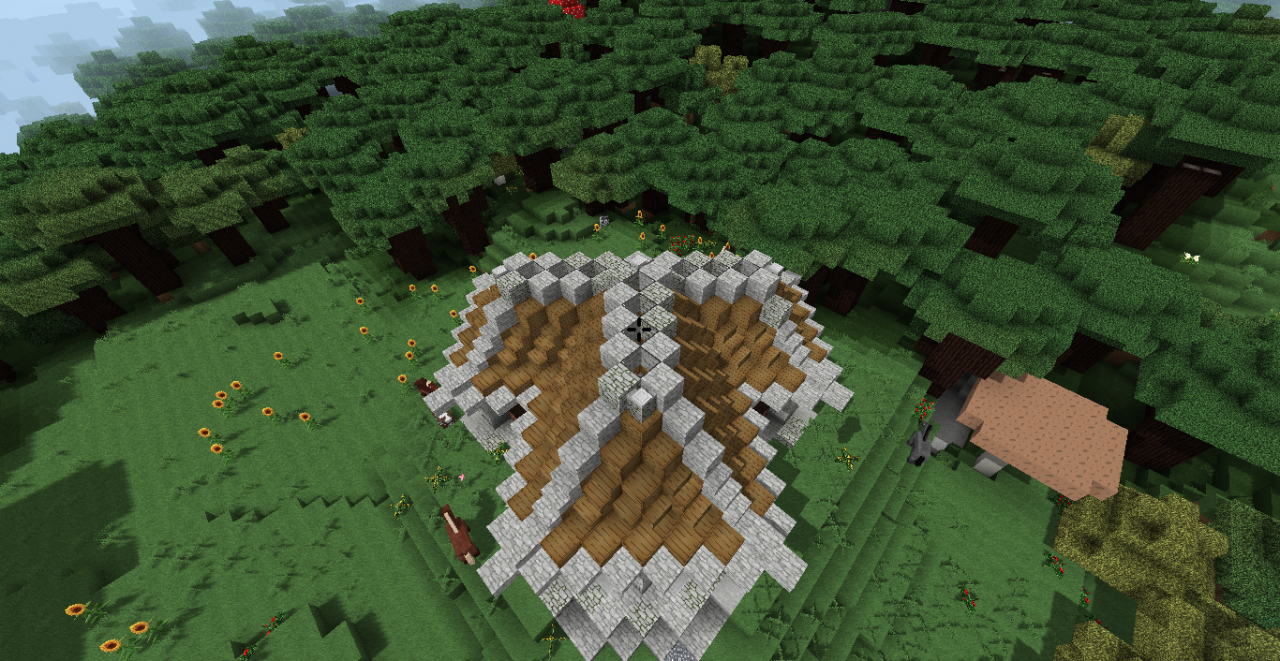
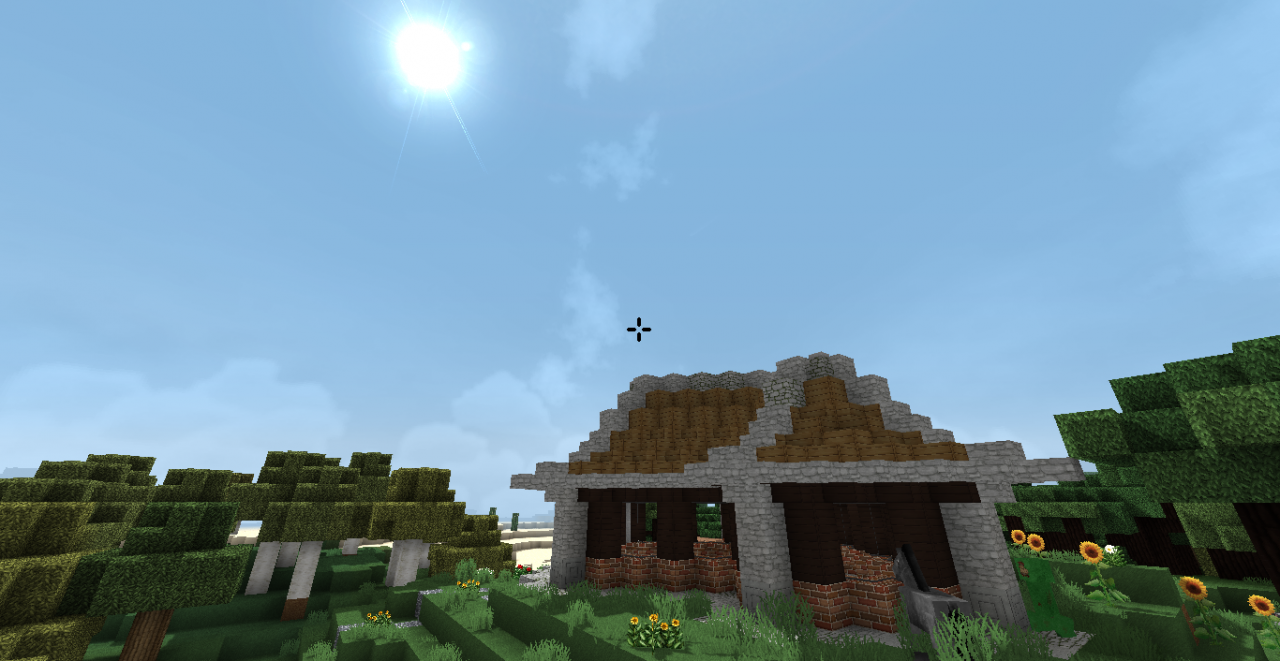
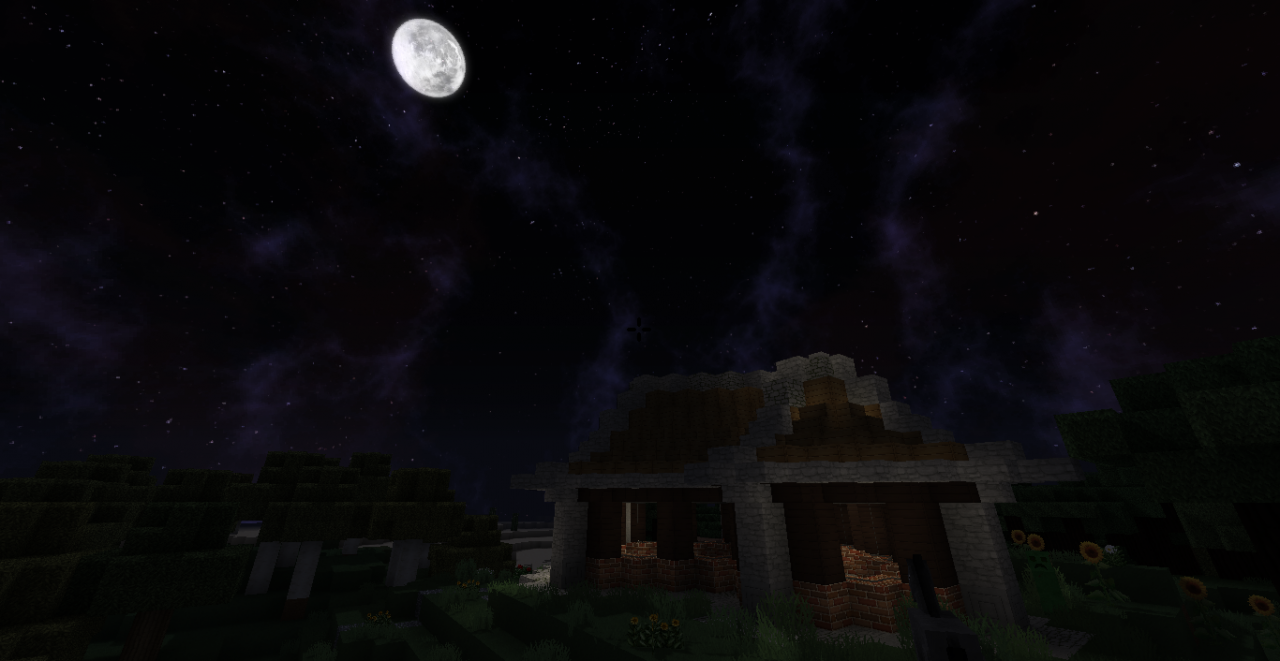
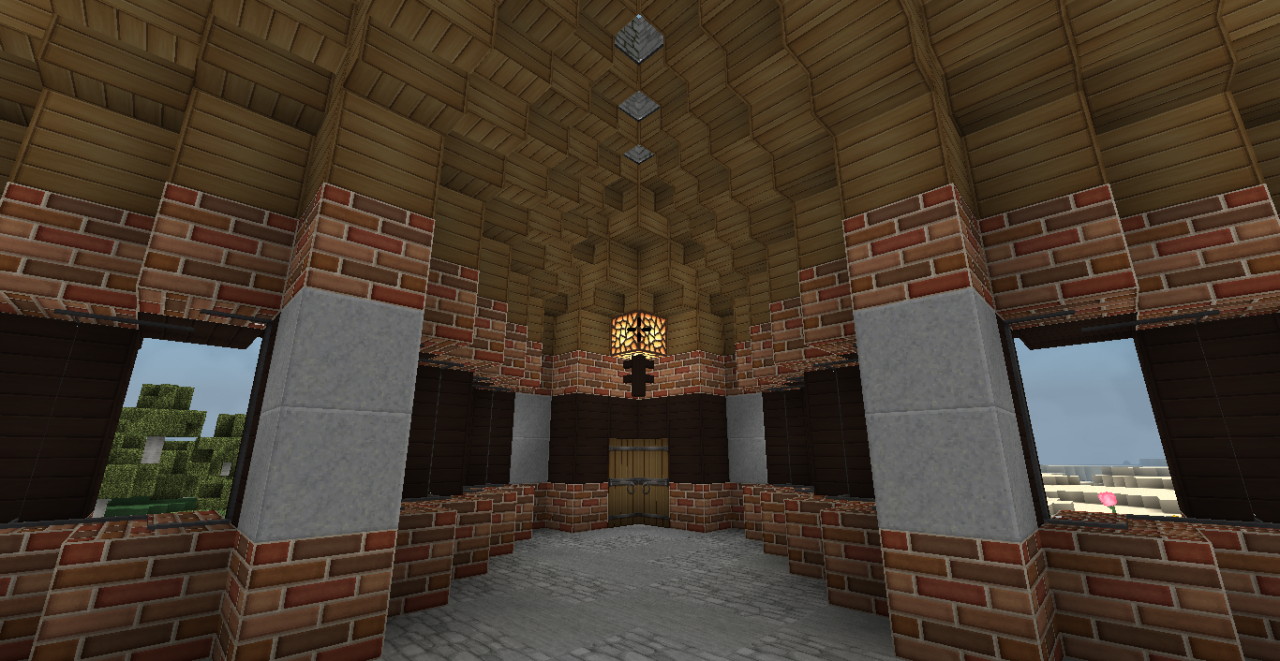
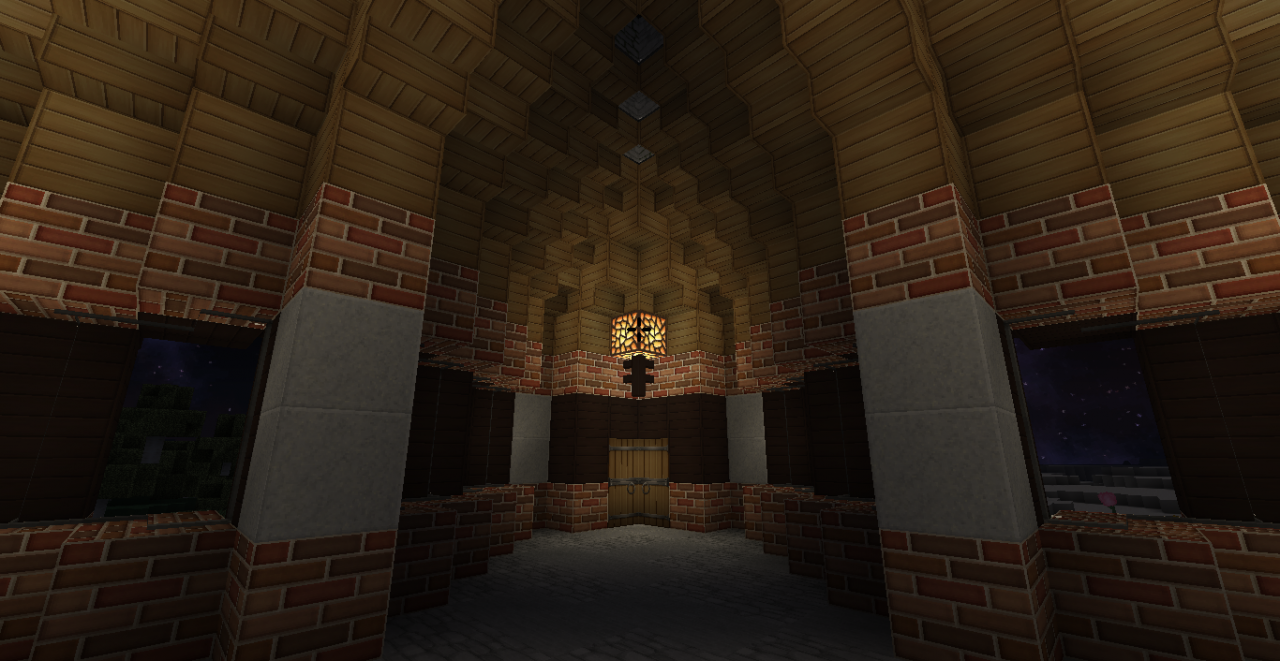
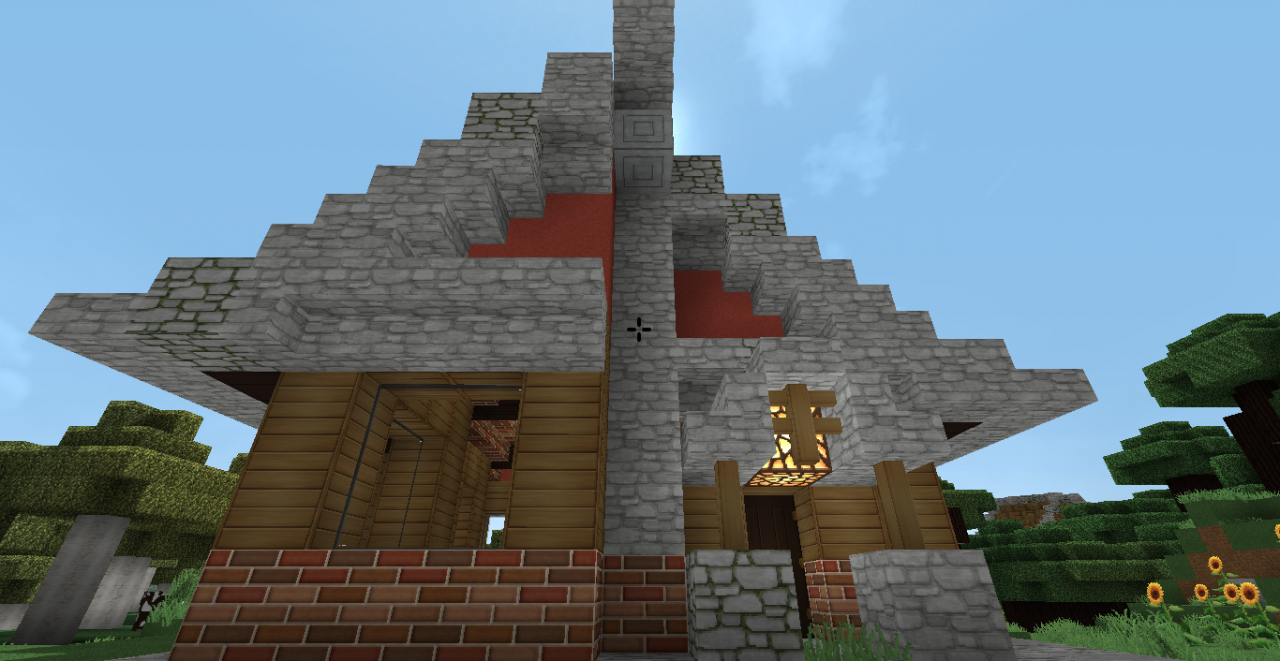
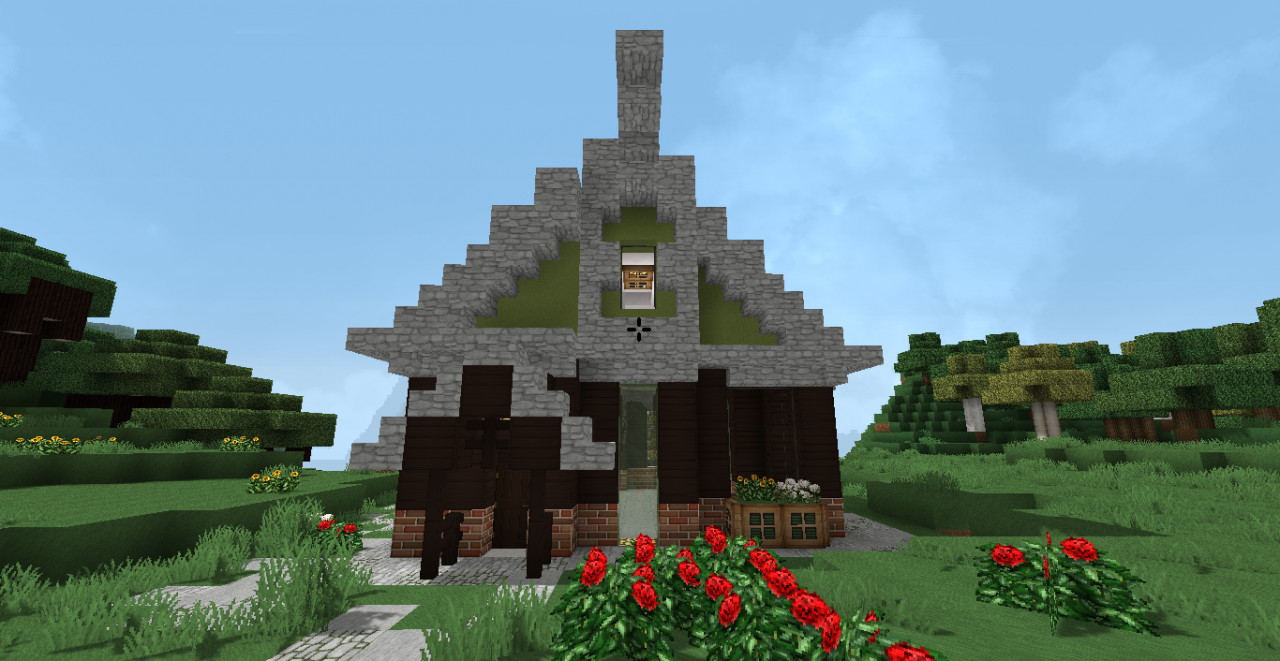
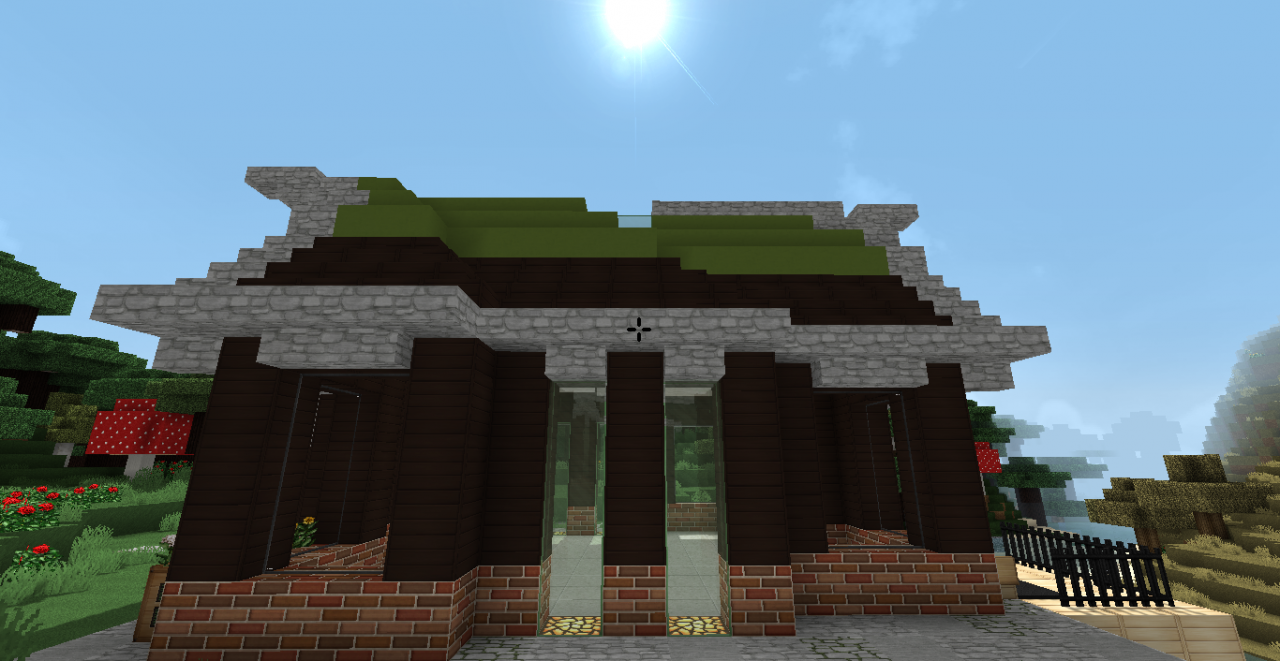
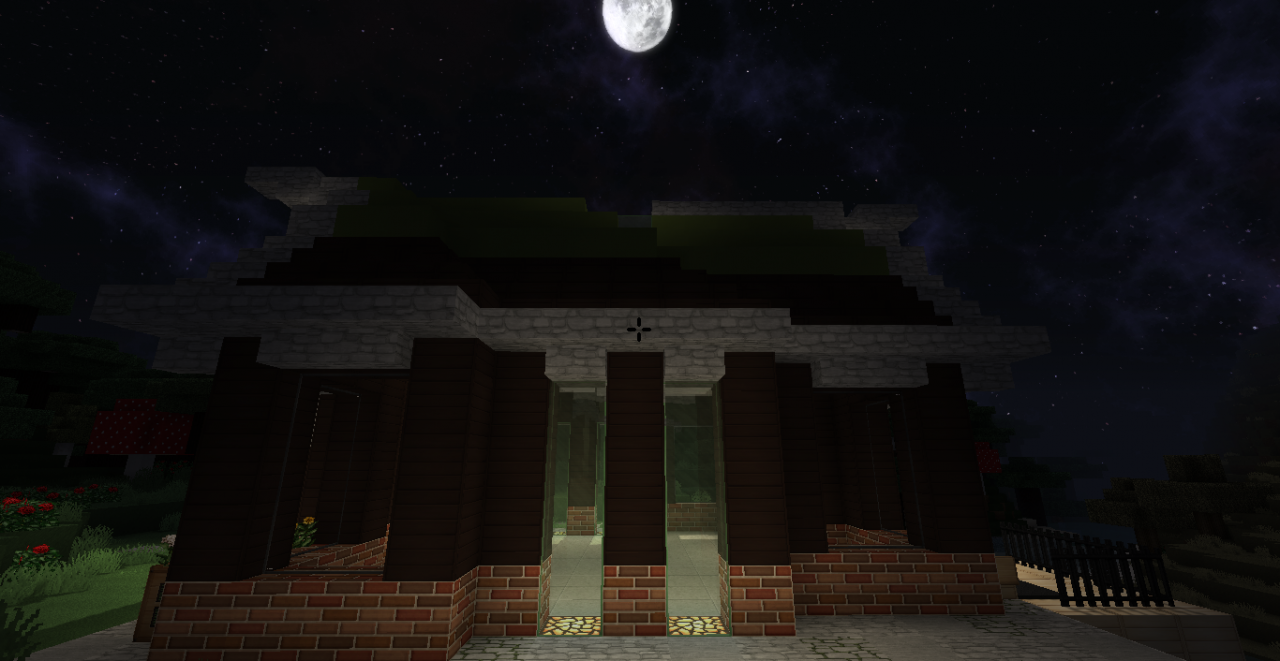
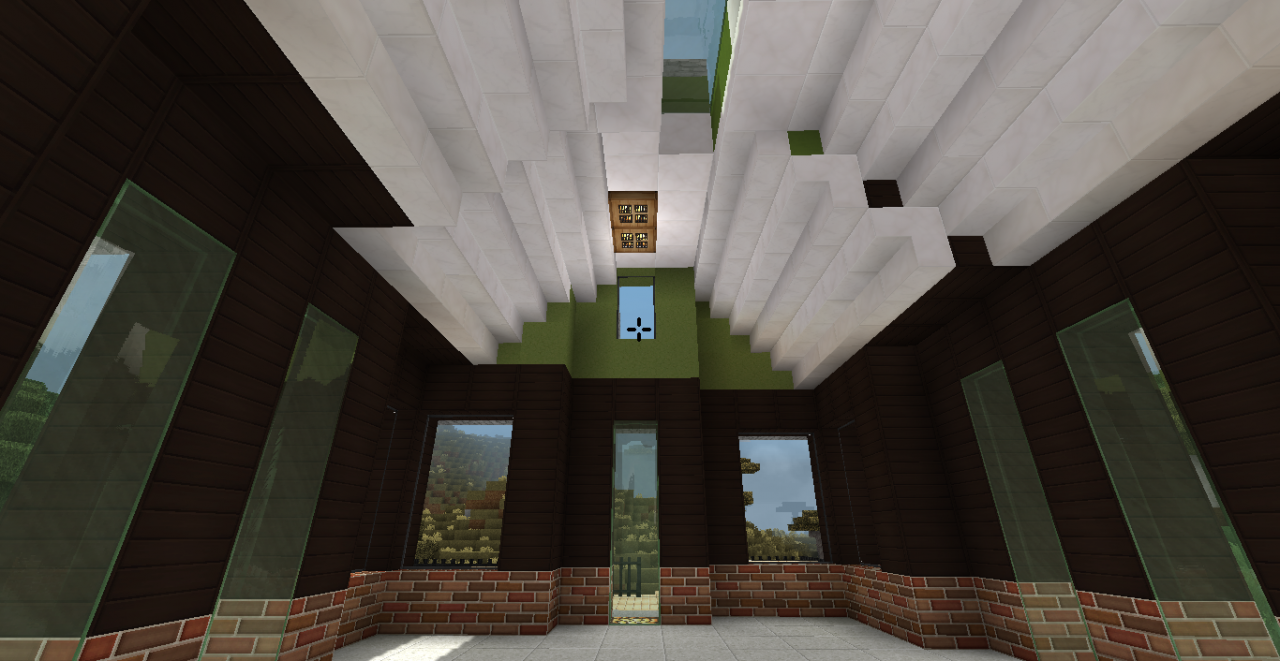
Come on, you smirked, you know you did! OK, so I just wanted to see if I could build a diagonal house. Then as I figured things out I wanted to make a video tutorial series. Then I wanted to try a "standard" diagonal house. This is the end result. The world save has all three houses, located not far from a village, and currently unfurnished. The schematics are also included, and also unfurnished. The last house, the bonus house, DBDiagonalHouseT, is the same house you can build with me when you follow the tutorials.
As always, your feedback is appreciated. Thank you for your comments, diamonds and subscriptions. To support me and my work, please use Patreon:
https://www.patreon.com/DreamBliss
Credit Goes To
The creators of the Soatex Fanver texture pack:
https://soartex.net/
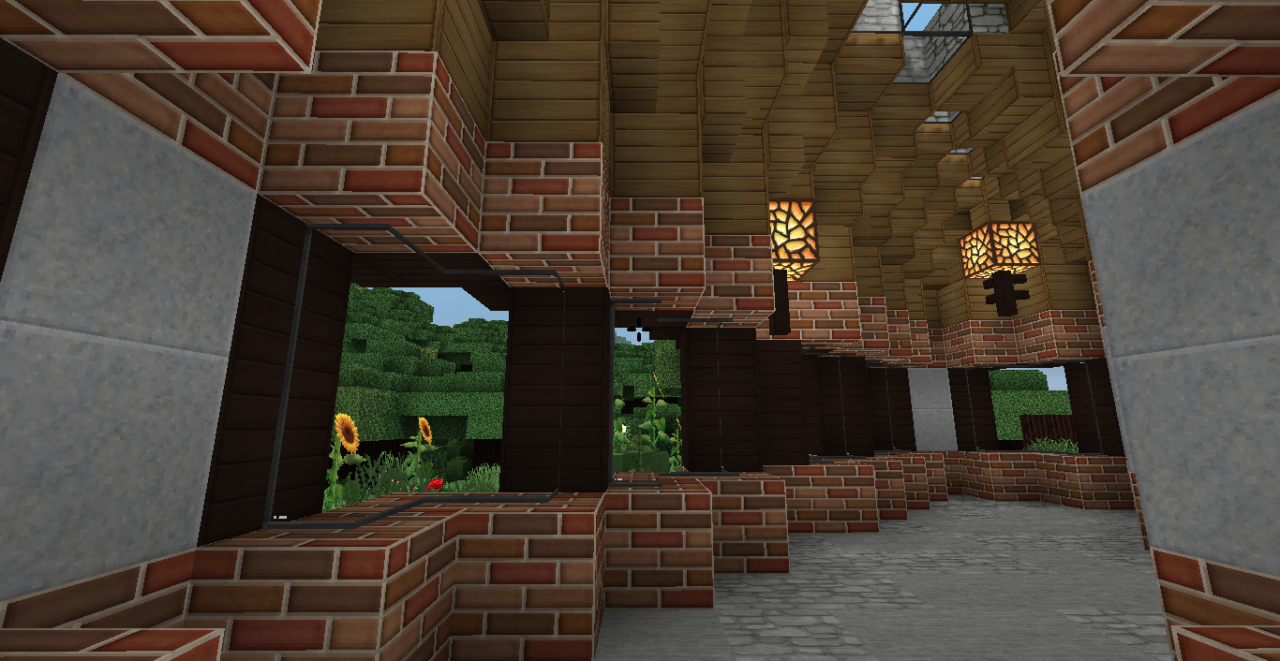
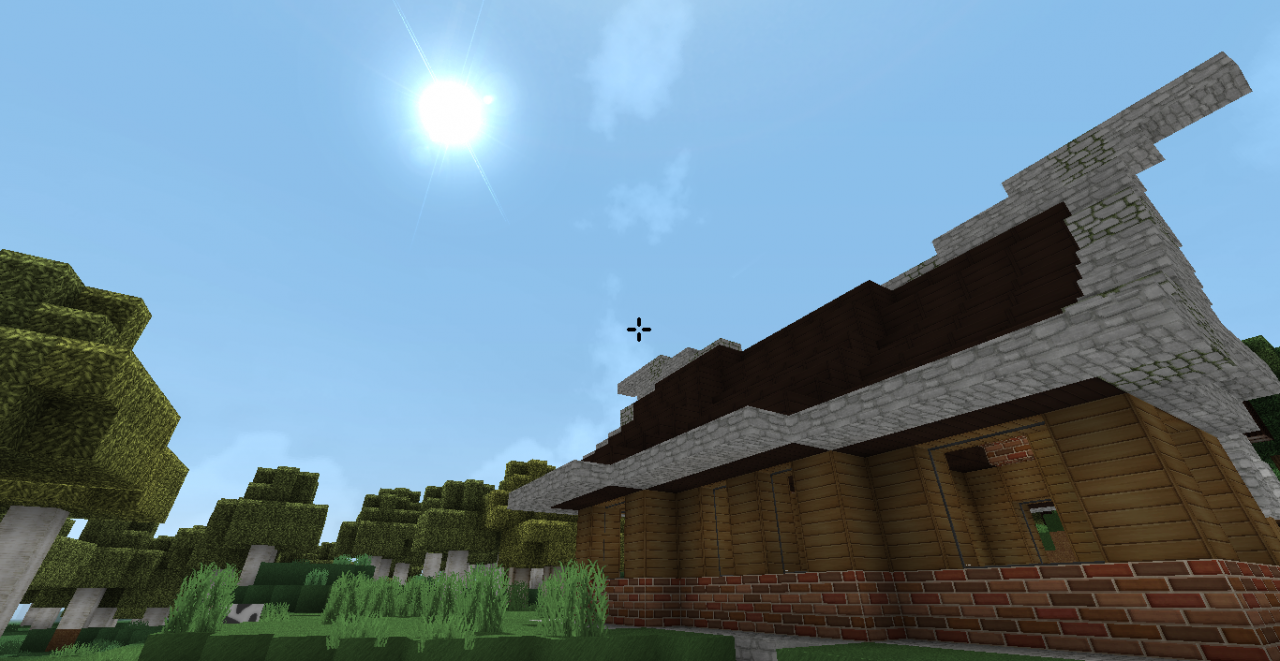
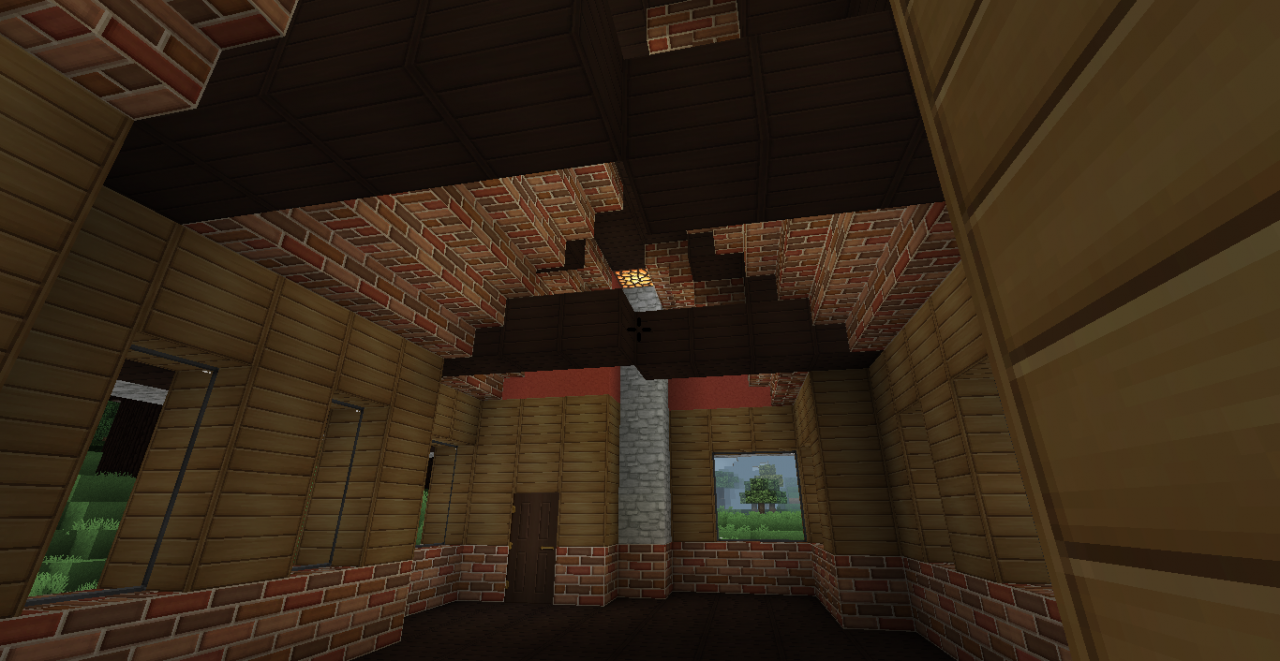
This is the texture pack featured in the screenshots. It is the ONLY pack, for Minecraft 1.12.2 which blends stone together well, provides chiseled blocks and doors which look good, AND provides a beautiful sky! Minor niggles include the small bricks for the stone brick texture, and the pinkish looking "white" clay.
Sildur's Enhanced Default Shaders (used in the screenshots):
https://www.minecraftforum.net/forums/mapping-and-modding-java-edition/minecraft-mods/1291396-1-6-4-1-12-2-sildurs-shaders-pc-mac-intel
Installation Instructions
Here are the steps for those using World Edit (easiest):
1. Place the .schematic file(s) into C:\Users\user_name\AppData\Roaming\.minecraft\config\worldedit\schematics (where user_name is your user name on your computer.)
2. Press T or whatever button you have assigned to the Chat window, and type, "schem load mcedit name_of_schematic" (without quotes, where name_of_schematic is the name of the .schematic file.)
3. In the same window, after it has loaded successfully, type, "//paste" (also without quotes.)
4. The structure will appear directly in front of you.
5. If you are not happy with its placement, type, "//undo" (yet again without quotes.)
6. If you want to paste the structure without air blocks (space around the structure) type, "//paste -a" (you guessed it, no quotes.)
7. You can rotate the structure before pasting using the "//rotate" command (without quotes, common values include 90, -90, 180, -180, 270, -270.)
8. If you get stuck, or if you are loading schematics some other way and get stuck, please comment.
License

DB Diagonal Houses by DreamBliss is licensed under a Creative Commons Attribution-NonCommercial-NoDerivatives 4.0 International License.
There once was a man named Billy,
who hated straight things'
and thought they were kind of silly.
So he picked up some blocks,
some wood and some rocks,
And built his house diagonally!
:D
Come on, you smirked, you know you did! OK, so I just wanted to see if I could build a diagonal house. Then as I figured things out I wanted to make a video tutorial series. Then I wanted to try a "standard" diagonal house. This is the end result. The world save has all three houses, located not far from a village, and currently unfurnished. The schematics are also included, and also unfurnished. The last house, the bonus house, DBDiagonalHouseT, is the same house you can build with me when you follow the tutorials.
As always, your feedback is appreciated. Thank you for your comments, diamonds and subscriptions. To support me and my work, please use Patreon:
https://www.patreon.com/DreamBliss
Credit Goes To
The creators of the Soatex Fanver texture pack:
https://soartex.net/
This is the texture pack featured in the screenshots. It is the ONLY pack, for Minecraft 1.12.2 which blends stone together well, provides chiseled blocks and doors which look good, AND provides a beautiful sky! Minor niggles include the small bricks for the stone brick texture, and the pinkish looking "white" clay.
Sildur's Enhanced Default Shaders (used in the screenshots):
https://www.minecraftforum.net/forums/mapping-and-modding-java-edition/minecraft-mods/1291396-1-6-4-1-12-2-sildurs-shaders-pc-mac-intel
Installation Instructions
Here are the steps for those using World Edit (easiest):
1. Place the .schematic file(s) into C:\Users\user_name\AppData\Roaming\.minecraft\config\worldedit\schematics (where user_name is your user name on your computer.)
2. Press T or whatever button you have assigned to the Chat window, and type, "schem load mcedit name_of_schematic" (without quotes, where name_of_schematic is the name of the .schematic file.)
3. In the same window, after it has loaded successfully, type, "//paste" (also without quotes.)
4. The structure will appear directly in front of you.
5. If you are not happy with its placement, type, "//undo" (yet again without quotes.)
6. If you want to paste the structure without air blocks (space around the structure) type, "//paste -a" (you guessed it, no quotes.)
7. You can rotate the structure before pasting using the "//rotate" command (without quotes, common values include 90, -90, 180, -180, 270, -270.)
8. If you get stuck, or if you are loading schematics some other way and get stuck, please comment.
License
DB Diagonal Houses by DreamBliss is licensed under a Creative Commons Attribution-NonCommercial-NoDerivatives 4.0 International License.
1 Update Logs
Update #1 : by DreamBliss 06/07/2020 5:50:16 amJune 7, 2020 @ 9:50 am UTC
Wasn't it awesome of me to submit this amazing looking set of houses but no download link? Mea Culpa! Well it's a couple of years later, but I fixed it!
More like this
![Medieval Diagonal House [Schematic] Minecraft Map & Project](https://static.planetminecraft.com/files/image/minecraft/project/2022/745/16175700-image_s.jpg) Medieval Diagonal House [Schematic]Land Structure Map
Medieval Diagonal House [Schematic]Land Structure Map Cervvius Maximus
•10/17/22 4:24
16.1k 4.1k 8x 63656
Cervvius Maximus
•10/17/22 4:24
16.1k 4.1k 8x 63656 Fantasy House (Diagonal)Land Structure Map
 Krisuzinho
12/21/22 2:04
• posted 2/7/21 8:48
5.1k 398 2x 102216
Krisuzinho
12/21/22 2:04
• posted 2/7/21 8:48
5.1k 398 2x 102216


 larko00
 Lylun
Lylun4160289
2


 agent94055






 Peculiar-Gemini
 Arzhik
 BestHiderXD_
 Doctor_Lil
![The Mountain Island [Free World] 5,000 x 5,000 Minecraft Map & Project](https://static.planetminecraft.com/files/image/minecraft/project/2026/960/20165904-mountainsisland_s.jpg)
 EC2418
Have something to say?