




• 6/19/18 4:40 pm
- 833 views • 2 today
- save_alt 76 downloads
- Progress
- 100% complete


3
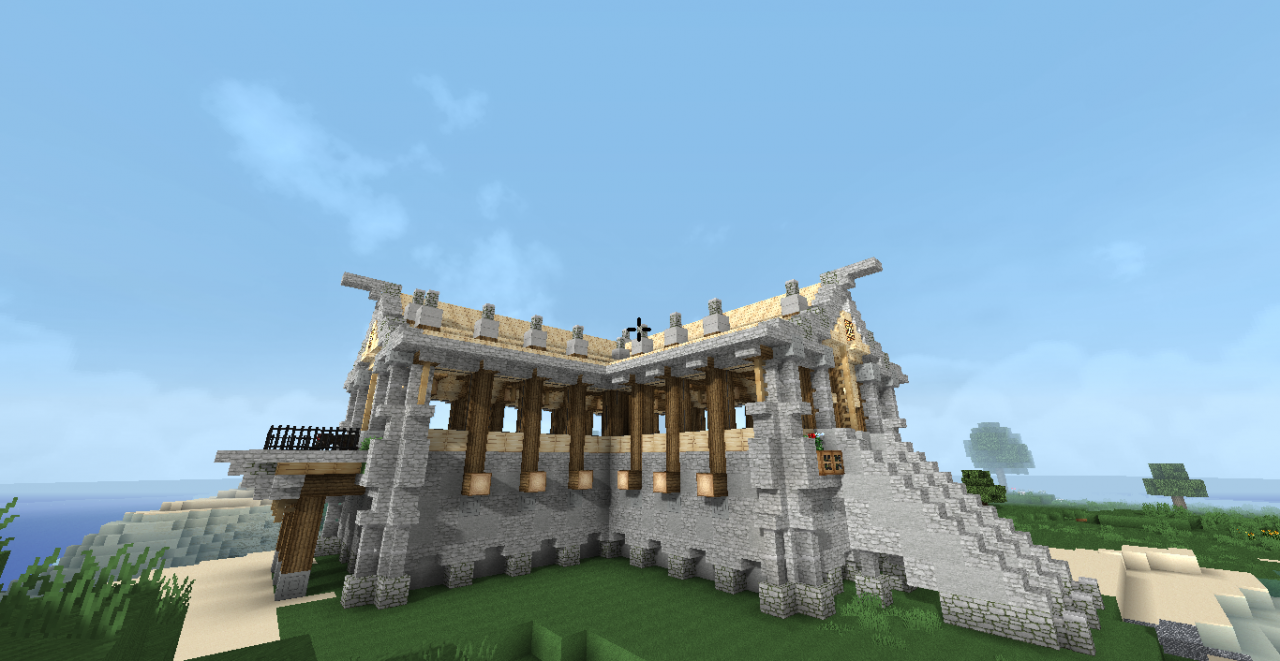
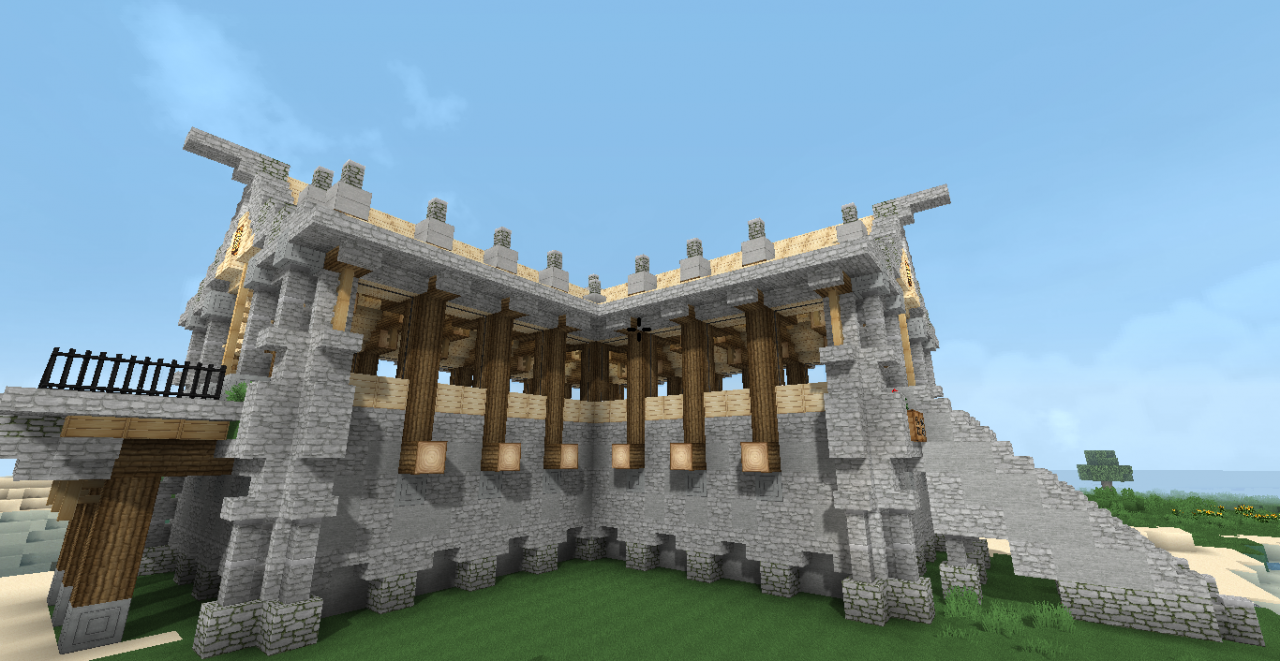
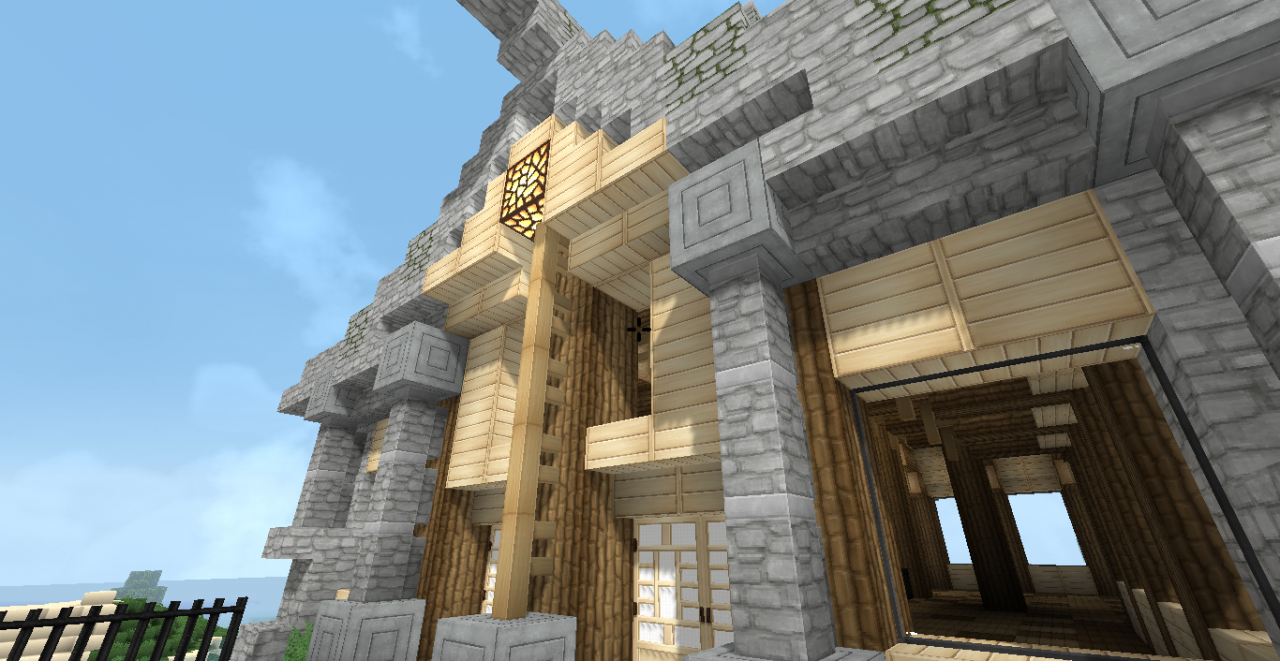
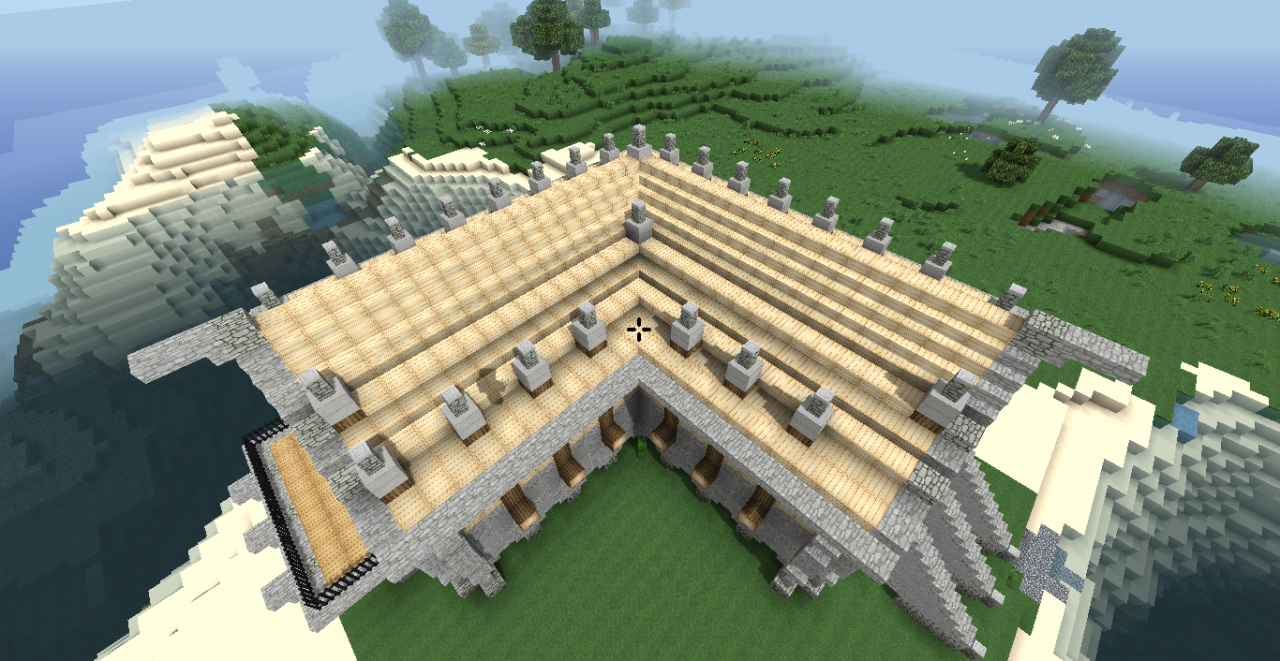
I started a structure for a tutorial that I have been planning to do. But then I couldn't stop building... You know how it is. So for your viewing and living pleasure I present DB Rustic Lodge.
This time I am only submitting an unfurnished schematic. If you would like a furnished version, please comment. I think from this point on I will just submit things unfurnished, barring exceptional circumstances.
If you have an eagle eye you will will catch a few things that are different between the screenshots and the final project. I had a few things I had to fix.
Thank you for your comments, diamonds and subscriptions. To support me and my work, please use Patreon:
https://www.patreon.com/DreamBliss
Credit Goes To
The creators of the Soatex Fanver texture pack:
https://soartex.net/
This is the texture pack featured in the screenshots. It is the ONLY pack, for Minecraft 1.12.2 which blends stone together well, provides chiseled blocks and doors which look good, AND provides a beautiful sky! Minor niggles include the small bricks for the stone brick texture, and the pinkish looking "white" clay.
Sildur's Enhanced Default Shaders (used in the screenshots):
https://www.minecraftforum.net/forums/mapping-and-modding-java-edition/minecraft-mods/1291396-1-6-4-1-12-2-sildurs-shaders-pc-mac-intel
Installation Instructions
Here are the steps for those using World Edit (easiest):
1. Place the .schematic file(s) into C:\Users\user_name\AppData\Roaming\.minecraft\config\worldedit\schematics (where user_name is your user name on your computer.)
2. Press T or whatever button you have assigned to the Chat window, and type, "schem load mcedit name_of_schematic" (without quotes, where name_of_schematic is the name of the .schematic file.)
3. In the same window, after it has loaded successfully, type, "//paste" (also without quotes.)
4. The structure will appear directly in front of you.
5. If you are not happy with its placement, type, "//undo" (yet again without quotes.)
6. If you want to paste the structure without air blocks (space around the structure) type, "//paste -a" (you guessed it, no quotes.)
7. You can rotate the structure before pasting using the "//rotate" command (without quotes, common values include 90, -90, 180, -180, 270, -270.)
8. If you get stuck, or if you are loading schematics some other way and get stuck, please comment.
License

DB Rustic Lodge by DreamBliss is licensed under a Creative Commons Attribution-NonCommercial-NoDerivatives 4.0 International License.
This time I am only submitting an unfurnished schematic. If you would like a furnished version, please comment. I think from this point on I will just submit things unfurnished, barring exceptional circumstances.
If you have an eagle eye you will will catch a few things that are different between the screenshots and the final project. I had a few things I had to fix.
Thank you for your comments, diamonds and subscriptions. To support me and my work, please use Patreon:
https://www.patreon.com/DreamBliss
Credit Goes To
The creators of the Soatex Fanver texture pack:
https://soartex.net/
This is the texture pack featured in the screenshots. It is the ONLY pack, for Minecraft 1.12.2 which blends stone together well, provides chiseled blocks and doors which look good, AND provides a beautiful sky! Minor niggles include the small bricks for the stone brick texture, and the pinkish looking "white" clay.
Sildur's Enhanced Default Shaders (used in the screenshots):
https://www.minecraftforum.net/forums/mapping-and-modding-java-edition/minecraft-mods/1291396-1-6-4-1-12-2-sildurs-shaders-pc-mac-intel
Installation Instructions
Here are the steps for those using World Edit (easiest):
1. Place the .schematic file(s) into C:\Users\user_name\AppData\Roaming\.minecraft\config\worldedit\schematics (where user_name is your user name on your computer.)
2. Press T or whatever button you have assigned to the Chat window, and type, "schem load mcedit name_of_schematic" (without quotes, where name_of_schematic is the name of the .schematic file.)
3. In the same window, after it has loaded successfully, type, "//paste" (also without quotes.)
4. The structure will appear directly in front of you.
5. If you are not happy with its placement, type, "//undo" (yet again without quotes.)
6. If you want to paste the structure without air blocks (space around the structure) type, "//paste -a" (you guessed it, no quotes.)
7. You can rotate the structure before pasting using the "//rotate" command (without quotes, common values include 90, -90, 180, -180, 270, -270.)
8. If you get stuck, or if you are loading schematics some other way and get stuck, please comment.
License
DB Rustic Lodge by DreamBliss is licensed under a Creative Commons Attribution-NonCommercial-NoDerivatives 4.0 International License.
More like this

 sylergcs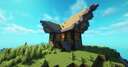
 PlatoxEU
 andytheguy22
 Merf
Merf
 Chasieray
4144628
2




 JACky0939







 Peculiar-Gemini
 Arzhik
![The Mountain Island [Free World] 5,000 x 5,000 Minecraft Map & Project](https://static.planetminecraft.com/files/image/minecraft/project/2026/960/20165904-mountainsisland_s.jpg)
 EC2418
 MrLionUS
![Labyrinth [26.2] Minecraft Map & Project](https://static.planetminecraft.com/files/image/minecraft/project/2026/910/20165727-image_s.jpg)
 Wo1tec
Have something to say?