


• 7/20/16 2:40 pm
- 8.3k views • 0 today
- Progress
- 100% complete
- 12
- 4
- 10
1,463
Heyho!
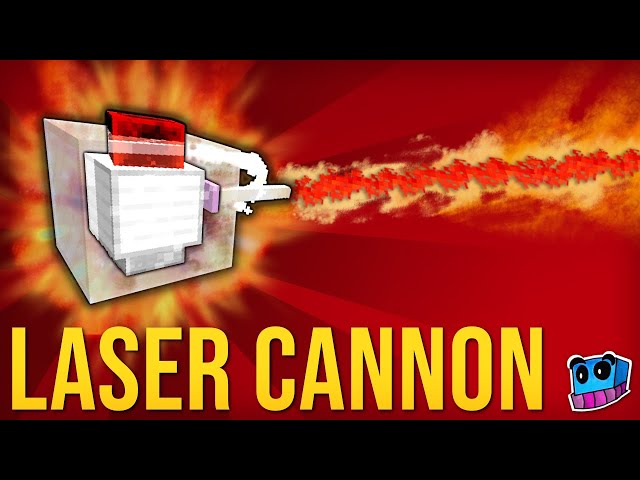
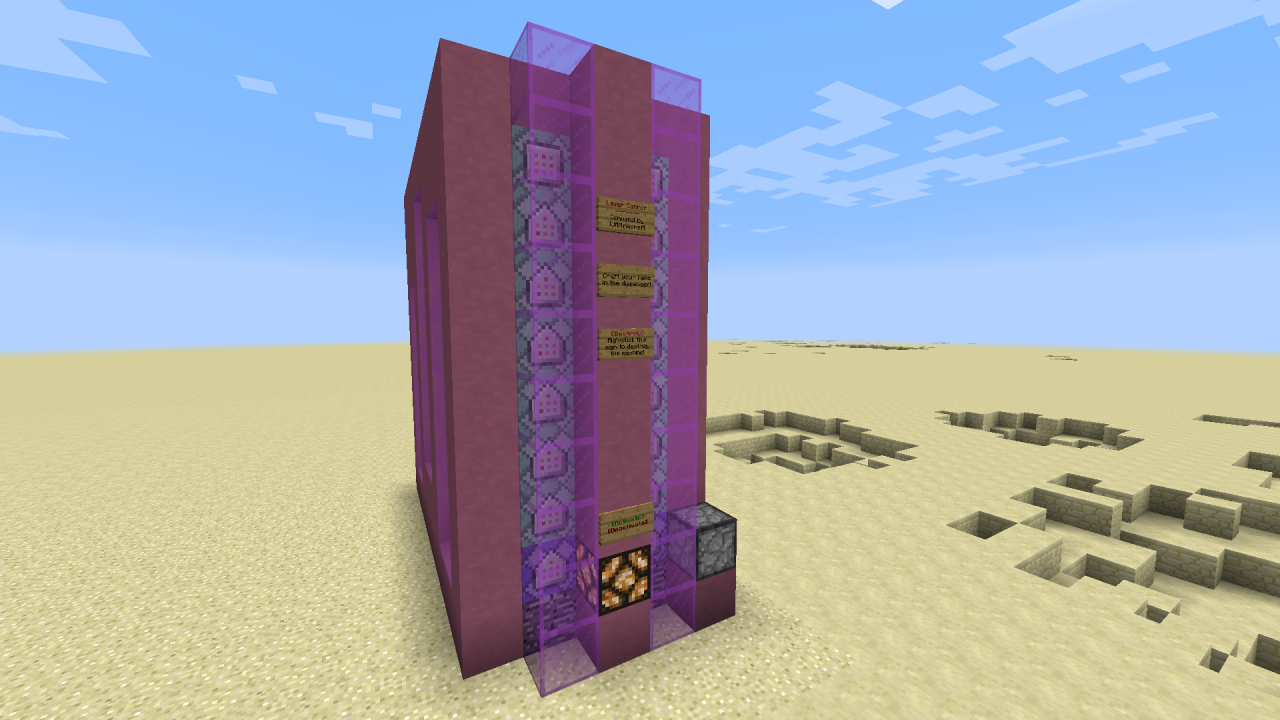
In this tutorial, I show you how to use my newest command, which adds laser cannons and some other handy items to your world. And that is all possible in Vanilla Minecraft.
Watch the video to see how everything works!
Video: https://www.youtube.com/watch?v=m7xgluDbdpU
Command: https://ijaminecraft.com/cmd/1.9_laser_cannons/
Ciao,
IJA
In this tutorial, I show you how to use my newest command, which adds laser cannons and some other handy items to your world. And that is all possible in Vanilla Minecraft.
Watch the video to see how everything works!
Video: https://www.youtube.com/watch?v=m7xgluDbdpU
Command: https://ijaminecraft.com/cmd/1.9_laser_cannons/
Ciao,
IJA
More like this
 Guns with one command! | Shotgun and more in Vanilla Minecraft!Redstone Device Map
 IJAMinecraft
•3/1/15 3:30
50.6k 48x 52610
IJAMinecraft
•3/1/15 3:30
50.6k 48x 52610
 Cannon and Flamethrower in one command!Redstone Device MapIJAMinecraft
•11/16/15 5:40
4.1k 3x 4112
Cannon and Flamethrower in one command!Redstone Device MapIJAMinecraft
•11/16/15 5:40
4.1k 3x 4112 Satellite Cannon with just ONE Command block!Redstone Device Map
 EnderMatrul
•5/8/15 9:56
3.7k 3x 164
EnderMatrul
•5/8/15 9:56
3.7k 3x 164
 AmanCraft123
 8miceinabox
3756096
2



 TIBR
TIBR




 Nayko206
 MystSpaTimeTrav

 Bertoxx
 ProfessorVatcraft
Have something to say?
bist der beste
As a fan of your work, I must ask you: Do you know of a way to make Particle projectiles? I mean, of course, a trail of particles that fly around and deal damage to whatever it hits. (I am not looking for particles that fly in a straight line, sorry if that makes it slightly difficult/boringly easy)
I'm asking so I can make a cannon/boss fight/trap. If you can show me/us how to do that, I will be a happy walrus!
For a straight line, I'd recommend just using an invisible armor stand with a marker tag. You just have to make it execute a particle command like that: /execute @e[type=ArmorStand,name=NAME] ~ ~ ~ particle flame ~ ~ ~ 0 0 0 0.1 5 force
Now you just need to move it around with a tp command or with entitydata motion. (You need to test for the facing direction of the player beforehand though!)
And if you don't want to make it travel in a straight line, you have to add a randomizer for the directions as well or think of some other clever way to make it move around like you want ;)
Well, aside from having no idea how to do the "entitydata motion" thing or how to test for a player's facing direction, I'd say this may take a good long while. That aside, I believe I have a different method, my only issue with this is that I'd have to set up two commands; the obvious particle command (Using different x y z coordinates) which is easy - ish, and then I've got to find out how to make the particle hurt you and disappear. (Obviously by killing the bat or using a pesky scoreboard setup). the main conundrum is this: What command can I use to make the particle deal damage? I'm aware of /effect but I'm not talking about that command. (Sorry if I am irritating you by asking you this question/not giving you a clear question, I don't "word good" due to a mental disability.)
Or this one for 1.9: https://www.youtube.com/watch?v=NLA_7KNgZSc
Besides that I don't really know of another way right now.
jk, would be cool though, if I could do that ;)