




• 12/3/14 11:39 pm
- 467 views • 0 today
- save_alt 17 downloads
- Progress
- 100% complete

2
This was my first minecraft project, yet I come back to it over and over.
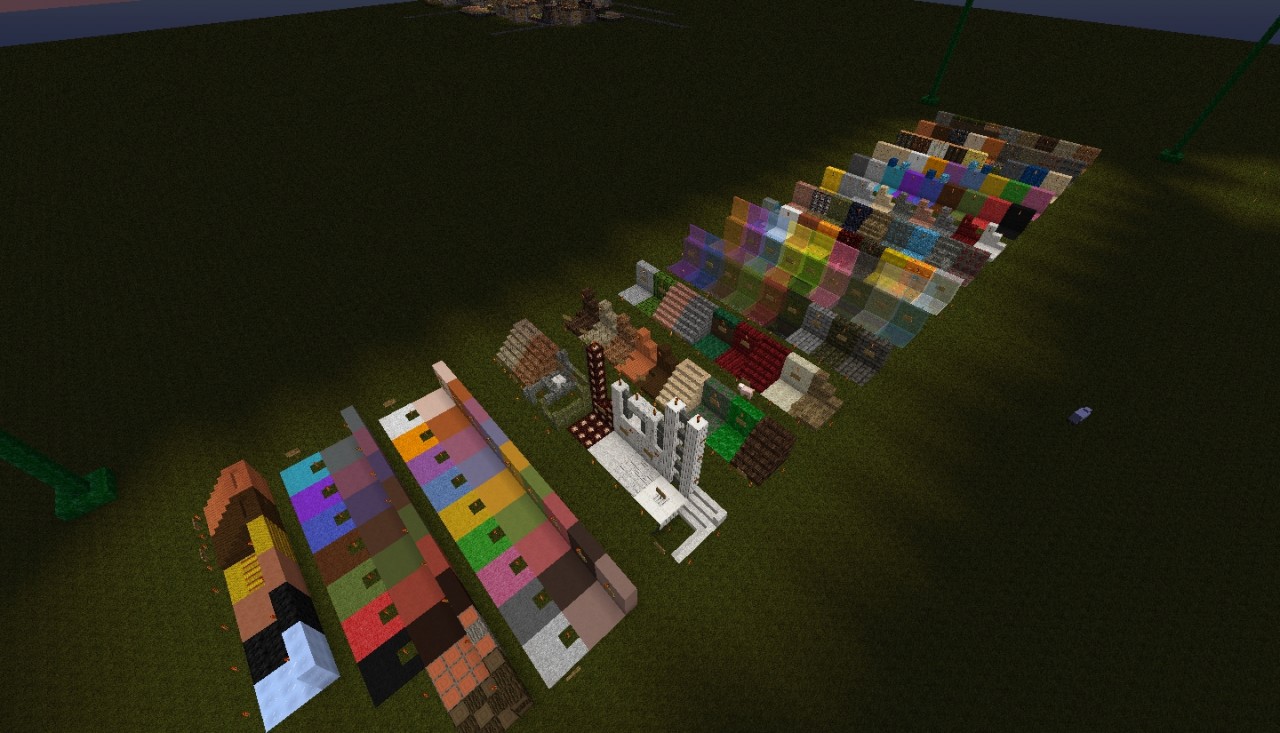
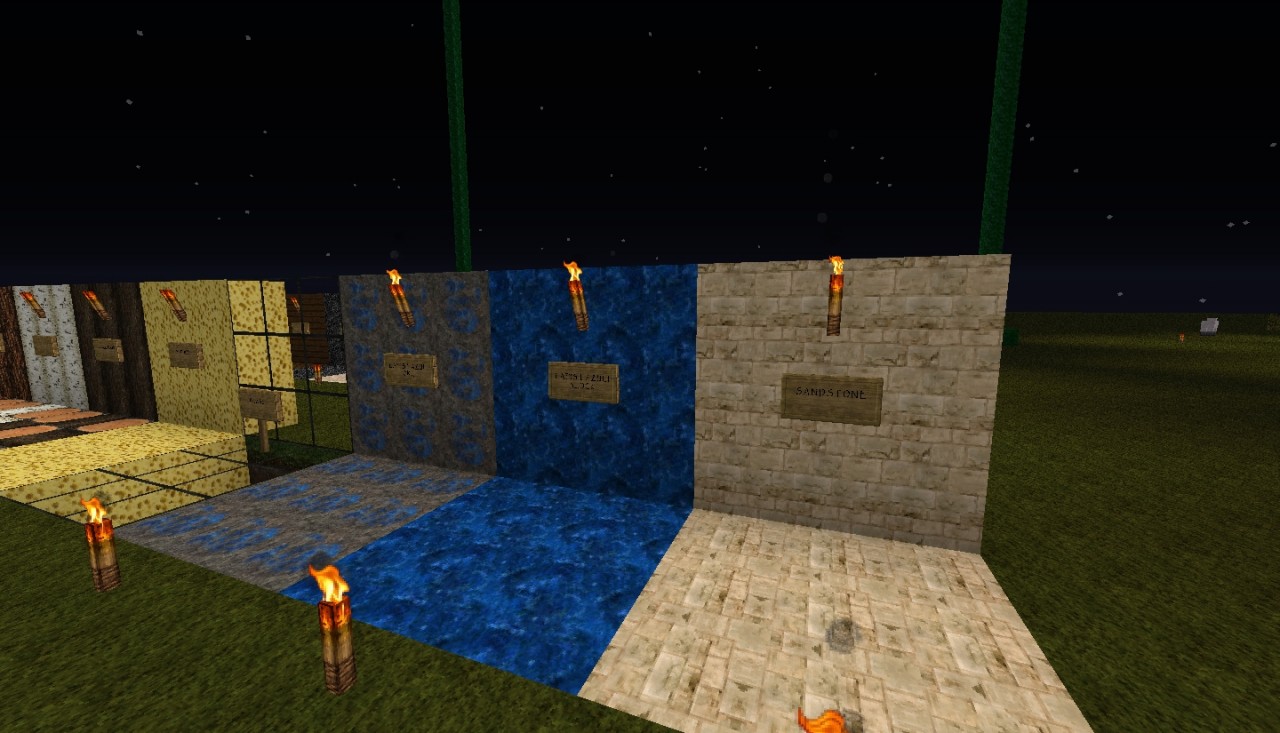
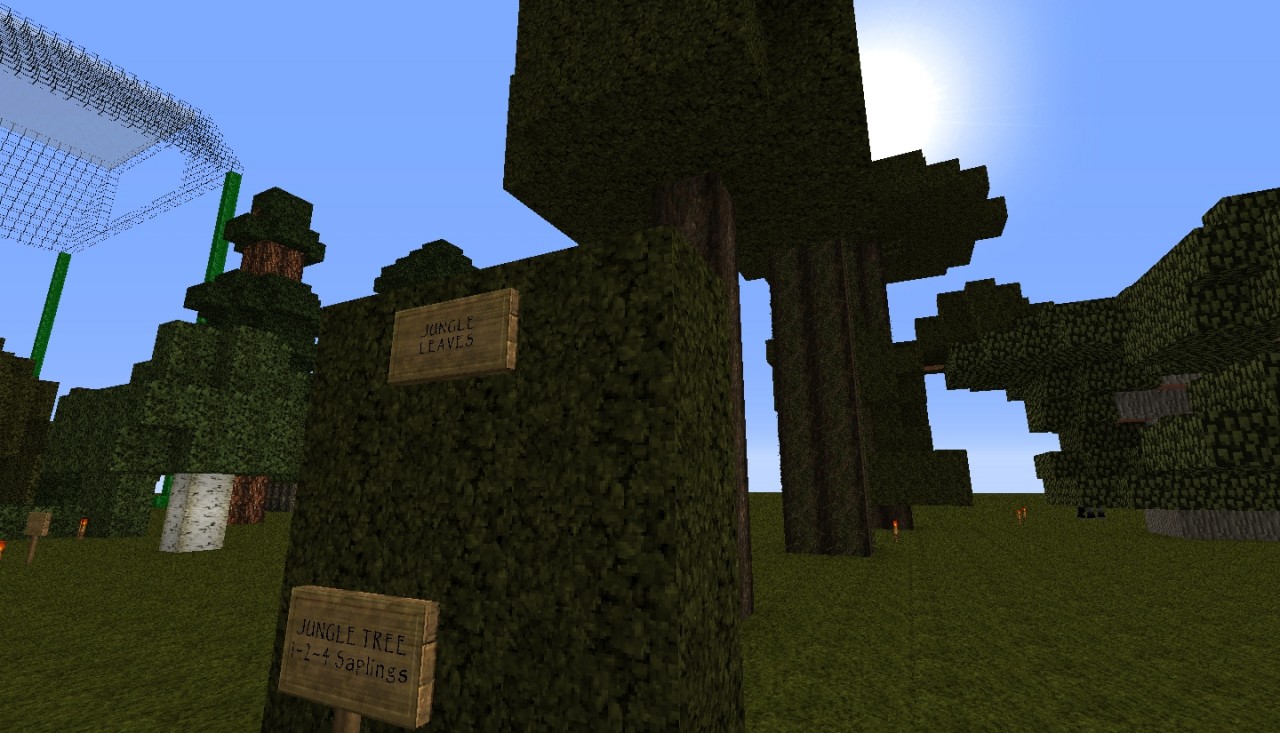
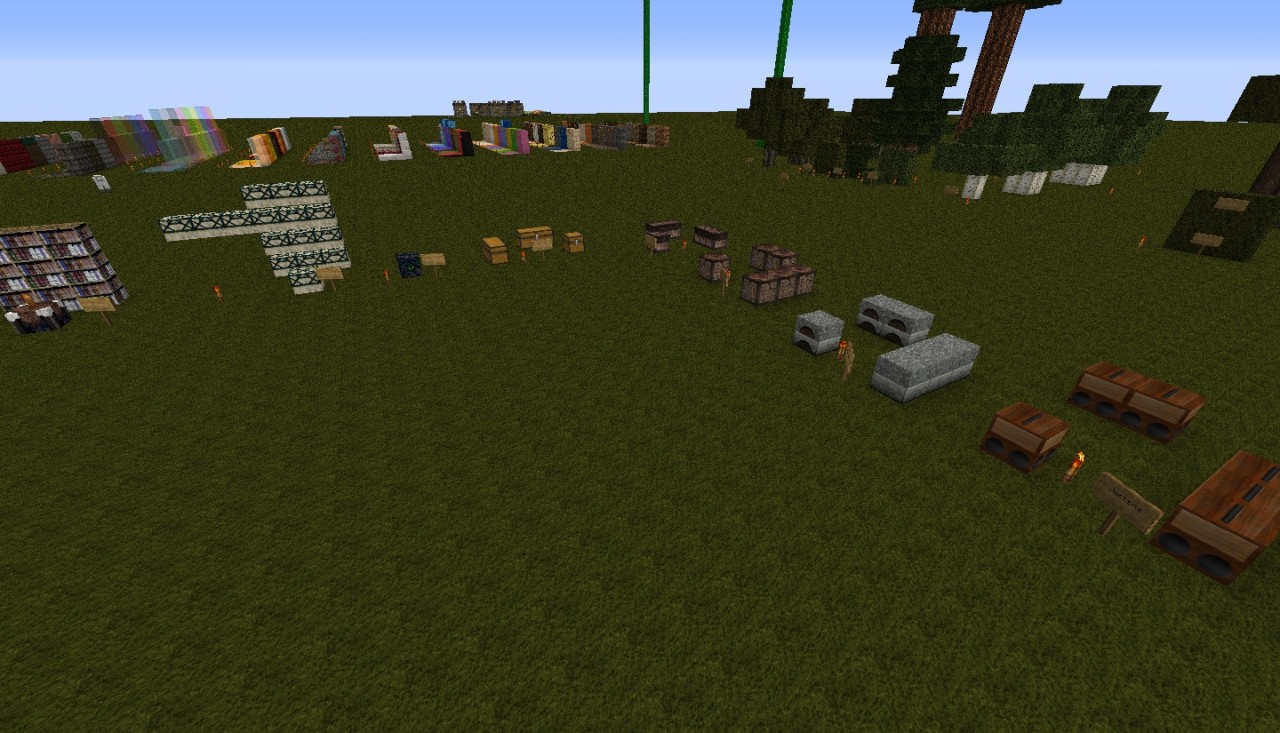
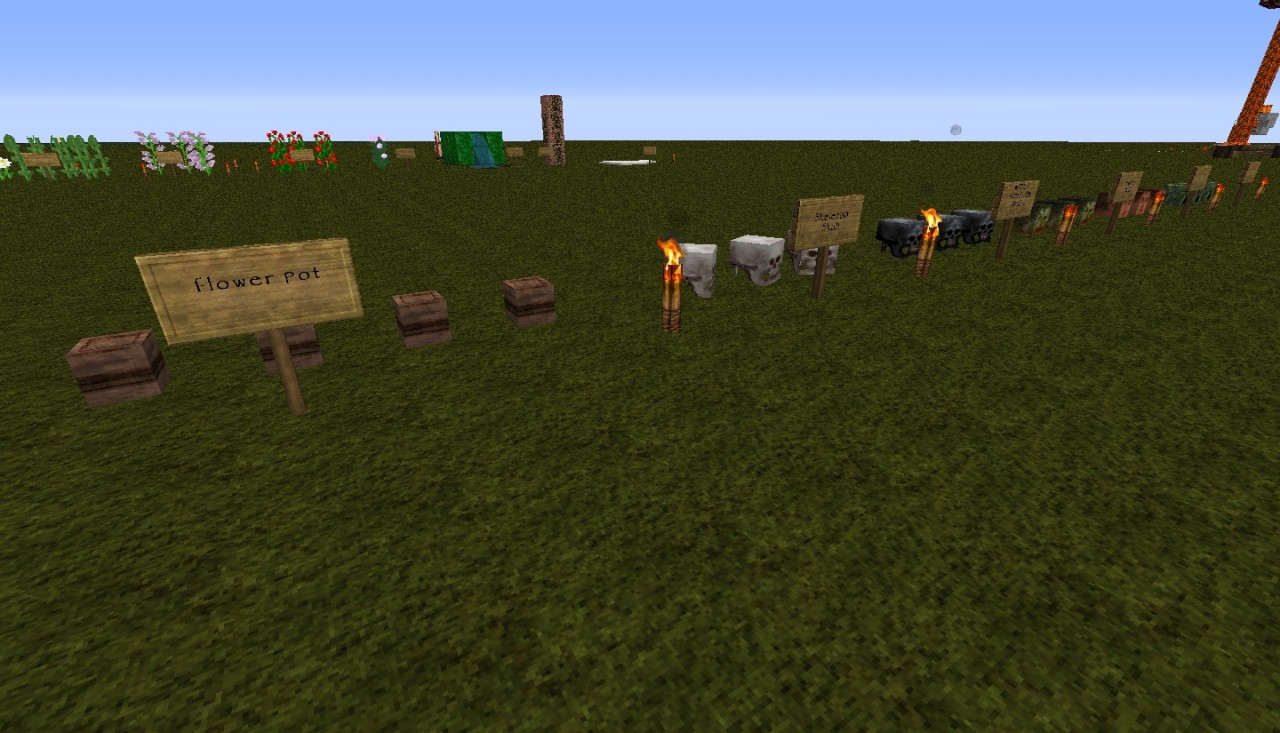
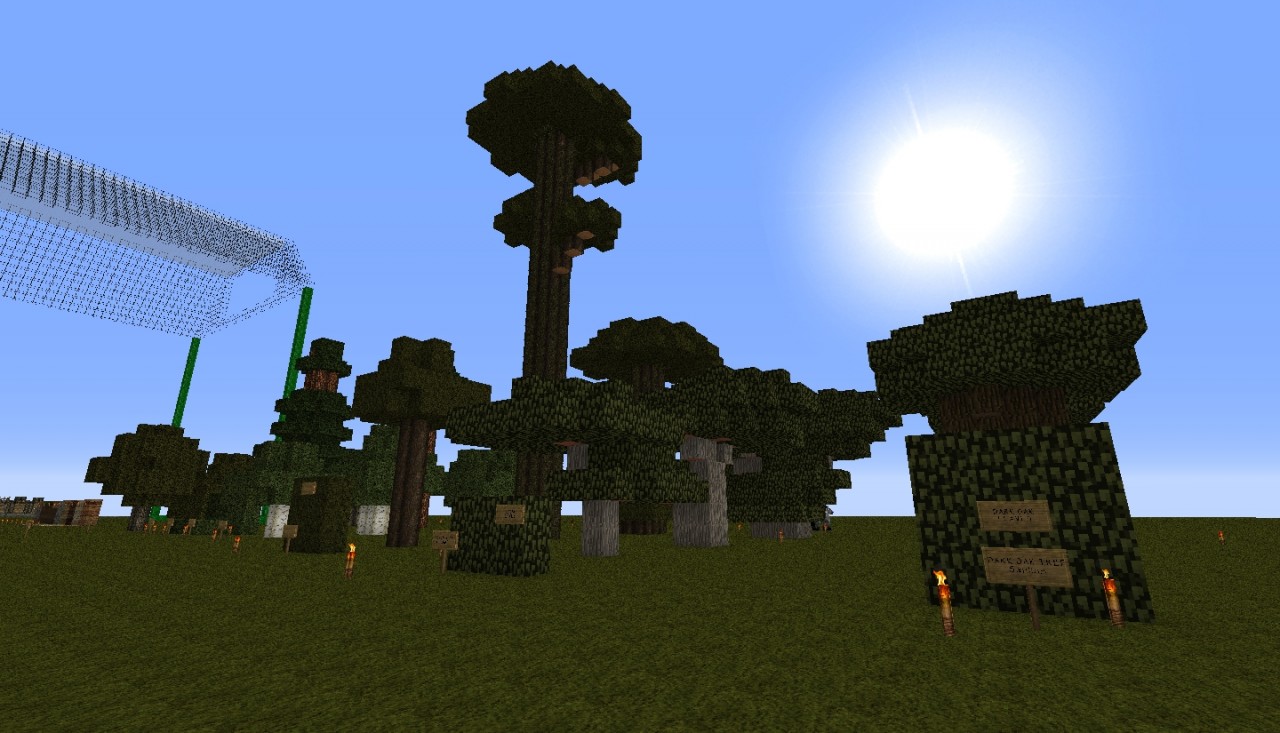
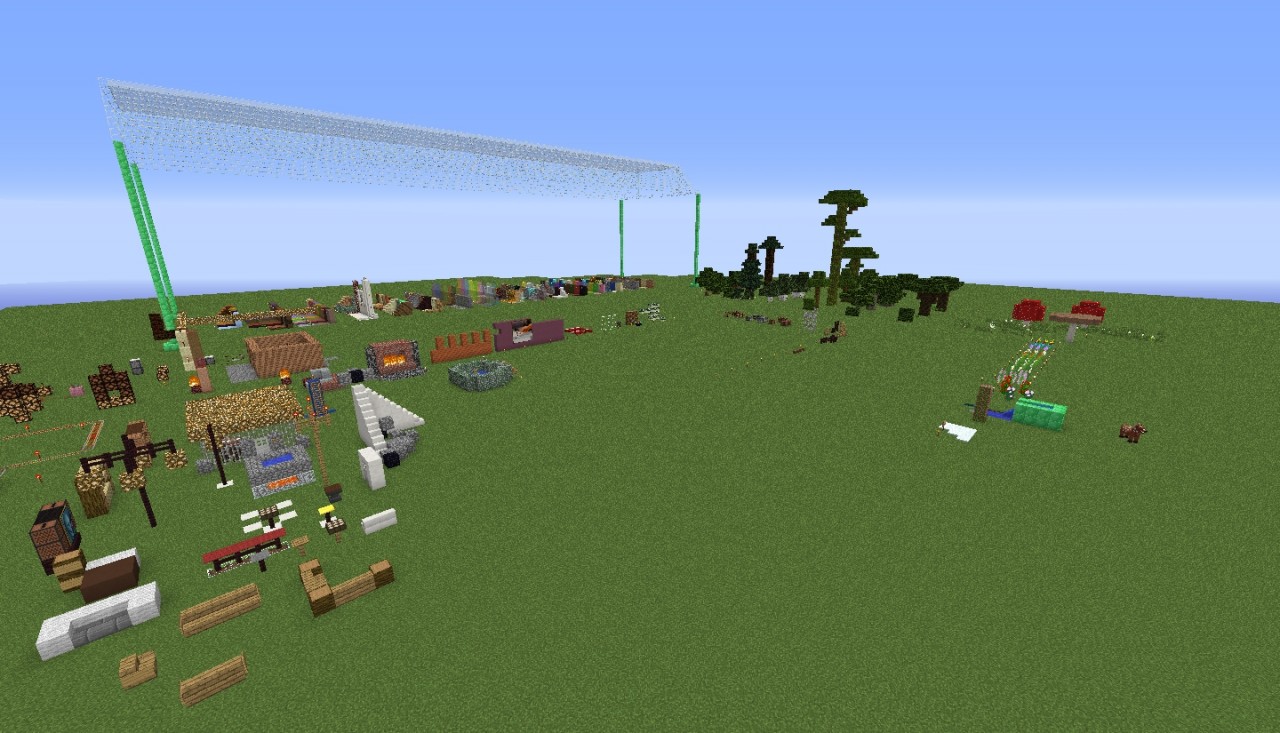
It showcases the blocks that come with Minecraft in the order in which they appear in inventory. It includes all of the building blocks, chest types, books, etc. It also includes all of the tree species and how they grow when the saplings are planted in groups of 1 - 4 - 9 blocks of grass. Everything is labeled with a sign.
This world is useful when you are building and want to see how blocks look laid out together in a wall or floor; or, when you install a new texture (resource) pack and want to see all of the tiles laid out uniformly. For example, the pictures here show LB Photorealism 64x texture pack. But, if you were to change resource packs it would showcase those instead. (This is a simple explanation for beginners).
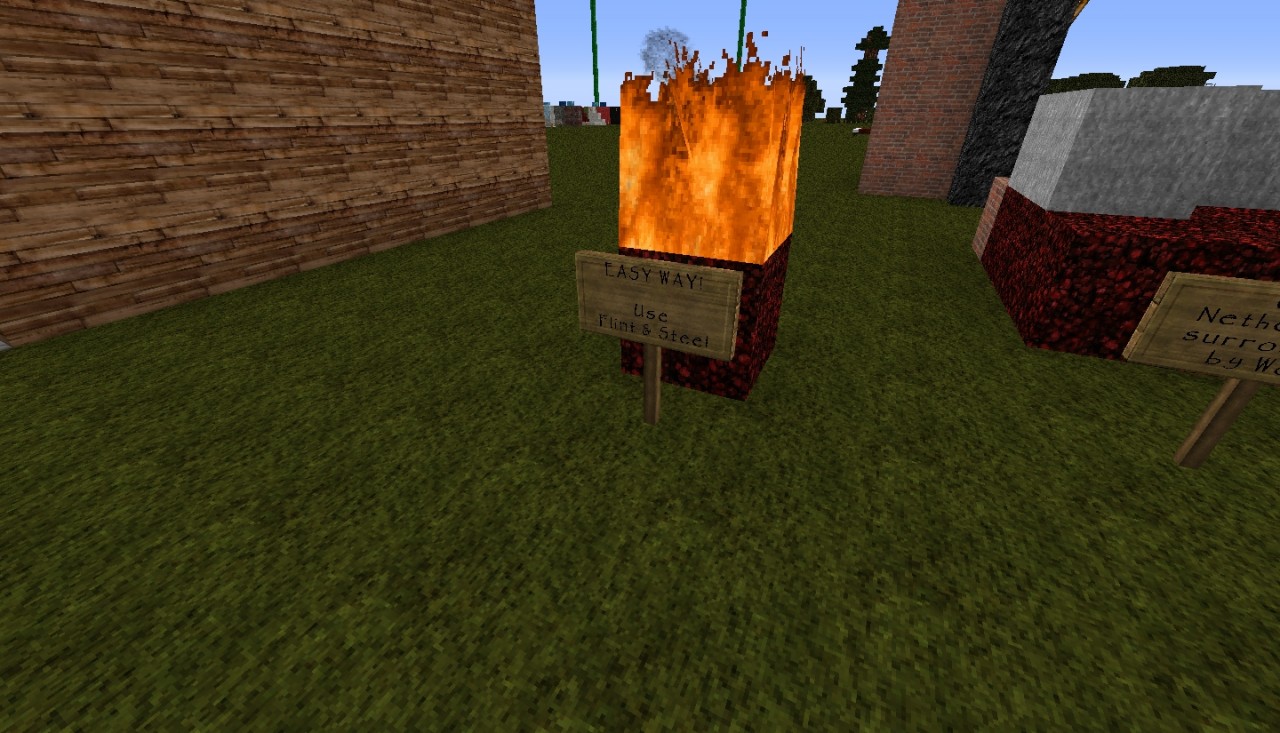
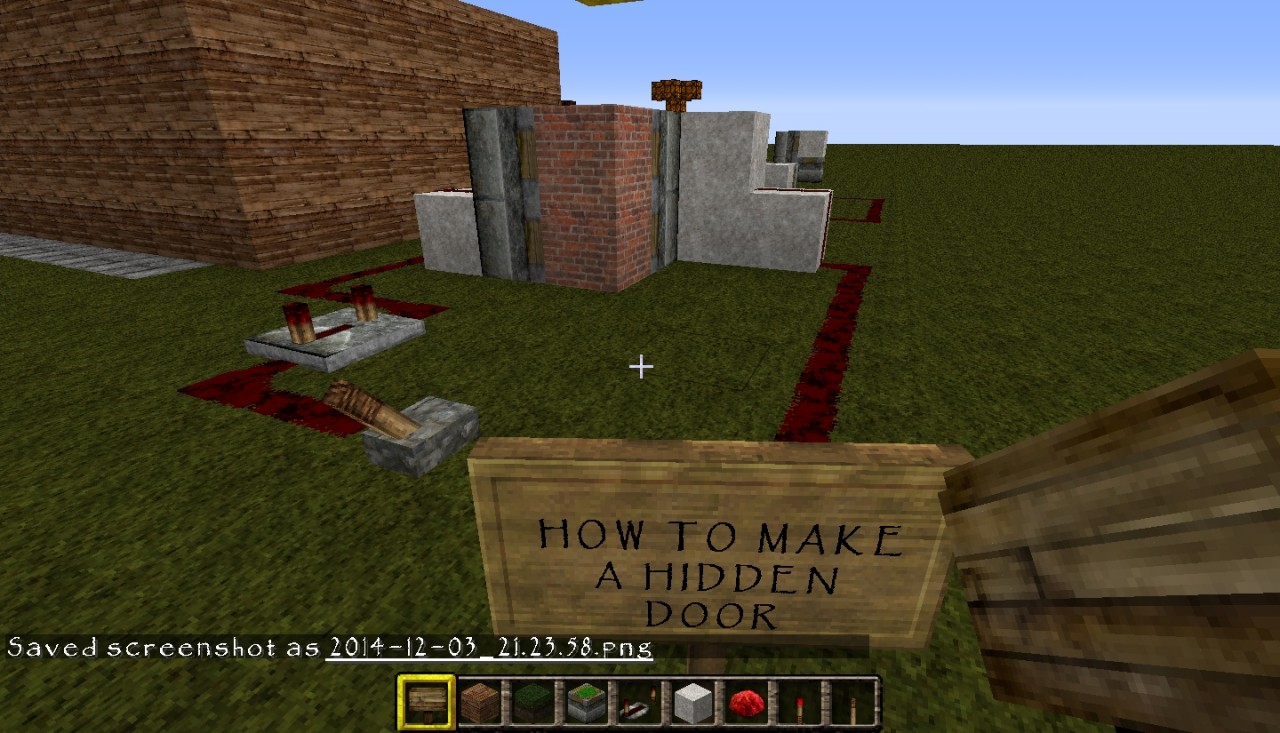
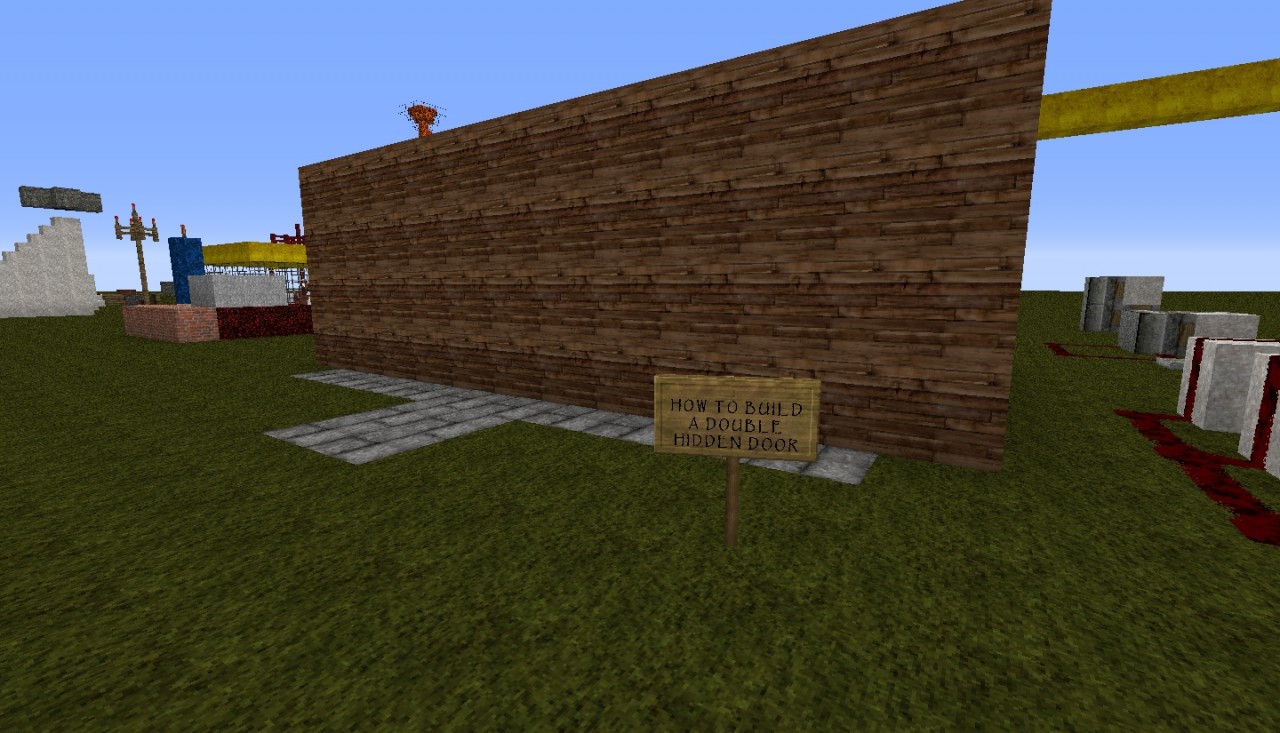
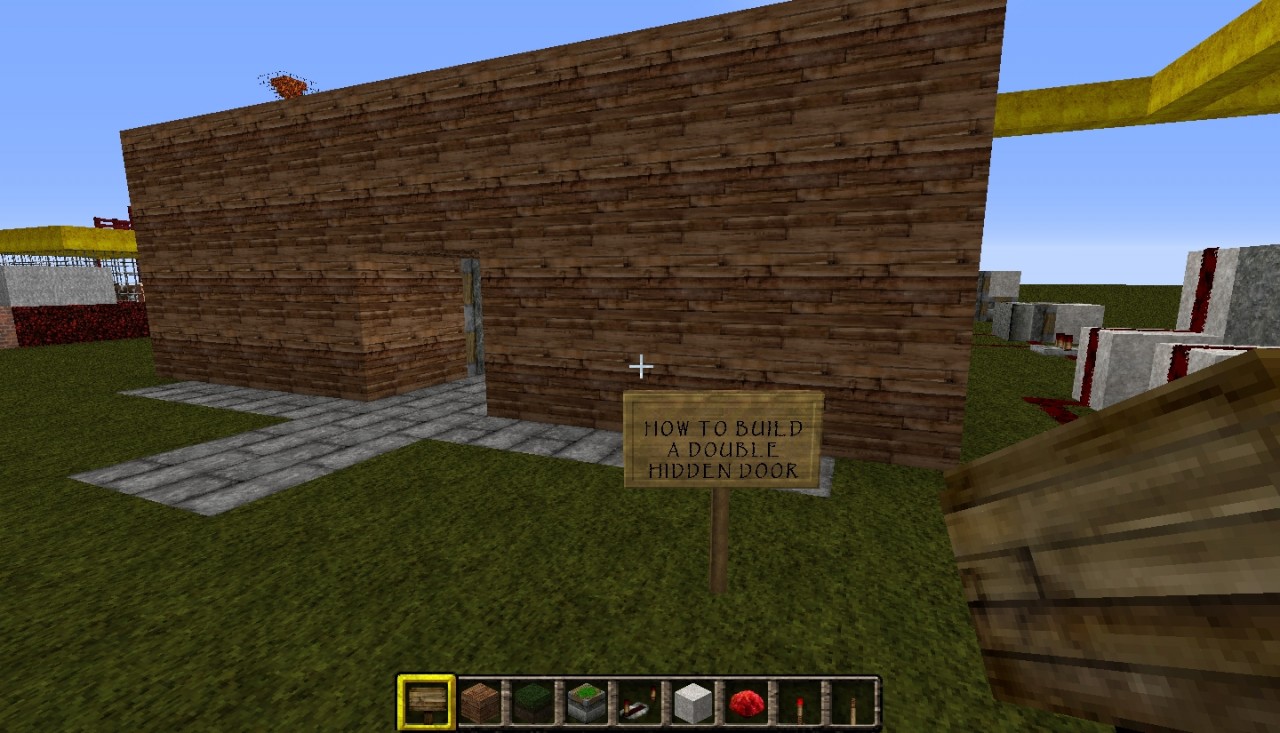
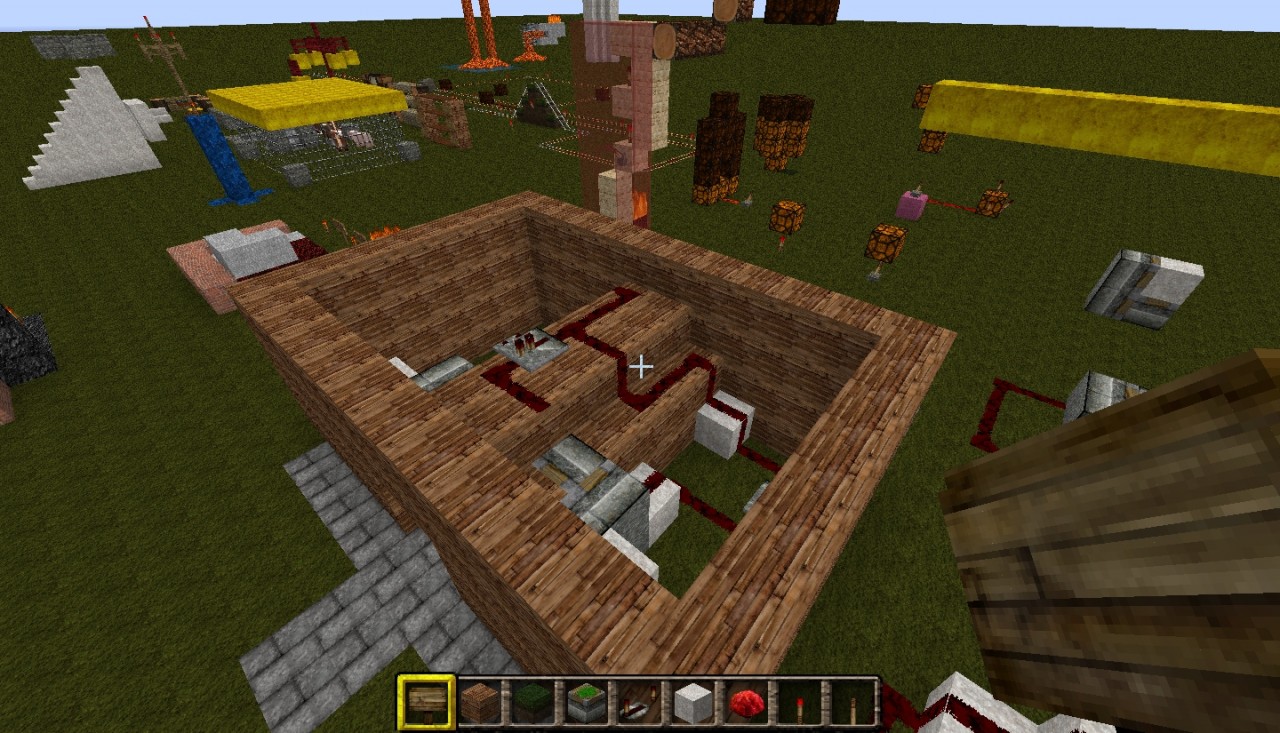
This is also my workshop to experiment, say, with lava, which can be a mess, and build things. For example, there is a setup on how to make a rail cart run perpetually; how to build hidden doors. The same concept can be used for building hidden trapdoors at ground level, such as the double trapdoors I built at the foot of the throne in the Kingdom of Selah world .
Download and use this showroom for your own purposes. Continue to use it as your own workshop space. Be my guest!
It showcases the blocks that come with Minecraft in the order in which they appear in inventory. It includes all of the building blocks, chest types, books, etc. It also includes all of the tree species and how they grow when the saplings are planted in groups of 1 - 4 - 9 blocks of grass. Everything is labeled with a sign.
This world is useful when you are building and want to see how blocks look laid out together in a wall or floor; or, when you install a new texture (resource) pack and want to see all of the tiles laid out uniformly. For example, the pictures here show LB Photorealism 64x texture pack. But, if you were to change resource packs it would showcase those instead. (This is a simple explanation for beginners).
This is also my workshop to experiment, say, with lava, which can be a mess, and build things. For example, there is a setup on how to make a rail cart run perpetually; how to build hidden doors. The same concept can be used for building hidden trapdoors at ground level, such as the double trapdoors I built at the foot of the throne in the Kingdom of Selah world .
Download and use this showroom for your own purposes. Continue to use it as your own workshop space. Be my guest!
More like this

 ModernMinecraftHD
 Dr_Proton
 Ilitch
 Sunsset2
 Torrleif
3162970
2









 MazaVili
 Allfheim



Have something to say?