




• 6/11/16 8:08 am
- 907 views • 0 today
- save_alt 13 downloads
- Progress
- 100% complete

4
Recent Dilemmas
Sorry about not getting a creation out recently; I've been having some problems, to say the least.
Firstly, my computer crashed, and I had to get it sent in to support. The computer was okay, but the hard drive was wiped. Once I got it back, I started having artist's block. Once I finally got a good idea, I accidentally ran the wrong /fill command and got rid of a project that was coming along nicely. I was sad. :( So here it is, the product of a decent chunk of work.
Firstly, my computer crashed, and I had to get it sent in to support. The computer was okay, but the hard drive was wiped. Once I got it back, I started having artist's block. Once I finally got a good idea, I accidentally ran the wrong /fill command and got rid of a project that was coming along nicely. I was sad. :( So here it is, the product of a decent chunk of work.
For the One Commanders
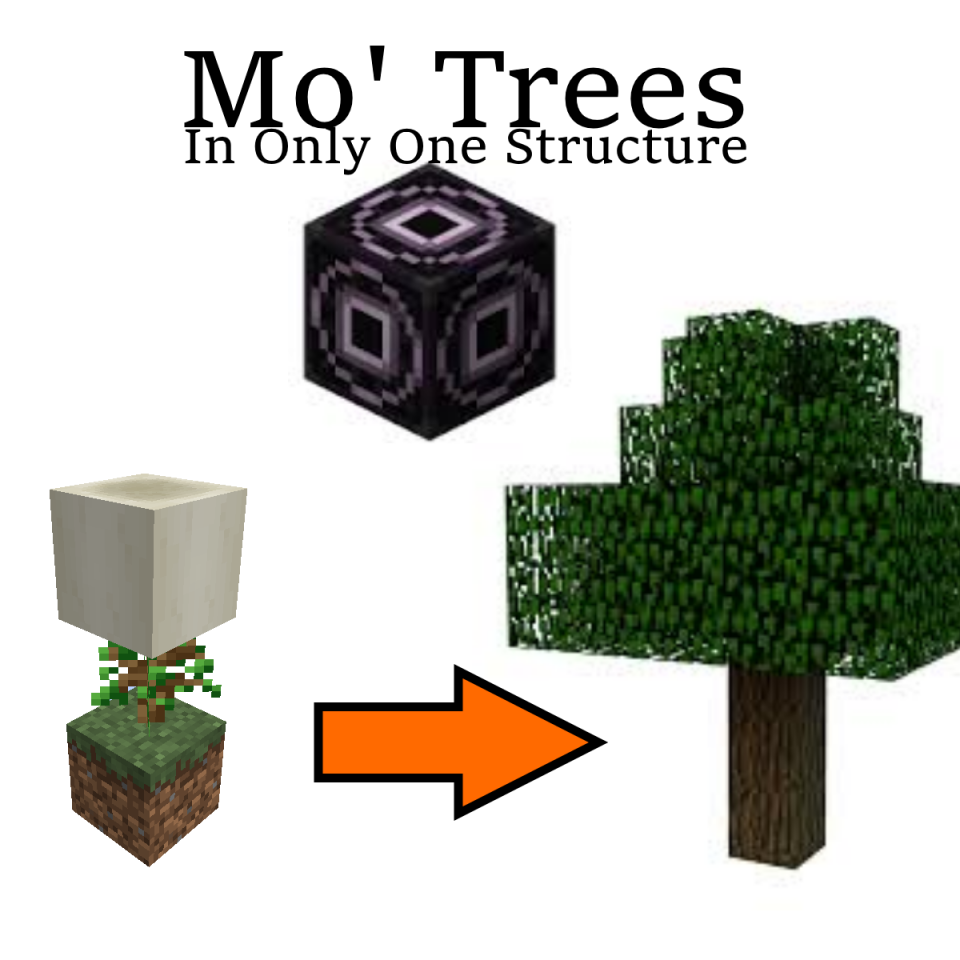
This project (likely) introduces a new idea in One Commands: One Structure. Download a "structures" file, put it in the save folder, put down a structure block, load in the machine, and it is ready. Taking advantage of the structure block, it can make structures appear instantly and easily, thanks to the ability of structure blocks to be redstone activated.
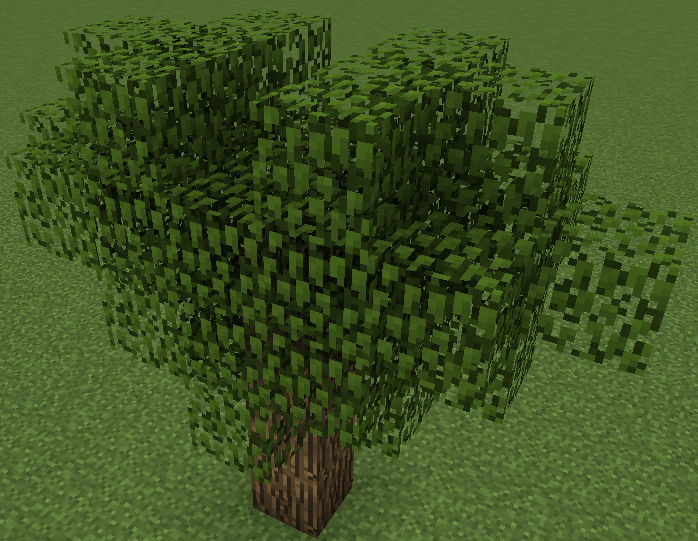
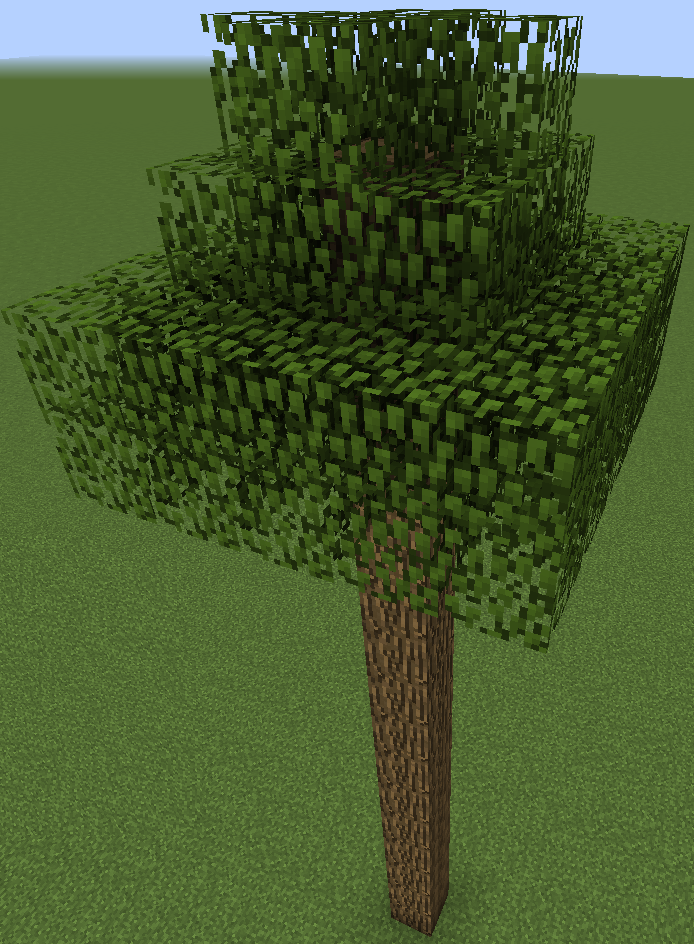
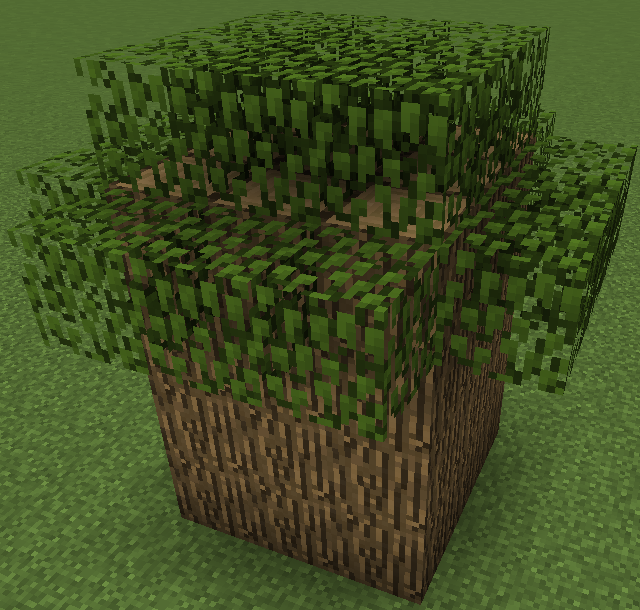
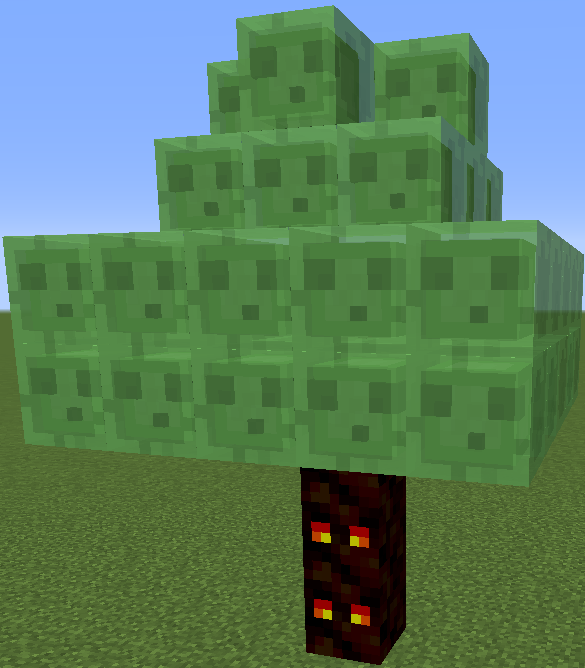
Welcome to the Mo' Trees in Only One Structure machine. This allows you to make a few custom tree types by just throwing down a few blocks. There isn't that much in this; give me some ideas for trees so I can expand upon this idea.
Click here to see the Guide.
How to Set Up
The Long Version (4Noobs)
1: Download the machine components. (Up and to the right, where it says "Minecraft World Save")
2: Open the file with a program like WinRar (or probably 7Zip, but I can't verify)
3: Open your .minecraft folder. To find it, open File Explorer and in the address bar, type "%appdata%" (without the quotes).
4: Open your saves folder, then open the folder of the world you want to put the machine in.
5: Click and drag the structures folder from the downloaded file to the world folder.
(You're done with the file stuff, you can close those windows if you want.)
6: Open Minecraft, and open the world you moved the structures folder into.
7: Go into creative mode, and run this command: "/give @p structure_block" (without the quotes)
8: Place it down, right click it, and click the "[D]" button in the bottom left until it says "[L]"
9: Type "76Tree" in the text box (without the quotes).
10: Click the "LOAD" button in the bottom right, then right click the block again and click the "LOAD" button again.
11: Right click the lever on the opposite side of the machine.
You are now done with setup.
The Quick Version (for people who know how to install minecraft maps and how to use structure blocks)
1: Open the downloaded zip file, and similar to a map download, put the "structures" folder into the world folder you want to put the machine in.
2: In Minecraft, load the structure "76Tree" and right click the lever on the opposite side of the machine.
1: Download the machine components. (Up and to the right, where it says "Minecraft World Save")
2: Open the file with a program like WinRar (or probably 7Zip, but I can't verify)
3: Open your .minecraft folder. To find it, open File Explorer and in the address bar, type "%appdata%" (without the quotes).
4: Open your saves folder, then open the folder of the world you want to put the machine in.
5: Click and drag the structures folder from the downloaded file to the world folder.
(You're done with the file stuff, you can close those windows if you want.)
6: Open Minecraft, and open the world you moved the structures folder into.
7: Go into creative mode, and run this command: "/give @p structure_block" (without the quotes)
8: Place it down, right click it, and click the "[D]" button in the bottom left until it says "[L]"
9: Type "76Tree" in the text box (without the quotes).
10: Click the "LOAD" button in the bottom right, then right click the block again and click the "LOAD" button again.
11: Right click the lever on the opposite side of the machine.
You are now done with setup.
The Quick Version (for people who know how to install minecraft maps and how to use structure blocks)
1: Open the downloaded zip file, and similar to a map download, put the "structures" folder into the world folder you want to put the machine in.
2: In Minecraft, load the structure "76Tree" and right click the lever on the opposite side of the machine.
If you find a bug, or have a question or suggestion, don't be afraid to leave a comment. Telling me bugs helps me improve the command, and asking questions helps me improve your experience working with my commands. Please give me suggestions, as I'm running out of ideas and I like a good challenge. If you like the machine, feel free to leave a diamond. Tell your friends about my profile so I can grow my following. Have a nice day!
More like this
 Instant Structures One CommandRedstone Device Map
 ClassyElm
8/25/16 4:06
• posted 10/3/15 12:06
6.5kx 12
ClassyElm
8/25/16 4:06
• posted 10/3/15 12:06
6.5kx 12


 Code202
 AmanCraft123
 HeroDmitry
3715125
2




 William Taylor


 Scary_Tarantula



 HPBFA Creator
 pakalewffi
 Mine_loader
Have something to say?