Maps Other

Murder Drones Map

  • 15.6k views 39 today
  • save_alt 4k downloads 14 today
Progress
100% complete
  • 49
  • 45
  • 75
TheWolfCraft
Lvl 33Artisan Architect
32
Description:
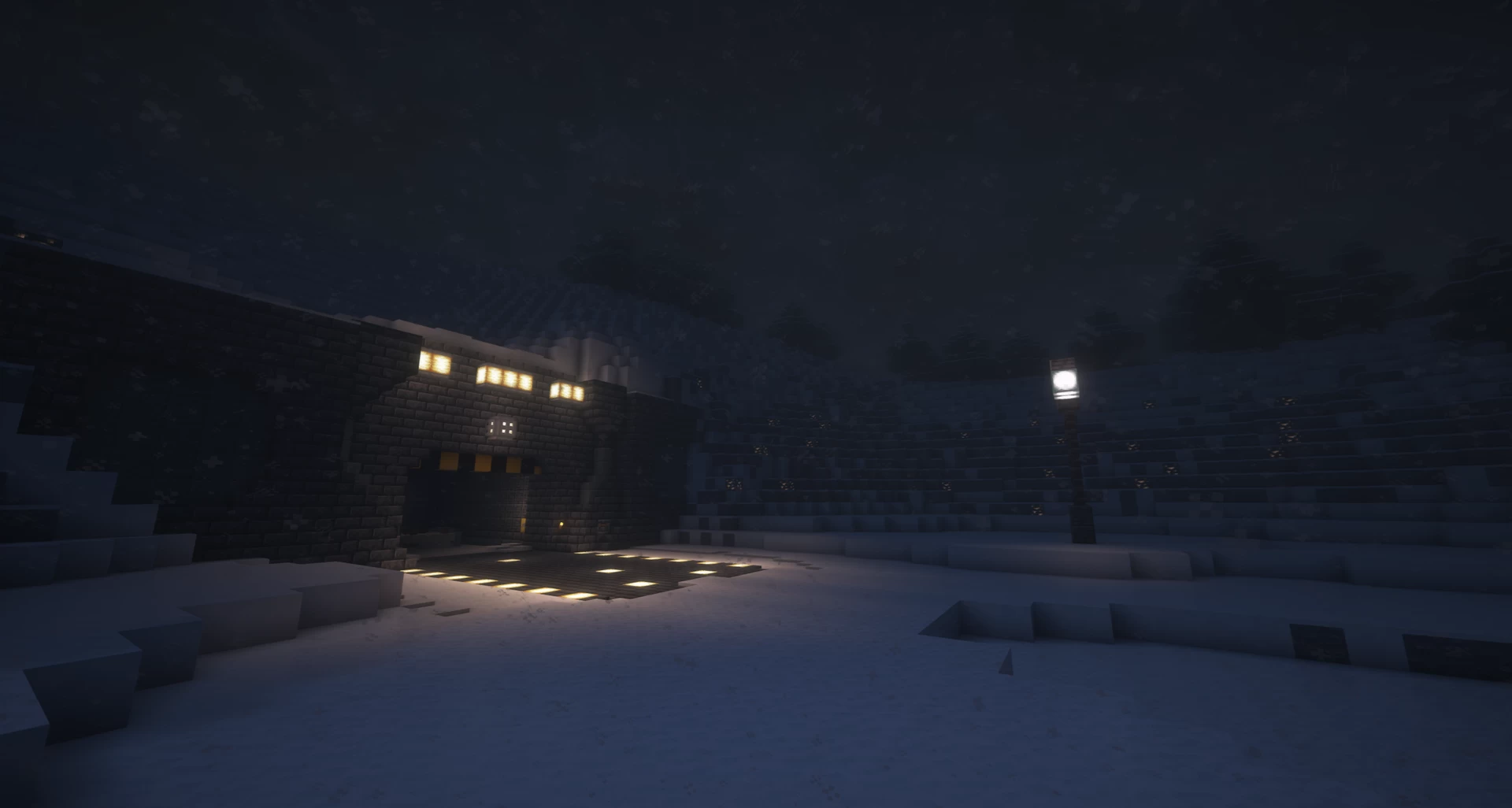
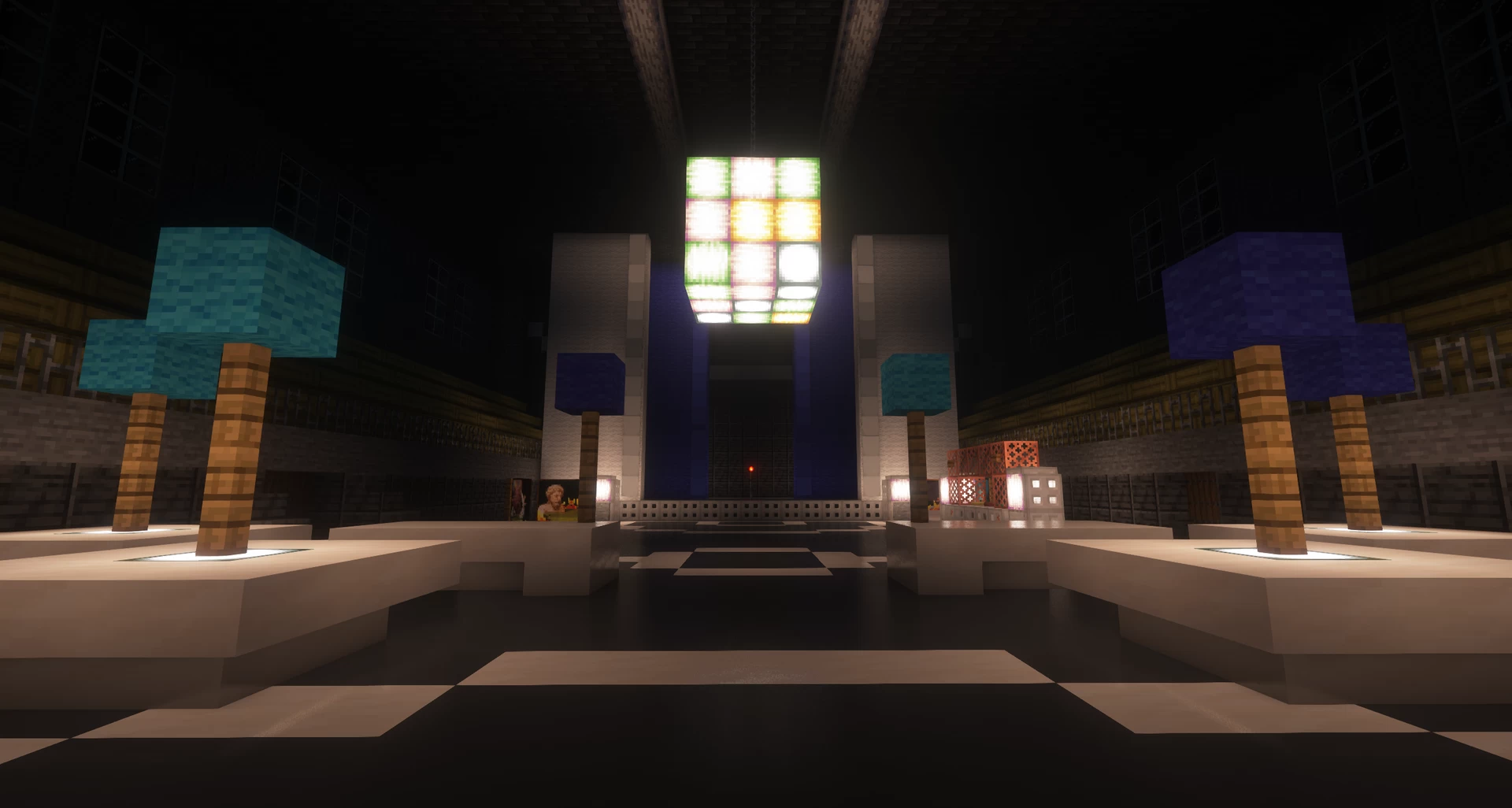
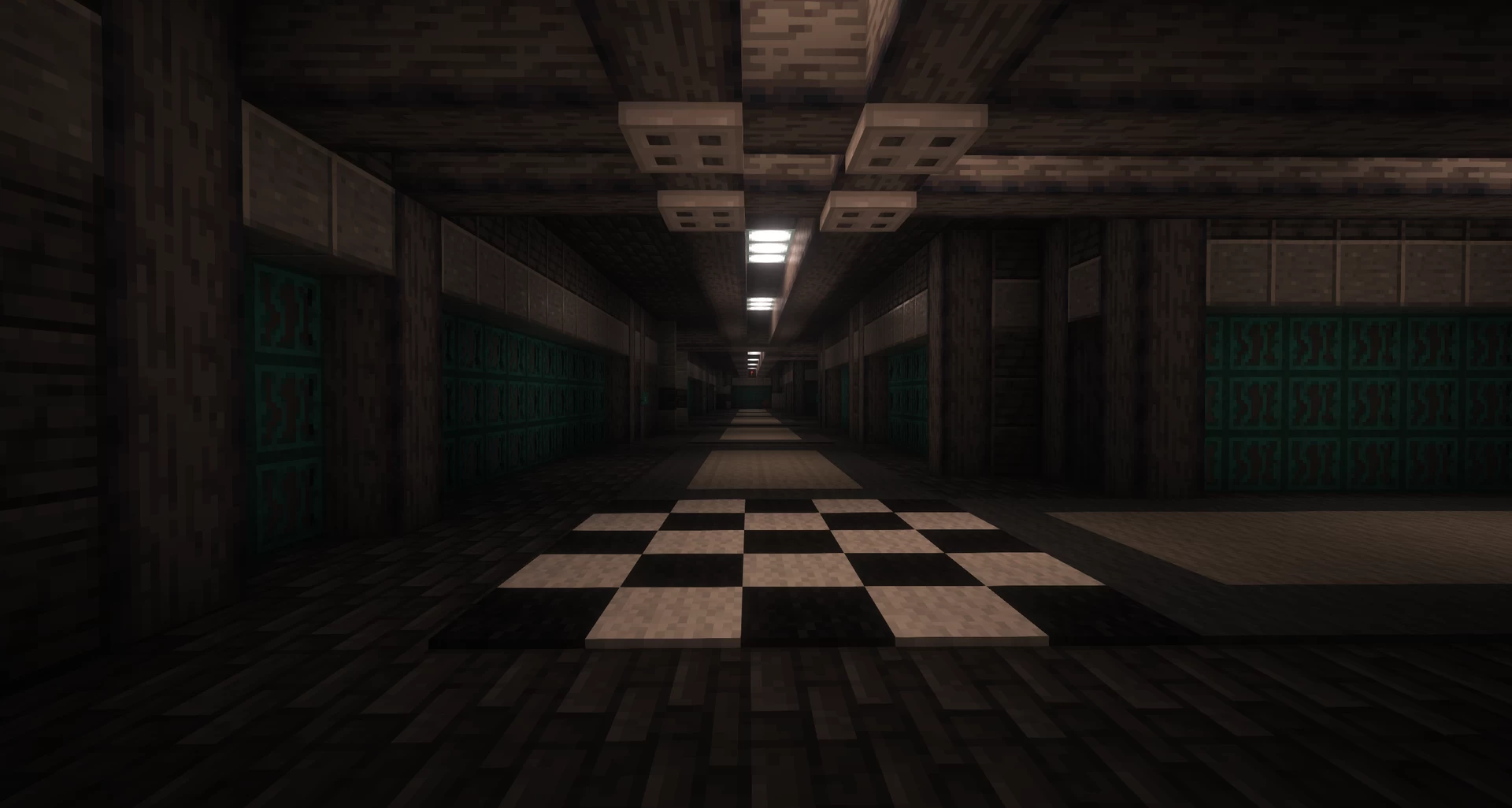
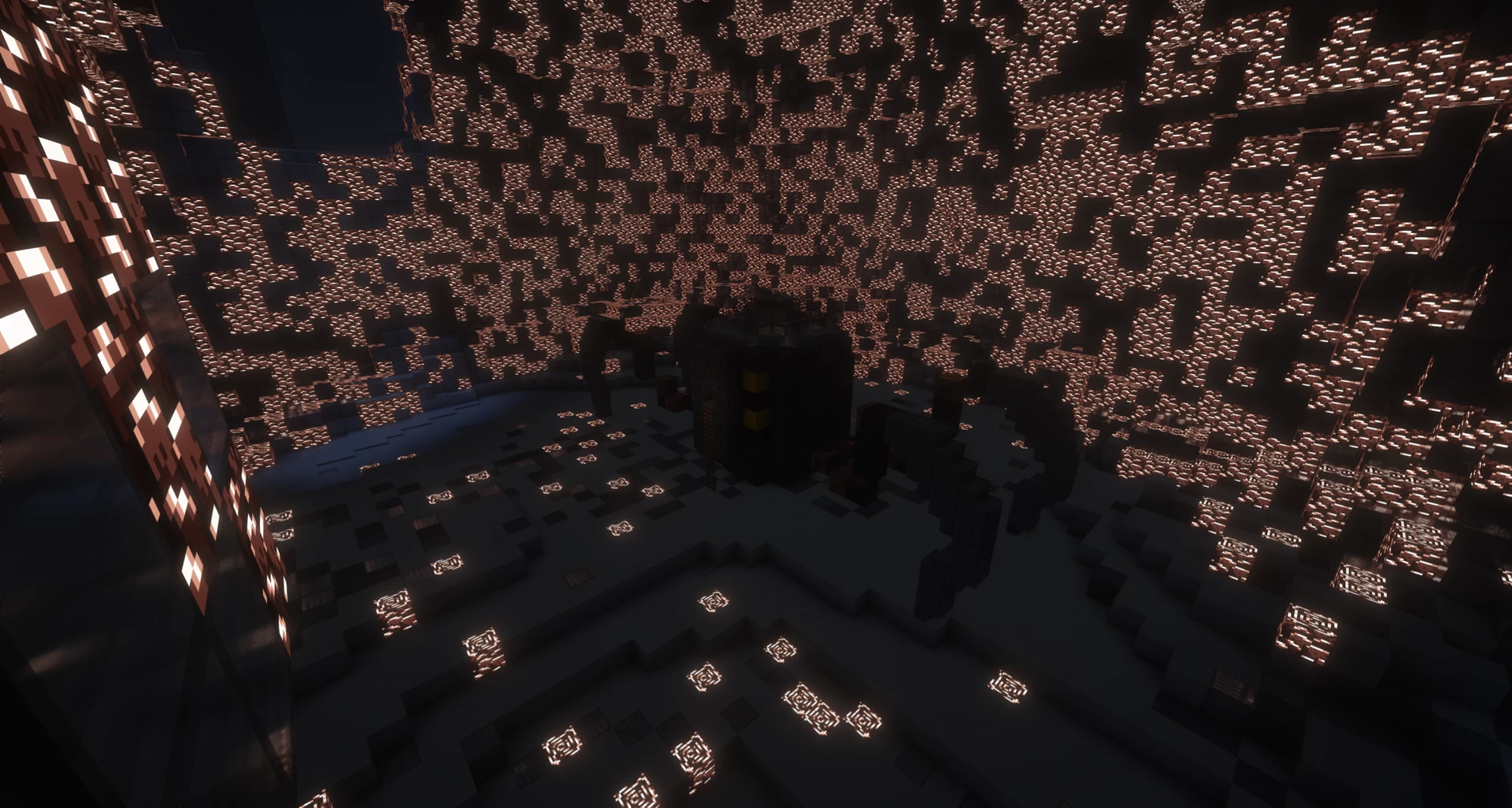
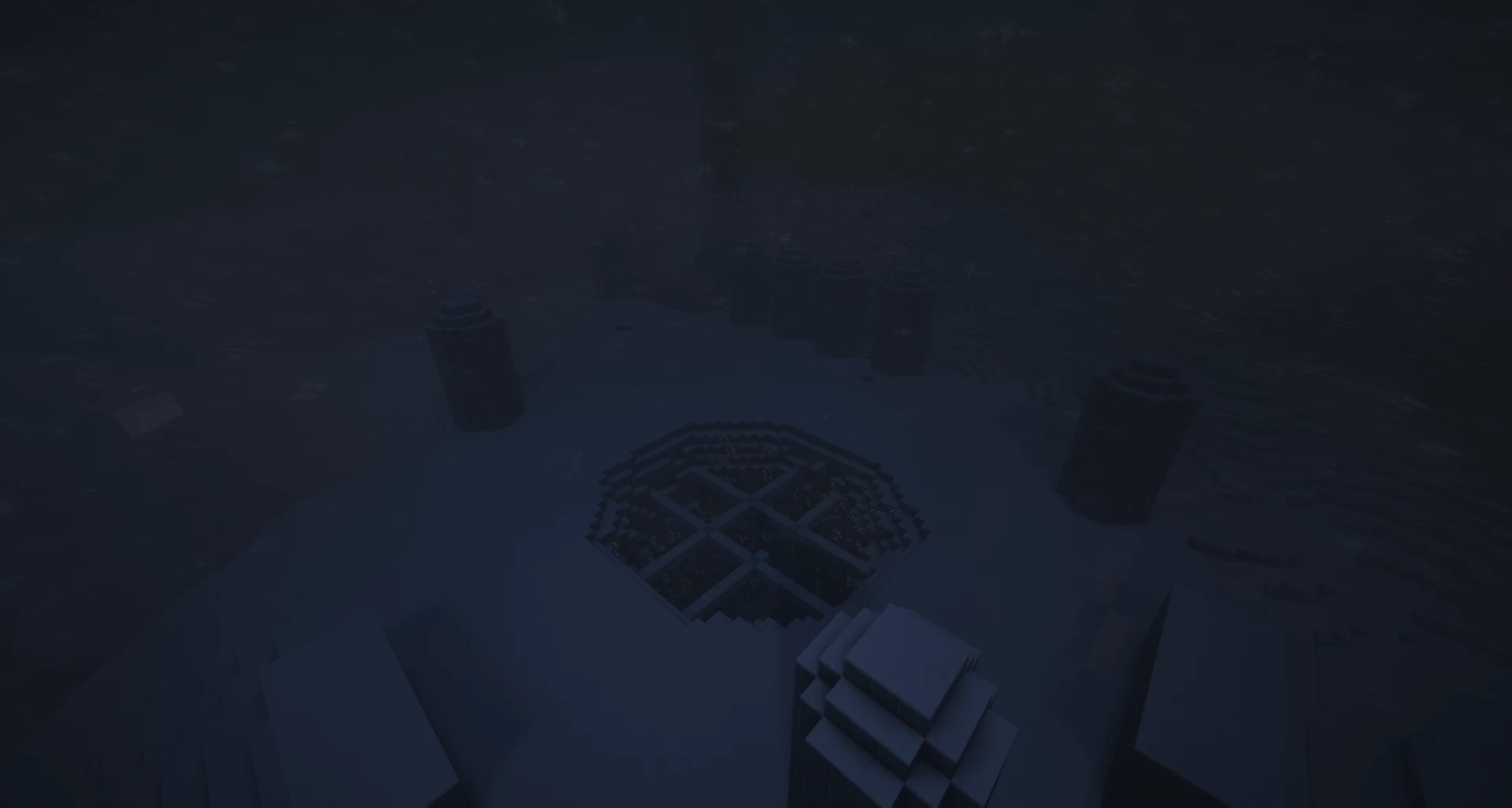
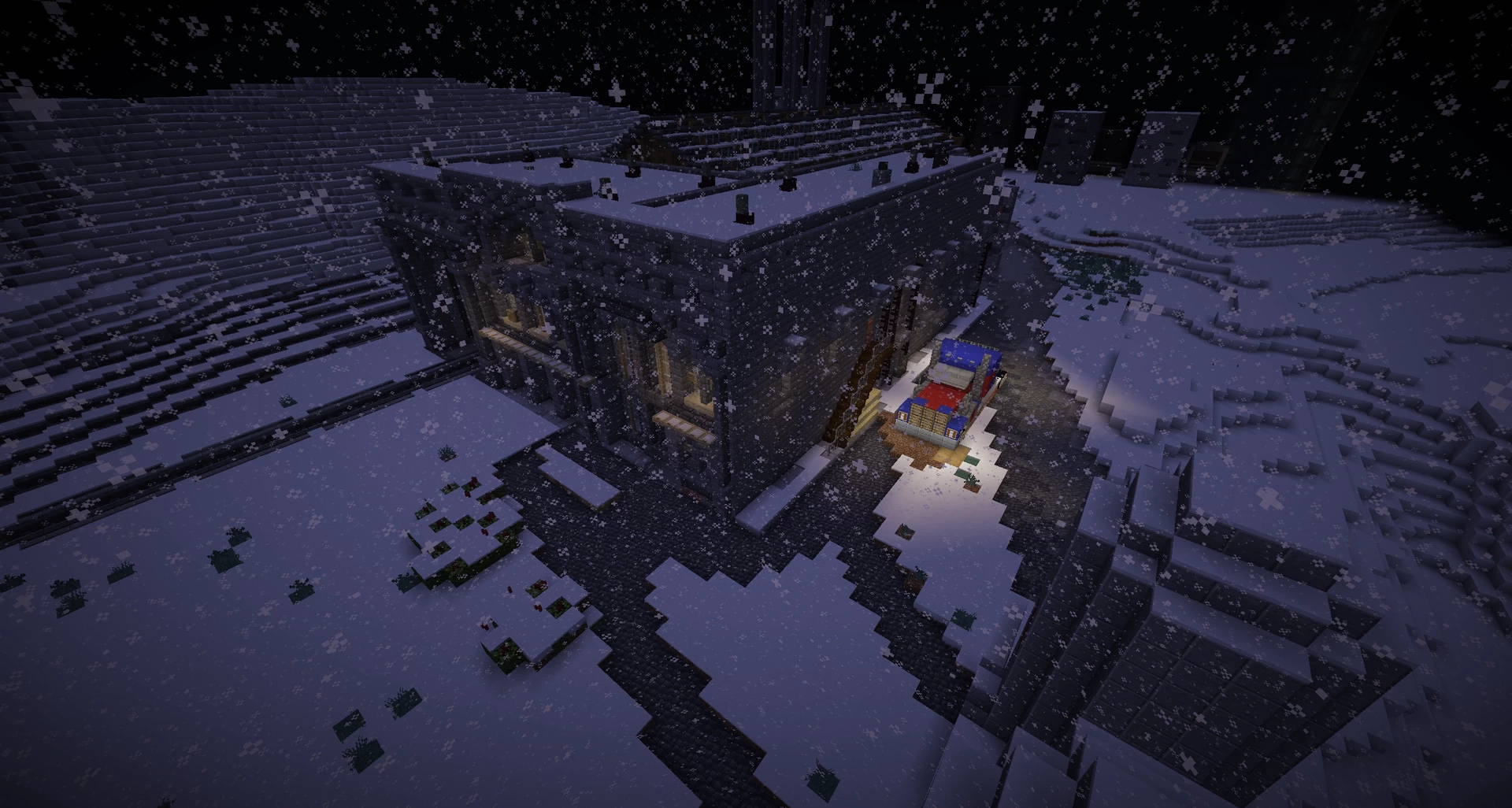
This map connects Minecraft with the YouTube series Murder Drones by GLITCH. Explore a ruined city and abandoned factories inspired by the show. This is my biggest project yet and I will update it over time. I've added some fun details to make the map more interesting.

Features:
- A faithful recreation with hidden Easter eggs and surprises
- Inspired by the series with a dark and industrial atmosphere
- Perfect for adventure, roleplay, and exploration
- Optimised for version 1.21.11 and above

Credits:
-TheImperator980
-SolarWorker
-JDoverlord3112
-Levinator8000
-Veample
- Me
Recommended Settings:
For an even more immersive experience, shaders are recommended but not required.

Feedback
Please leave your feedback in the comments.

The map is now downloadable

13 Update Logs

Update 12 The FInal Update : by TheWolfCraft 05/27/2026 1:24:29 pmMay 27 @ 5:24 pm UTC

After 2.5 years, the time has come.

The map is finished.


To be honest, it still feels a little surreal to be able to say that. What started as a small project—originally, we just wanted to build the Outpost 3 bunker—has grown into something much bigger over time. Step by step, we ended up creating an entire world.


Together, we’ve managed to bring Copper 9 to life in Minecraft.


But that’s exactly why now is the right time:

We’re going to wrap up the project here and not continue it any further.


We’ve built everything we set out to do—and maybe even more.


So this post is our last.


But above all, it’s a huge thank you.

Without you, this project would have been long gone. Your support, your motivation, and your enthusiasm have been with us the whole time.


As the Minecraft community and as Murder Drones fans, we’ve created something together that we can truly be proud of.


Thank you.


What’s changed recently:


- Minor improvements and tweaks

- Expanded and improved worldbuilding

- New Java port

- Bedrock port
LOAD MORE LOGS

More like this

  Have something to say?

CATCAT370
07/18/2026 10:06 am
She/Her • Level 1 : New Explorer
This is looks amazing, but for some reason I can't import it to Minecraft Bedrock. I downloaded bedrock world, it was a .zip file, I changed it to .mcworld, but still don't works. Did I done any mistakes, or a problem is in a world or in a file?(sorry for bad english btw)
1
TheWolfCraft
07/21/2026 6:39 pm
He/Him • Level 33 : Artisan Architect
The file should work and it does work for me so if I were you, I'd watch a YouTube tutorial to see how it works. If it still doesn't work, I'll of course fix the bug.
2
CATCAT370
07/22/2026 5:11 am
She/Her • Level 1 : New Explorer
I guess the problem may be in the file, there are only level.dat and db, while there are no level.dat.old, region, entities. My other world working and having these files, this is why your world may don't work. I'm on version 1.21.132, if there is a need to update my minecraft, message me.
1
Myownescape
06/13/2026 5:22 am
He/Him • Level 1 : New Explorer
Can you please tell me how to import the map into bedrock?
3
TheWolfCraft
06/15/2026 2:03 pm
He/Him • Level 33 : Artisan Architect
Google say:
For PC (Windows 10 & 11)
The easiest way is to use the dedicated .mcworld file. [1]
  1. Download the map file.
  2. Double-click the .mcworld file to run it.
  3. Minecraft will open, and a notification saying "World import started" will appear at the top of the screen.
  4. Once it says "World import finished successfully", you can find the map in your Play menu. [1, 2]
Manual Installation (for .zip folders or .mcworld troubleshooting):
  1. Press Win + R on your keyboard to open the Run dialog.
  2. Type %appdata%\Minecraft Bedrock\Users and hit Enter.
  3. Open the folder with the random string of numbers (your account ID), then navigate to games > com.mojang > minecraftWorlds.
  4. Extract your map folder and drag it directly into the minecraftWorlds folder. [1, 2]
For Mobile (iOS & Android)
  1. Download the map file (preferably in .mcworld format) directly through your mobile browser or transfer it from a PC.
  2. Open your device's Files app.
  3. Tap the map file and select "Open with..." (Android) or share it to the Minecraft app (iOS).
  4. Minecraft will open, import the world, and make it available in your main Play menu. [1, 2, 3, 4]
For Consoles (Xbox / PlayStation / Nintendo Switch)Importing custom maps on consoles can be tricky as direct file downloads are usually restricted.
  • The easiest workaround is to temporarily join a friend’s game on a PC or Mobile device, host the map there, and have them promote you to operator so it syncs to your account's cloud data. [1]
  • Alternatively, for advanced users, you can connect your console to a local PC using the Bedrock Dedicated Server software to load a custom map.
If you'd like, let me know:
  • What device or platform you are playing on (PC, mobile, or console)
  • If your downloaded map is an .mcworld file or a .zip folder
  • -Gemini
1
Myownescape
07/14/2026 5:37 pm
He/Him • Level 1 : New Explorer
thanks!
1
xIAMCORNYx
05/30/2026 2:19 pm
Level 10 : Journeyman Explorer
Ty bro
2
05/02/2026 10:18 am
This reply was removed by the poster or a moderator.
TheWolfCraft
05/09/2026 2:58 am
He/Him • Level 33 : Artisan Architect
I will upload the Bedrock port in the next few days
2
CrypticZie
05/25/2026 7:58 pm
Level 1 : New Miner
Has it been released yet
1

Welcome