



• 10/23/21 9:18 am
- 719 views • 0 today
- save_alt 40 downloads
- Progress
- 100% complete


0
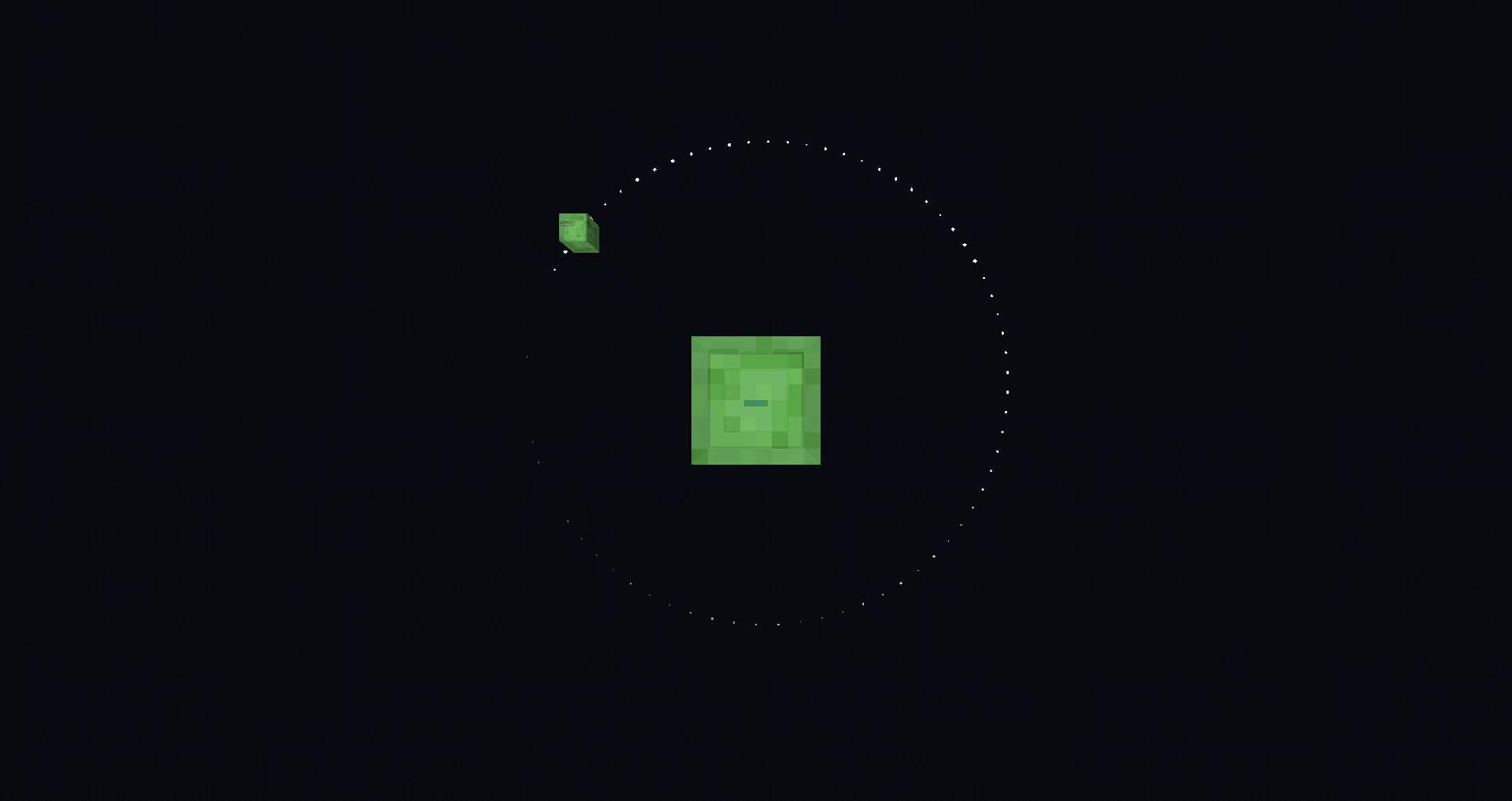
A 2D gravity simulator using Minecraft commands.
Made for single player, may not work as intended in multiplayer.
Inclues custom interface to help create different scenarios - press F (swap hands) while holding an item to use it.
- Add: spawn a new slime.
- Edit: open the edit menu in chat for the slime you're facing.
- Pause: slimes stop moving, but you can still edit them.
- Clear: remove every slime on the board.
Edit menu: open the chat and click the text in blue to change the selected slime's properties.
You can also change a slime's velocity by using the "Edit" tool on its velocity indicator (smaller slime).
If you can't see the speed indicator, then it must be inside the main slime. Use the tool on that one.
Made for single player, may not work as intended in multiplayer.
Inclues custom interface to help create different scenarios - press F (swap hands) while holding an item to use it.
- Add: spawn a new slime.
- Edit: open the edit menu in chat for the slime you're facing.
- Pause: slimes stop moving, but you can still edit them.
- Clear: remove every slime on the board.
Edit menu: open the chat and click the text in blue to change the selected slime's properties.
You can also change a slime's velocity by using the "Edit" tool on its velocity indicator (smaller slime).
If you can't see the speed indicator, then it must be inside the main slime. Use the tool on that one.
More like this


 How to come up with an awesome plot for your adventureEducational Map
 MichaelSean
•9/18/19 9:47
514x 12
MichaelSean
•9/18/19 9:47
514x 12

 Skylxr
 dinokinglj
 Lory2004ITA
5345805
2


 Prototype1006Minecraft








Have something to say?