


• 5/19/12 4:17 pm
- 346 views • 0 today
- Progress
- 100% complete
- 1
- 0

19
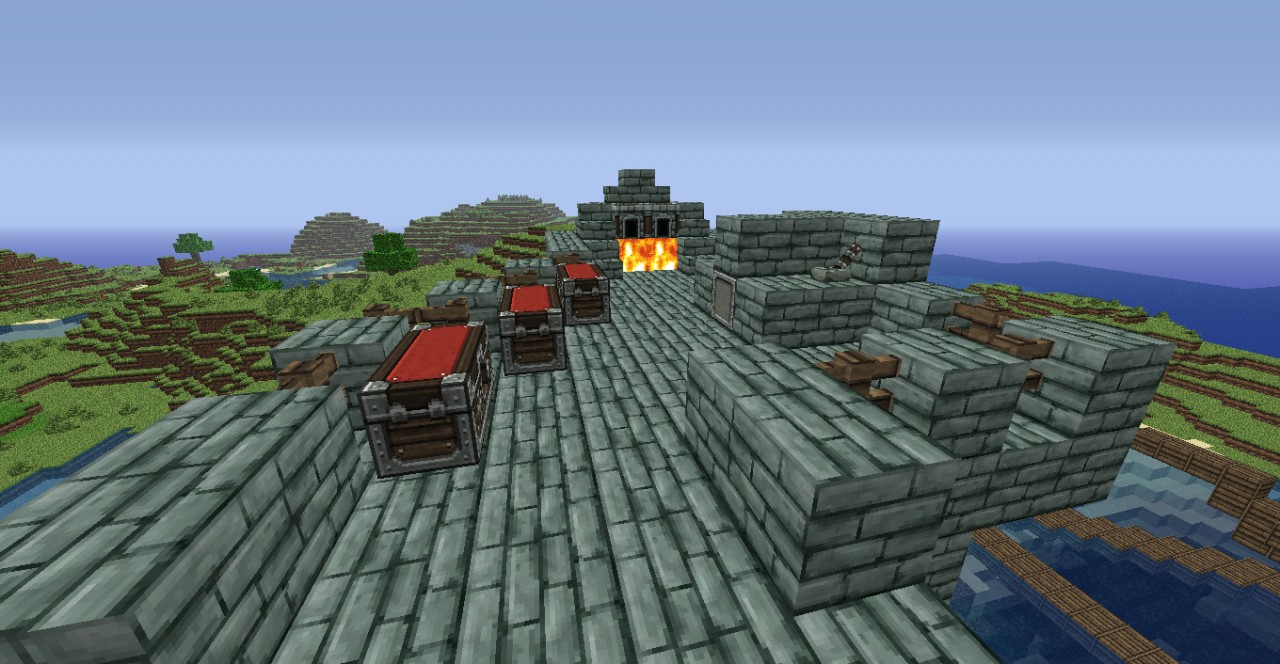
Helloo there! I'm making a project map where I'll always be adding new buildings, redstone machines and more. Here is a forge I just made, don't worry the next addition will have more interesting stuff. As always you can download it and put it into your saves folder in .minecraft to play.
Here's a little tutorial on how to get the map working:
1. Open your Computer browser (For windows click on start and type it in the text box)
2. Type in %appdata%
3. Open .minecraft
4. Go to saves
5. Drag the "Project" world into the saves (as folder not zip file)
6. TOUR AROUND AND ENJOY!
Here's a little tutorial on how to get the map working:
1. Open your Computer browser (For windows click on start and type it in the text box)
2. Type in %appdata%
3. Open .minecraft
4. Go to saves
5. Drag the "Project" world into the saves (as folder not zip file)
6. TOUR AROUND AND ENJOY!
More like this

 Trydar

 1Sk8rBoi
 HouseStark
 grumbug
906108
2
![TownCraft [NEED BUILDERS AND TESTERS] Minecraft Map & Project](https://static.planetminecraft.com/files/resource_media/screenshot/1242/2012-10-21_201502_3916260_thumb.jpg)




 User6679923G




 Bobylette_
 MarioRashi1
 Andyways
 Fidorius
 Neekoris
Have something to say?