


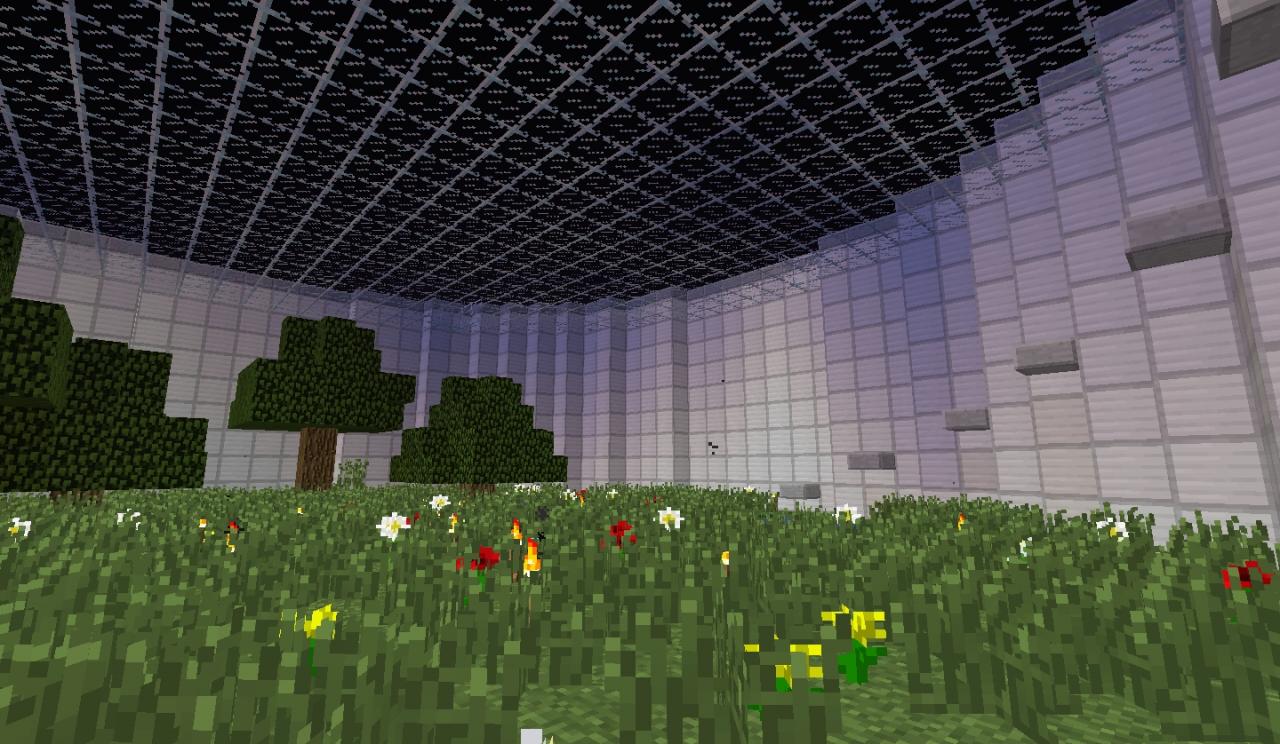

6
HOW TO DOWNLOAD:
1- Press Minecraft World Save under "Download" (Yellow Button).
2- When on the Dropbox page, click on "Download" at the top right of the page.
3- The map will begin to download (Save the map somewhere you can find it).
4- Open it.
5- Drag the folder called "Quest for Freedom (Singleplayer)" into the "saves" folder.6- HAVE FUN!!! :)
WHERE TO FIND MIENCRAFT SAVES:
1- Open up the start up menu.
2- Search %appdata%
3- Click on Roaming
4- Open the folder called ".minecraft"
5- Drag the folder called "Quest for Freedom (Singleplayer)" into the "saves" folder.
6- Open up Minecraft and it should be there! HAVE FUN!!! :)
YOU NEED TO USE THE RESSOURCE PACK THAT COMES WITH MAP
1- Press Minecraft World Save under "Download" (Yellow Button).
2- When on the Dropbox page, click on "Download" at the top right of the page.
3- The map will begin to download (Save the map somewhere you can find it).
4- Open it.
5- Drag the folder called "Quest for Freedom (Singleplayer)" into the "saves" folder.6- HAVE FUN!!! :)
WHERE TO FIND MIENCRAFT SAVES:
1- Open up the start up menu.
2- Search %appdata%
3- Click on Roaming
4- Open the folder called ".minecraft"
5- Drag the folder called "Quest for Freedom (Singleplayer)" into the "saves" folder.
6- Open up Minecraft and it should be there! HAVE FUN!!! :)
YOU NEED TO USE THE RESSOURCE PACK THAT COMES WITH MAP
15 Update Logs
Update #15 : by Timmygammer 02/27/2014 6:53:52 pmFebruary 27, 2014 @ 11:53 pm UTC
- Fixed Reverse Potion
- Added One New Sweet Feature
- Redone Some Clocks
- Added One New Sweet Feature
- Redone Some Clocks
LOAD MORE LOGS
More like this

 Fvfvxcvxcv
 master3099

 SupremePotatoJD
 XxSwimGuyxX
2480077
2




 cadbane86140


 flashtag
 CreeperBoy247
 Iamcool_
![THE BACKROOMS: WORK IN A-SYNC [CHAPTER 1] Minecraft Map & Project](https://static.planetminecraft.com/files/image/minecraft/project/2026/582/20075387_s.jpg)
 Zzzgameego
 ASoldVinylRecord
Have something to say?
but why the chest got nothing in it?
and are u playing in the lastest snapshot
sorry for the bug
just resdoownload the map and have fun