



56
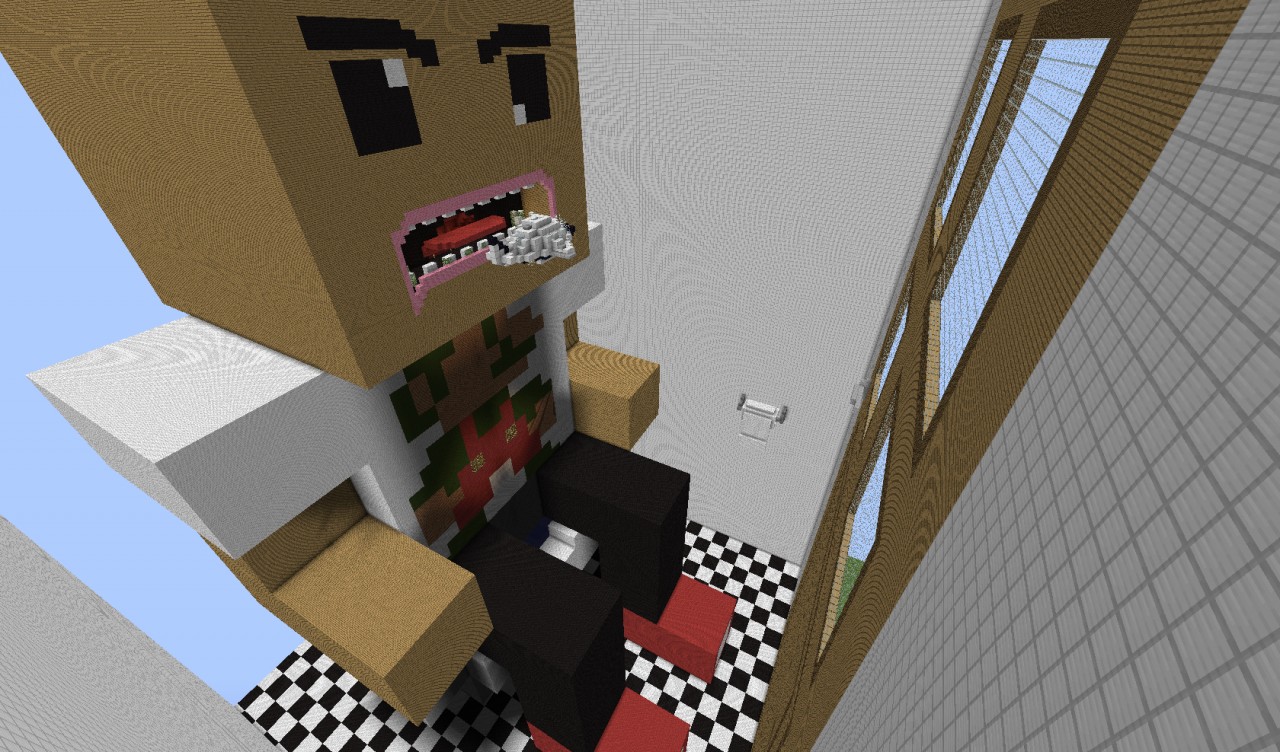
Save Greg from the invading bacteria!
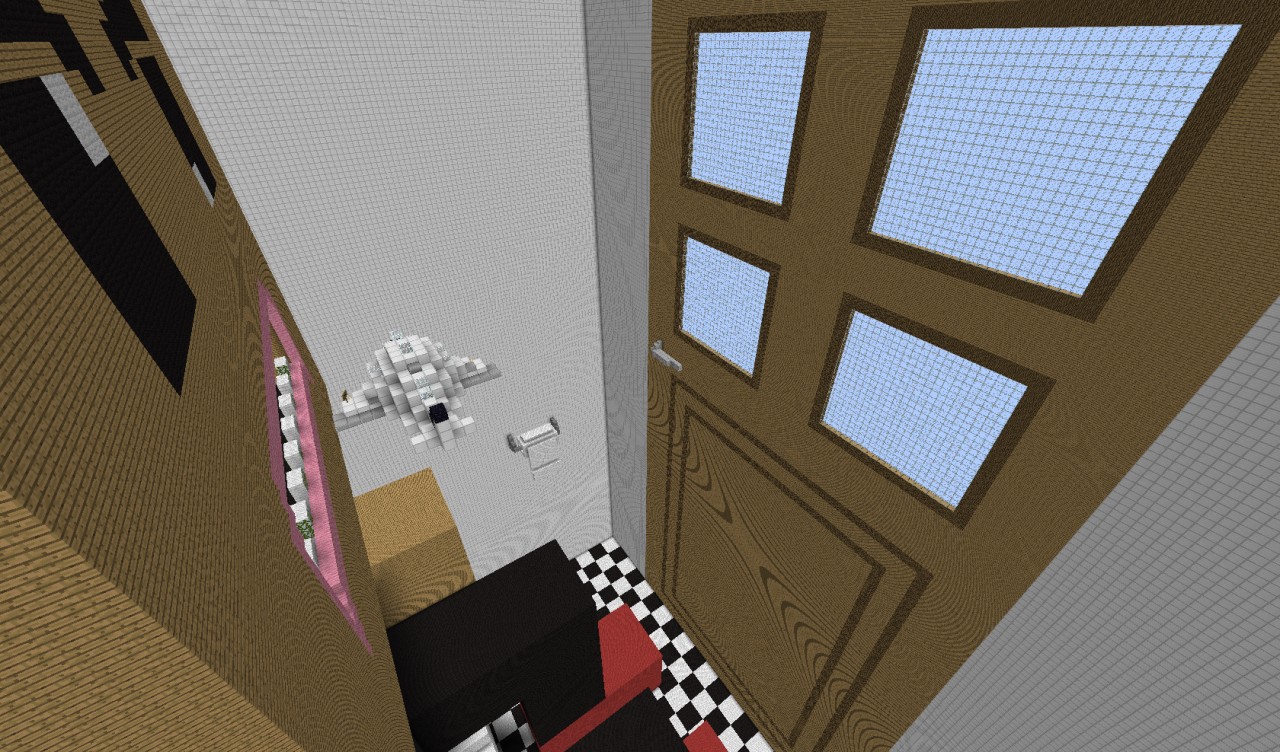
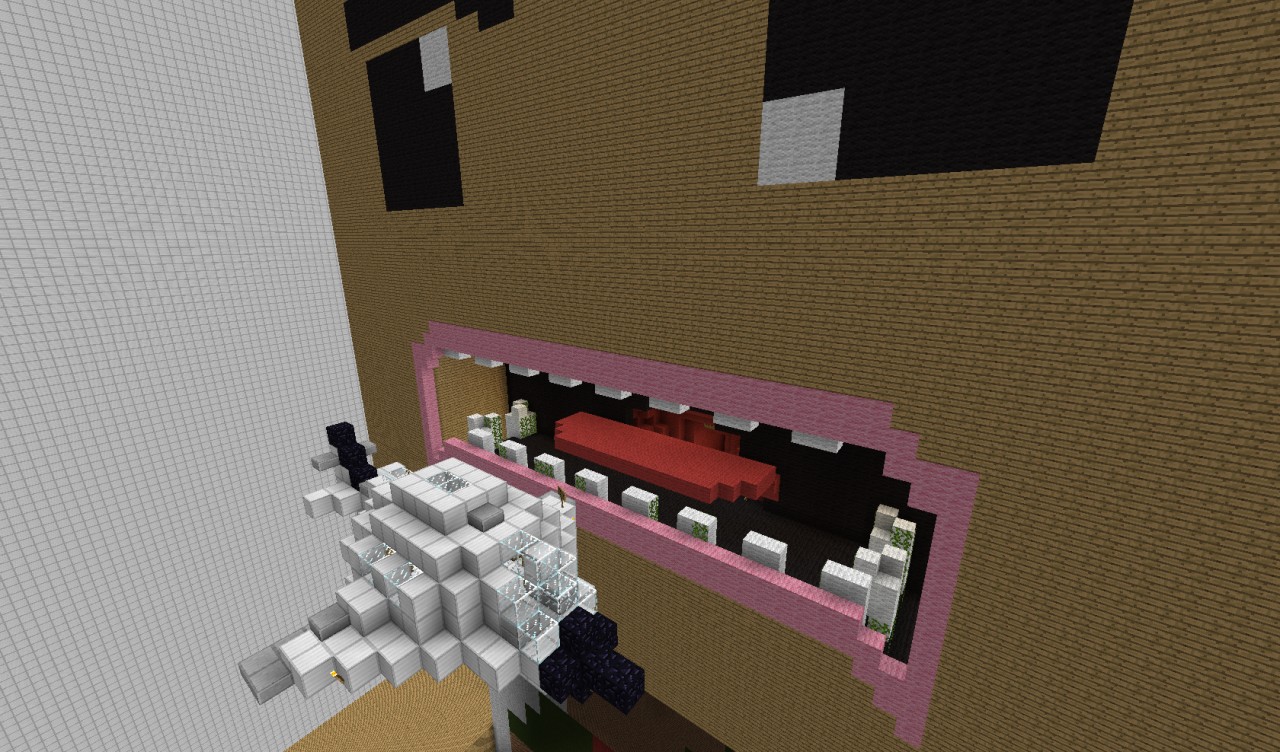
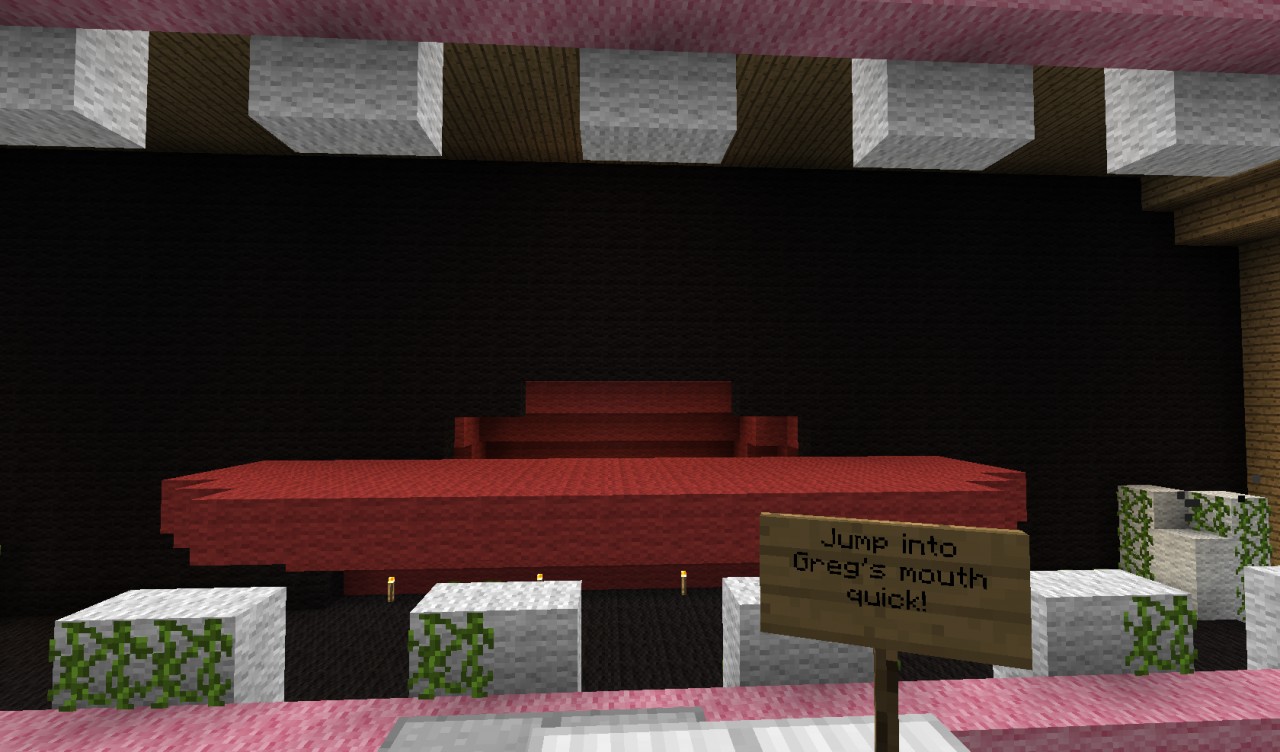
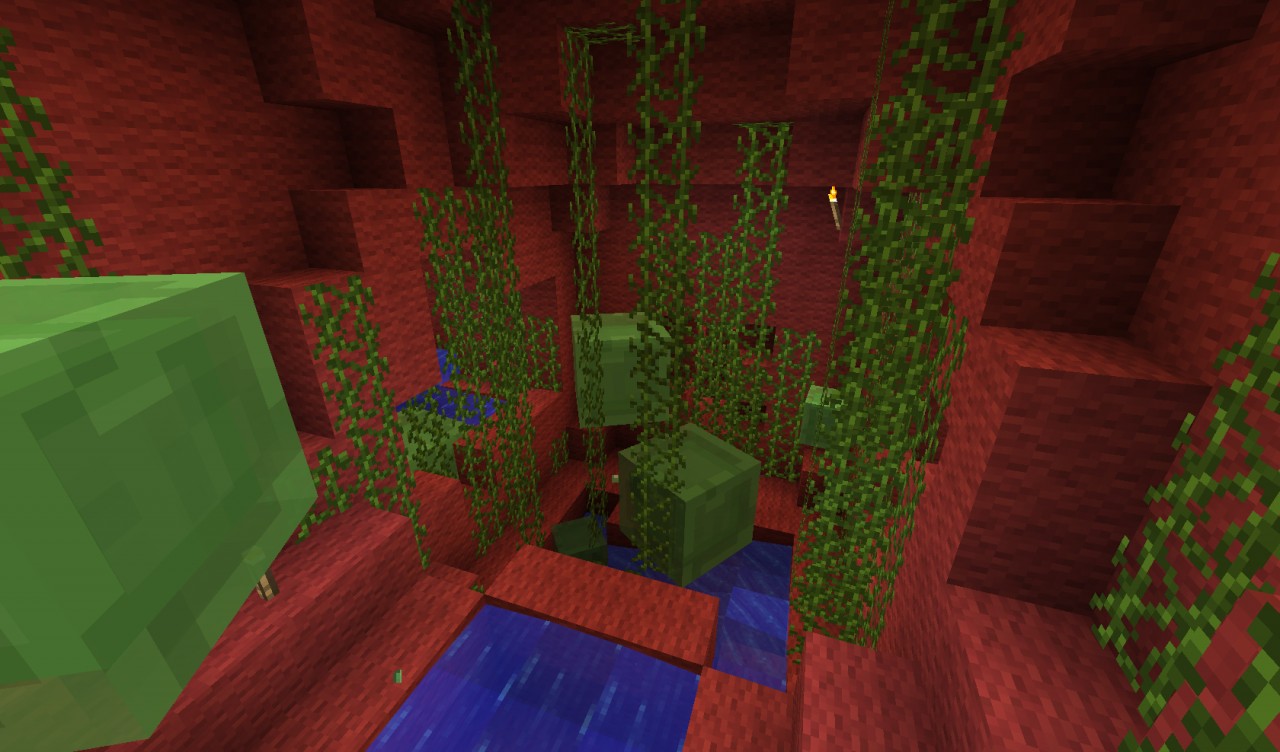
You've been shrunk down to the size of a coin, it's your job to help save Greg from the invading bacteria and clean his insides! Be careful, the bacteria bite! Quickly jump out of the shrink pod and into Gregs mouth, go down into his body and kill all the Slimes.
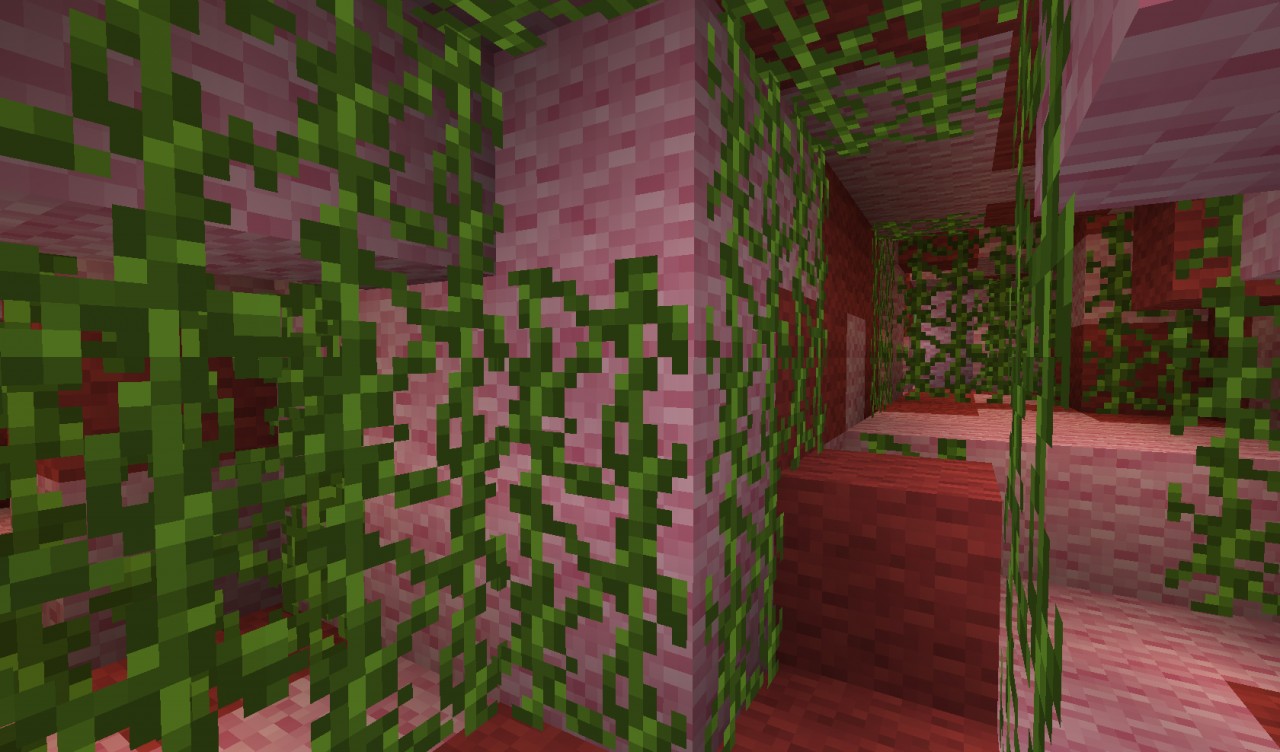
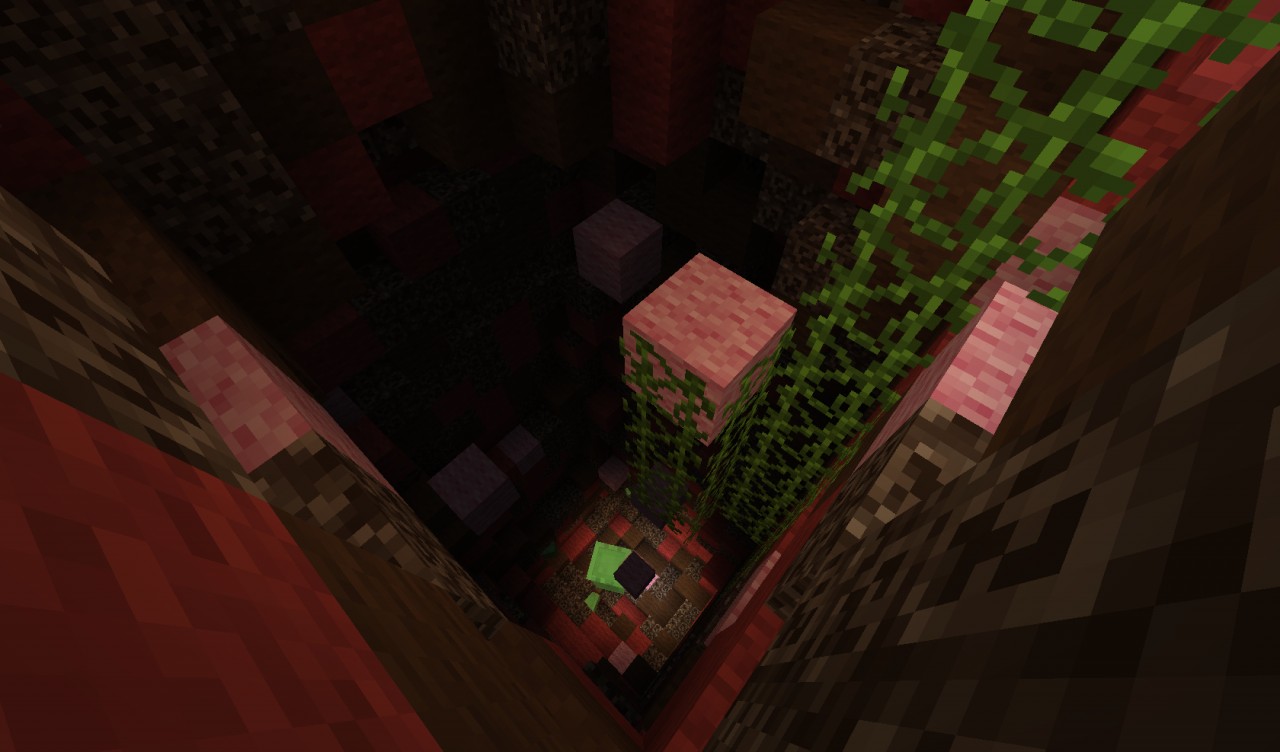
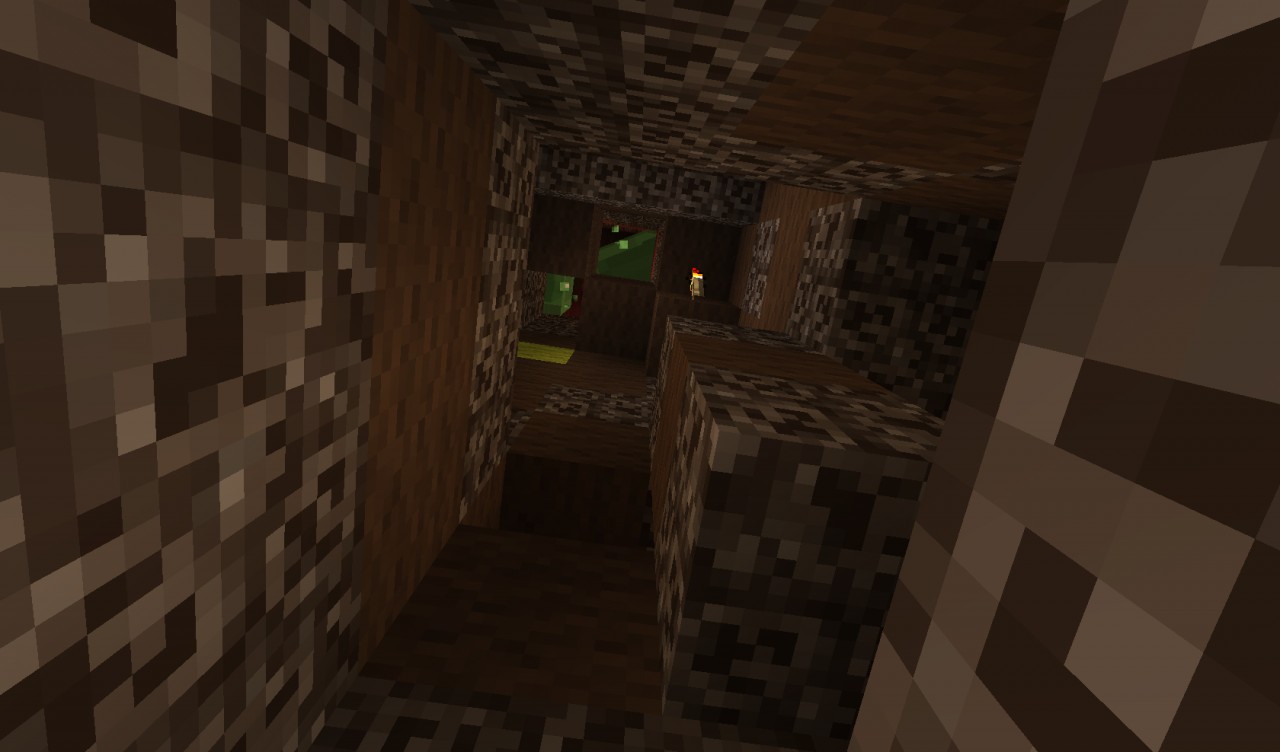
If you kill all the bacteria in the stomach you can find hidden swords and food to help you on your journey. Continue down the small intestine maze leading to the large intestine and then out for a surprise!
**HOW TO USE**
1. Download file
2. Extract the file called "Greg Bukkit" to where you want with WinRar/WinZIP
3. Run the file named "starter"
4. Connect to 127.0.0.1 in your multiplayer(Local host)
The map has to be run on a server because of issues with single player.
Watch the video above for a detailed view!
Make sure you check out my other Projects below!
I I
I I
V V
1 Update Logs
Update : by ThemMinecraftians 08/01/2012 12:14:54 amAugust 1, 2012 @ 4:14 am UTC
Updated tags
More like this
 EPIC SPAWN MAP - Use for your server spawn!Complex Map
 ThemMinecraftians
7/25/12 2:54
• posted 7/15/12 4:41
90.6k 15.1k 47x 66418
ThemMinecraftians
7/25/12 2:54
• posted 7/15/12 4:41
90.6k 15.1k 47x 66418 Curse of the Lost Souls - Adventure/SurvivalChallenge / Adventure MapThemMinecraftians
5/8/13 4:21
• posted 7/18/12 7:25
32.6k 10.8k 84x 914043
Curse of the Lost Souls - Adventure/SurvivalChallenge / Adventure MapThemMinecraftians
5/8/13 4:21
• posted 7/18/12 7:25
32.6k 10.8k 84x 914043

![Brite. [Contemporary] Minecraft Map & Project](https://static.planetminecraft.com/files/resource_media/screenshot/1307/Untitled_4847980_thumb.jpg)
 Urux_PL
 Squareballs
1148273
2













 - YATA - Yeshaeel
 MCPE 4Eva World


 inmyreadingera
Have something to say?
Please reply back if you're still stuck!
Was this def made in 1.2.5? Only thing I can think of
I'll try redownloading and report back