


• 8/27/13 4:59 pm
- 628 views • 0 today
- save_alt 10 downloads
- Progress
- 100% complete

3
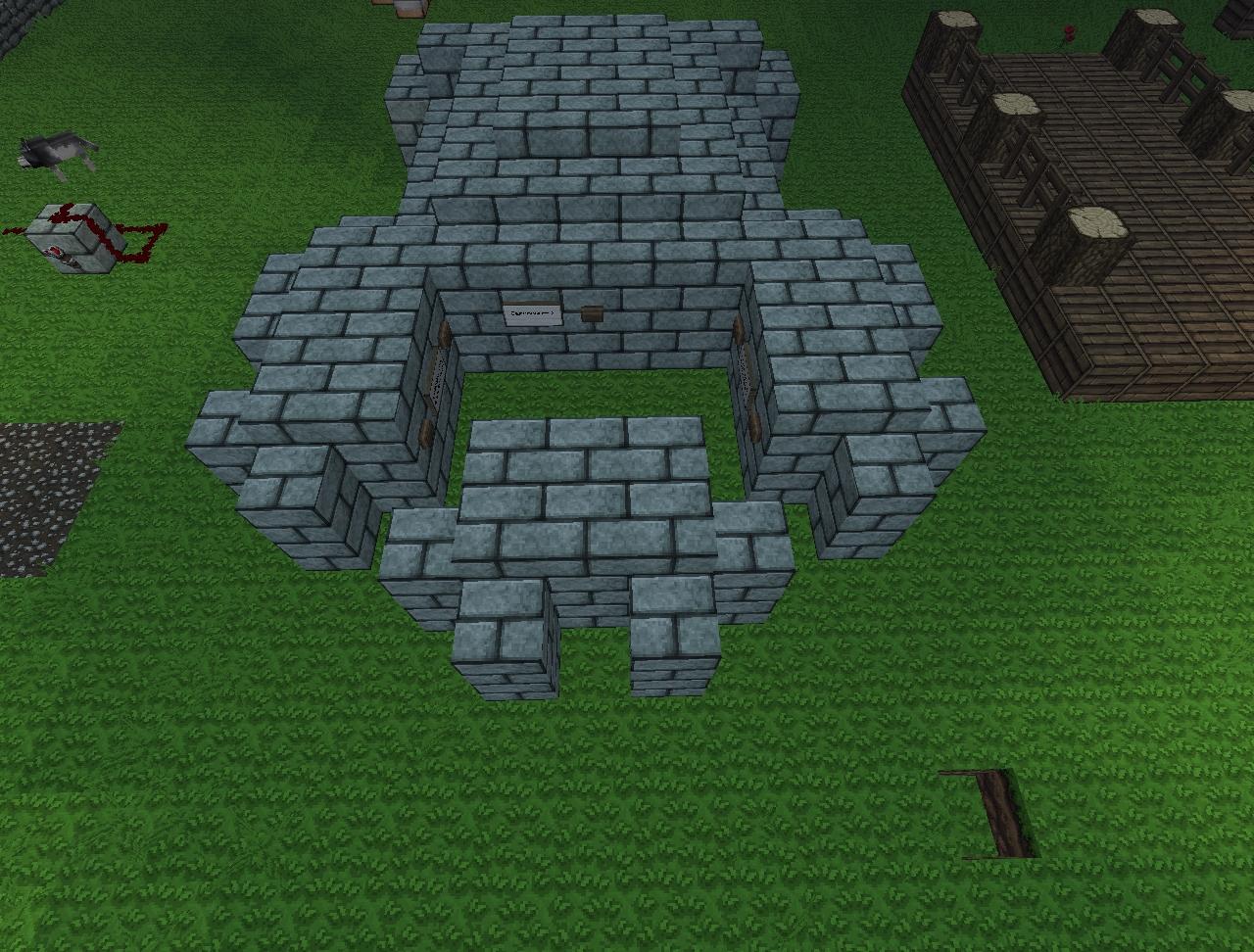
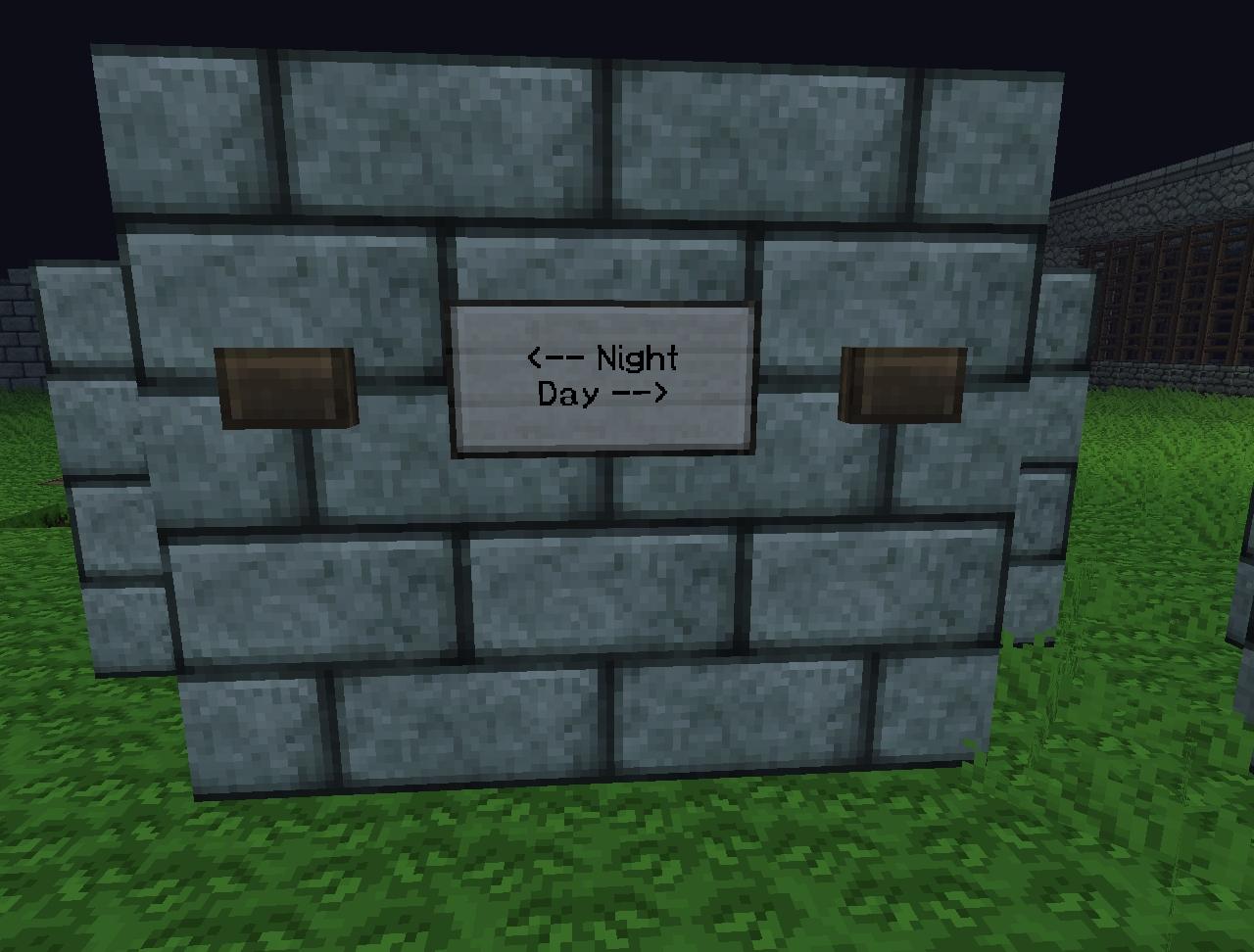
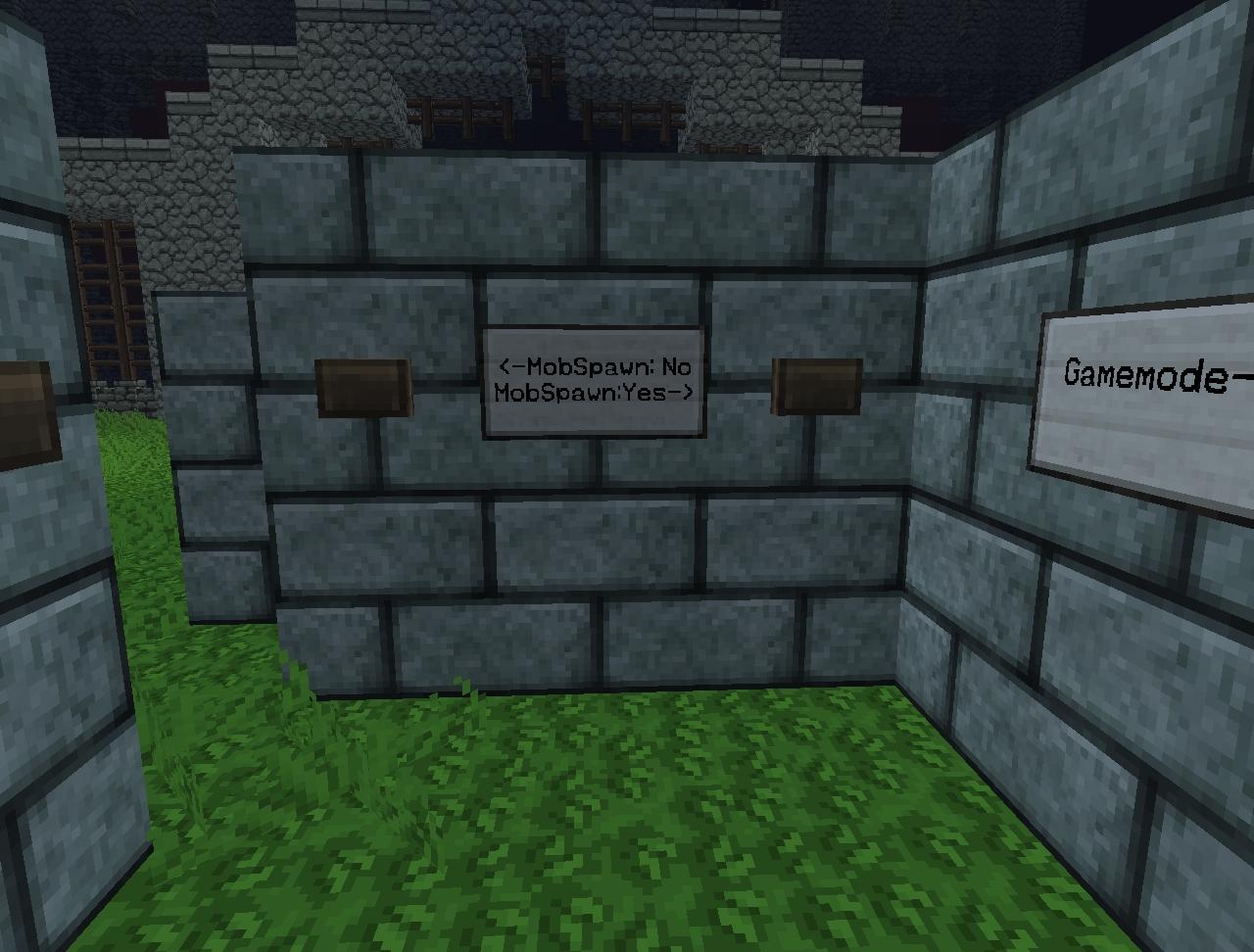
Just a simple command hub for changing your gamemode, setting day or night, setting doMobSpawning to true and false, and setting difficulty.
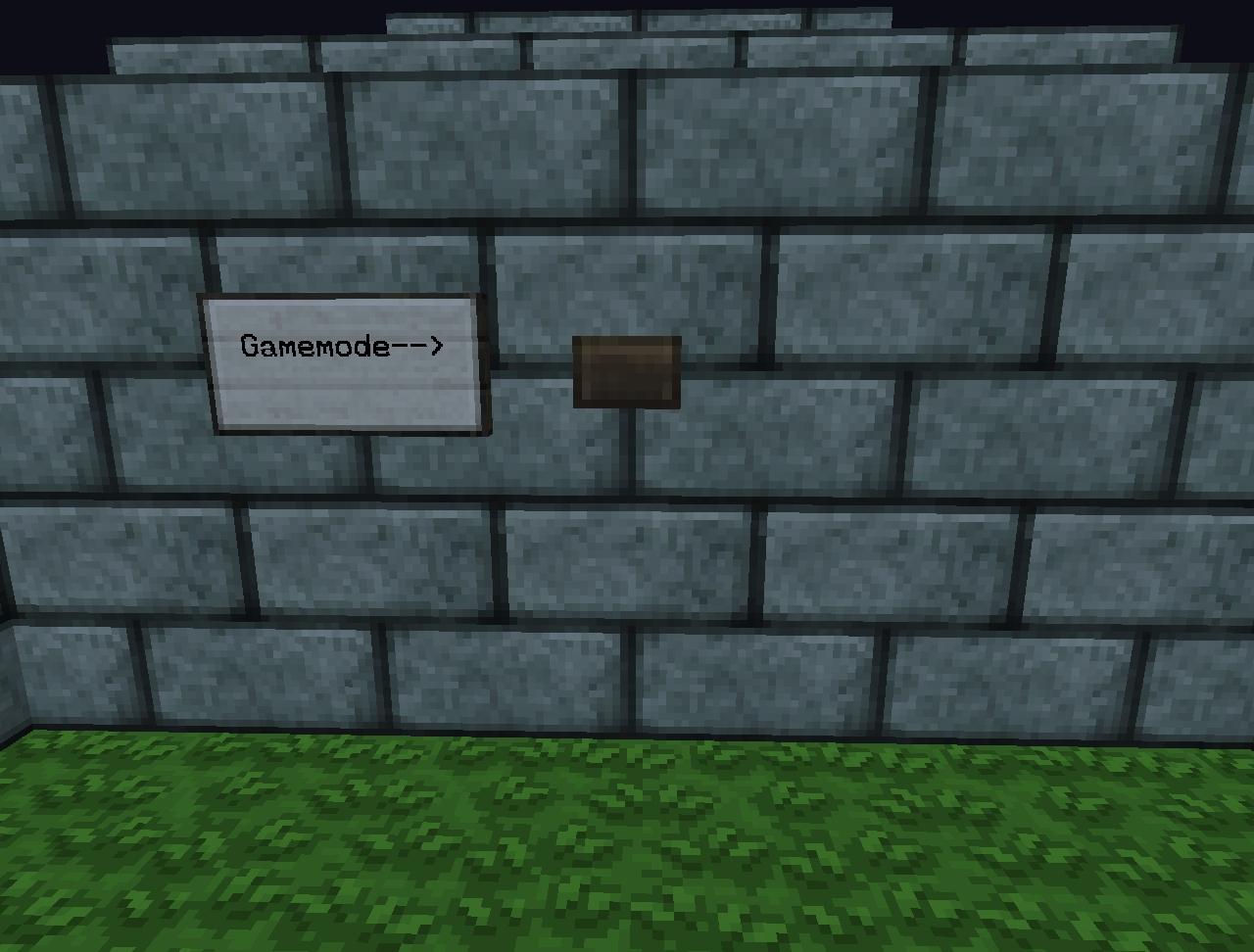
The way the gamemode mode changes your gamemode can get "tricky" if you haven't worked with it before. There are 4 command blocks, 2 of which are set to check which mode you are in. If you are in survival it will activate the block that changes you to creative and vise versa. be careful as if you press the button and it puts you into a gamemode, then you use /gamemode to change it back, the command block will not be able to swap your modes. You will have to change your mode back with /gamemode and then they will work again. I do not know why it does this (just started working with command blocks last night). If anyone has a fix for this please let me know!
The command blocks for the difficulty are currently set to peaceful and hard. You can change these easily by just breaking the block the button is on. You will need to be OP'ed and in creative mode to adjust them.
Please turn command blocks on for your server (if using in multiplayer) in your server.properties folder.
The line will look like this (no " "): "enable-command-block=false" You will need to change that to true.
Last thing... In order for the difficulty and mob spawning blocks to have an effect on your server you will need to set mob spawning to true and set a difficulty other that peaceful in the server.properties folder.
If anyone has any commands you want me to add to this or ways to improve the functionality let me know in the comments below!
The way the gamemode mode changes your gamemode can get "tricky" if you haven't worked with it before. There are 4 command blocks, 2 of which are set to check which mode you are in. If you are in survival it will activate the block that changes you to creative and vise versa. be careful as if you press the button and it puts you into a gamemode, then you use /gamemode to change it back, the command block will not be able to swap your modes. You will have to change your mode back with /gamemode and then they will work again. I do not know why it does this (just started working with command blocks last night). If anyone has a fix for this please let me know!
The command blocks for the difficulty are currently set to peaceful and hard. You can change these easily by just breaking the block the button is on. You will need to be OP'ed and in creative mode to adjust them.
Please turn command blocks on for your server (if using in multiplayer) in your server.properties folder.
The line will look like this (no " "): "enable-command-block=false" You will need to change that to true.
Last thing... In order for the difficulty and mob spawning blocks to have an effect on your server you will need to set mob spawning to true and set a difficulty other that peaceful in the server.properties folder.
If anyone has any commands you want me to add to this or ways to improve the functionality let me know in the comments below!
More like this
 A Simple Diamond Detector - With One CommandRedstone Device Map
 jljaries42
•6/5/15 11:36
15.1k 472 1x 142
jljaries42
•6/5/15 11:36
15.1k 472 1x 142
 Command Block Creation - Simple StopwatchRedstone Device MapSuperJedi224
•2/21/16 4:48
1k 78 1x 122
Command Block Creation - Simple StopwatchRedstone Device MapSuperJedi224
•2/21/16 4:48
1k 78 1x 122

 lightningswrath
 sanogo7
 daantjeredstonemaps
2434830
2




 RUTH DABS





 ASAKA828



Have something to say?