



• 10/28/18 9:05 am
- 3.2k views • 0 today
- save_alt 171 downloads
- Progress
- 100% complete


1
Installation:
1) open Minecraft -> Options -> Resource Packs -> Open Resource Pack Folder -> .minecraft -> saves
2) click a world where you want to add data pack -> datapacks
3) copy the downloaded beacon warp inside a datapacks folder and use /reload ingame or restart the world
To use:
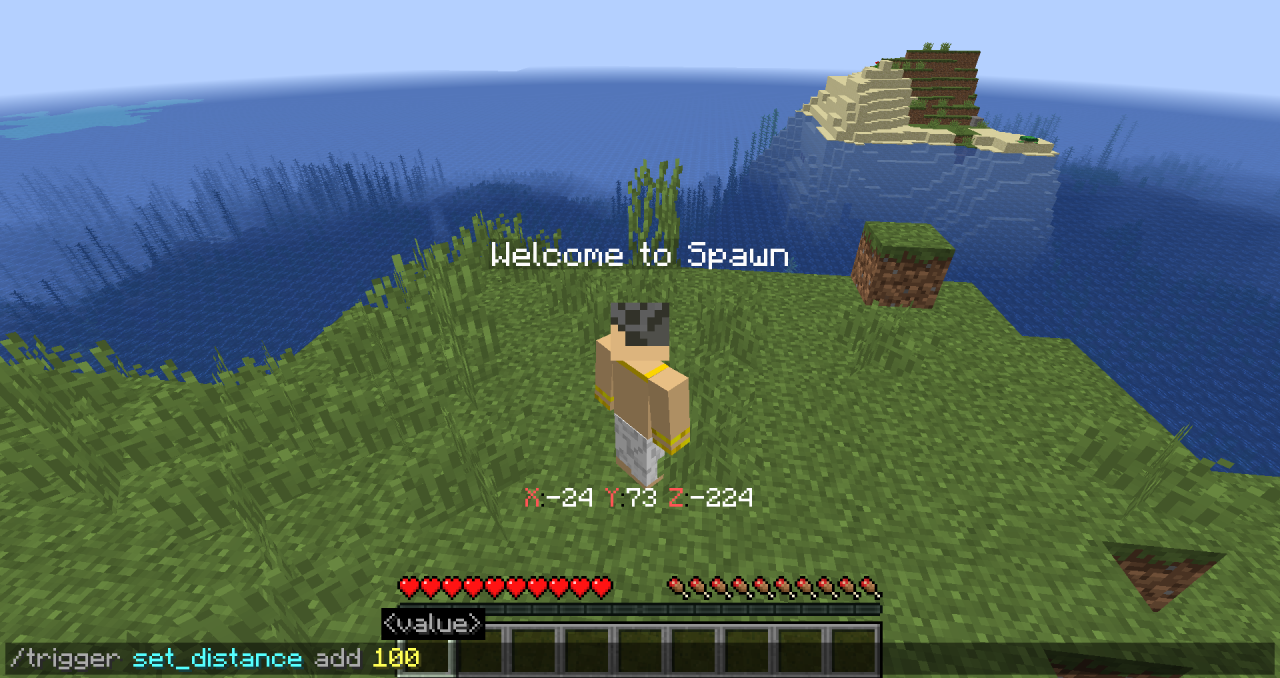
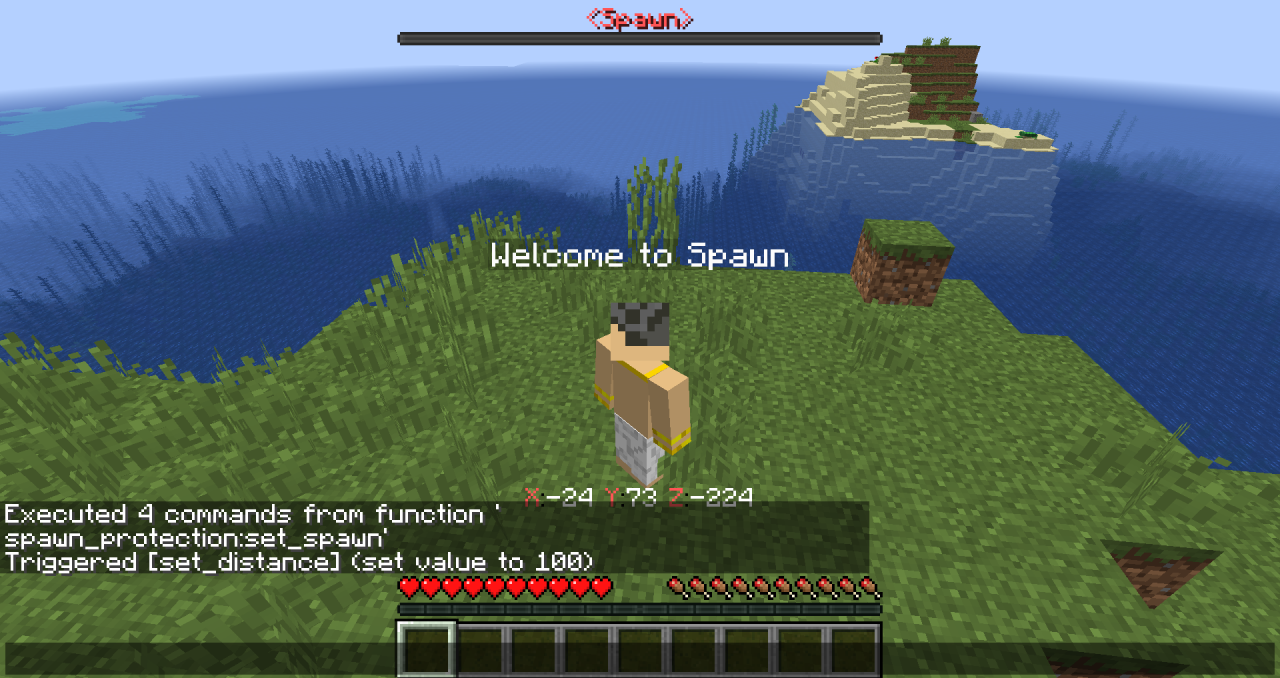
1) to set spawn: /function spawn_protection:set_spawn
1) to set spawn protection: /trigger set_distance set <set spawn distance>
Bonus:
players can use trigger spawn and cords
1) open Minecraft -> Options -> Resource Packs -> Open Resource Pack Folder -> .minecraft -> saves
2) click a world where you want to add data pack -> datapacks
3) copy the downloaded beacon warp inside a datapacks folder and use /reload ingame or restart the world
To use:
1) to set spawn: /function spawn_protection:set_spawn
1) to set spawn protection: /trigger set_distance set <set spawn distance>
Bonus:
players can use trigger spawn and cords
More like this

 TheAppService
 DarkLYNN
 Macsi
Macsi

 CatteOfficial
4213835
2











 DreamWanderer
 MazaVili
 macestudios
![🏰 Medieval Kingdom [FREE DOWNLOAD] Minecraft Map & Project](https://static.planetminecraft.com/files/image/minecraft/project/2026/512/20198716_s.jpg)
 XardasMc0

Have something to say?