

• 11/11/11 11:43 pm
- 798 views • 0 today
- save_alt 47 downloads
- Progress
- 100% complete


4
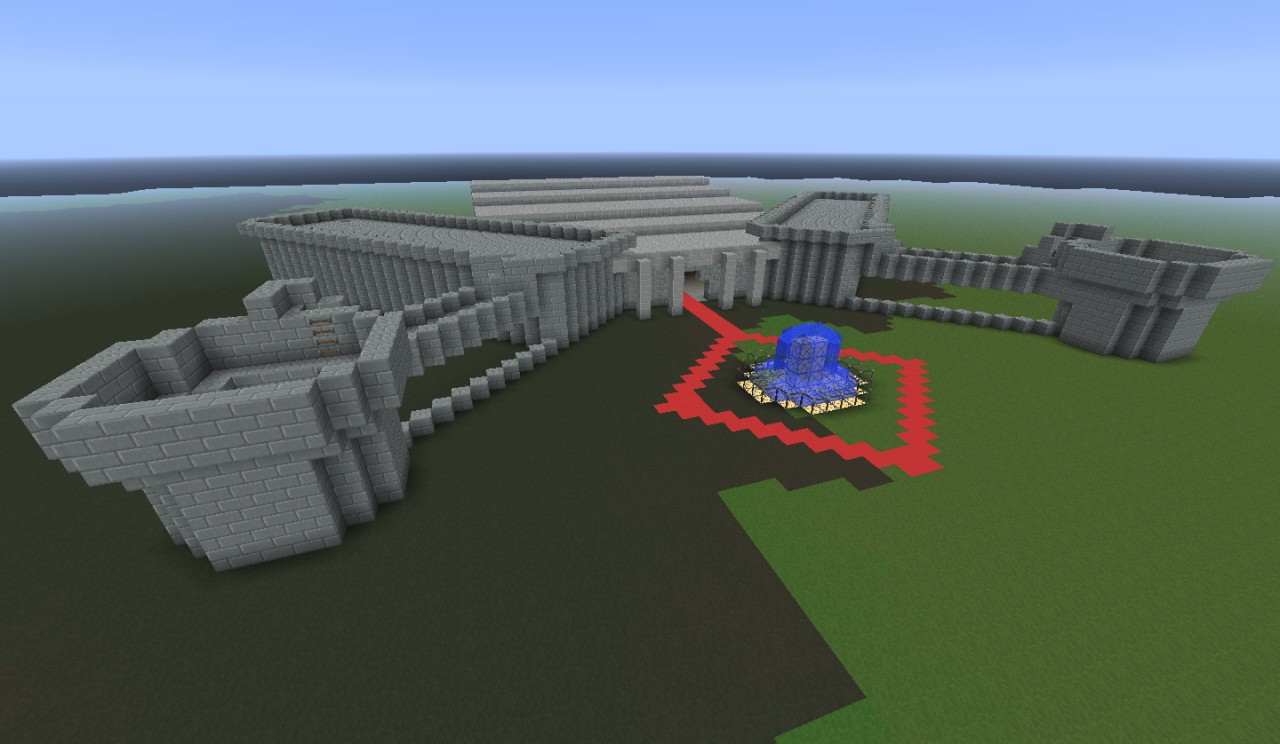
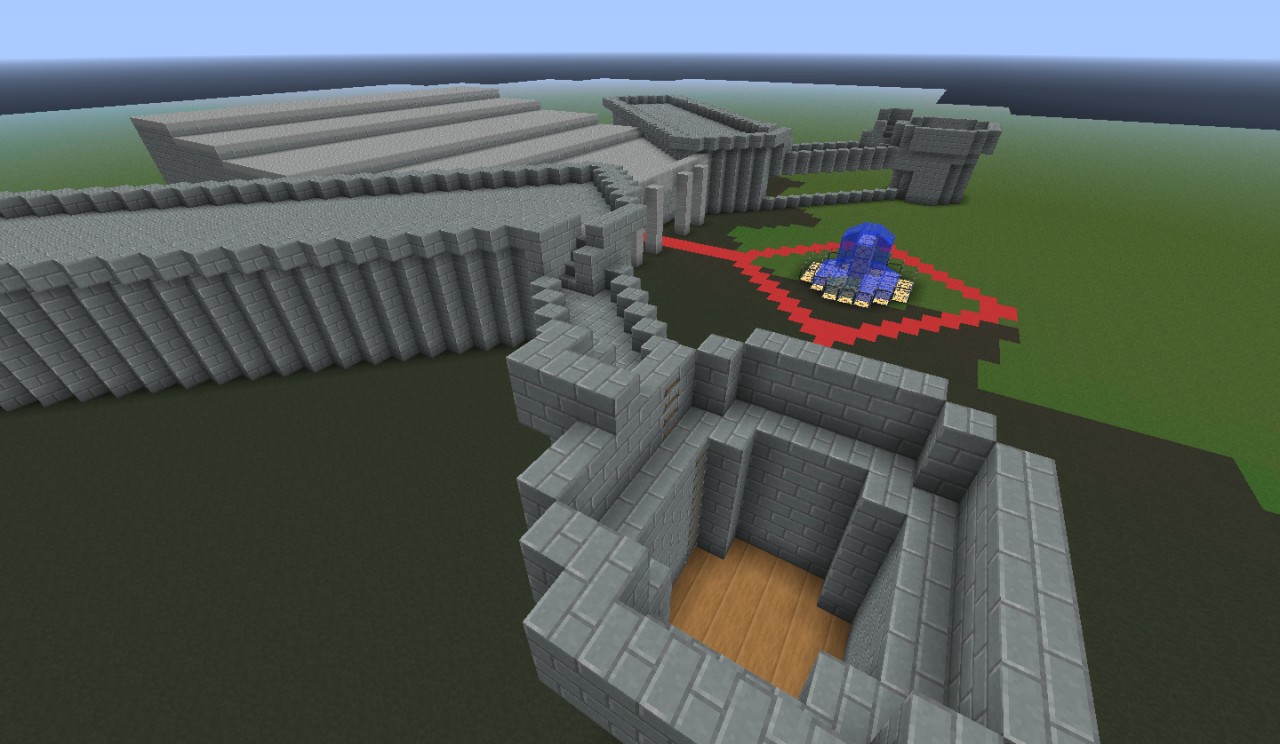
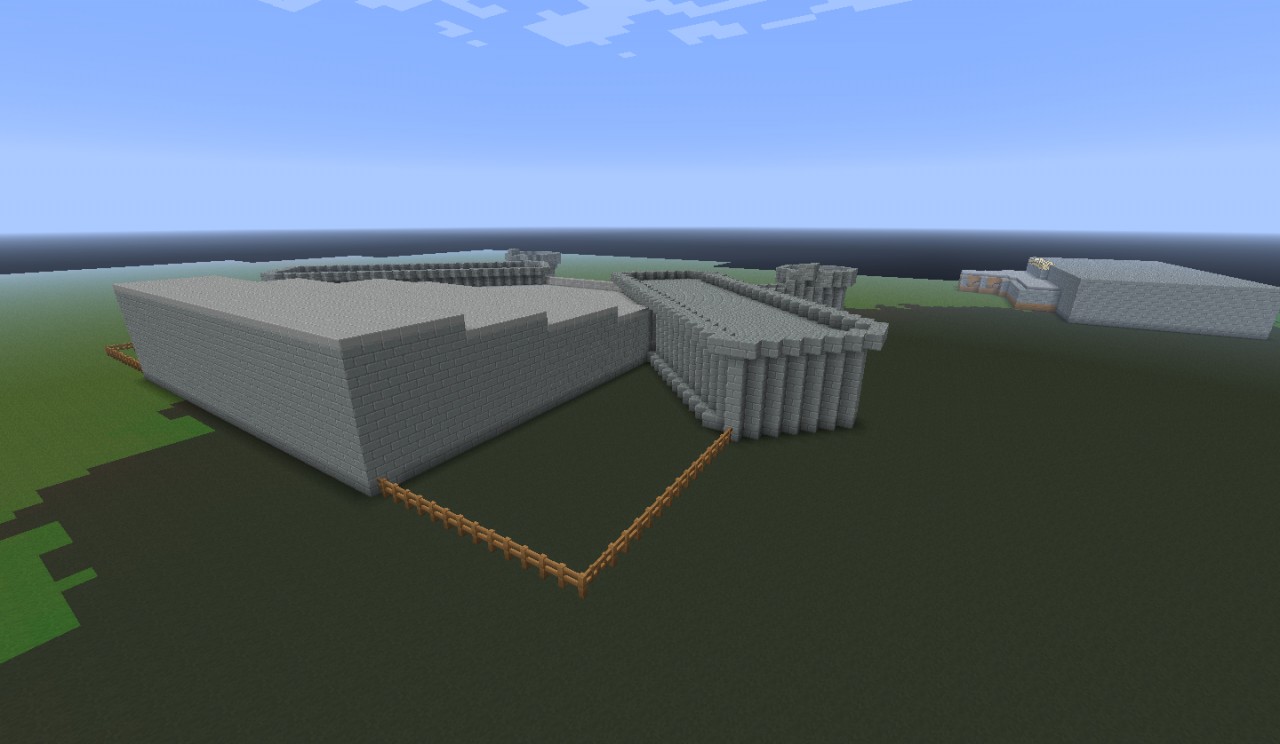
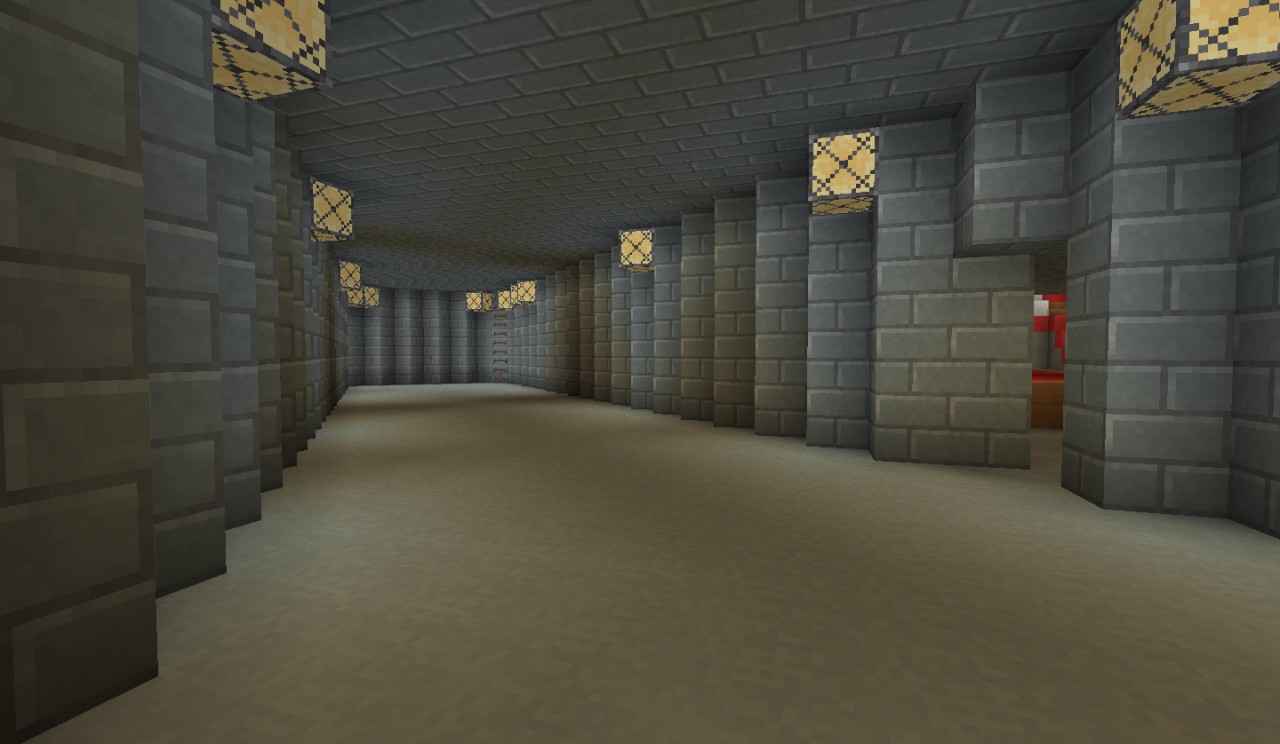
This is a 64 x 64 (WxL) Castle I made requested by nKingIOM. It's pretty empty because I honestly did not know what to fill it in with so I'll leave up to you guys to make it look fancy. I hope you can enjoy :]
The texture pack is called "SpeedCraft" by xXAcidGhostXx, http://www.planetminecraft.com/texture_pack/speedcraft-wip/ . It's great if you want your world to look clean and help your minecraft run faster (1.9).
Need a server? I recommend Ampersand as your server, it has dedicated staff members that track down griefers like it was no one's business. In addition, AP has a great community that help each other. The server also has 24GB ram to offer players a lag free environment.
Additional Notes
Please excuse the swamp grass you see in the screenshots.The texture pack is called "SpeedCraft" by xXAcidGhostXx, http://www.planetminecraft.com/texture_pack/speedcraft-wip/ . It's great if you want your world to look clean and help your minecraft run faster (1.9).
Need a server? I recommend Ampersand as your server, it has dedicated staff members that track down griefers like it was no one's business. In addition, AP has a great community that help each other. The server also has 24GB ram to offer players a lag free environment.
More like this

 RebelYelliex
 RANDOMGOD
 Frantic1977
 Hamsterman543
 taylorgoff235
328027
2



 BeetleTick








 JHacker122

 ilya531
 tototin

Have something to say?
2. Load your world if you haven't done so already.
3. Open the world you would like to put projects/schematics in.
4. Click on the import icon, it looks like a crane carrying something (the 6th icon on the dock).
5. Open the schematic you want to insert in your world.
6. Arrange the schematic to your liking by using the rotate,roll,flip,mirror or nudge tool.
7. Click import and save (ctrl + s).
8. Test minecraft and your done.