
Maps Redstone Device

Ultimate Potion Lab!

  • 1.6k views 0 today
  • save_alt 85 downloads
Progress
100% complete
Added CreditCNBMinecraft
  • 2
  • 2
  • 8
epicgamer5009
Lvl 10Journeyman Scribe
5
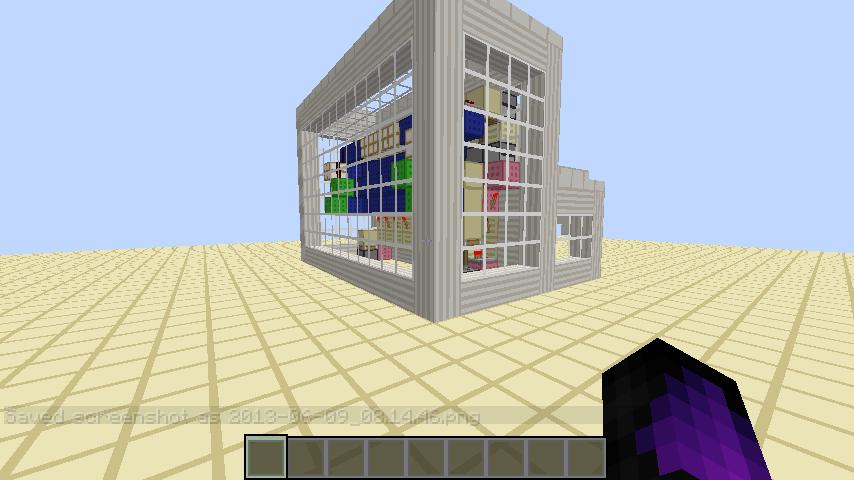
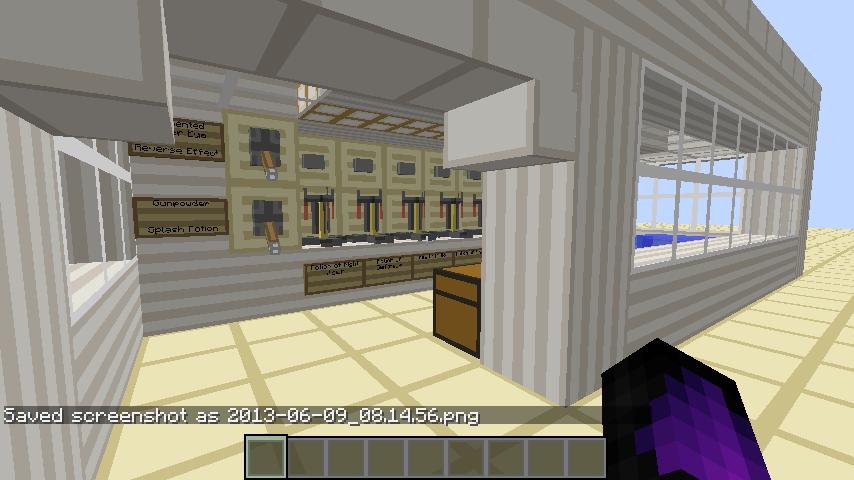
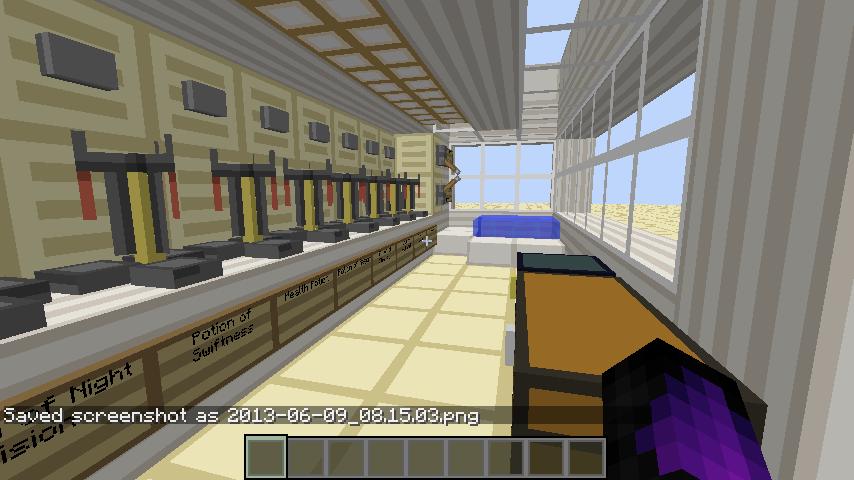
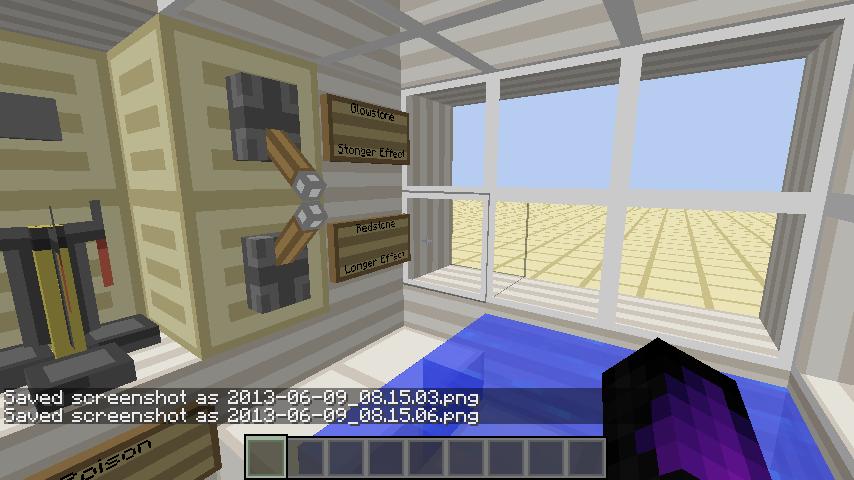
Based on CNBMinecraft's original design, I designed to to include all potions as of 1.5.2, be slightly more innovative, look marvelous in ay texture pack, and be sleek and compact. It is THE best potion lab, period.

More like this

  Have something to say?

Dabeastx1996
06/09/2013 10:13 am
Level 15 : Journeyman System
This is cool and all, but outdated, and pretty much copied. There are now hoppers available that enable auto-brewing so this tedious device wouldn't be needed. If you want to see what I'm talking about check out my creation my extremely compact auto-brewer
1
epicgamer5009
08/04/2013 5:30 pm
Level 10 : Journeyman Scribe
yea. I wouldn't be talking. Your lab is to bulky with red stone showing you also do the same thing I do by throwing the intended ingredients in water. The only functional difference is you have 1-3 hoppers and herpty-derp, you claim it's a new generation of automation and compact redstone. Shame.
1
MochaCat56
06/09/2013 8:21 am
Level 22 : Expert Geek
Tip: Press Ctrl and f1 before you take screenshots, that will remove your hand and toolbar, just press the keys again to bring them back. Looks Nice!
1
epicgamer5009
06/09/2013 8:23 am
Level 10 : Journeyman Scribe
Yeah, I realized that when I took the fifth screenshot like 15 minutes ago :L I just wanted to get this project up, though!
1
MochaCat56
06/09/2013 8:25 am
Level 22 : Expert Geek
xD
1
epicgamer5009
06/09/2013 12:31 pm
Level 10 : Journeyman Scribe
Also, i'm not sure what it would be with mac, but for PC you don't even need yo use ctrl just hit f1 to toggle between toolbar or no HUD
1
MochaCat56
06/09/2013 3:25 pm
Level 22 : Expert Geek
I use linux, same as you, i wasnt sure what os you use but ctrl f1 works just the same as f1.
1
epicgamer5009
08/04/2013 5:27 pm
Level 10 : Journeyman Scribe
i use Windows 7
1

Welcome