

• 12/11/12 10:38 am
- 86 views • 0 today
- save_alt 5 downloads
- Model
- Steve
Added Creditminefreakz

0
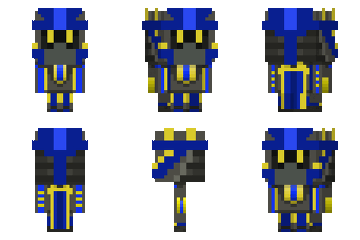
installing instructions:
1.change the .png file name to char.png
2.type %appdata% in autorun
3.open .minecraft
4.open bin folder
5.open minecraft.jar with winrar
6.open mob folder and drag the char.png file in there
if you want to conserve the steve skin just take it out from the folder before installing the new skin.
please download from here:
[img=Ad link removed](Ad%20link%20removed)[/img]
give diamond, subscribe and bla, bla, etc.
More like this

 --Maksimus--
 bobcoc3
 TheKingAdmin
 mr_space_creeper
 DexterDan
1734203
5




 Toshiro19

 oliviobobby
 rotinjekkted
 Beeboi161311
Have something to say?