

• 11/21/17 9:05 pm
- 361 views • 0 today
- save_alt 2 downloads
- Format
- Java
- Model
- Alex

5
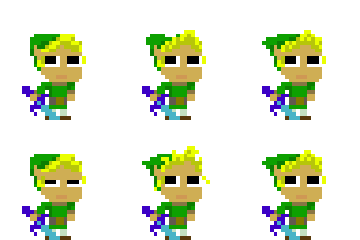
Here is Pearl from Steven Universe.
How to install skin.
1. Go to minecraft.net and log in
2. Go to youremail@emailthingy.com and hover mouse over it.
3. Left click on Profile.
4. Go to the drop down option that says Classic (Steve) and select Slim (Alex)
5. Go to inside of dotted rectangle and left click select a file.
6. Left click the skin PNG file and once the Download window has closed, scroll down to the rectangular button that says Upload.
If you haven't moved the downloaded skin PNG file it should be in Downloads or the folder that you chose it to be in.
Just thought I'd say all that for those who are new to changing their skin. ;)
How to install skin.
1. Go to minecraft.net and log in
2. Go to youremail@emailthingy.com and hover mouse over it.
3. Left click on Profile.
4. Go to the drop down option that says Classic (Steve) and select Slim (Alex)
5. Go to inside of dotted rectangle and left click select a file.
6. Left click the skin PNG file and once the Download window has closed, scroll down to the rectangular button that says Upload.
If you haven't moved the downloaded skin PNG file it should be in Downloads or the folder that you chose it to be in.
Just thought I'd say all that for those who are new to changing their skin. ;)
More like this

 WhiteLightning

 oraora

 TLK
TLK4049778
5









 Kiryutojo
 Npag
Npag
 My name is Simon Petrikov
 Anthracycline
 Ninkonas201
Have something to say?