



• • 7/20/15 1:50 pm • 6 logs
- 13.7k views • 1 today
- save_alt 830 downloads
- Game Version
- Minecraft 1.8.1
- Resolution
- 16x
- Progress
- 5% complete
- Changes include
- Font
- GUI
- Items

41
Deep Sea Pixels
Stay updated on Twitter by following @TheMaxipan
Stay updated on Twitter by following @TheMaxipan


Installation
- Download the latest version of Deep Sea Pixels
- (Windows only) Unzip the zipped file and look for the actual texture pack
- In game: Esc > Options... > Resource Packs... > Open resource pack folder
- Drop the texture pack file into the resource packs folder
- Select in game
Features
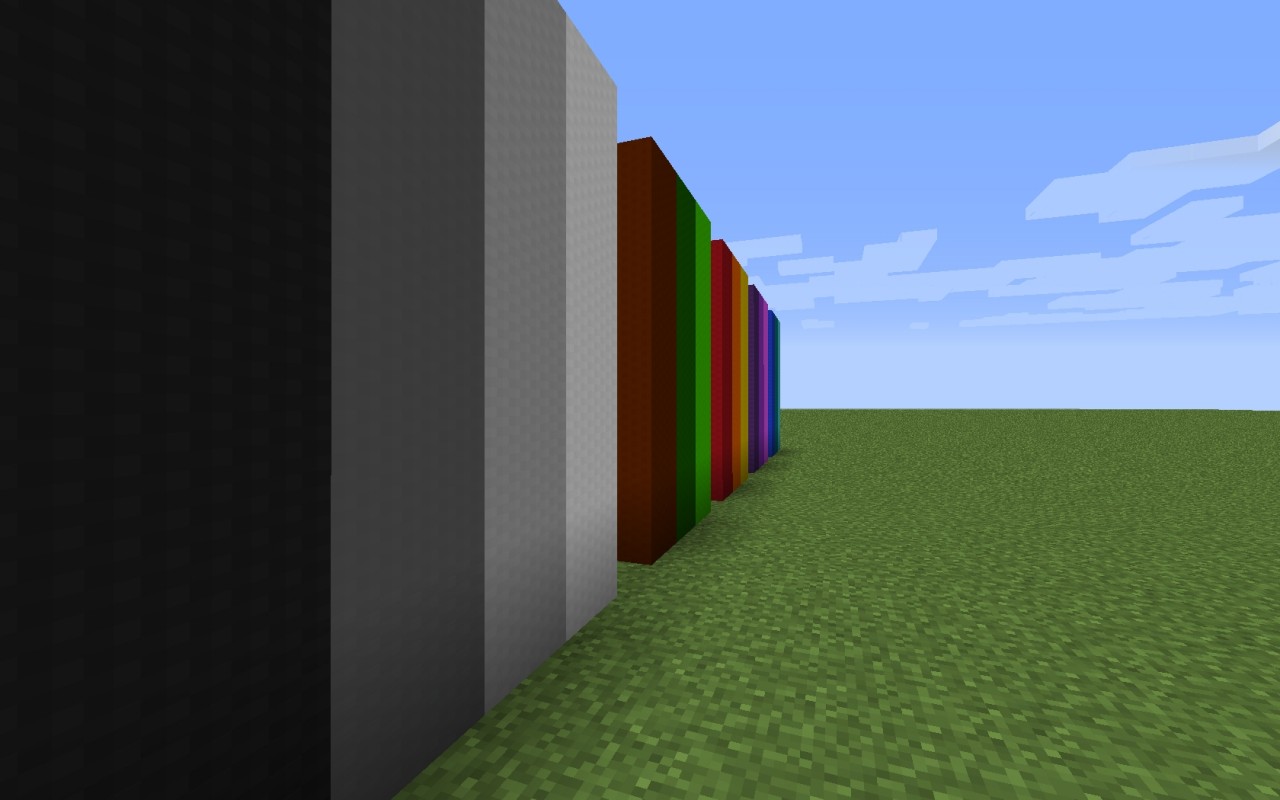
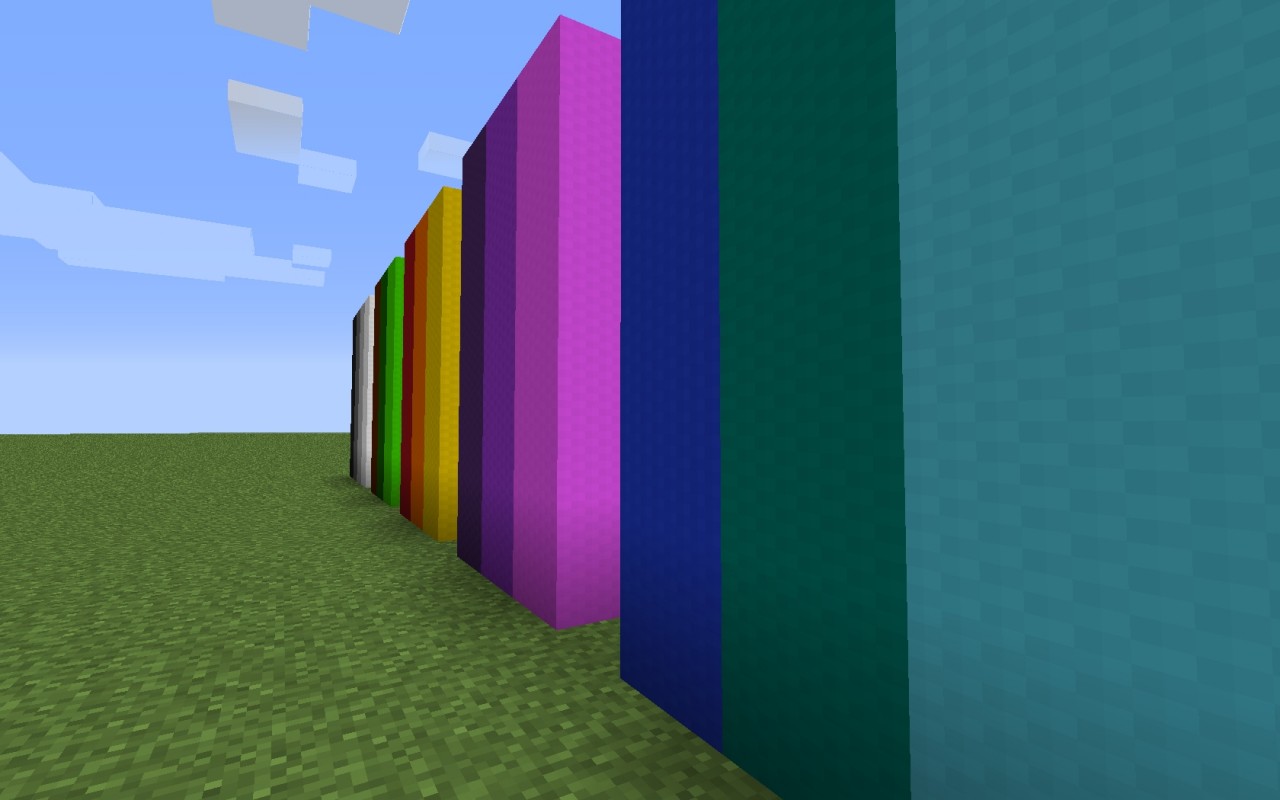
- High definition like 16x16 textures
- Realistic textures
- Custom color choice
- Simple, blocky font
Legal
You can:
- Use this pack in a YouTube video (Providing a link is optional but always appreciated!).
- Create addons for this pack.
Do not:
- Re-upload, or release this pack anywhere.
- Use any textures of this pack in your own pack.
- Use this pack for any commercial purposes.
- Use this pack in a YouTube video (Providing a link is optional but always appreciated!).
- Create addons for this pack.
Do not:
- Re-upload, or release this pack anywhere.
- Use any textures of this pack in your own pack.
- Use this pack for any commercial purposes.

Made a review video of this texture pack? Send me the link and I will add it to the description!
6 Update Logs
Update #6 : by Maxipan 07/20/2015 1:50:49 pmJuly 20, 2015 @ 5:50 pm UTC
Added
- Oak log
- Noteblock
- Jukebox

- Oak log
- Noteblock
- Jukebox
LOAD MORE LOGS
More like this
 Deep Dark Sea GUI16x Minecraft 1.20.1 Themed Texture Pack
 Ominarii
•4/8/24 5:13
3.8k 477 8x 101714
Ominarii
•4/8/24 5:13
3.8k 477 8x 101714
3342044
4




 TuningFreak29





 2D_World

![[In Development] 26.3 Panorama With Shaders for Bedrock [Original made by JosephCrafting_] Minecraft Texture Pack](https://static.planetminecraft.com/files/image/minecraft/texture-pack/2026/334/20180265-pack-icon_s.jpg)
 23RubXD
 feiq
feiq
Have something to say?
1 diamond for u sir