• 37.8k views 0 today
  • save_alt 12.1k downloads
Game Version
Minecraft 1.7.10
Resolution
64x
Progress
100% complete
Changes include
  • Armor
  • Art
  • Environment
  • Font
  • GUI
  • Items
  • Misc
Added CreditAiminq
  • 11
  • 5
  • 9
Aiminq
Lvl 39Artisan Miner
5
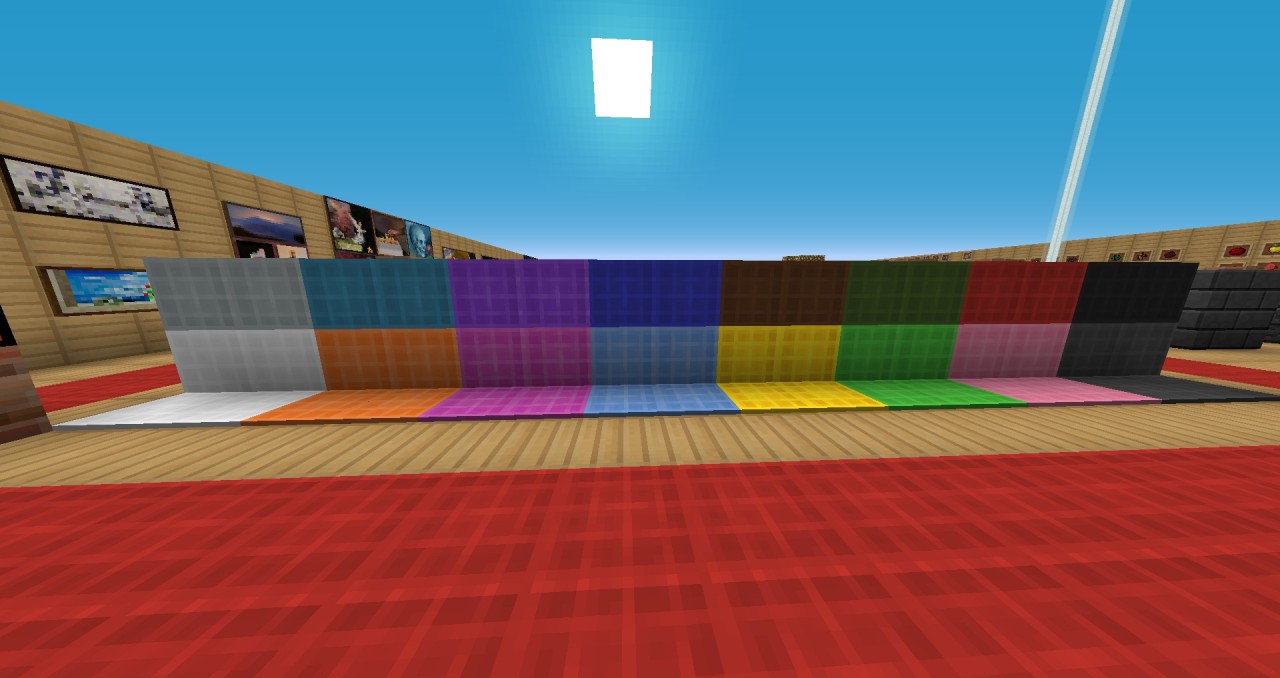
Infinitless? Well that's not a word! In my books, son thats a word. It describes the elegance in a texture, the gold in a gapple, the hard earned diamonds that you nearly fell in lava for to craft that powerful armor. If your a PvPer, or just like unique textures, well this is for you. ~Aiminq

More like this

  Have something to say?

tutis_pllayson
10/08/2016 4:15 pm
He/Him • Level 2 : Apprentice Builder
ver good
1
GoldGalaxyKitty
04/30/2016 2:11 pm
Level 1 : New Miner
Nicely done
1
xicric
01/17/2016 2:43 am
Level 1 : New Network
boss, can this support any shader pack?
1
JonL98
01/16/2016 2:55 pm
Level 1 : New Miner
This is very well done. I really like that you made the stone bricks are darker. I always have the hardest time finding the right stones for buildings because the only really dark one is obsidian.
You should get it to 1.8 soon though. Most people are kinda done with 1.7.10 now.
1
jblair
01/15/2016 9:24 pm
Level 1 : New Miner
can somebody please tell me how to download these!?!  i just got minecraft for the pc and i can not figure out how to get these packs into the game.  i have a lenovo computer.  idk the rest of the details.  not super tech savy.  if anybody could please reply to this or dm me it would mean a lot to help me out.  thanks
1
Aiminq
01/16/2016 8:08 am
Level 39 : Artisan Miner
What you want to do is make sure you have java instaled https://www.java.com/en/download/ once youve done that you soon go down to the search bar on your desktop screen and search (%appdata%) and once you search that, it should come up with a bunch of folders but you want to look for (.minecraft) double-click on .minecraft then go to resourcepacks and wait there. then go http://www.planetminecraft.com/texture_pack/infiniteless/ and to the right of subscribe there is something called (Download Texture Pack). once youve done that it will probably take you to adfly and wait till you see on the top right of adfly (skip ad). once youve done that it will eventually come up with MediaFire. then there will be a little tab that comes up and click download. once youve downloaded the file, go back to the (resource pack) folder and drap the .zip file into the (resource pack) folder. then, double click the .zip file and take the folder that is inside of the .zip file and drap that in the (resource pack) folder so now you have in the (resource pack) folder a Infinitless.zip file and a Infinitless folder. Now go into minecraft, click settings, then go to resource pack, if you see the Infiniteless folder, click the bid arrow so now it has moved to the left of your scrren in the minecraft. Once youve successfuly done that you can  enjoy the pack! ~Aiminq
1
jblair
01/16/2016 5:57 pm
Level 1 : New Miner
thank you so much man.  one more thing.  if i want to download somebodys world, take for example SCAR has scarland now available for download, how do i do that and then load it?  and how do people get the packs that have super realistic shades and the leaves moving and stuff like that?
1
Upset
03/04/2016 9:00 pm
Level 21 : Expert Goblin
to get a world onto your Minecraft, just download the world and go to your minecraft folder and drag it into your saves folder. if it doesnt work extract the download of your map.
1
Aiminq
01/15/2016 5:12 pm
Level 39 : Artisan Miner
I forgot to change the ores in the post because this was a little before i changed it sorry!
1

Welcome