My experience is with Android and WIndows 10 only.
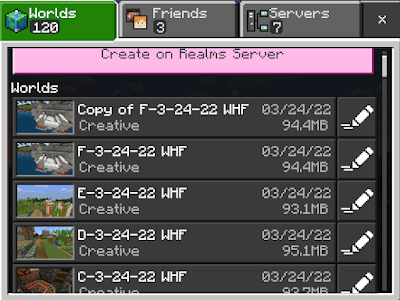
On those systems, if you delete Minecraft or install a beta version over it, the worlds get wiped out.
XBOX consoles run on a custom version of Windows, if you are able to access the hard drive directory from a Windows PC, I would start off by making a back-up copy of the drive to the computer, and then searching for it manually.
Second you might be able to do a recovery of the XBOX hard drive to the Windows computer using a recovery tool, then you'd have to go through all of the recovered files looking for world files, which at least on Windows Minecraft look pretty random.
I don't know if it would work for sure, but it might be worth a shot.
On my website, I go over some of the steps for using recovery tools on a Window's PC. Again, if you were to try a recovery tool from a Windows computer connected to the XBOX, you would run the software on Windows, pointing the disk to be recovered as the XBOX hard drive, and the hard drive being recovered to as the Windows PC. It wouldn't work trying to do it on a copy of the hard drive you might make to the PC, because the software needs to read hidden areas of the hard drive on the XBOX.
https://www.rgapcreative.com/p/how-to-locate-your-minecraft-bedrock.html