



• • 9/19/11 2:52 pm • 3 logs
- 12.2k views • 0 today
- save_alt 1.1k downloads
- Game Version
- Minecraft 1.8 beta
- Progress
- 100% complete
Added CreditMightyPork


71
Legendary Staves
This mod adds 2 new staves to the game. These have special abilties.
The first staff is named Neptune's Staff.
It's abilities are all water based such as:
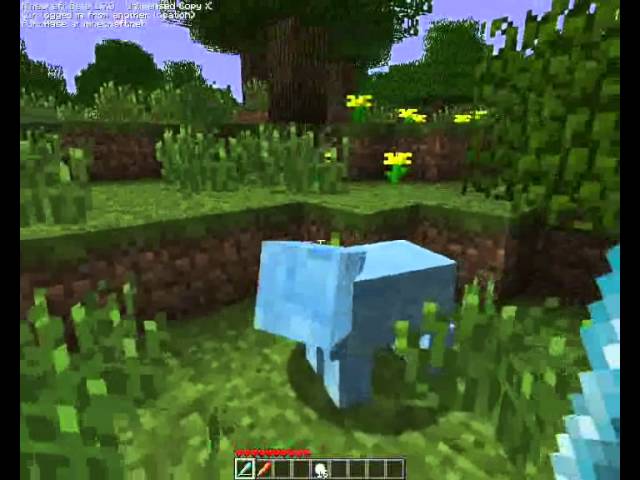
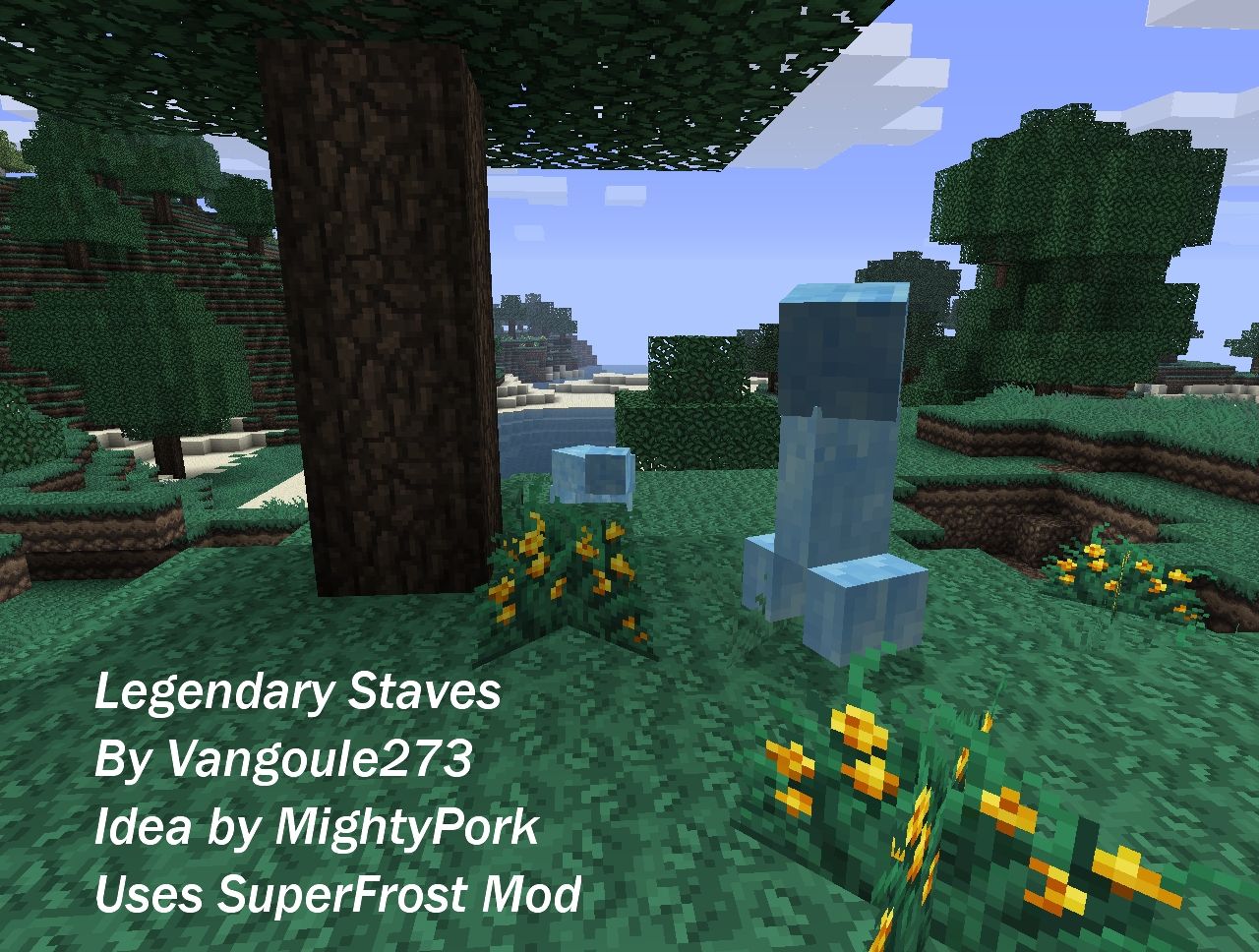
The ability to FREEZE MOBS! (Created by MightyPork)
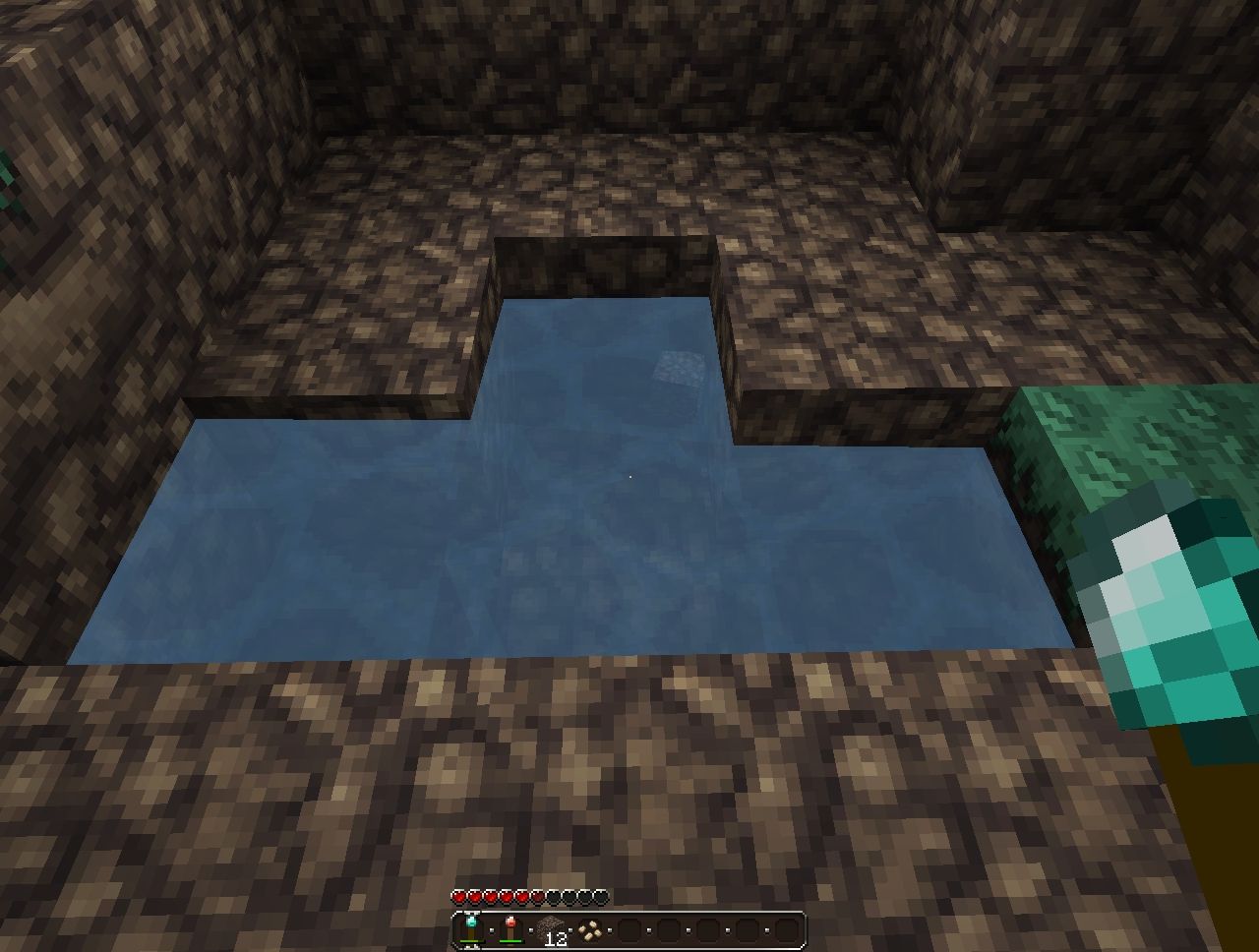
The ability to spawn water
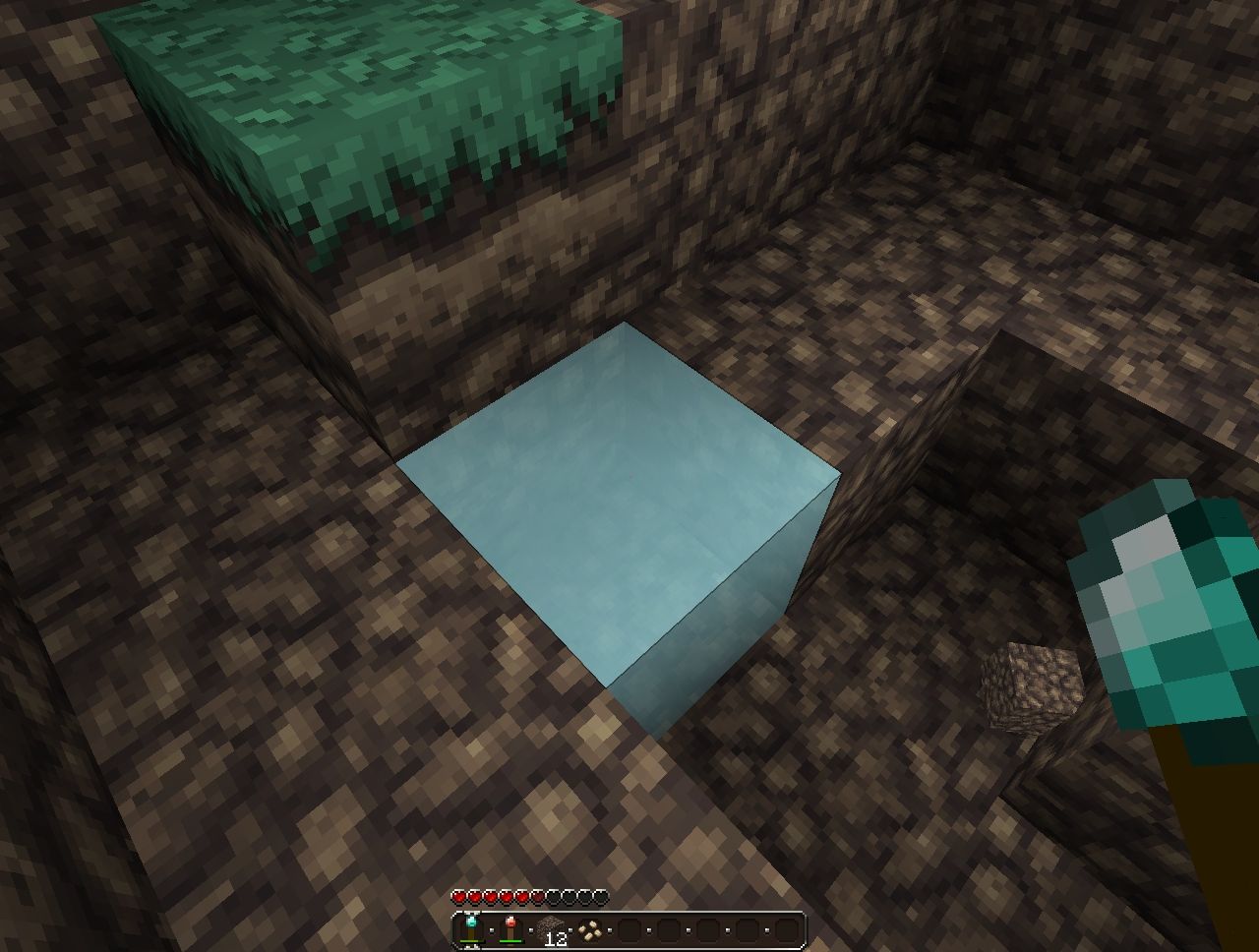
The ability to turn water into ice
Also has underwater breath!
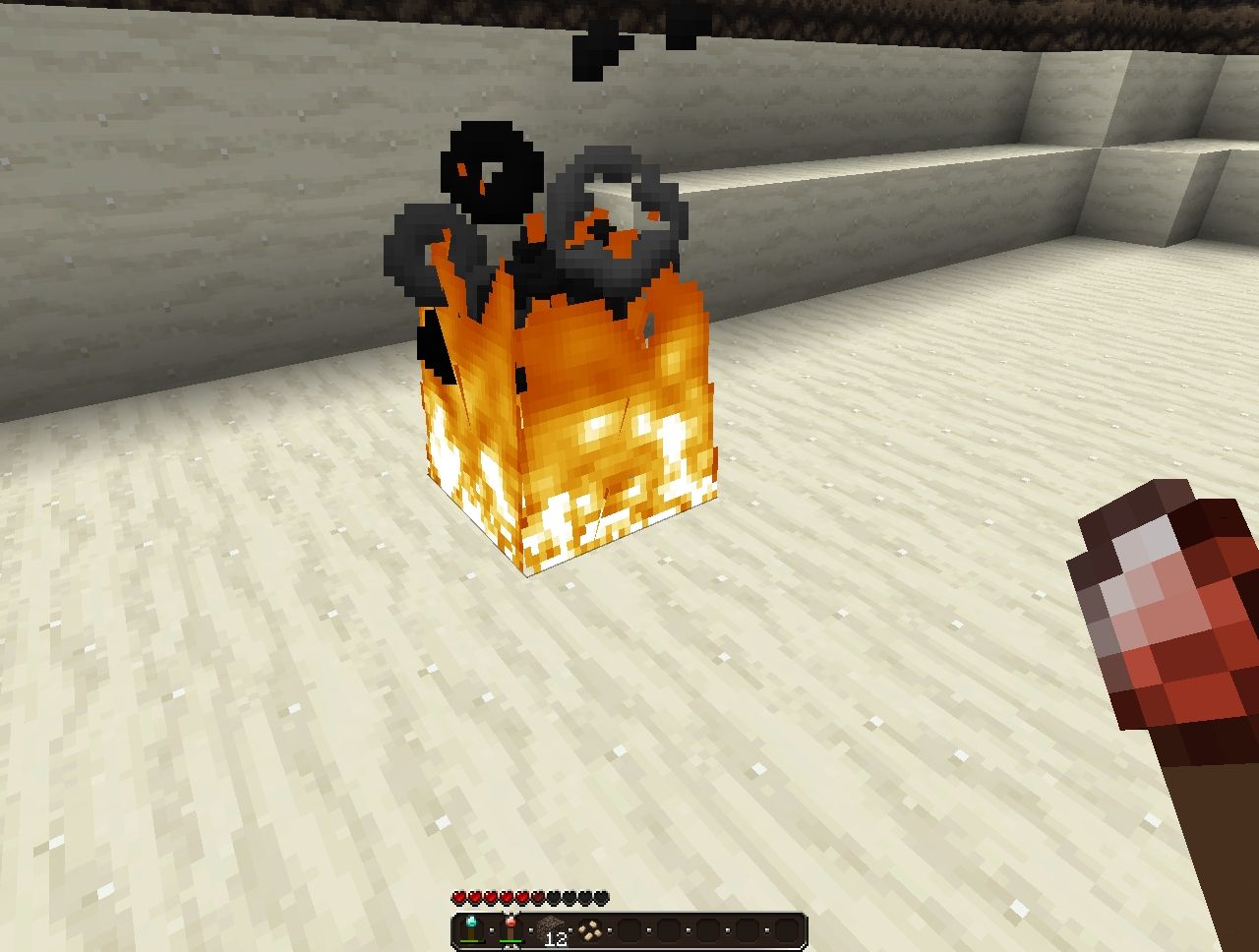
The second staff is the PhoenixFire Staff.
With this staff you can:
Thaw mobs
Spawn lava
Create fire's
Swim in lava!
More staves are planned in the future!
This mod require's Mod Loader and MightyPork's SuperFrost Mod!
You can get SuperFrost here http://www.planetminecraft.com/mod/superfrost/
You can get Mod Loader here http://www.minecraftforum.net/topic/75440-v173-risugamis-mods-recipe-book-updated/
To use different abilties on the staves simply hold down one of the key modifiers.
These are
LCntrl - Ice and Fire
Z - Water and Lava
No Modifier - Freeze and Thaw
o ¬o ¬o ¬o ¬o ¬o ¬o ¬o ¬o ¬o ¬o ¬à® Û©Û Û©à® o ¬o ¬o ¬o ¬o ¬o ¬o ¬o ¬o ¬o ¬o ¬o ¬o ¬
ENJOYã
o ¬o ¬o ¬o ¬o ¬o ¬o ¬o ¬o ¬o ¬o ¬à® Û©Û Û©à® o ¬o ¬o ¬o ¬o ¬o ¬o ¬o ¬o ¬o ¬o ¬o ¬o ¬
Installation Instructions:
1. Startmenu - Run
2. Type in %APPDATA%
3. Go to Roaming/.Minecraft or Just .Minecraft depending on operating system.
4. Navigate to the Bin folder.
5. Open Minecraft.jar with any Zip Archiver.
6. Delete Meta-INF
7. Download Mod Loader and Open it with a Zip Archiver.
8. Drag the files from the Mod Loader zip over to your Jar
9. Download and Open SuperFrost with a Zip Archiver.
10. Drag the files from SuperFrost to you Jar File.
11. Download and Open Legendary Staves.
12. Finally Drag the Files over to the Minecraft.jar
13. Run the game and ENJOY!
May require the latest version of Java
I also have a post on the Minecraft Forum's with all my mods together so check it out! http://www.minecraftforum.net/topic/599873-173-vangoule273s-mods/
To give support use this forum code:

3 Update Logs
Update #3 : by Vangoule273 09/19/2011 2:52:00 pmSeptember 19, 2011 @ 6:52 pm UTC
Now updated for 1.8.1
LOAD MORE LOGS
More like this
 FarmDiamondMod 1.8.1 + Video!Minecraft 1.8 beta Functional Mod
 Roy-Zu
10/29/11 11:29
• posted 10/22/11 5:48
15.7k 3.3k 122x 103716
Roy-Zu
10/29/11 11:29
• posted 10/22/11 5:48
15.7k 3.3k 122x 103716![[1.8.1] Simple Items Repair Minecraft Mod](https://static.planetminecraft.com/files/resource_media/screenshot/1143/ss_127410_138987_699821_thumb.jpg) [1.8.1] Simple Items RepairMinecraft 1.8 beta Functional Mod
[1.8.1] Simple Items RepairMinecraft 1.8 beta Functional Mod marcin1147
•10/25/11 6:49
12.8k 2k 12x 153
marcin1147
•10/25/11 6:49
12.8k 2k 12x 153 Defensive NPC mod 1.8.1 v 1.4Minecraft 1.8 beta Functional Mod
 quanose
11/23/11 4:04
• posted 11/22/11 9:09
11.1k 1k 17x 274
quanose
11/23/11 4:04
• posted 11/22/11 9:09
11.1k 1k 17x 274
![[1.8.1] Ice Tools 1.1 Minecraft Mod](https://static.planetminecraft.com/files/resource_media/screenshot/1139/2011-10-01_193718_552733_thumb.jpg) [1.8.1] Ice Tools 1.1Minecraft 1.8 beta Functional Mod
[1.8.1] Ice Tools 1.1Minecraft 1.8 beta Functional Mod EliteSquirrelMan
•10/1/11 8:23
5k 778 8x 121
EliteSquirrelMan
•10/1/11 8:23
5k 778 8x 121
 abcd295
156423
7
![Alchemy and Magic [1.8.1] [New Enchanting!] Minecraft Mod](https://static.planetminecraft.com/files/resource_media/screenshot/1138/01_496523_thumb.jpg)














 RedCarlie


 AAirCrafter
 Hardmuscle
Have something to say?
Failed to load mod from "mod_LegendaryWeapons.class"
Done.
WARNING: Found unknown Windows version: Windows 7
The Super Frost Mod was installed with no issues, though.
I have had some issues loading this mod for my minecraft. I have just started modding my .jar. I have tried a few different things. I followed the instructions and for some reason at the start up screen it keeps crashing. I currently have modloader installed, superfrost, and deathchest in the .jar file. Then I have backpack, customrecipes, hidden treasure, and magicwands in the mod file.
Ive tried starting over with the .jar file and going modloader, superfrost, then legendary staves without any other mods and it still crashes. I was wondering if you have heard of any other problems or could offer any words of advice? Thanks!
Okay. so MightyPork did message me back, because I sent him the same message I sent you. His response was that you are using a newer version of java than I was, and since you compiled it with that newer version that my java wasnt running it correctly. Are you using the java7 jdk? I have a mac and I can only update to a certain java. They havent released a java7 version for mac yet. If this is the case, you could recompile the code with an older version of java and reupload it?