


• • 5/14/26 9:53 am • 9 logs
- 2k views • 1 today
- save_alt 224 downloads
- Game Version
- Minecraft 1.20.1
- Progress
- 100% complete


11
 MobCrafter – Turn your block creations into controllable units
MobCrafter is a Minecraft Forge mod that lets you
turn block-built structures into controllable units.
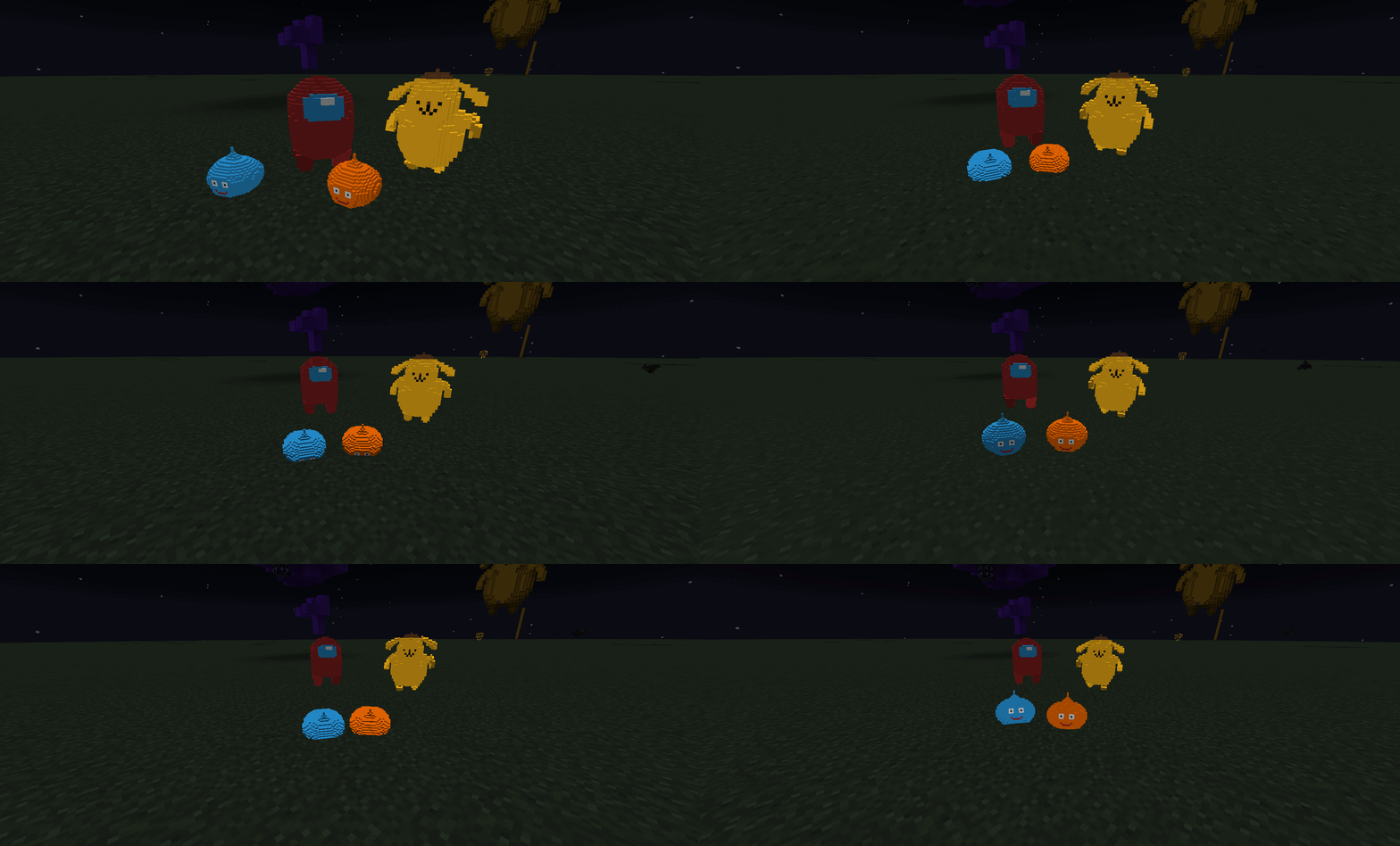
Build structures using normal blocks, capture them, and command them
like an RTS-style army inside Minecraft.
No modeling tools. No external editors.
Just build → capture → summon → command.
What makes MobCrafter unique?
Most mods add new mobs.
MobCrafter lets you create your own units using blocks.
You can:
Build any structure using vanilla blocks
Capture it as unit data
Summon it as a living entity
Control it with commands and tools
Organize multiple units into squads
Every unit is created by the player.
Unit Sharing Portal
MobCrafter includes no pre-made units by default.
Instead, units are shared through the official portal:
https://mobcrafter.net/
and
Mobcrafter Unit Portal | 3D models for mobcrafter MOD | Patreon
You can:
Download units made by other players
Reuse or modify units
Share your own creations
Discover new designs and ideas
Unit files are stored as JSON and loaded from:
config/mob_crafter/units/
Units can be added without restarting the game.
In multiplayer, server-side units are synced to all players.
How to Use
MobCrafter follows a simple workflow:
Build → Set → Capture → Summon
1. Build a Structure

Build anything you like using normal Minecraft blocks.
The shape, size, and design are entirely up to you.
2. Place a Bone Block

Attach a Bone Block to your structure.
This block acts as the core of the unit and is required for capture.

3. Capture the Structure

Use the Capture Tool on the Bone Block.
The entire connected structure is saved as unit data.
The original structure is not destroyed.

4. Summon the Unit

Once captured, the structure can be summoned as a unit entity.
You can treat it like a controllable living object in the world.


Unit Control Tools
MobCrafter provides tools for commanding units.
Commander Wand
Controls multiple nearby units

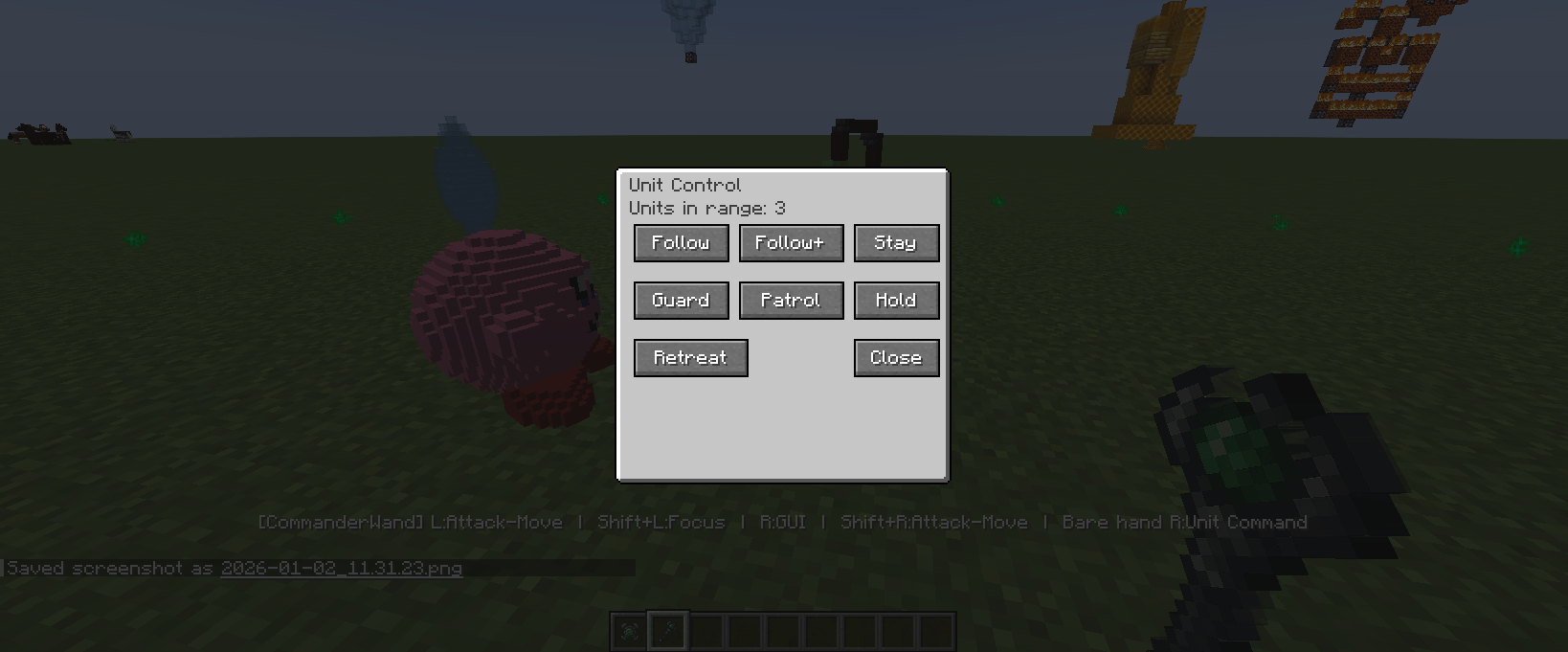
Open command menu with right-click
Commands include Follow, Guard, Patrol, Hold, Retreat
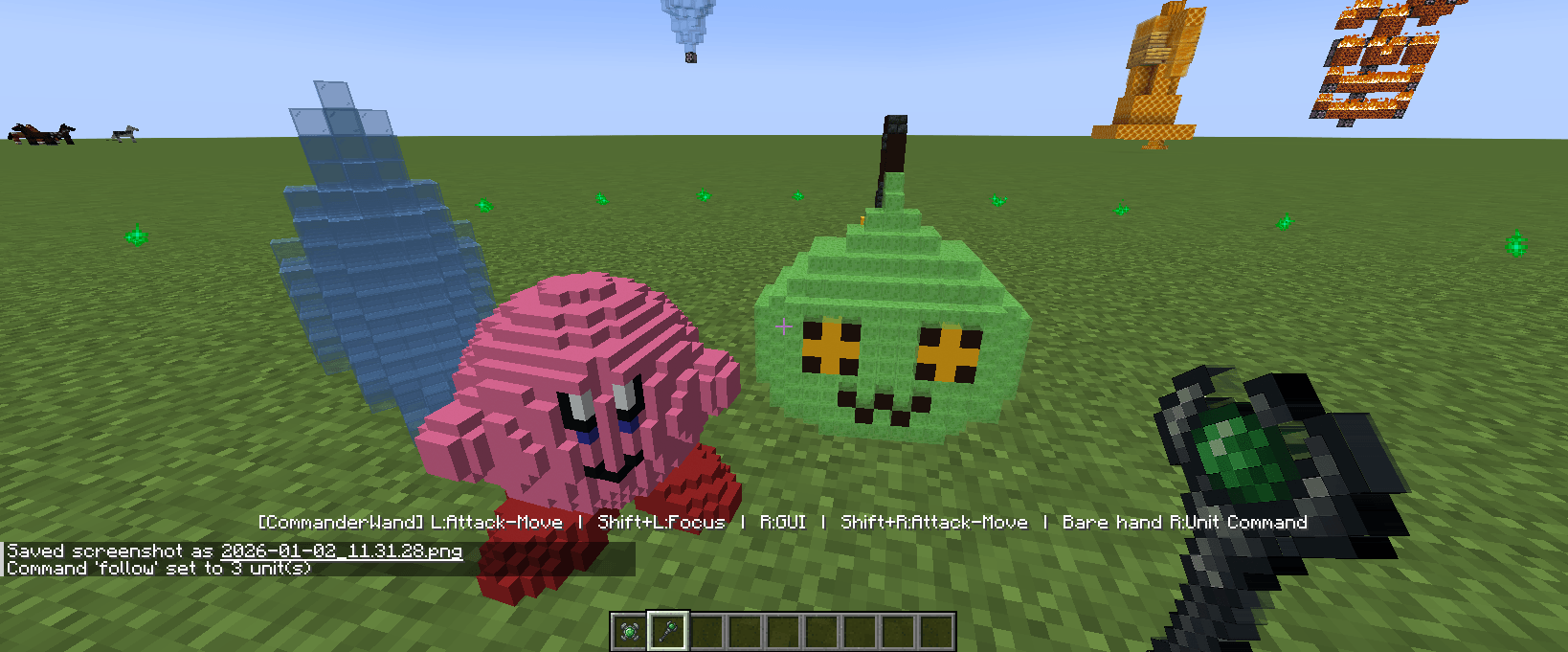
Left-click can be used to give attack direction
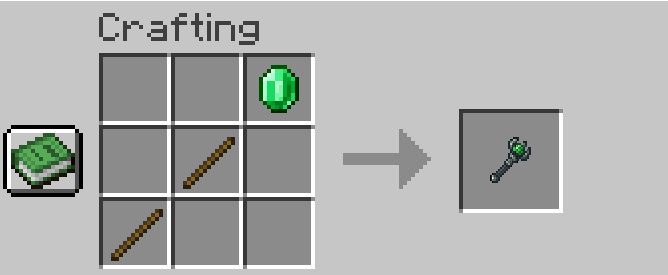
Marshal Wand
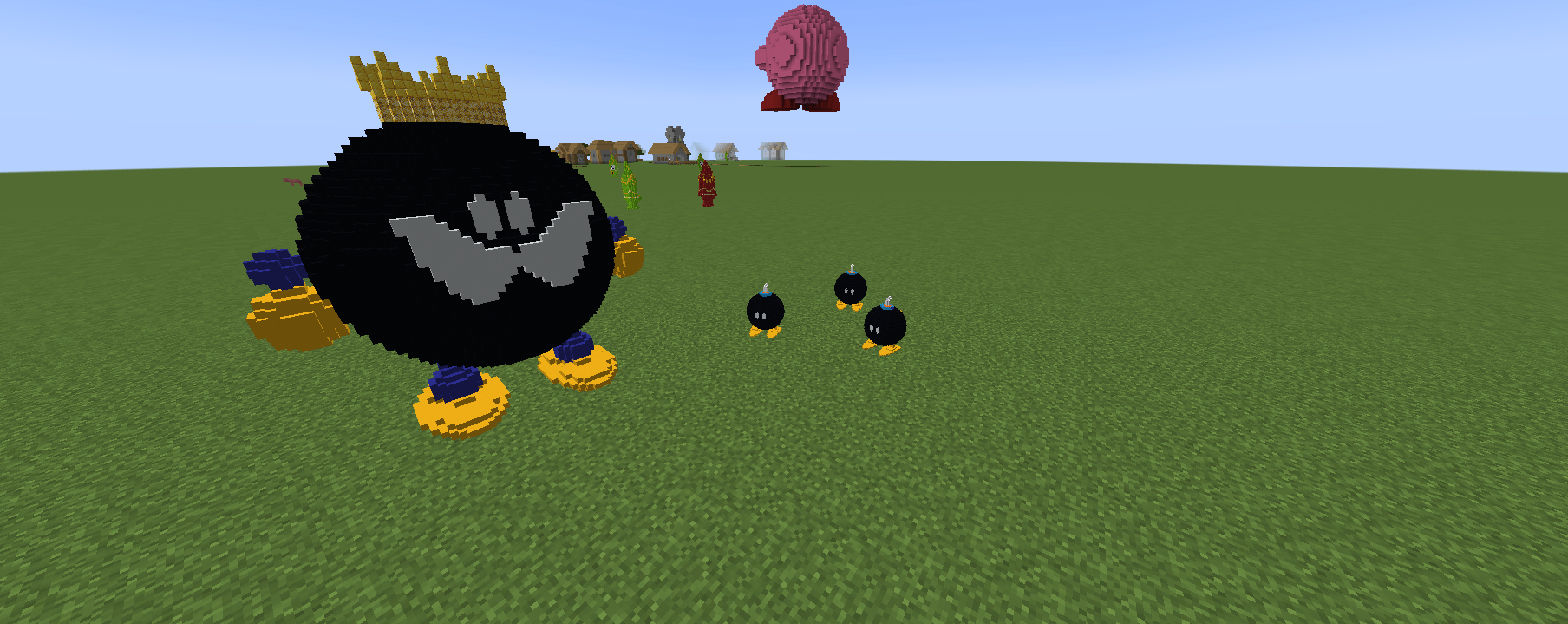
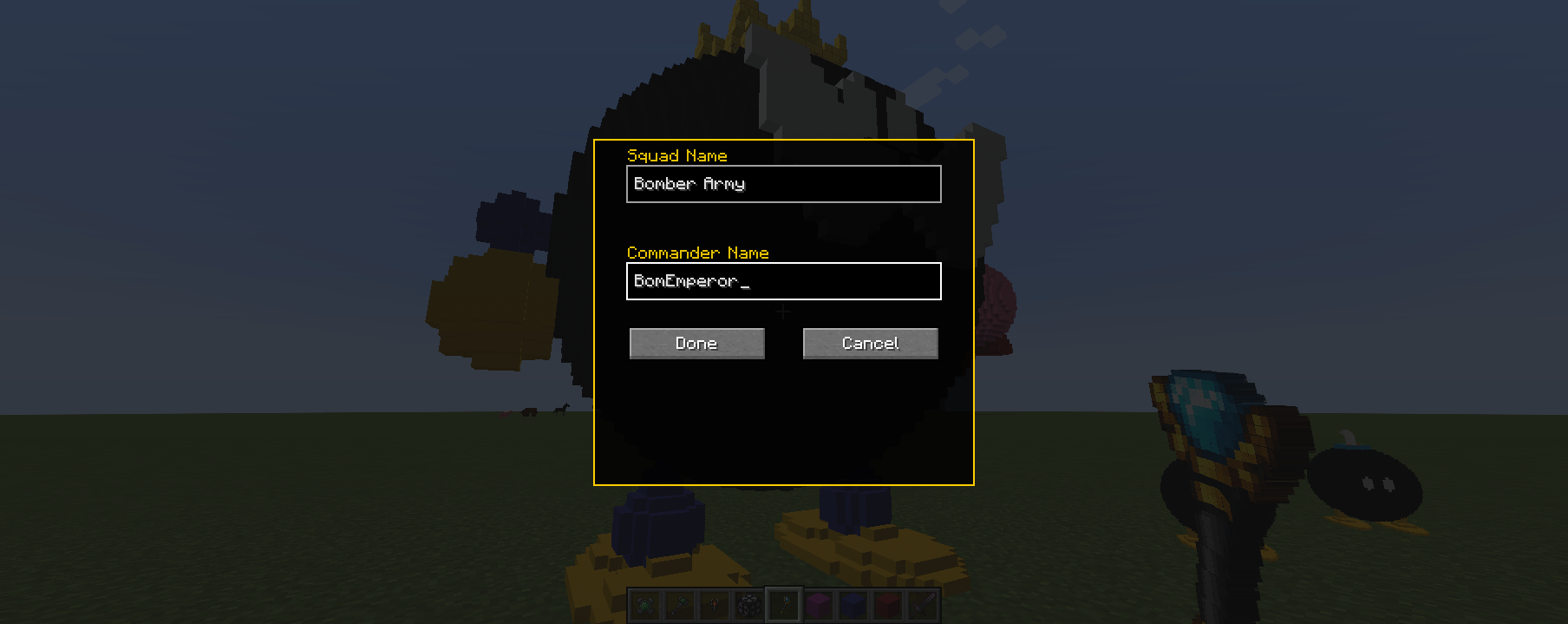
Used for organizing units into squads
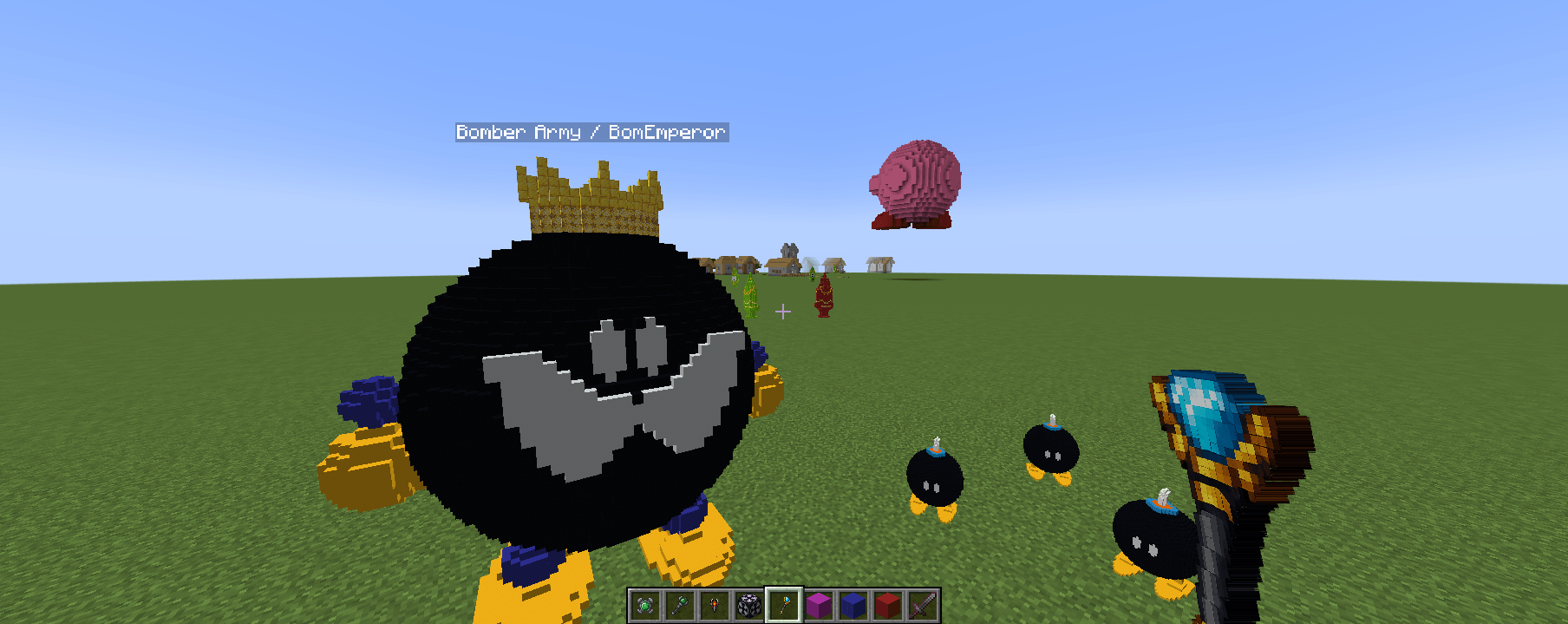
Assign squad names and commander names
Units in the same squad act together
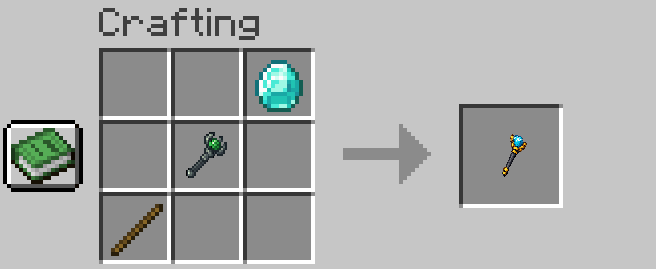
Commander Wand = issuing orders
Marshal Wand = organizing your army
Editing & Customization (Optional)
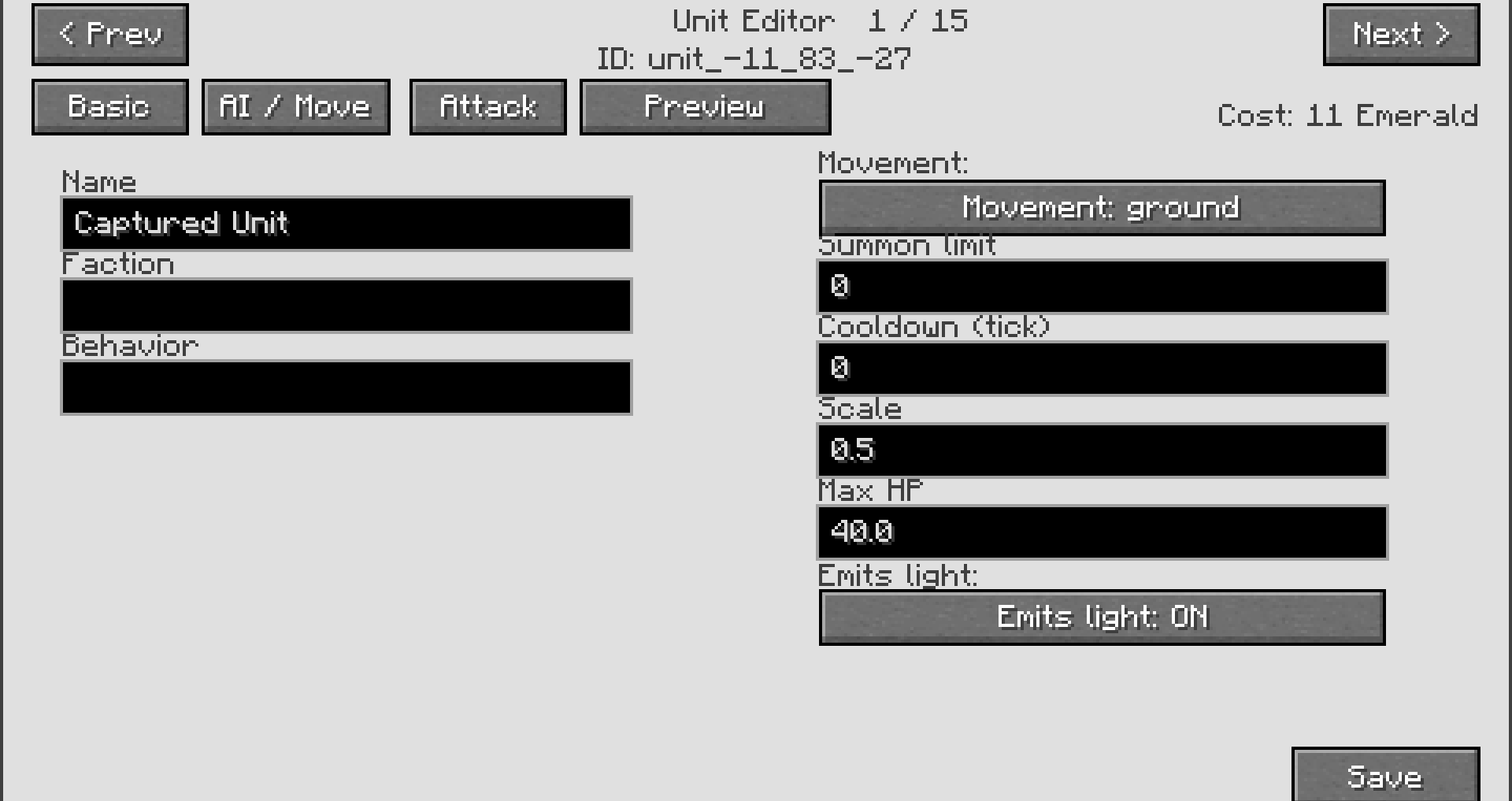
MobCrafter works without editing,
but also allows deeper customization.
In-Game GUI Editing
Rename units
Adjust basic behavior
Modify simple combat values
Advanced JSON Editing
Each unit is stored as a JSON file.
You can:
Change stats
Modify behavior
Balance units
Share custom units
JSON editing is completely optional.
Tips
Simple shapes work best for beginners
Large structures are supported
Captured structures are never destroyed
Experiment freely and creatively
Supported Version
Minecraft Forge 1.20.1
Links
CurseForge:
www.curseforge.com/minecraft/mc-mods/mobcrafter
Modrinth:
modrinth.com/mod/mobcrafter
Unit Portal:
mobcrafter.net/
9 Update Logs
Update #9 : by onmi1855 05/14/2026 9:53:51 amMay 14 @ 1:53 pm UTC
Follow AI Improvements
[Fix] Stable 1-block step climbing
- Increased jump vertical velocity from vanilla's 0.42f to 0.50f, enabling reliable 1-block step climbing
- Added CeilingAwareJumpControl: suppresses jumps when there is less than 1.70 blocks of headroom, preventing the mob from getting stuck in the ceiling
- Added CeilingAwareMoveControl: cancels jump requests when colliding with a wall under a low ceiling
- Relaxed the stuck-warp threshold from 2 sec / 3 blocks → 4 sec / 5 blocks, giving the jump control enough time to complete step climbing before triggering a teleport
[Fix] Warp destination defaulting to the surface in caves
When a follow unit got stuck, the warp target was calculated using the surface heightmap, causing units to teleport above ground while following in caves. The method now uses an entity AABB collision check to find a valid nearby position, so warps resolve correctly underground.
Multiplayer Stability
[Critical Fix] Server OOM Kill during unit data sync
The server process was being killed by the Linux OOM killer during animation editor open/save operations on large units. The root cause was
toJsonStringV2() (producing up to 28 MB of GC objects per call) running on the server thread. All affected paths have been moved to an IO thread:- Opening the animation editor (UnitDataRequestPacket)
- Broadcasting updated unit data on save (shared base of all 7 EditPackets)
- Player start-tracking event (onPlayerStartTracking)
- Entity render data requests (EntityUnitDataRequestPacket)
[Fix] Removed unnecessary unit list broadcast after limb edits
[Fix] Added block count limit for limb definitions
The server now rejects limb definitions exceeding 500,000 blocks per unit.
Cost Calculation Fixes
[Fix] Cost reverting to 1 after partial edits
Editing a sub-field (e.g. shoot sound, impact effects) could reset a unit's previously confirmed summon cost back to its default value. This has been corrected.
[Fix] Server-side cost recalculation always applied on save
Summon cost is now always recomputed on the server when a unit is saved, ignoring any stale value sent by the client.
LOAD MORE LOGS
More like this
 MobCraft -> Build your mobs inside Minecraft!Minecraft 1.7.10 New Content Mod
 GnRSlashSP
11/12/16 3:54
• posted 10/22/16 1:39
30.7k 4.4k 10x 12026
GnRSlashSP
11/12/16 3:54
• posted 10/22/16 1:39
30.7k 4.4k 10x 12026 Everything Is ArmorMinecraft 1.2.5 New Content Mod
 thecakeThief
•7/22/12 12:51
14.2k 1.2k 58x 73816
thecakeThief
•7/22/12 12:51
14.2k 1.2k 58x 73816![[LAUNCHER]Mixcraft[Minecraft mod launcher] Minecraft Mod](https://static.planetminecraft.com/files/resource_media/screenshot/1305/2013-02-02_215906_4754253_thumb.jpg) [LAUNCHER]Mixcraft[Minecraft mod launcher]Minecraft 1.4.7 New Content Mod
[LAUNCHER]Mixcraft[Minecraft mod launcher]Minecraft 1.4.7 New Content Mod frederic2ec
•2/2/13 9:54
6k 574 3x 41
frederic2ec
•2/2/13 9:54
6k 574 3x 41 Mo' Achievements - v0.3 NEW ACHIEVEMENTS!!!Minecraft 1.8 beta New Content Modrockymc
9/28/11 6:50
• posted 9/6/11 5:07
5.4k 776 27x 161
Mo' Achievements - v0.3 NEW ACHIEVEMENTS!!!Minecraft 1.8 beta New Content Modrockymc
9/28/11 6:50
• posted 9/6/11 5:07
5.4k 776 27x 161 More Bosses Mod 1.15.2Minecraft 1.15 New Content Mod
 Xordon
1/22/21 2:27
• posted 1/11/21 6:59
5.6k 380 9x 5159
Xordon
1/22/21 2:27
• posted 1/11/21 6:59
5.6k 380 9x 5159
6825644
7



 Amonn
Amonn





![Ravenshire [Fabric/Forge/Neoforge] Minecraft Mod](https://static.planetminecraft.com/files/image/minecraft/mod/2026/424/20114771_s.jpg)
 voxelforge
 Sergey7363635
 Villager228
 SasoriV
Have something to say?
I will make Mario Series tommorow.
Please wait a moment!
Mobcrafter Unit Portal | 3D models for mobcrafter MOD | Patreon
MobCrafter Portal
Mobcrafter Unit Portal | 3D models for mobcrafter MOD | Patreon
I wish create Bedrock version